1. Увод
Welcome to the user manual for your Genius Manticore Gaming Keyboard. This guide provides essential information for setting up, operating, maintaining, and troubleshooting your new gaming keyboard. Please read these instructions carefully to ensure optimal performance and longevity of your device.
2. Производ је готовview
The Genius Manticore Gaming Keyboard is designed for an enhanced gaming experience, featuring a durable build and responsive keys. It connects via USB and is compatible with a wide range of devices. The keyboard includes 104 keys with a standard QWERTY layout, complemented by additional gaming-specific features.
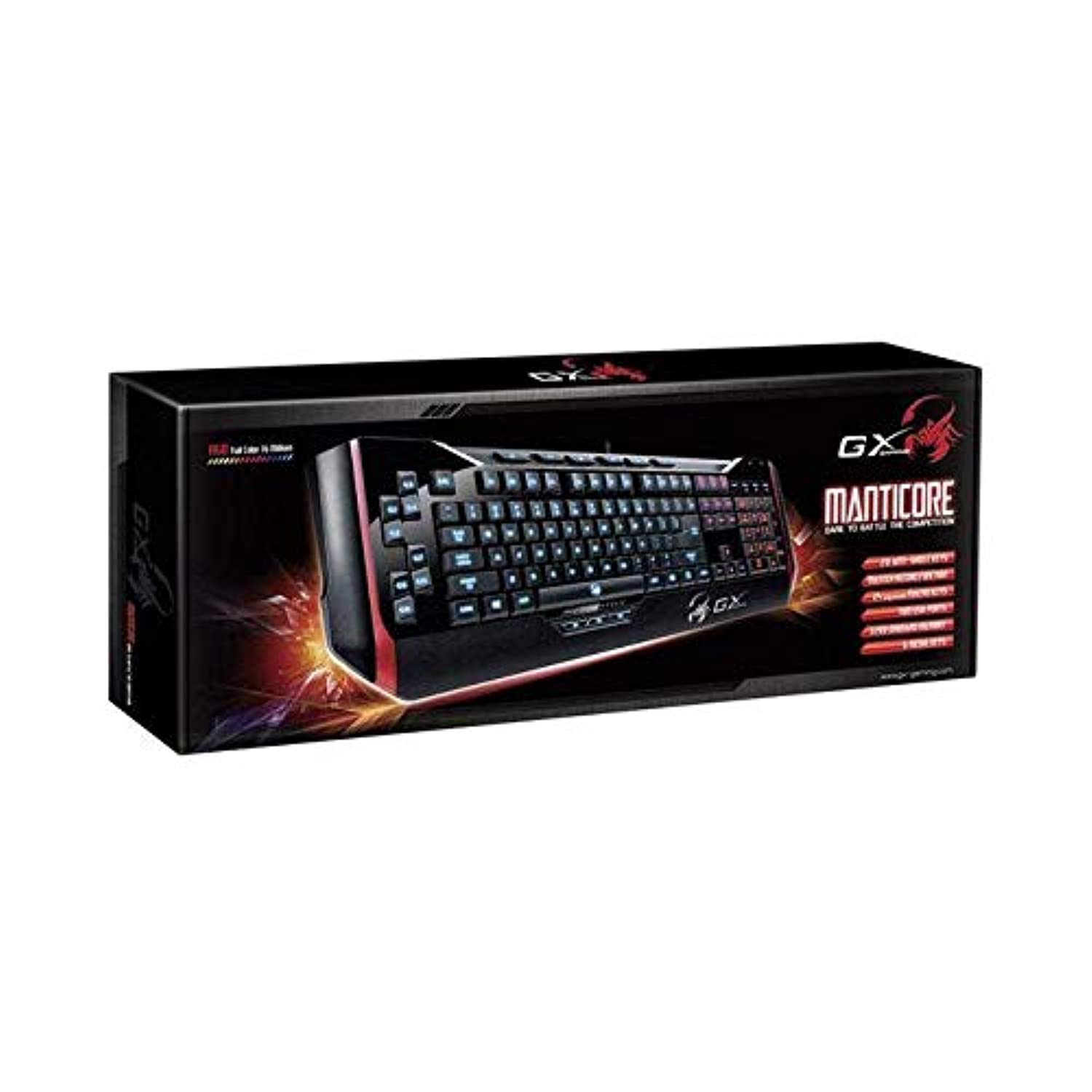
Слика 1: Genius Manticore Gaming Keyboard. This image displays the Genius Manticore Gaming Keyboard, featuring a black body with red accents on the sides. The keys are illuminated, indicating its gaming functionality. The keyboard has a standard QWERTY layout with additional keys on the left side, likely for macros, and a numeric keypad on the right.
3. Подешавање
- Распакујте тастатуру: Carefully remove the Genius Manticore Gaming Keyboard from its packaging. Ensure all components are present.
- Повежите се са својим уређајем: Locate an available USB port on your computer or compatible device. Insert the USB connector of the keyboard firmly into the USB port.
- Инсталација драјвера (ако је потребно): For most modern operating systems, the keyboard will be recognized automatically, and standard drivers will be installed. If prompted, follow the on-screen instructions to complete any driver installation.
- Тест функционалност: Отворите уређивач текста или web browser and test the keys to ensure they are responding correctly.
4. Упутство за употребу
The Genius Manticore Gaming Keyboard offers a standard QWERTY layout for general typing and dedicated features for gaming.
- Standard Key Functions: All standard alphanumeric, symbol, and function keys operate as expected on a typical QWERTY keyboard.
- Карактеристике игара: The keyboard is designed for gaming. Specific gaming features, such as customizable backlighting or programmable macro keys (if available on your model), can typically be configured through dedicated software provided by Genius or through specific key combinations. Refer to the Genius website for any available software downloads or advanced feature guides.
- Извор напајања: The keyboard is powered directly via the USB connection to your device. No external power supply or batteries are required.
5. Одржавање
Правилно одржавање осигурава дуготрајност и перформансе ваше тастатуре.
- Чишћење: Use a soft, dry cloth to wipe down the keyboard surface. For dust and debris between keys, use compressed air. Avoid using harsh chemicals or abrasive materials.
- Изложеност течности: This keyboard is није водоотпоран. Avoid spilling liquids on the keyboard, as this can cause permanent damage. If liquid exposure occurs, immediately disconnect the keyboard from your device and allow it to dry completely before attempting to use it again.
- Складиштење: Када се не користи, чувајте тастатуру на чистом и сувом месту, даље од екстремних температура и директне сунчеве светлости.
КСНУМКС. Решавање проблема
Ако имате проблема са тастатуром, покушајте са следећим решењима:
- Тастатура не реагује:
- Уверите се да је USB кабл безбедно повезан и са тастатуром и са рачунаром.
- Покушајте да повежете тастатуру са другим УСБ портом на рачунару.
- Test the keyboard on another computer to determine if the issue is with the keyboard or the original computer.
- Поново покрените рачунар.
- Одређени тастери не раде:
- Check for any physical obstructions under the non-functional keys.
- Очистите тастатуру као што је описано у одељку Одржавање.
- Ensure no software conflicts are present (e.g., macro software interfering with standard key functions).
- Проблеми са позадинским осветљењем:
- If your model features adjustable backlighting, ensure it is not turned off or set to the lowest brightness level. Consult the Genius website for specific key combinations to control backlighting.
If these steps do not resolve the issue, please contact Genius customer support for further assistance.
7. Спецификације
| Феатуре | Детаљ |
|---|---|
| Бранд Наме | Геније |
| Број модела | ГЕ31310058108 |
| Компатибилни уређаји | Све |
| Технологија повезивања | УСБ |
| Опис тастатуре | Гаминг |
| Посебне карактеристике | Гаминг |
| Боја | Multi-color (Black and Red) |
| Стиле | Модерна |
| Материјал | Вишеструки материјали |
| Тема | Игре |
| Извор напајања | УСБ напајање |
| Број кључева | 104 |
| Распоред тастатуре | КВЕРТИ тастатура |
| Оријентација руке | Амбидектроус |
| Количина дугмета | 104 |
| Ниво отпорности на воду | Није водоотпоран |
| Произвођач | Геније |
| ASIN | B07MQMXJS9 |
8. Гаранција и подршка
Your Genius Manticore Gaming Keyboard is covered by a standard manufacturer's warranty. For detailed information regarding warranty terms, registration, or to access technical support, please visit the official Genius webсајт или контактирајте њихову службу за кориснике. Сачувајте рачун као доказ о куповини.
За додатну помоћ, можете посетити Genius Official Webсајту.


