1. Увод
Thank you for choosing the Havit HV-MS989GT Wireless Optical Mouse. This manual provides essential information for the proper setup, operation, and maintenance of your new device. Please read it thoroughly before use and retain it for future reference.
2. Безбедносне информације
- To protect the mouse, avoid using it on rough surfaces. A high-quality mouse pad is recommended for optimal performance and longevity.
- The optical sensor emits a strong light. Do not direct the light towards your eyes or the eyes of others.
- The mouse contains precise electronic components. Do not twist, disassemble, or attempt to repair the mouse yourself, as this may shorten its service life or cause damage.
- Држите уређај даље од воде и других течности.
- Не излажите уређај екстремним температурама.
3. Садржај пакета
Молимо вас да проверите садржај паковања након отварања:
- Havit HV-MS989GT Wireless Optical Mouse
- УСБ нано пријемник
- АА батерија (може бити унапред инсталирана или укључена засебно)
- Кориснички приручник (овај документ)
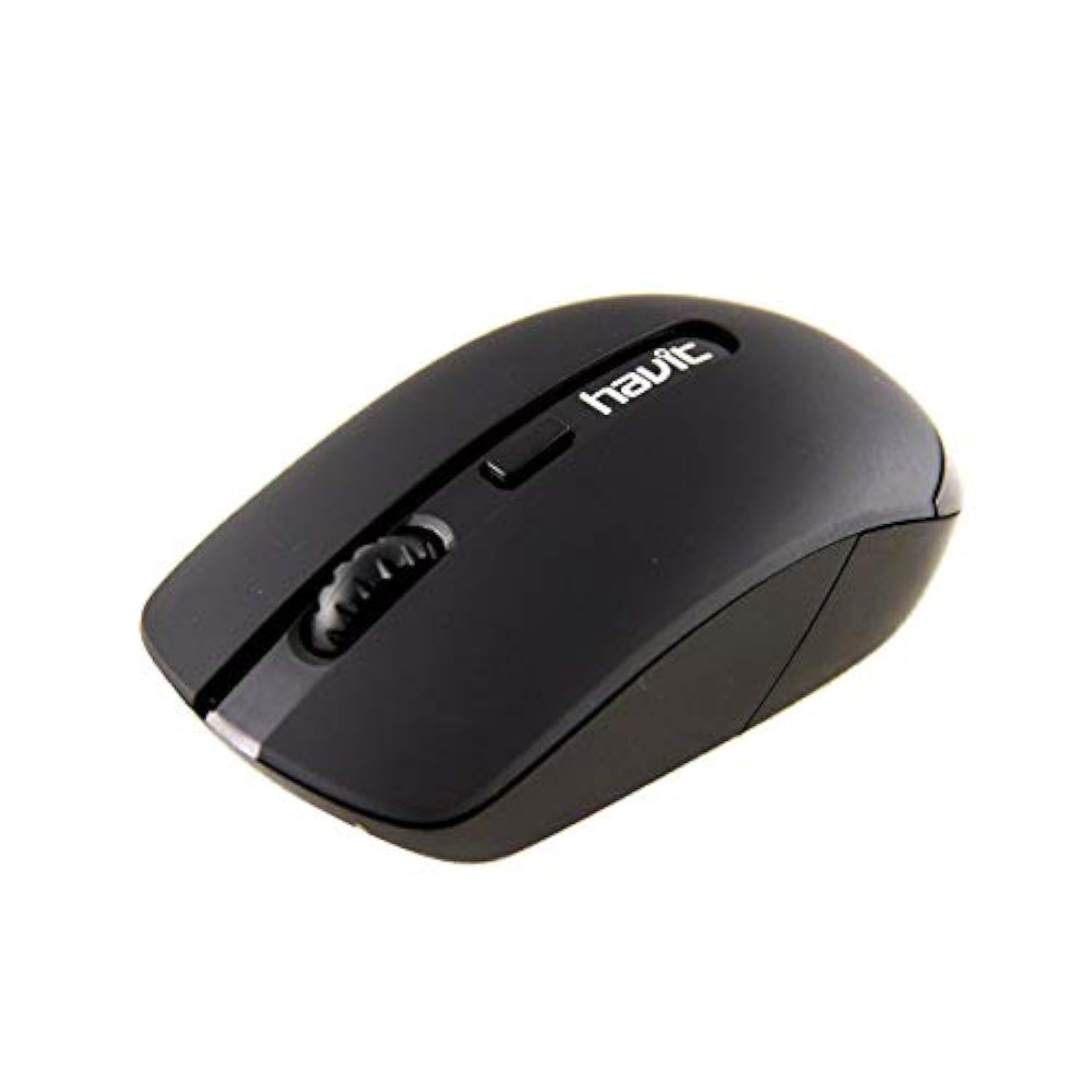
Image 1: Havit HV-MS989GT Wireless Optical Mouse in its retail packaging.
4. Производ је готовview
The Havit HV-MS989GT is a 2.4 GHz wireless optical mouse designed for comfort and precision. It features an ambidextrous design, making it suitable for both left and right-handed users.
- Лево дугме: Стандардна функција клика.
- Десно дугме: Стандардна функција десног клика.
- Точак за померање: For scrolling documents and web странице. Може да функционише и као средњи клик.
- Оптички сензор: Located on the underside for precise tracking.
- Одељак за батерије: Located on the underside of the mouse.
- USB Nano Receiver Storage: A dedicated slot on the underside of the mouse for convenient storage of the receiver when not in use or during travel.

Слика 2: Крупни план view of the Havit HV-MS989GT mouse, highlighting the scroll wheel and main buttons.
5. Подешавање
- Инсталирајте батерију: Open the battery compartment cover on the underside of the mouse. Insert one AA battery, ensuring correct polarity (+/-). Close the cover.
- Повежите УСБ пријемник: Remove the USB Nano Receiver from its storage slot on the underside of the mouse. Plug the receiver into an available USB port on your computer (PC or laptop).
- Укључено: The mouse should automatically power on and connect to the receiver. If there is an ON/OFF switch, ensure it is in the "ON" position. Your computer's operating system will typically install the necessary drivers automatically.
- Тест функционалност: Move the mouse to check if the cursor responds on your screen. If not, refer to the Troubleshooting section.
6. Упутство за употребу
- Бежични рад: The mouse operates using 2.4 GHz wireless technology, providing a stable connection up to 8 meters from the USB receiver.
- Амбидекстрални дизајн: The ergonomic design allows for comfortable use by both left-handed and right-handed individuals.
- Функција аутоматског спавања: To conserve battery life, the mouse features an integrated automatic sleep function. If inactive for a period, it will enter a low-power sleep mode. To wake it up, simply move the mouse or click any button.
- Осетљивост DPI-ја: The mouse provides a resolution range of 800-1600 DPI for precise and quick tracking.
- Компатибилност система: Compatible with Windows 2000, XP, Vista, Windows 7, Windows 8, Windows 10, Linux, and Mac operating systems.
7. Одржавање
- Чишћење: Користите меку, суву крпу за чишћење миша. Избегавајте употребу јаких хемикалија или абразивних материјала.
- Замена батерије: When the mouse performance degrades or it stops responding, replace the AA battery. Ensure proper polarity when inserting the new battery.
- Складиштење пријемника: Always store the USB Nano Receiver in its dedicated slot on the mouse when traveling or not in use to prevent loss.
- Оптимална површина: For best tracking performance and to protect the optical sensor, use the mouse on a clean, smooth surface, preferably with a high-quality mouse pad.
КСНУМКС. Решавање проблема
| Проблем | Могуће решење |
|---|---|
| Mouse not responding or cursor not moving. |
|
| Неправилно кретање курсора. |
|
| Миш се често искључује. |
|
9. Спецификације
| Бранд | Хавит |
| Број модела | HV-MS989GT |
| Тип миша | Оптицал Моусе |
| Повезивање | Бежично (2.4 GHz) |
| Вирелесс Дистанце | 8 метара |
| Димензије (Д к Ш к В) | 104 × 58 × 37 мм |
| Број дугмади | 4 |
| ДПИ резолуција | 800-1600 ДПИ |
| Кеи Лифе | 1,000,000 клика |
| Повер Суппли | 1к АА батерија |
| Подржани оперативни системи | Windows 2000, XP, Vista, Windows 7, Windows 8, Windows 10, Linux, Mac |
| Оријентација руке | Амбидектроус |
10. Гаранција и подршка
For warranty information, please refer to the warranty card included with your product or contact your retailer. You may also visit the official Havit webсајт за ресурсе подршке и контакт информације.
For additional assistance, please contact Havit customer support through their official channels.


