Увод
This manual provides essential information for the proper installation, operation, and maintenance of your Philips 278E1A 27" 4K UHD IPS Monitor. Please read this guide thoroughly before using the product to ensure optimal performance and safety. Keep this manual for future reference.
Безбедносне информације
- Уверите се да је монитор постављен на стабилну, равну површину како бисте спречили случајне падове.
- Use only the power adapter and cables supplied by Philips.
- Не излажите монитор киши или влази како бисте избегли струјни удар или пожар.
- Избегавајте блокирање вентилационих отвора да бисте спречили прегревање.
- Не покушавајте сами да сервисирате монитор. Сво сервисирање препустите квалификованом особљу.
Сетуп
1. Распакивање и монтажа
Carefully remove the monitor and all components from the packaging. The box should contain the monitor, stand, HDMI cable, power cable, and user documentation.
- Причврстите основу постоља на врат постоља, причврстивши је приложеним завртњем.
- Поравнајте састављено постоље са отворима за монтажу на задњој страни монитора и чврсто га причврстите.
2. Повезивање каблова
Повежите потребне каблове са монитором и рачунаром.
- Кабл за напајање: Повежите један крај кабла за напајање са улазом за напајање монитора, а други крај са електричном утичницом.
- Видео улаз: Connect either an HDMI cable (2 ports available) or a DisplayPort cable (1 port available) from your computer's video output to the corresponding input on the monitor.
- Аудио улаз/излаз: If desired, connect an audio cable from your computer's audio output to the monitor's audio input, or connect external speakers/headphones to the monitor's audio output.

Слика 1: Задња страна view of the Philips 278E1A monitor, highlighting the HDMI, DisplayPort, and audio input/output ports for connectivity.
3. Прво укључивање
Press the power button located on the bottom right of the monitor to turn it on. The monitor will automatically detect the active input source.
Упутство за употребу
1. Навигација кроз OSD мени
The On-Screen Display (OSD) menu allows you to adjust various monitor settings. Use the control buttons located on the bottom bezel of the monitor to navigate the menu.
- Press a button to activate the OSD menu.
- Користите дугмад са смерницама да бисте се кретали кроз опције менија.
- Притисните дугме „OK“ или „Enter“ да бисте изабрали опцију или потврдили подешавање.
- Притисните дугме „Излаз“ или „Назад“ да бисте се вратили на претходни мени или изашли из OSD-а.
2. Подешавања слике
Подесите карактеристике екрана за оптимално viewинг.
- Осветљеност и контраст: Adjust these settings to control the overall luminance and the difference between light and dark areas.
- Подешавања боја: Fine-tune color temperature, gamma, and saturation. The monitor supports 109% sRGB color gamut for accurate color reproduction.
- СмартЦонтраст: This feature dynamically analyzes content and automatically adjusts backlight intensity to enhance contrast for optimal digital images and videos.
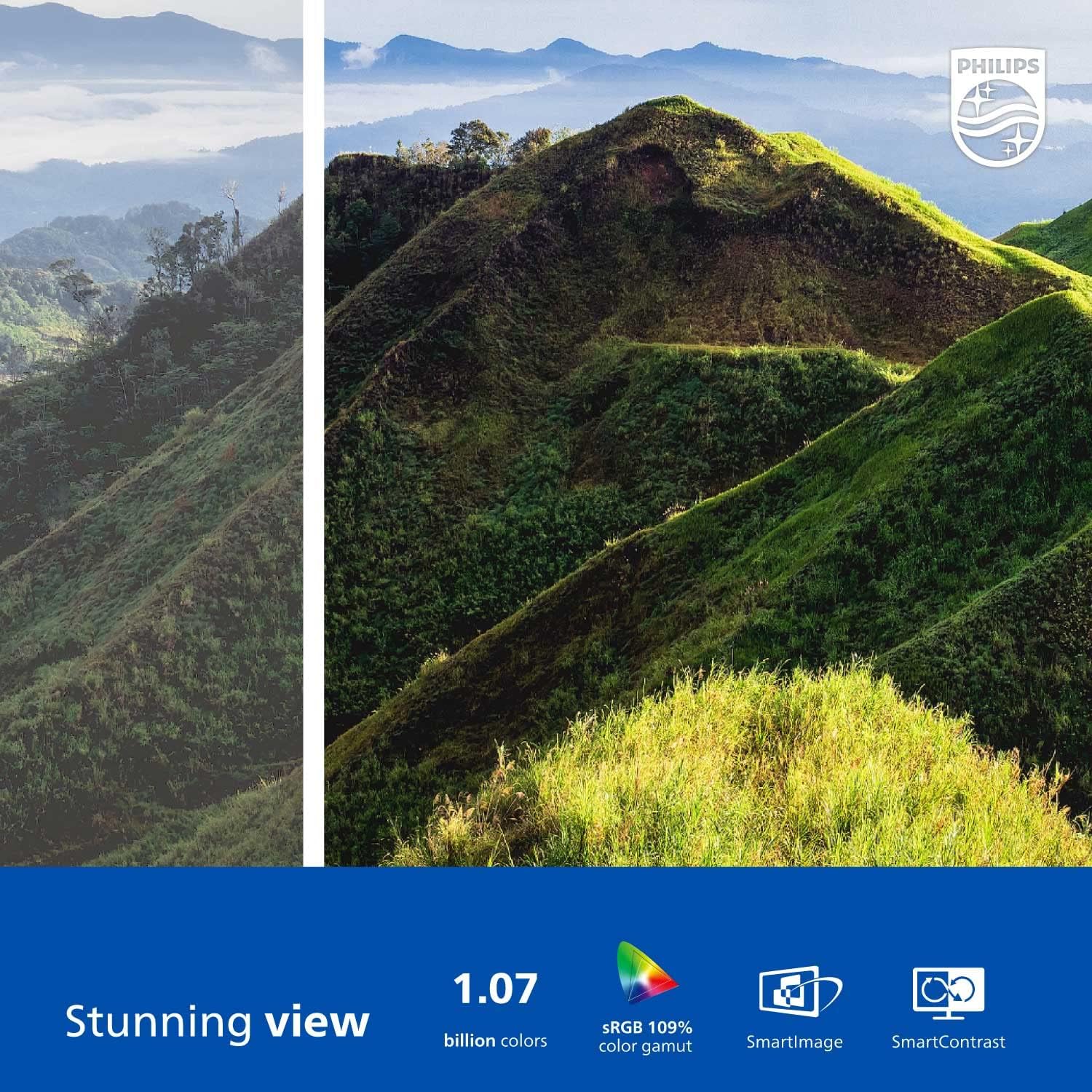
Figure 2: The Philips 278E1A monitor displaying a detailed and colorful mountain scene, illustrating its 4K UHD resolution and wide color gamut.
3. Избор улаза
Manually select the desired video input source if the automatic detection does not work or if you have multiple devices connected.
4. Аудио поставке
Контролишите јачину звука уграђених звучника или повезаних аудио уређаја.
5. Карактеристике неге очију
The Philips 278E1A includes features designed to reduce eye strain during prolonged use.
- Технологија без треперења: Regulates brightness and reduces screen flicker for more comfortable viewинг.
- Нископлави режим: A software solution that reduces harmful shortwave blue light emissions from the screen.

Figure 3: A split image demonstrating the visual difference when LowBlue Mode and Flicker-free technologies are active, reducing eye strain.
6. Frameless Design and Viewинг Англес
The monitor features a 3-sided frameless design, ideal for multi-monitor setups, and an IPS panel providing wide 178/178-degree viewing angles for consistent image quality from various perspectives.

Figure 4: A multi-monitor arrangement of Philips 278E1A displays, showcasing the minimal bezels and wide viewing angles suitable for extended desktop environments.
Одржавање
1. Чишћење екрана
Да бисте очистили екран, нежно га обришите меком крпом која не оставља влакна. За тврдокорне мрље, дampen the cloth with a mild, non-abrasive screen cleaner. Never spray cleaner directly onto the screen.
2. Општа нега
Keep the monitor away from direct sunlight, excessive heat, and humidity. Avoid placing heavy objects on the monitor or its cables.
Решавање проблема
Ако наиђете на проблеме са монитором, погледајте следећа уобичајена решења:
- Нема напајања: Ensure the power cable is securely connected to both the monitor and the power outlet. Check if the power outlet is functional.
- Нема сигнала: Verify that the video cable (HDMI or DisplayPort) is correctly connected to both the monitor and your computer. Ensure the correct input source is selected via the OSD menu.
- Image Problems (e.g., flickering, distorted colors): Check cable connections. Adjust picture settings in the OSD menu. If using a DisplayPort connection, ensure your graphics card supports 4K resolution at 60Hz.
- Нема звука: Check the monitor's volume settings and your computer's audio output settings. Ensure external speakers or headphones are properly connected if used.
За додатну помоћ, обратите се корисничкој подршци компаније Philips.
Спецификације
| Феатуре | Детаљ |
|---|---|
| Величина екрана | 27 инча |
| Резолуција | 3840 к 2160 (4К УХД) |
| Панел Типе | ИПС |
| Гамут боја | 109% сРГБ |
| Повезивање | 2x HDMI, 1x DisplayPort, Audio In & Out |
| Звучници | Built-in (3W stereo) |
| Димензије (са постољем) | 18.1 к 24.1 к 7.6 инча |
| Тежина (са постољем) | 13.57 фунти |
| Карактеристике неге очију | Режим без треперења, са смањењем плавог светла |
Гаранција и подршка
Информације о гаранцији
Philips monitors sold in the United States come with a 4-Year Advance Replacement Warranty. This warranty minimizes downtime by providing a replacement unit in advance should your monitor require service.

Figure 5: Visual representation of the Philips 4-Year Warranty and Advance Replacement program, ensuring peace of mind for users.
Корисничка подршка
For technical support, warranty claims, or service inquiries, please visit the official Philips support website or contact their customer service hotline. Refer to the documentation included with your product for specific contact details in your region.
Видео снимци производа
Philips Frameless Monitor Overview
Овај видео пружа крајview of the Philips 27-inch frameless monitor, highlighting its features and benefits for various work setups.
Why This Monitor is Top Rated
Learn about the key aspects that make this Philips monitor a top-rated choice, including its display quality and user-friendly features.


