Увод
This manual provides essential instructions for the safe and efficient use of your Redmi 10000mAh Power Bank (Model PB100LZm). Please read this manual thoroughly before using the product and retain it for future reference.
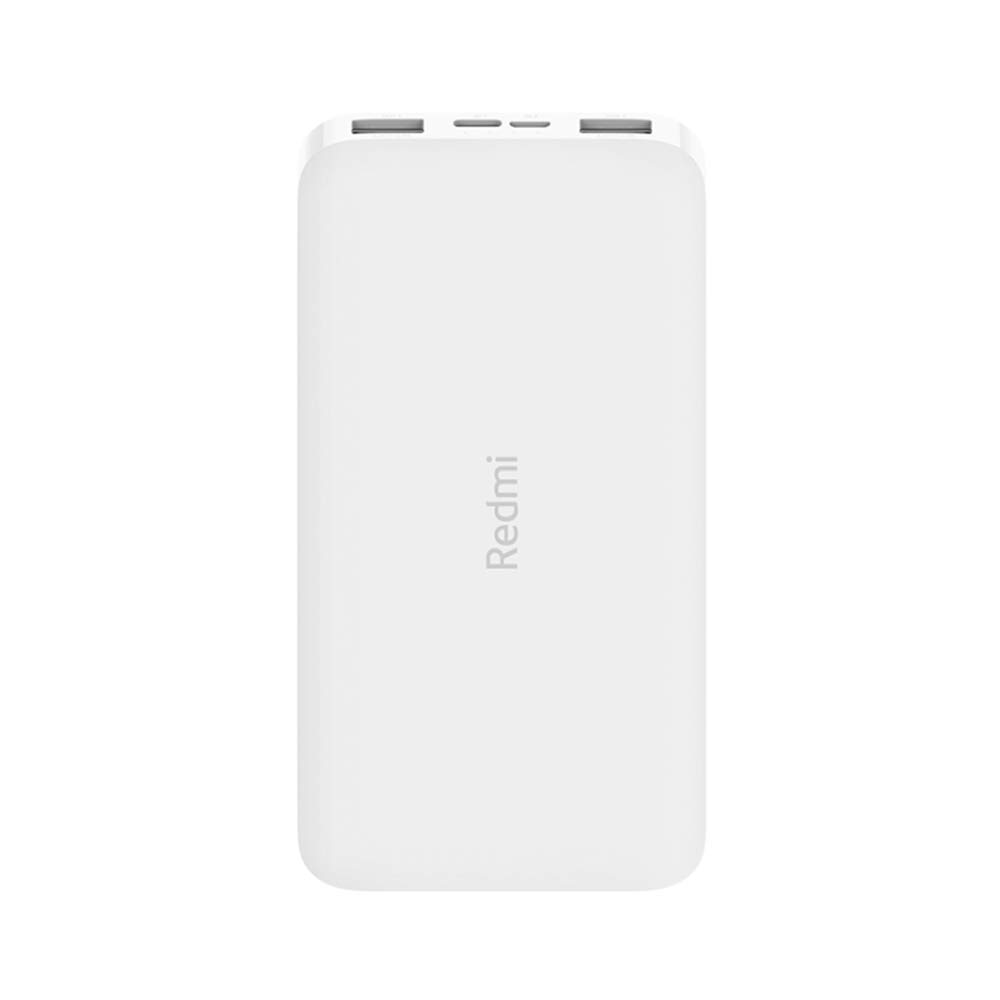
Слика: Под углом view of the white Redmi 10000mAh Power Bank.
Безбедносне информације
To prevent injury, damage to the product, or damage to property, observe the following safety precautions:
- Не растављајте, не поправљајте и не модификујте преносни пуњач.
- Не излажите преносни пуњач ватри, високим температурама или директној сунчевој светлости.
- Избегавајте контакт са водом или другим течностима.
- Не испуштајте, не ударајте и не излажите преносни пуњач јаким вибрацијама.
- Чувати ван домашаја деце.
- Користите само компатибилне каблове и адаптере за пуњење.
- Одложите преносни акумулатор у складу са локалним прописима.
Производ је завршенview
Familiarize yourself with the components of your Redmi 10000mAh Power Bank.

Image: Close-up of the power bank's top edge showing two USB-A output ports (OUT1, OUT2), one Micro-USB input port (IN1), one USB-C input port (IN2), and four LED battery level indicators.
- USB-A излазни портови (OUT1, OUT2): Used to charge external devices.
- Micro-USB Input Port (IN1): Used to charge the power bank.
- USB-C Input Port (IN2): Used to charge the power bank.
- ЛЕД индикатори: Four small lights indicating the remaining battery level.
- Дугме за напајање: Located on the side, used to check battery level or activate charging.

Слика: Са стране view of the power bank highlighting the power button.
Сетуп
Прво пуњење преносне батерије
Before first use, fully charge your Redmi 10000mAh Power Bank.
- Connect a compatible USB cable to either the Micro-USB (IN1) or USB-C (IN2) input port on the power bank.
- Повежите други крај кабла са УСБ адаптером за напајање (није укључен) или УСБ портом рачунара.
- The LED indicators will light up, showing the charging progress. All four LEDs will be solid when fully charged.
Повезивање уређаја
The power bank is compatible with mobile phones and other USB-powered devices.
- Use the appropriate charging cable for your device.
- Connect one end of the cable to one of the USB-A output ports (OUT1 or OUT2) on the power bank.
- Повежите други крај кабла са портом за пуњење вашег уређаја.
Упутство за употребу
Пуњење спољних уређаја
Once a device is connected, the power bank should automatically begin charging. If not, press the power button once to initiate charging.

Image: The power bank connected via a USB cable to charge a mobile phone, resting on a wooden table.
- The LED indicators will show the power bank's remaining battery level during charging.
- Можете истовремено пунити два уређаја користећи оба USB-A излазна порта.
Провера нивоа батерије
Press the power button once to check the remaining battery level. The LED indicators will light up for a few seconds:
- 1 ЛЕД: 0-25% преостале батерије
- 2 ЛЕД диоде: 25-50% преостале батерије
- 3 ЛЕД диоде: 50-75% преостале батерије
- 4 ЛЕД диоде: 75-100% преостале батерије
Одржавање
- Чишћење: Обришите преносни пуњач меком, сувом крпом. Не користите јаке хемикалије или абразивне материјале.
- Складиштење: Чувајте преносни пуњач на хладном и сувом месту, даље од директне сунчеве светлости и екстремних температура.
- Одржавање батерије: For optimal battery life, avoid fully discharging the power bank frequently. Recharge it when the battery level is low. If not used for extended periods, charge it to about 50% every three months.
Решавање проблема
| Проблем | Могуће решење |
|---|---|
| Повер банк се не пуни. |
|
| Уређај се не пуни са преносног пуњача. |
|
| Споро пуњење. |
|
Спецификације
| Бранд | Ксиаоми |
| Број модела | PB100LZm |
| Капацитет | 10000 мАх |
| Боја | Бела |
| Тип батерије | Литхиум Полимер |
| Улазни портови | 1x Micro-USB, 1x USB-C |
| Излазни портови | 2x USB-A (5.1V=2.4A each) |
| Компатибилни уређаји | Mobile Phones and other USB-powered devices |
| Димензије | 15.8 к 8 к 2 цм |
| Тежина | 276 грама |
Гаранција и подршка
Based on the provided product information, this product is indicated as having без гаранције. For any product-related inquiries or technical support, please refer to the official Xiaomi support channels or your point of purchase.


