1. Увод
This manual provides essential information for the safe and efficient operation of your Sharp 32Bi3EA Smart Android TV. Please read these instructions thoroughly before using the television and retain them for future reference. This television features Android TV 9.0, Google Assistant with voice control, integrated Chromecast, Bluetooth connectivity, Harman/Kardon speakers, HDR10 support, and DTS Virtual X audio technology.
2. Безбедносне информације
Увек се придржавајте следећих мера предострожности како бисте спречили струјни удар, пожар или оштећење телевизора:
- Не излажите телевизор киши или влази.
- Не отварајте кабинет; сервисирање упутите квалификованом особљу.
- Обезбедите одговарајућу вентилацију око телевизора.
- Avoid placing the television near heat sources or in direct sunlight.
- Use only the power cord supplied with the television.
- Држите батерије ван домашаја деце.
3. Шта је у кутији
Verify that all the following items are included with your Sharp 32Bi3EA Smart Android TV:
- Sharp 32Bi3EA Smart Android TV Unit
- Pedestal Stand (2 pieces)
- Ремоте Цонтрол
- ААА батерије (2к)
- Упутство за употребу (овај документ)
- Повер Цорд
4. Подешавање
4.1. Физичка инсталација
Your television can be installed using the included pedestal stand or mounted on a wall (wall mount not included).
Attaching the Pedestal Stand
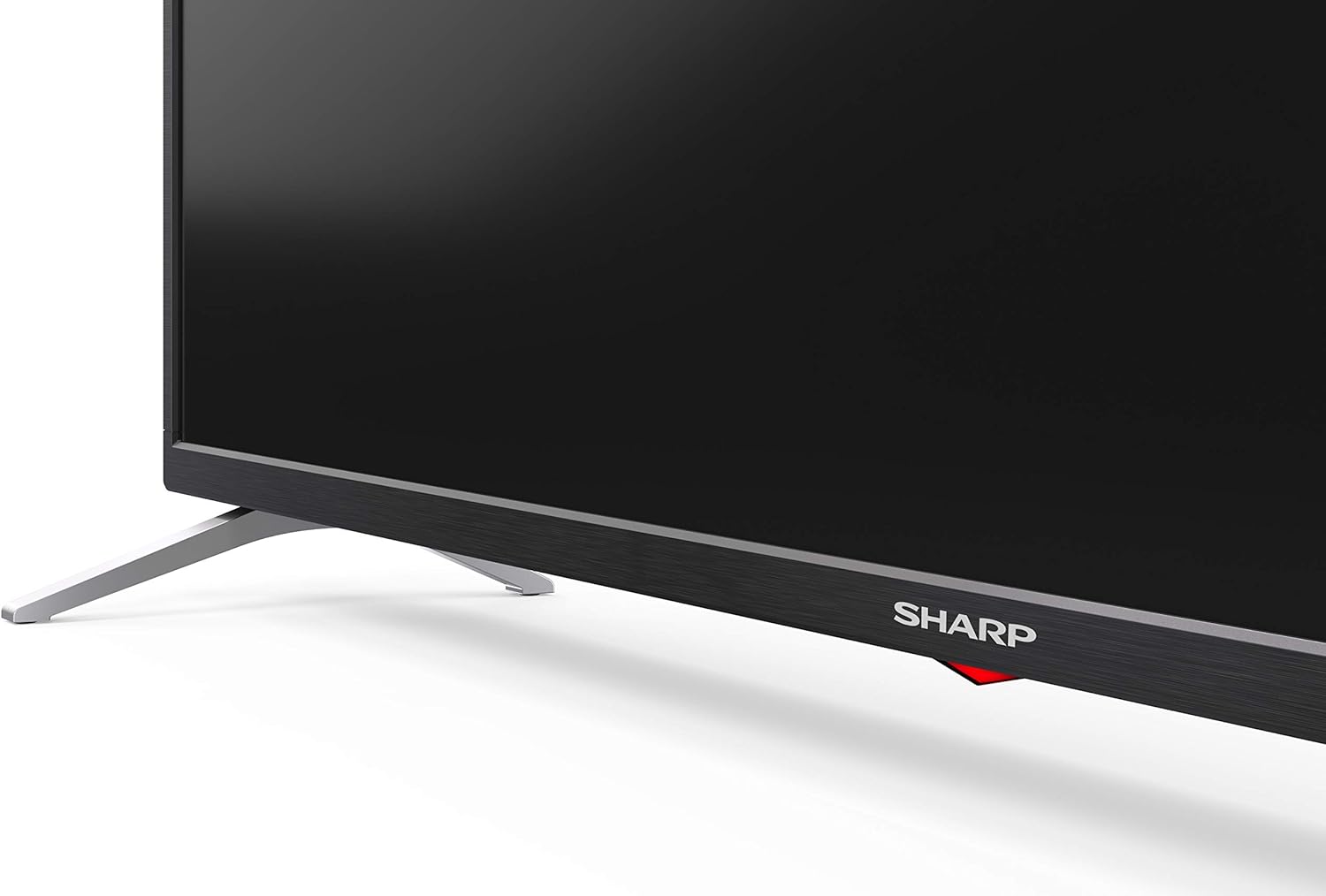
Carefully place the TV screen-down on a soft, flat surface. Align the pedestal stands with the screw holes on the bottom of the TV and secure them using the provided screws. Ensure the stands are firmly attached before placing the TV upright.

Слика: Са стране view of the Sharp 32Bi3EA TV, illustrating the slim profile and the attached pedestal stand.
Валл Моунтинг
If you choose to wall mount the television, use a VESA compatible bracket with dimensions of 200x100 mm. Consult a professional for wall mounting to ensure proper installation and safety.
4.2. Повезивање уређаја
Connect your external devices to the appropriate ports on the back or side of the television.
Слика: Позади view of the Sharp 32Bi3EA TV, highlighting the Ethernet, Optical, HDMI, USB, and AV input ports.
- HDMI портови (3x): Повежите Блу-реј плејере, играчке конзоле или сет-топ боксове.
- USB портови (2x): Повежите УСБ уређаје за складиштење података за репродукцију медија или ажурирања софтвера.
- Етхернет порт: За жичану интернет везу.
- Оптички дигитални аудио излаз: За повезивање са екстерним аудио системом.
- АВ улаз: За старије уређаје који користе композитни видео и стерео аудио.
4.3. Почетно укључивање и подешавање Android TV-а
After connecting the power cord and turning on the TV, follow the on-screen instructions to complete the initial setup. This includes selecting your language, connecting to a Wi-Fi network, and logging into your Google account to activate Android TV features like Google Assistant and Chromecast.
5. Управљање телевизором
5.1. Даљински управљач
The included remote control allows you to navigate the Android TV interface, adjust settings, and use Google Assistant voice commands. Insert the two AAA batteries into the remote control, ensuring correct polarity.
- Дугме за напајање: Укључује или искључује ТВ.
- Дугме за Google асистент: Activates voice control. Press and hold to speak commands.
- Дугмад за навигацију: Користите смерну таблу и дугме OK за кретање кроз меније.
- Хоме дугме: Враћа се на почетни екран Андроид ТВ-а.
- Волуме +/-: Подешава ниво јачине звука.
- Канал +/-: Мења ТВ канале.
- Дугмад пречица за апликације: Direct access to popular streaming services (e.g., Netflix, Amazon Prime Video).
5.2. Карактеристике паметног телевизора (Android TV)
Your Sharp 32Bi3EA TV runs on Android TV 9.0, providing access to a wide range of applications and services.
- Гоогле помоћник: Use your voice to search for content, control smart home devices, get answers, and manage tasks.
- Уграђен Цхромецаст: Преносите садржај са компатибилног паметног телефона, таблета или рачунара директно на ТВ екран.
- Гоогле Плаи продавница: Download and install additional apps, games, and streaming services.
- Подржане Интернет услуге: Access popular platforms such as Netflix, Amazon Prime Video, HBO, Disney+, Movistar+, DAZN, Atresmedia, KODI, IPTV, Steamlink, Twitch, VLC, YouTube, Puffin TV Browser, Spotify, Deezer, and TuneIn Radio.
5.3. Подешавања звука и видеа
The television supports advanced audio and video technologies for an enhanced viewинг искуство.
- ХДР10: Пружа шири спектар боја и контраста за компатибилан садржај.
- Harman/Kardon Speakers: Integrated audio system designed to deliver clear and powerful sound (2x10W).
- DTS Virtual X / DTS HD: Enhances audio with virtual surround sound capabilities.
- Активно кретање 400: Побољшава јасноћу покрета за брзе сцене.
5.4. Повезивање
Телевизор нуди разне опције повезивања:
- Ви-Фи: Connects to your home wireless network for internet access.
- Блуетоотх: Pair with compatible devices such as headphones, soundbars, or game controllers.
6. Одржавање
6.1. Чишћење
To clean the TV screen, gently wipe it with a soft, lint-free cloth. For stubborn marks, slightly dampen the cloth with water or a specialized screen cleaner. Do not use abrasive cleaners or solvents. For the TV cabinet, use a soft, dry cloth.
6.2. Ажурирања софтвера
Your Android TV may receive software updates periodically to improve performance and add new features. Ensure your TV is connected to the internet to receive these updates. You can check for updates manually through the TV's settings menu.
КСНУМКС. Решавање проблема
Ако наиђете на проблеме са телевизором, погледајте следећа уобичајена решења:
| Проблем | Могуће решење |
|---|---|
| Нема струје | Проверите да ли је кабл за напајање добро прикључен у телевизор и зидну утичницу. Покушајте са другом утичницом. |
| Нема слике/звука | Уверите се да је изабран исправан улазни извор. Проверите кабловске везе са спољним уређајима. |
| Даљински управљач не ради | Замените батерије. Уверите се да нема препрека између даљинског управљача и инфрацрвеног сензора телевизора. |
| Проблеми са Ви-Фи везом | Restart your router and the TV. Check Wi-Fi password. Ensure the TV is within range of the router. |
| Android TV apps freezing | Restart the TV. Clear the cache of the problematic app in the TV settings. Uninstall and reinstall the app. |
If the problem persists after trying these solutions, please contact Sharp customer support.
8. Спецификације
| Феатуре | Детаљ |
|---|---|
| Број модела | 32Bi3E |
| Величина екрана | 32 инча (81 цм) |
| Дисплаи Тецхнологи | ЛЕД |
| Резолуција | 720п (1366 к 768 пиксела) |
| Рефресх Рате | 60 Хз |
| Оперативни систем | Андроид ТВ 9.0 |
| Посебне карактеристике | Google Assistant, Chromecast Built-in, HDR10, DTS Virtual X, Active Motion 400 |
| Аудио систем | Harman/Kardon (2x10W) |
| Повезивање | Bluetooth, Ethernet, HDMI (3x), USB (2x), Wireless (Wi-Fi) |
| ВЕСА Моунт | 200к100 мм |
| Димензије (са постољем) | 803.0 к 542.0 к 149.0 мм (Ш к В к Д) |
| Димензије (без постоља) | 730.0 к 436.1 к 83.5 мм (Ш к В к Д) |
| Тежина | 4.6 кг |
| Потрошња енергије (1000 сати) | 31 kWh (Energy Class F) |

Image: Energy efficiency label for the Sharp 1T-C32BIx series, indicating an F energy class and 31 kWh per 1000 hours of operation. For more details, refer to the official EU EPREL database via the QR code or link: ЕПРЕЛ Датабасе.

Image: Detailed Product Information Sheet, providing comprehensive technical specifications and regulatory information for the Sharp 32Bi3EA TV in various languages.
9. Гаранција и подршка
9.1. Информације о гаранцији
Your Sharp 32Bi3EA Smart Android TV comes with a standard manufacturer's warranty. Please refer to the warranty card included with your product or visit the official Sharp webсајт за детаљне услове и одредбе специфичне за ваш регион.
9.2. Корисничка подршка
For technical assistance, troubleshooting beyond this manual, or warranty claims, please contact Sharp customer support. Contact information can typically be found on the official Sharp webсајту или у документацији коју сте добили уз телевизор.
Online resources and FAQs may also be available on the Sharp support portal.


