1. Увод
Thank you for choosing the Boult Audio Airbass Muse Buds True Wireless Earbuds. This manual provides essential information for setting up, operating, and maintaining your new earbuds. Please read it carefully before use.
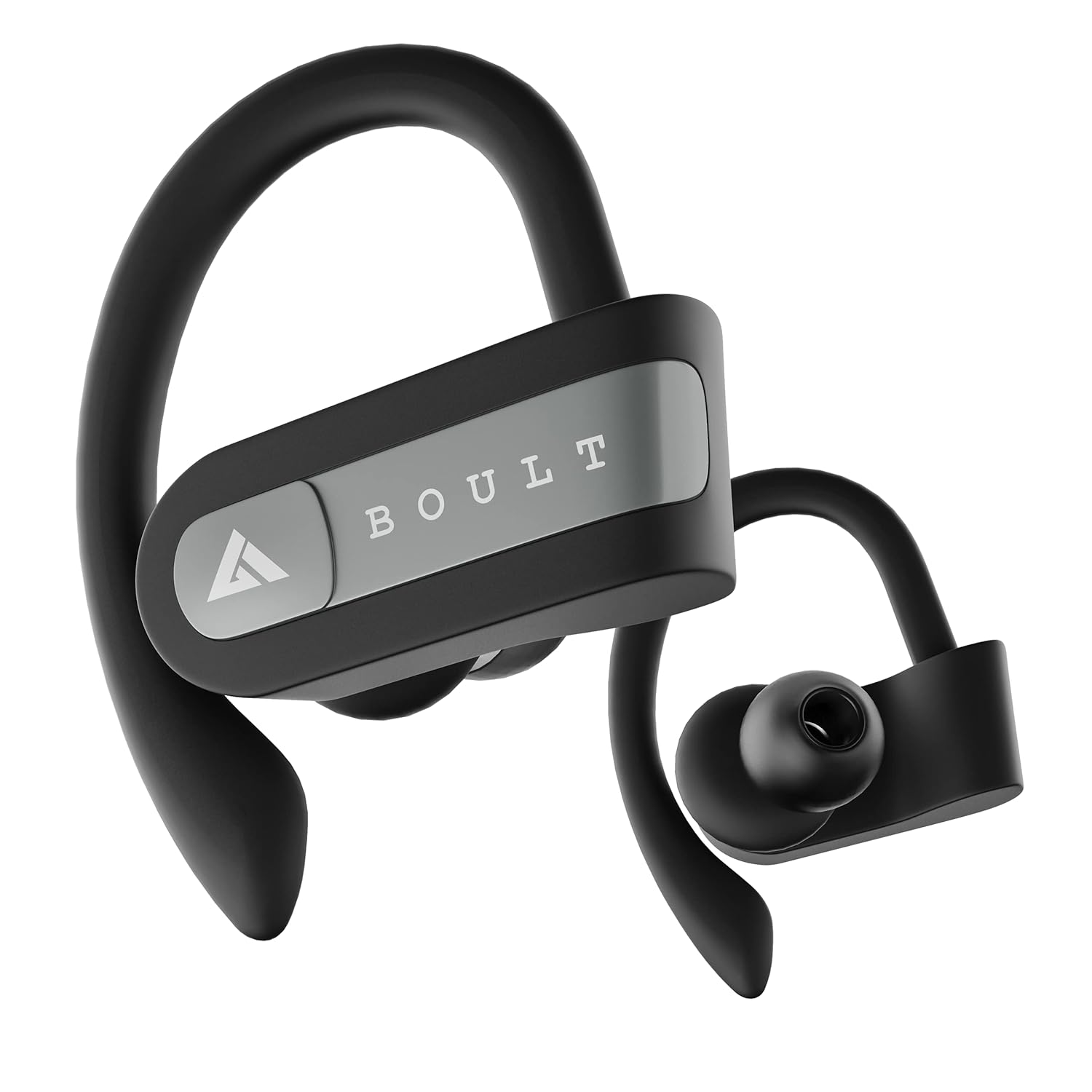
Image: Boult Audio Airbass Muse Buds True Wireless Earbuds in black, showcasing their ergonomic design with ear hooks.
2. Шта је у кутији
Your Boult Audio Airbass Muse Buds package includes:
- MuseBuds Earphones (1 pair)
- Кутија за пуњење (1 јединица)
- Extra Pair of Earbuds (silicon eartips)
- Charging Micro USB Cable (1 unit)
- Кориснички приручник (овај документ)

Image: The Boult Audio Airbass Muse Buds earbuds resting outside their charging case, highlighting their exquisite design.
3. Подешавање и упаривање
3.1 Почетно упаривање
- Извадите обе слушалице из кућишта за пуњење. Аутоматски ће се укључити и ући у режим упаривања.
- На свом мобилном уређају омогућите Bluetooth.
- Тражи "Boult Audio Musebuds" in the list of available devices.
- Select "Boult Audio Musebuds" to connect. Once connected, you will hear a confirmation tone or see an LED indicator.
3.2 Аутоматско упаривање
After initial pairing, the earbuds will automatically connect to the last paired device when taken out of the charging case, provided Bluetooth is enabled on the device.
3.3 Monopod Feature (Single Earbud Use)
The earbuds can be used independently. Simply take one earbud out of the case, and it will connect to your device. The other earbud can remain in the case or be used with a different device if desired.
3.4 Упутства за ресетовање
If you experience pairing issues, follow these steps to reset your earbuds:
- Извадите обе слушалице из кутије.
- Press and hold the touch control of both earbuds for 5 seconds until their LEDs flash red and blue.
- Press the touch control of the right earbud 4 times. The LED light will flash red and blue.
- Wait for 5 seconds. The LED of one earbud will flash blue, and the other earbud will flash red and blue.
- Вратите обе слушалице у кућиште за пуњење.
- Delete "Boult Audio Musebuds" from your phone's Bluetooth menu.
- Take both earbuds out of the case and connect with your phone through the Bluetooth menu as per initial pairing.

Image: Visual guide detailing the step-by-step process for resetting the Boult Audio Airbass Muse Buds.
4. Упутство за употребу
4.1 Укључивање/искључивање
- Укључено: Извадите слушалице из кутије за пуњење. Они ће се аутоматски укључити.
- Искључивање: Place the earbuds back into the charging case. They will power off automatically. Alternatively, long press the multifunction button for about five seconds to manually turn them off.
4.2 Контрола позива
- Одговори/заврши позив: Single click the multifunction button on either earbud.
- Одбиј позив: Long press the multifunction button on either earbud.
4.3 Контрола музике
- Пусти/паузирај: Single click the multifunction button on either earbud.
- Следећа нумера: Double click the multifunction button on the right earbud.
- Претходни запис: Double click the multifunction button on the left earbud.
4.4 Гласовни асистент
To activate your device's voice assistant (Siri/Google Assistant), press and hold the multifunction button for one second until you hear a "beep" sound.

Image: The earbuds with icons indicating voice assistant activation (Siri, Google Assistant) and inline controls for music and calls.
4.5 Контрола јачине звука
- Повећајте јачину звука: Triple click the multifunction button on the right earbud.
- Смањи јачину звука: Triple click the multifunction button on the left earbud.
5. Пуњење
5.1 Пуњење слушалица
Place both earbuds into the charging case and close the lid. The earbuds will automatically begin charging.
5.2 Пуњење кућишта
Connect the provided Micro USB charging cable to the charging port on the back of the case and to a power source. The case's LED indicator will show charging status.
A full charge provides up to 5.5 hours of playback time for the earbuds, with the charging case offering 4 additional charges, totaling up to 18 hours of combined playtime.

Image: An illustration highlighting the 18 hours of total playtime provided by the Boult Audio Airbass Muse Buds with their charging case.
6. Одржавање и њега
6.1 Отпорност на воду
The Boult Audio Airbass Muse Buds feature an IPX5 water-resistant rating. This means the earbuds and the charging case's inner nano-coating are protected against water splashes and sweat, making them suitable for workouts and light rain. They can withstand water immersion up to 1 meter deep for 30 minutes. However, it is recommended to dry them thoroughly before placing them back in the charging case.
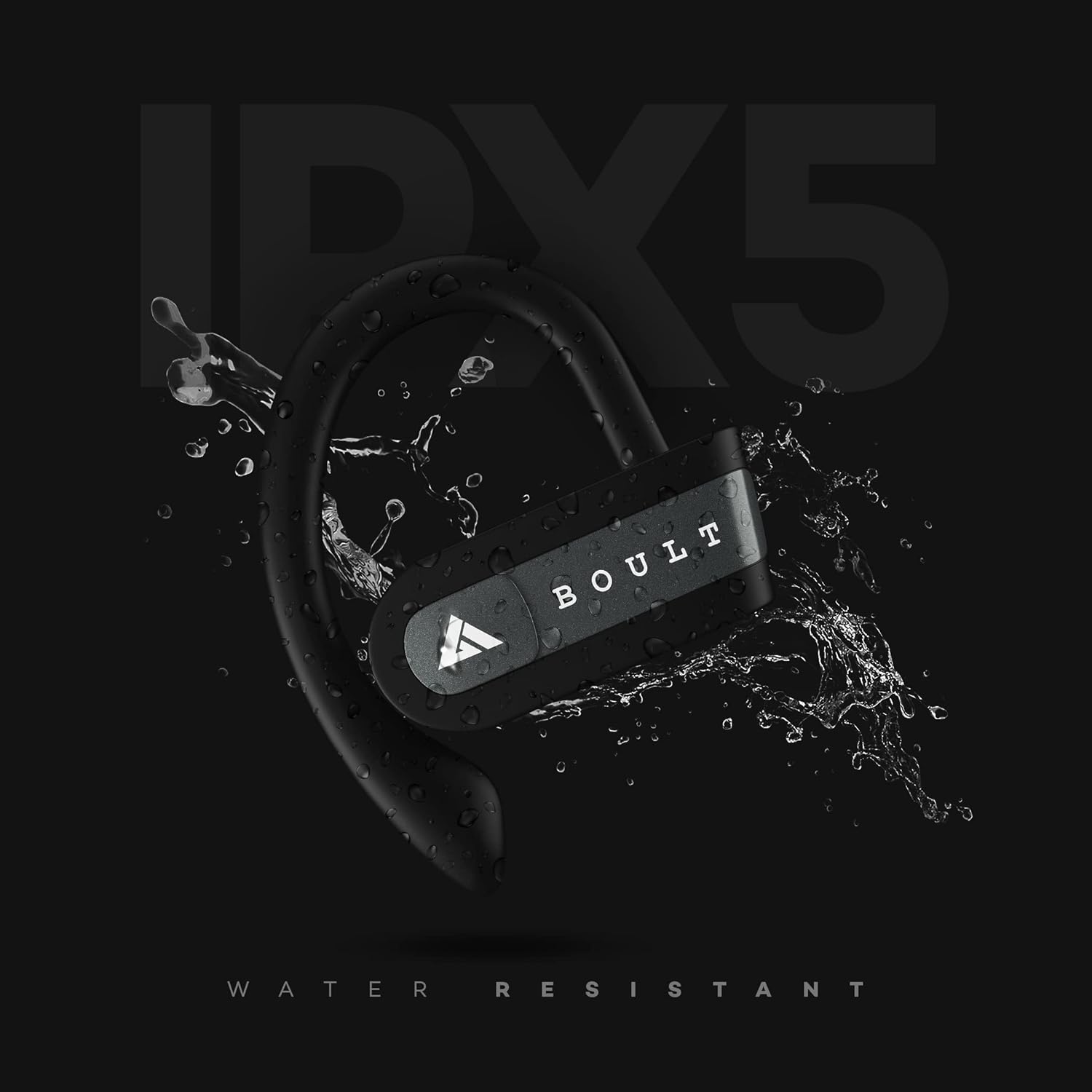
Image: The Boult Audio Airbass Muse Buds earbud with water splashing on it, illustrating its IPX5 water resistance.
6.2 Чишћење
Редовно чистите слушалице и кућиште за пуњење меком, сувом крпом. Избегавајте употребу јаких хемикалија или абразивних материјала.
7. Спецификације
| Феатуре | Детаљ |
|---|---|
| Назив модела | AirBassMusebuds |
| Технологија повезивања | Блуетоотх 5.0 |
| Домет | 10 метара |
| Дривер Сизе | 9мм |
| Укупно време репродукције | До 18 сати (са кућиштем за пуњење) |
| Време репродукције слушалица | До 5.5 сати (по пуњењу) |
| Ниво отпорности на воду | IPX5 (отпоран на зној) |
| Тип контроле | Voice Control, Touch Control (Multifunction Button) |
| Микрофон | Yes (Improved high quality mic for both earbuds) |
| Форм Фацтор | In-ear with ear hooks |
| Материјал | Пластика |
| Тежина артикла | 30 грама |
КСНУМКС. Решавање проблема
- Слушалице се не упарују: Ensure both earbuds are fully charged. Try resetting the earbuds as described in Section 3.4.
- Нема звука: Проверите нивое јачине звука и на уређају и на слушалицама. Уверите се да су слушалице правилно повезане са уређајем.
- Повремена веза: Ensure there are no obstructions between your device and the earbuds. Keep the earbuds within the 10-meter wireless range.
- Проблеми са пуњењем: Verify the charging cable is securely connected to both the case and the power source. Ensure the charging contacts on the earbuds and inside the case are clean.
9. Гаранција и подршка
Your Boult Audio Airbass Muse Buds come with a 12-month warranty. For warranty claims, technical support, or any other inquiries, please contact Boult Audio customer service.
- Служба за кориснике: Refer to the warranty card included in your package for contact details.
- Подршка на мрежи: Visit the official Boult Audio webсајт за често постављана питања и ресурсе за подршку.


