Увод
Thank you for choosing the havit MS72 Wired USB Gaming Mouse. This manual provides essential information for the proper installation, operation, and maintenance of your new gaming mouse. Please read this manual thoroughly before using the product to ensure optimal performance and longevity.
The havit MS72 features an ergonomic design, an anti-slipping surface, and adjustable DPI settings (800-1200 DPI) for precise control. It also includes RGB lighting for an enhanced aesthetic experience.
Садржај пакета
- havit MS72 Wired USB Gaming Mouse
- Упутство за употребу
Сетуп
Follow these steps to set up your havit MS72 Gaming Mouse:
- Повежите УСБ кабл: Locate an available USB port on your computer (desktop or laptop). Insert the USB connector of the havit MS72 mouse into the USB port.
- Аутоматска инсталација драјвера: Your operating system (Windows, macOS, Linux) should automatically detect the mouse and install the necessary drivers. This process may take a few moments.
- Проверите функционалност: Once the drivers are installed, the mouse's RGB lighting should illuminate, and the cursor should respond to movement. Test the left, right, and scroll wheel functions.
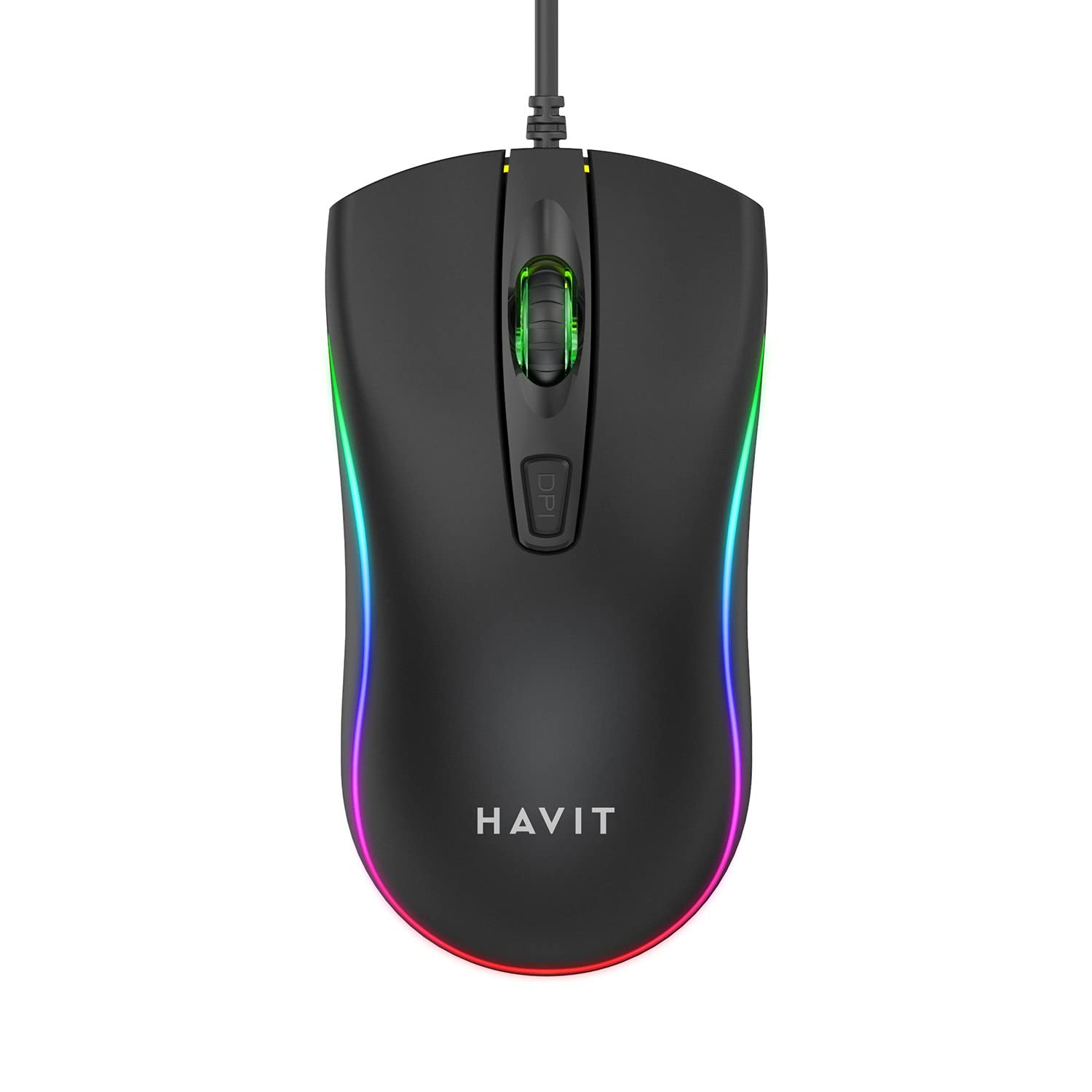
Image: The havit MS72 Gaming Mouse with its USB cable connected, showcasinњегов ергономски дизајн и RGB осветљење.
Упутство за употребу
The havit MS72 Gaming Mouse is designed for intuitive use. Here are its primary functions:
- Леви клик: Стандардна функција примарног клика.
- Десни клик: Standard secondary click function, typically for context menus.
- Точак за померање: Користи се за листање кроз документе и web странице. Може да функционише и као средњи клик.
- Дугме за подешавање DPI-ја: Located behind the scroll wheel. Press this button to cycle through the available DPI settings (800 DPI and 1200 DPI). The mouse's sensitivity will change with each press.
- Бочна дугмад (напред/назад): Typically located on the left side of the mouse. These buttons are commonly used for navigation (e.g., forward/backward in web browsers) or can be programmed for specific in-game actions.
- РГБ осветљење: The mouse features integrated RGB lighting that cycles automatically. There are no user-adjustable controls for the lighting patterns or colors.
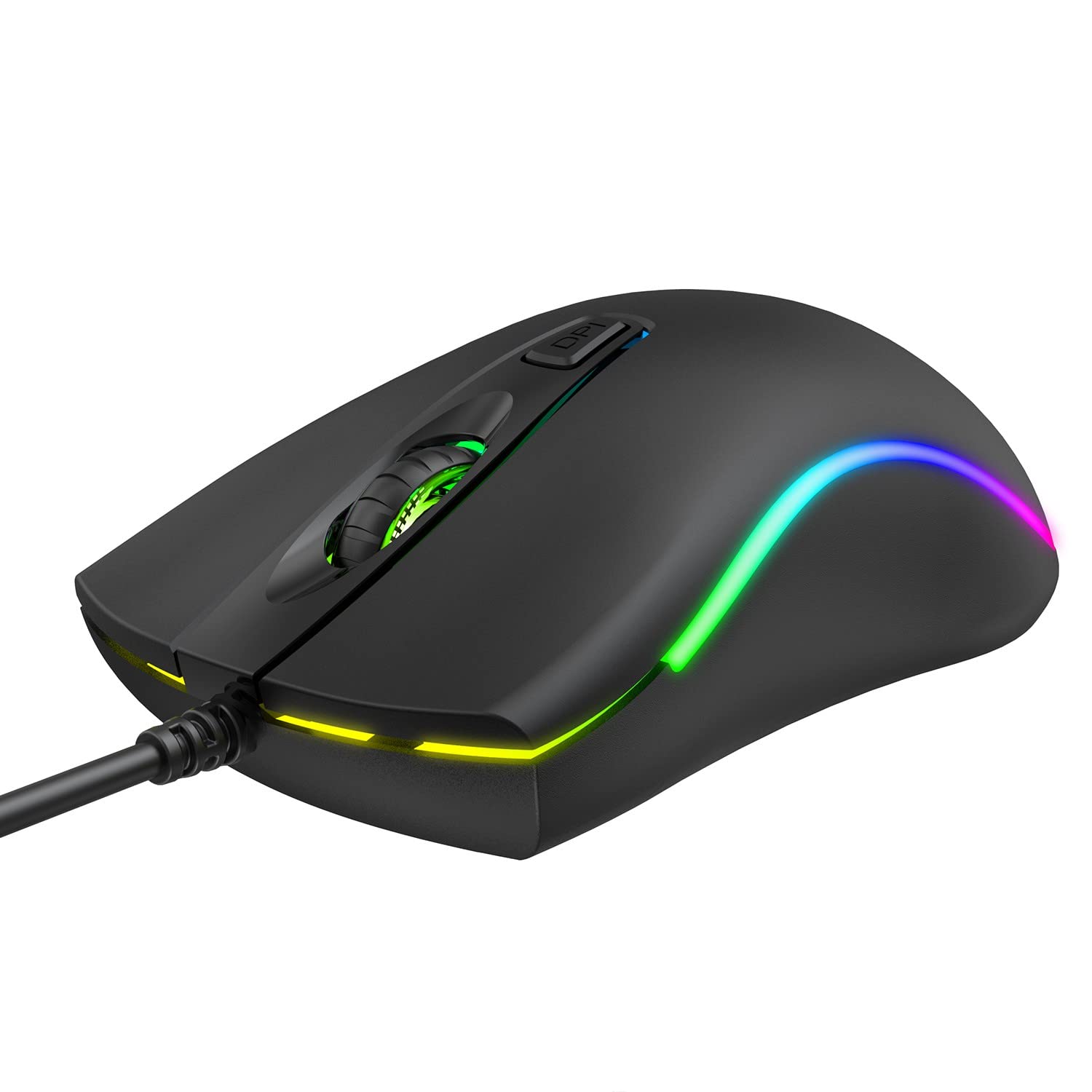
Слика: Врх view of the havit MS72 Gaming Mouse, highlighting the scroll wheel and the DPI adjustment button.

Слика: Са стране view of the havit MS72 Gaming Mouse, illustrating the placement of the forward and backward side buttons.
Одржавање
Proper maintenance ensures the longevity and optimal performance of your gaming mouse:
- Чишћење: Користите меку, суву крпу да обришете површину миша. За тврдокорну прљавштину, благо обришитеampОбришите крпу водом или благим раствором за чишћење. Избегавајте јаке хемикалије или абразивне материјале.
- Оптички сензор: Periodically clean the optical sensor on the underside of the mouse with a cotton swab to prevent tracking issues.
- Нега каблова: Avoid sharply bending or twisting the USB cable. Store the mouse in a way that prevents stress on the cable connection.
- Складиштење: Када се миш не користи дуже време, чувајте га на чистом и сувом месту, даље од директне сунчеве светлости и екстремних температура.
Решавање проблема
If you encounter issues with your havit MS72 Gaming Mouse, refer to the following common solutions:
| Проблем | Могући узрок | Решење |
|---|---|---|
| Миш не реагује | Лабава УСБ веза, неисправан УСБ порт, проблем са драјвером. |
|
| Покрет курсора је неправилан или скачкав | Прљави оптички сензор, неодговарајућа површина подлоге за миш. |
|
| Дугме за DPI не мења осетљивост | Software conflict, button malfunction. |
|
| РГБ осветљење не ради | Проблем са напајањем, унутрашња грешка. |
|
Спецификације
| Бранд | хавит |
| Модел | МС72 |
| Технологија повезивања | УСБ (жични) |
| Технологија детекције покрета | Оптицал |
| ДПИ подешавања | 800-1200 DPI (Two gears) |
| Оријентација руке | Амбидектроус |
| Посебне карактеристике | Ergonomic Design, Anti-Slipping Surface, RGB Light |
| Компатибилни оперативни системи | Linux, Windows 7, Windows XP, macOS |
| Хардверска платформа | Лаптоп, лични рачунар |
| Димензије производа (ДкШкВ) | 11.4 к 6 к 3.8 цм |
| Тежина артикла | 150 г |
Гаранција и подршка
The havit MS72 Wired USB Gaming Mouse comes with a standard manufacturer's warranty. Please refer to the warranty card included with your product for specific terms and conditions.
For technical support, warranty claims, or any product-related inquiries, please contact the importer/manufacturer directly:
- увозник: Origin Marketing Private Limited
- Адреса: 121 Raj Ratna Industrial Estate, Liberty Garden, Malad West, Mumbai 400064
- Телефон: 022 40224087
- Емаил: сервице@оригинмаркетинг.ин
When contacting support, please have your product model (MS72) and purchase details readily available.