Увод
The Seagate One Touch 5TB Portable External Hard Drive offers a convenient and reliable solution for expanding your digital storage. Designed for both PC and Mac users, this drive provides ample space for photos, videos, documents, and more. Its compact and stylish design makes it ideal for on-the-go use, ensuring your important files are always accessible.

Image: The Seagate One Touch drive is designed for portability, fitting comfortably in your hand.
Сетуп
Follow these steps to set up your Seagate One Touch drive:
- Повежите УСБ кабл: Plug the small end of the included USB 3.0 cable into the port on your Seagate One Touch drive.
- Повежите се са рачунаром: Plug the standard USB-A end of the cable into an available USB 3.0 port on your PC or Mac. For optimal performance, use a USB 3.0 port.
- Укључено: The drive is bus-powered and will turn on automatically when connected to your computer. A small LED indicator on the drive may illuminate.
- Почетно признање: Your computer should automatically detect the new drive. For Windows, it will appear in 'This PC' or 'My Computer'. For Mac, it will appear on the desktop or in Finder.
- Форматирање (за кориснике Mac-а): The drive comes pre-formatted for Windows. If you plan to use it primarily with a Mac and wish to use Time Machine for backups, reformatting the drive may be required. Refer to your Mac's Disk Utility for formatting options.
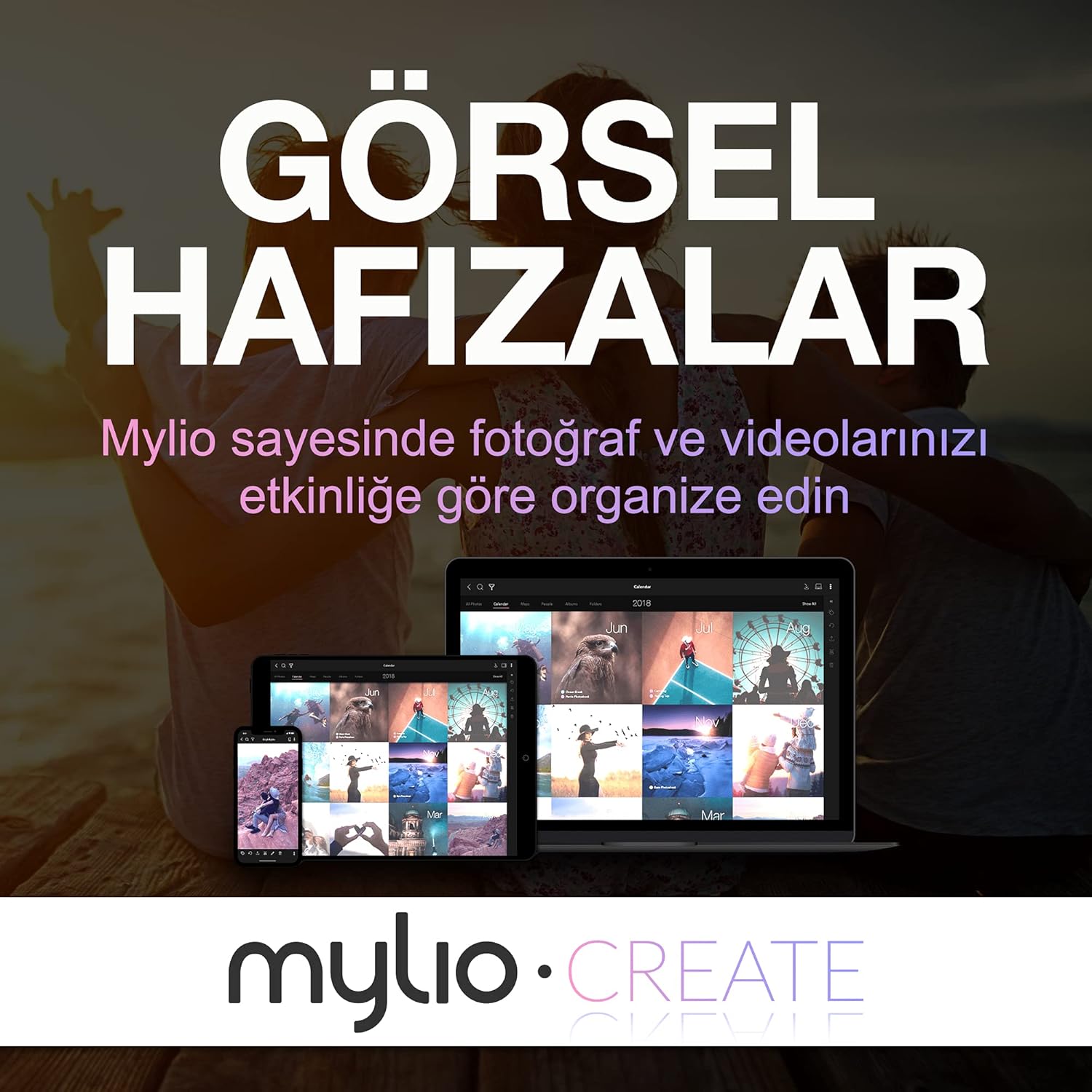
Image: The Seagate One Touch drive is easily connected to a laptop using the provided USB cable.
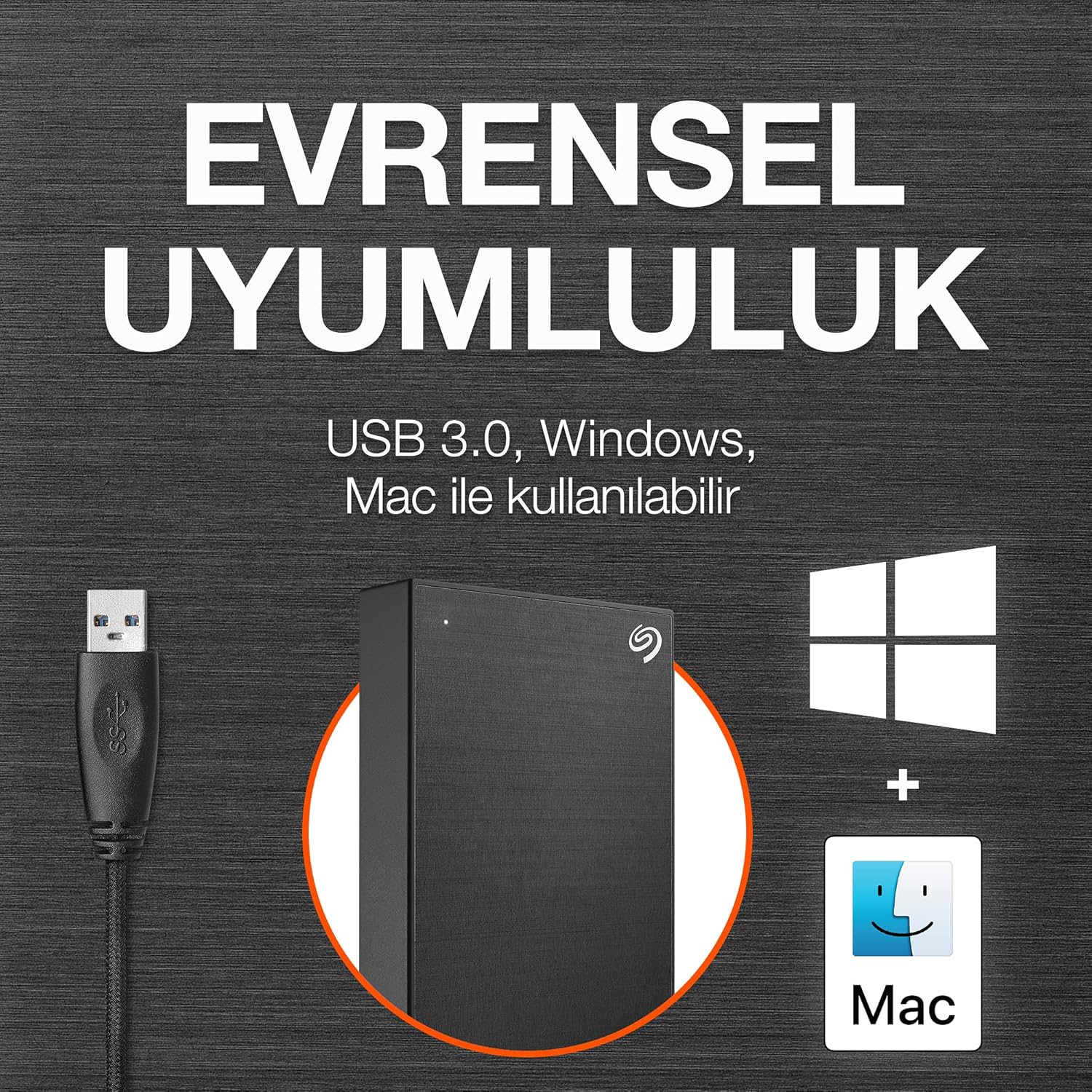
Image: The drive is compatible with both Windows and Mac operating systems.
Оперативни
Once connected, your Seagate One Touch drive is ready for use:
- Пренос података: Превуците и испустите files directly to and from the drive, just like any other folder on your computer.
- One-Click Backup: Utilize the included Seagate Toolkit software to perform one-click backups of your important files.
- Scheduled Backups: Configure automatic daily, weekly, or monthly backups through the Seagate Toolkit to ensure your data is always protected.
- Заштита лозинком: The drive supports password protection and hardware encryption to prevent unauthorized access to your data. This feature is managed through the Seagate Toolkit software.
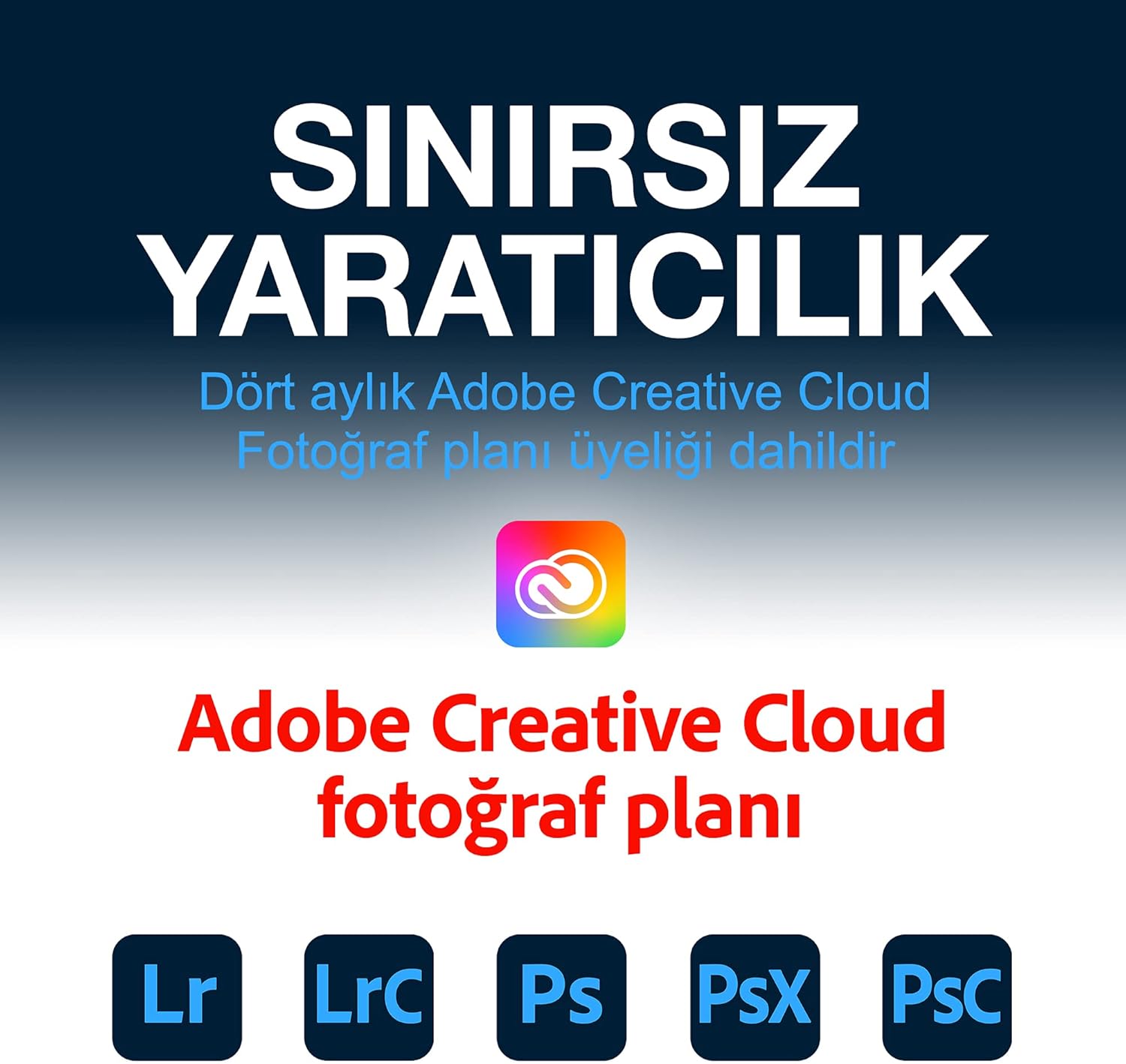
Image: Easily manage and transfer files to your Seagate One Touch drive from your laptop.

Image: The Seagate Toolkit software provides options for automatic and one-click backups.
Included Software Bundles
Your Seagate One Touch drive includes complimentary subscriptions to enhance your creative workflow:
- Милио Креирај: A one-year complimentary subscription to Mylio Create helps you organize, edit, and share photos across your devices.
- Adobe Creative Cloud план за фотографију: A four-month membership to Adobe Creative Cloud Photography plan, including Photoshop and Lightroom, allows for advanced photo editing and management.

Image: Mylio Create helps manage your photos across multiple devices.

Image: The Adobe Creative Cloud Photography plan offers powerful editing tools.
Одржавање
To ensure the longevity and optimal performance of your Seagate One Touch drive:
- Безбедно избацивање: Always safely eject the drive from your computer before disconnecting the USB cable to prevent data corruption.
- Физичка нега: Keep the drive in a clean, dry environment. Avoid exposing it to extreme temperatures, direct sunlight, or excessive moisture.
- Редовне резервне копије: While the drive itself is a backup solution, consider backing up critical data to multiple locations for maximum security.
- Ажурирања фирмвера: Периодично проверавајте подршку за Seagate website for any available firmware updates for your drive.
Решавање проблема
If you encounter issues with your Seagate One Touch drive, try the following:
- Диск није откривен:
- Уверите се да је УСБ кабл безбедно повезан и са диском и са рачунаром.
- Покушајте да повежете диск са другим УСБ портом на рачунару.
- Тестирајте са другим УСБ каблом ако је доступан.
- Поново покрените рачунар.
- Споре брзине преноса:
- Verify that the drive is connected to a USB 3.0 port on your computer. USB 2.0 ports will result in slower speeds.
- Затворите све непотребне апликације које раде у позадини и које можда троше системске ресурсе.
- Уверите се да су драјвери вашег рачунара ажурирани.
- Проблеми са форматирањем:
- If you are having trouble formatting the drive, use your operating system's built-in disk utility (Disk Management for Windows, Disk Utility for Mac).
- Осигурајте бр files are actively being accessed on the drive during formatting.
Спецификације
| Феатуре | Детаљ |
|---|---|
| Тип чврстог диска | Механички хард диск од 5 TB |
| Бранд | Сеагате |
| Сериес | Оне Тоуцх |
| Број модела | СТКЦ5000404 |
| Хардверска платформа | Мак, рачунар |
| Тежина артикла | 9.5 унци |
| Димензије производа | 8 к 2.09 к 11.53 инча |
| Боја | Спаце Греи |
| Интерфејс чврстог диска | УСБ 2.0/3.0 |
| Капацитет дигиталног складиштења | 5 ТБ |
| Технологија повезивања | УСБ |
| Посебна карактеристика | Портабле |
Гаранција и подршка
Your Seagate One Touch drive is backed by comprehensive support:
- Ограничена гаранција: Уживајте у дугорочном миру уз укључену двогодишњу ограничену гаранцију.
- Rescue Data Recovery Service: The drive comes with a two-year Rescue Data Recovery Service plan, providing expert assistance in case of unexpected data loss.
- Подршка на мрежи: For further assistance, FAQs, and driver downloads, please visit the official Seagate support webсајту.


