Увод
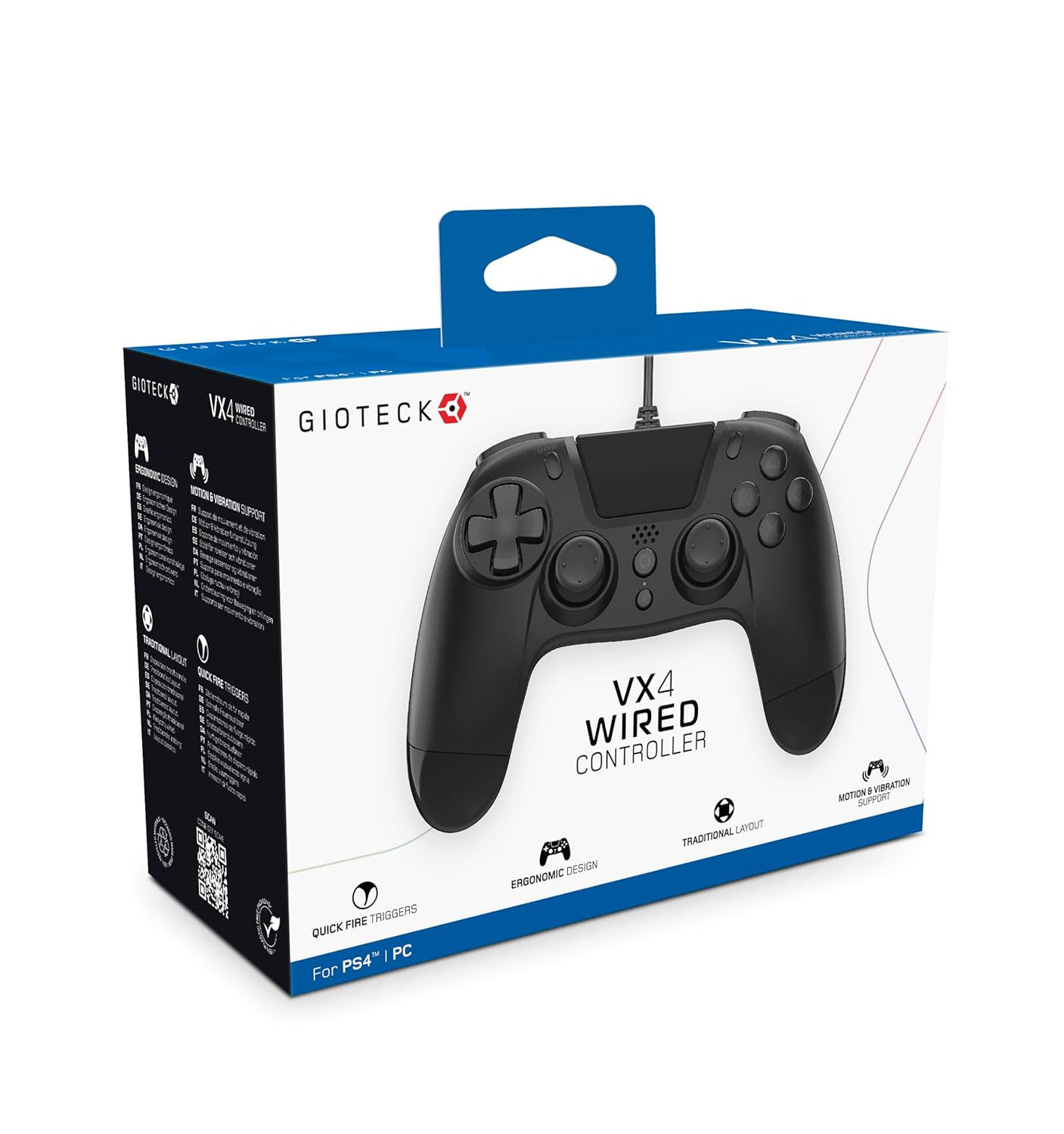
The Gioteck VX-4 Wired Controller is designed for PlayStation 4 and PC, offering a comfortable and responsive gaming experience. It features quick-fire triggers, a precision D-pad, and anti-slip rubber thumb sticks for enhanced performance, providing a next-level immersive gaming experience.
Кључне карактеристике:
- Quick Fire triggers
- Ергономски дизајн
- Traditional PlayStation layout
Садржај пакета:
- Gioteck VX-4 Wired Controller
- Кориснички приручник (овај документ)
Производ је завршенview:
Сетуп
Connecting to PlayStation 4:
- Уверите се да је ваша PlayStation 4 конзола укључена.
- Insert the USB connector of the VX-4 Wired Controller into an available USB port on your PlayStation 4 console.
- Контролер би требало да буде аутоматски препознат и спреман за употребу.
Повезивање са рачунаром:
- Уверите се да је ваш рачунар укључен.
- Insert the USB connector of the VX-4 Wired Controller into an available USB port on your PC.
- The PC operating system should automatically install the necessary drivers. If prompted, allow the driver installation to complete.
- The controller will be ready for use with compatible PC games.

Упутство за употребу
Распоред дугмета:
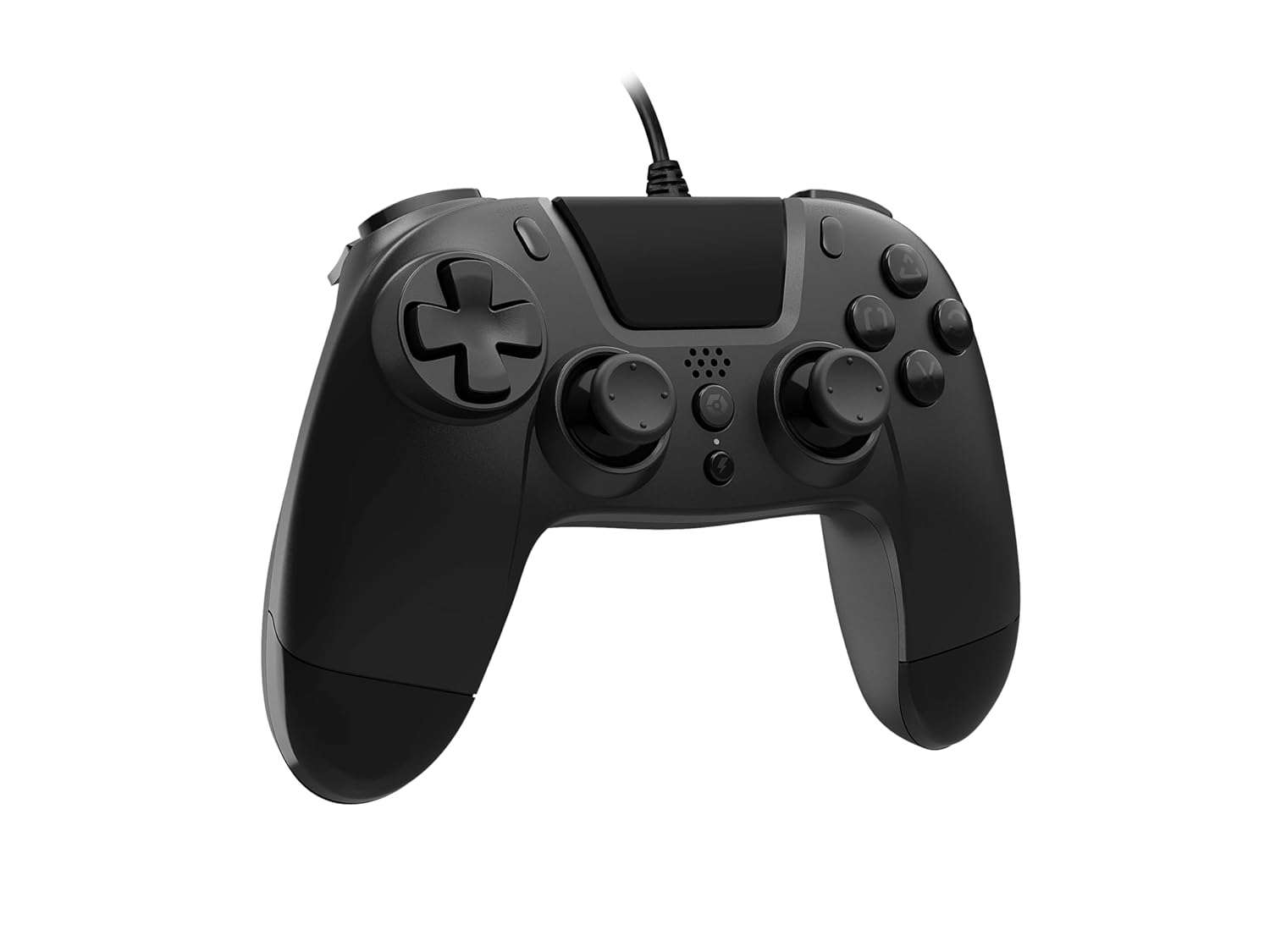
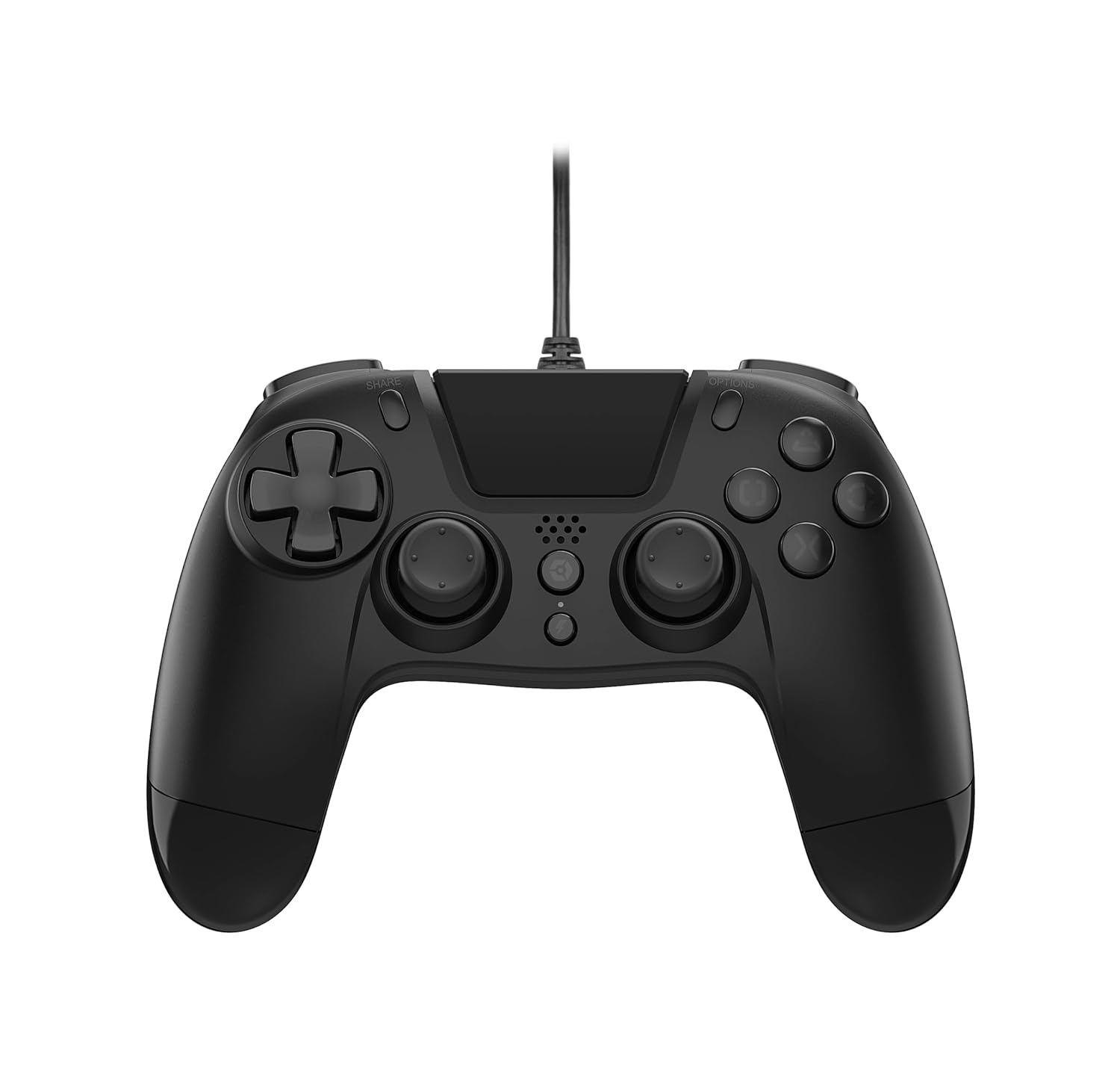
The VX-4 Wired Controller features a traditional PlayStation layout:
- Смерни тастер (D-Pad): За прецизан усмерни унос.
- Леви аналогни штап: Примарна контрола кретања.
- Десни аналогни штап: Camera or aiming control.
- Дугмад за акције (троугао, круг, крст, квадрат): Context-sensitive actions in games.
- Дугме ДЕЛИ: Share gameplay moments (PS4 only).
- Дугме ОПЦИЈЕ: Access in-game menus or pause (PS4 only).
- ПС дугме: Access the PlayStation Home screen or power on/off the console (PS4 only).
- Л1/Р1 дугмад: Shoulder buttons, typically for quick actions.
- L2/R2 окидачи: Analog triggers for precise input, such as acceleration or firing.
Коришћење контролера:
Once connected, the controller functions similarly to a standard PlayStation 4 controller for compatible games. For PC, ensure the game supports XInput or DirectInput controllers for optimal performance.
Одржавање
Чишћење:
За чишћење контролера користите меку, суву крпу. За тврдокорну прљавштину, благо дamp cloth can be used, but ensure no moisture enters the controller's internal components. Do not use harsh chemicals or abrasive cleaners, as these may damage the finish or internal electronics.
Складиштење:
Store the controller in a cool, dry place away from direct sunlight and extreme temperatures. Avoid placing heavy objects on the controller to prevent damage to the cable or buttons.
Нега каблова:
Do not sharply bend, twist, or pull on the controller cable. Always grasp the plug, not the cable, when connecting or disconnecting it from your console or PC to prevent internal wire damage.
Решавање проблема
Контролор не реагује:
- Уверите се да је УСБ кабл безбедно прикључен и на контролер и на конзолу/рачунар.
- Try plugging the controller into a different USB port on your console/PC.
- Поново покрените конзолу или рачунар.
- If on PC, check Device Manager to ensure the controller is recognized and drivers are installed correctly.
Дугмад или палице не раде исправно:
- Check for any physical obstructions or debris around the buttons or analog sticks.
- Ensure the controller is clean (refer to Maintenance section).
- Test the controller with another game or application to determine if the issue is specific to one program.
Вибрација не ради:
- Verify that the game or application you are playing supports vibration feedback.
- Проверите подешавања у игри да бисте били сигурни да је вибрација омогућена.
Спецификације
| Феатуре | Детаљ |
|---|---|
| Број модела | SWIAGJC |
| Повезивање | Жичани УСБ |
| Компатибилност | ПлаиСтатион 4, ПЦ |
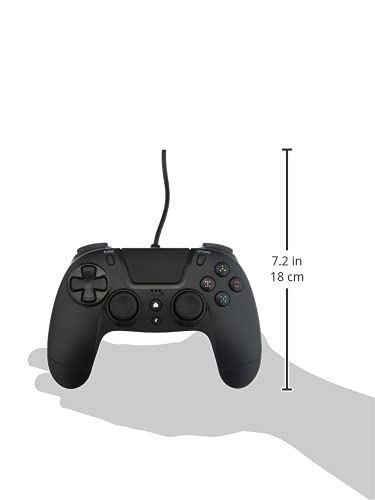
| Product Dimensions (Controller) | Approximately 7.2 inches (18 cm) in height |
| Тежина артикла | 7.41 унце (210 грама) |
| Произвођач | Ђотек |
Гаранција и подршка
For warranty information and technical support regarding your Gioteck VX-4 Wired Controller, please refer to the official Gioteck webсајт или директно контактирајте њихову корисничку службу. Препоручује се да сачувате доказ о куповини за евентуалне рекламације у вези са гаранцијом.
Manufacturer: Gioteck
Датум прве доступности: 10. септембар 2020.


