Увод
Овај приручник пружа детаљна упутства за подешавање, рад, одржавање и решавање проблема вашег ViewSonic VB-CAM-002 1080p Full HD Webcam. Please read this manual thoroughly before using the product to ensure proper functionality and to maximize your user experience.
Садржај пакета
Проверите да ли су све ставке присутне у паковању вашег производа:
- ViewSonic VB-CAM-002 Webцам
- УСБ кабл
- Водич за брзи почетак
- Цовер Цовер
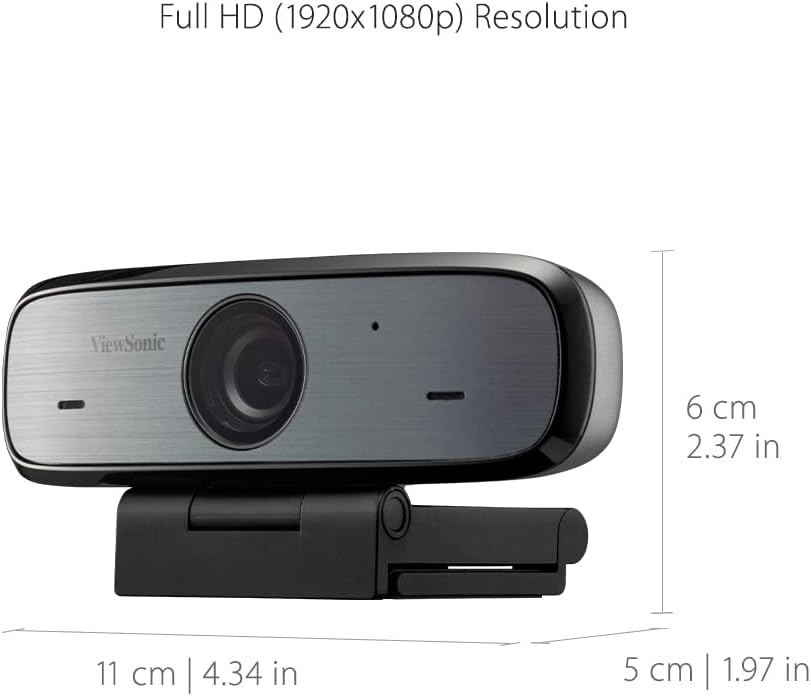
Figure 1: Package Contents - VB-CAM-002 Webcam, USB Cable, and Quick Start Guide.
Производ је завршенview
Тхе ViewSonic VB-CAM-002 is a Full HD 1080p webcam designed for high-quality video conferencing. It features a built-in stereo microphone for clear audio and a privacy cover for enhanced security.
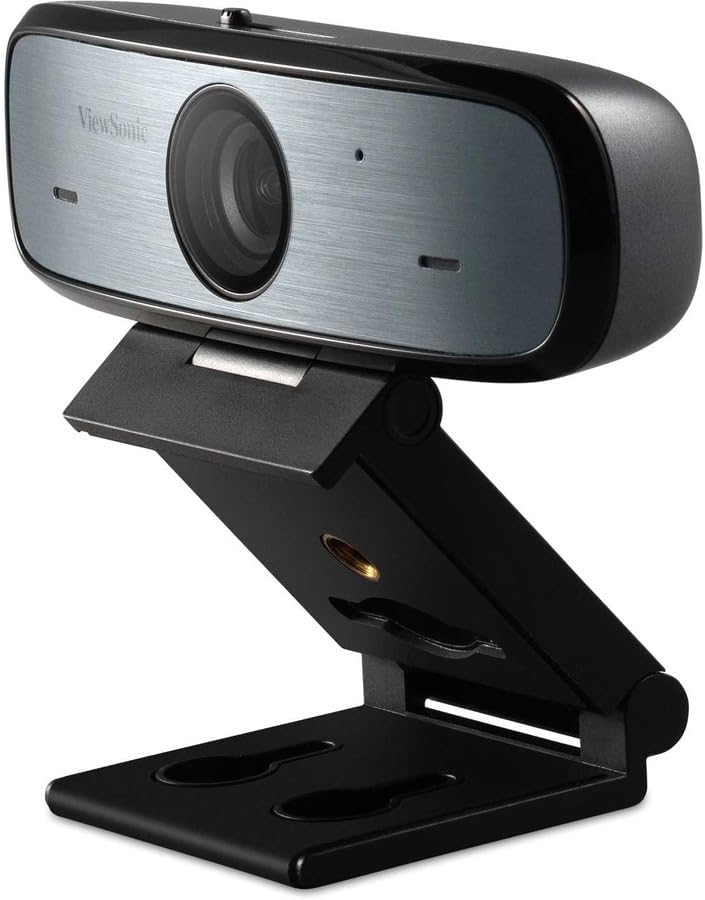
Слика 2: ViewSonic VB-CAM-002 Webцам.
Кључне карактеристике:
- Фулл ХД 1080п резолуција: Delivers clear video quality for calls and recordings.
- Built-in Stereo Microphone: Captures clear audio without the need for an external microphone.
- Заштита приватности: Physically blocks the camera lens when not in use, ensuring privacy.
- Плуг анд Плаи: Easy setup with USB connectivity.
- Cross-platform Support: Compatible with Windows, macOS, and Chrome OS.
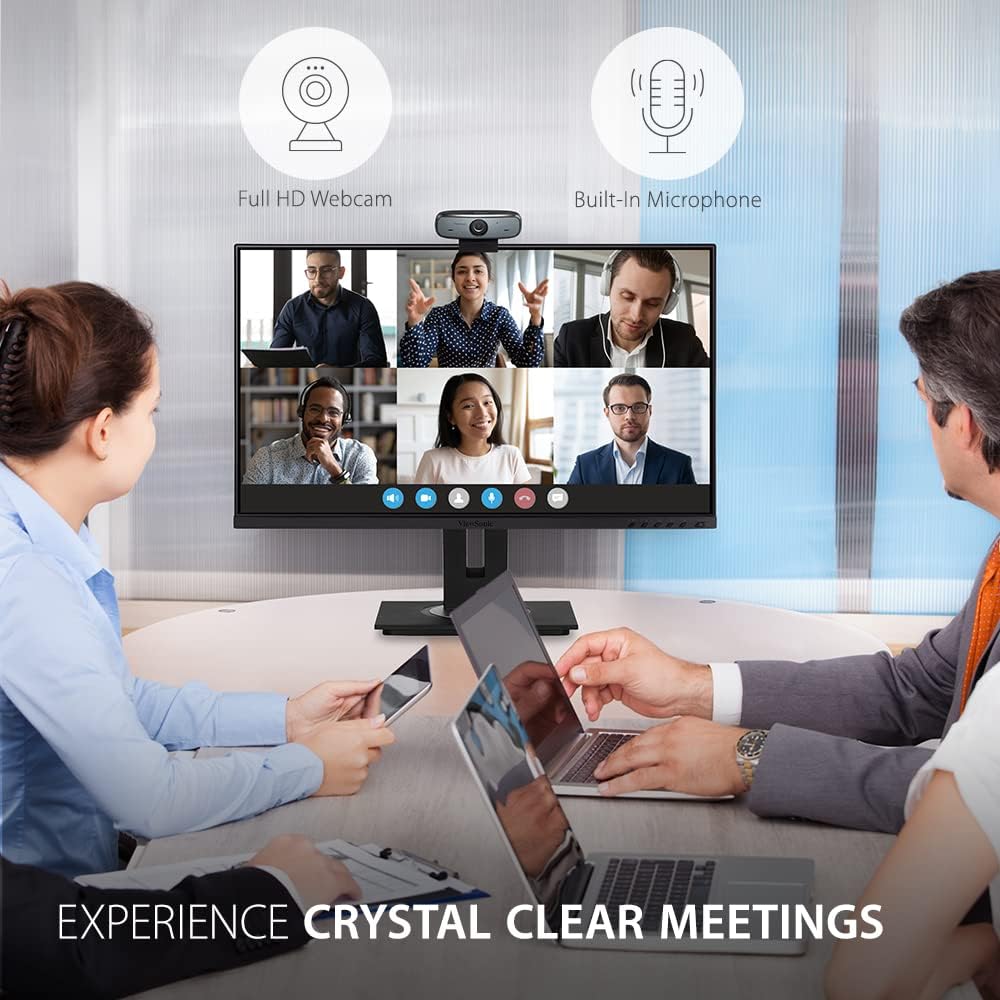
Слика 3: Webcam in use during a video conference, highlighting Full HD and built-in microphone features.
Сетуп
Follow these steps to set up your ViewSonic VB-CAM-002 webкамера:
- Монтажа Webкамера:
The VB-CAM-002 features a 3-in-1 mounting bracket for flexible installation. You can place it on top of your monitor, laptop screen, or a flat surface. The bracket also supports wall mounting.

Figure 4: Easy Installation options including adjustable angle, flexible bracket, wall mount, and cable management.
- На монитору/лаптопу: Open the bracket and rest the webcam on top of your screen. Adjust the bracket to secure it firmly.
- На равној површини: Fold the bracket to form a stable stand and place the webкамера на вашем столу.
- Zidni nosač: Use the integrated wall mount holes on the bracket to secure the webcam to a wall (mounting hardware not included).
- Повезивање са рачунаром:
Повежите приложени УСБ кабл на webcam's USB Micro B port and then to an available USB port on your computer. The webcam is plug-and-play, meaning it should be automatically recognized by your operating system (Windows, macOS, Chrome OS) without requiring additional driver installation.

Слика 5: Webcam connected to a laptop, demonstrating plug-and-play functionality for 1080p resolution.
- Интегрисано управљање кабловима:
Utilize the integrated cable bracket to manage the USB cable neatly, preventing clutter.
Упутство за употребу
- Коришћењем Webкамера:
Једном повезан, webcam will be available as a video and audio input device in your video conferencing applications (e.g., Zoom, Microsoft Teams, Google Meet, Skype) or recording software. Select "ViewSonic VB-CAM-002" as your preferred camera and microphone in the application settings.
- Подешавање угла камере:
Тхе webcam's bracket allows for an adjustable camera angle. Tilt the webпомерите се горе или доле да бисте постигли жељени резултат viewугао уласка.
- Коришћење заштитне фолије за приватност:
To ensure privacy when the webcam is not in use, slide the integrated privacy cover over the lens. This physically blocks the camera, preventing unintended video capture.

Figure 6: Activating the privacy cover for enhanced security.
Одржавање
- Чишћење сочива: Use a soft, lint-free cloth to gently wipe the camera lens. Avoid using harsh chemicals or abrasive materials that could scratch the lens.
- Генерално чишћење: Обришите тело webcam with a dry or slightly damp тканина.
- Складиштење: Када се не користи дуже време, чувајте webcam in a clean, dry place.
Решавање проблема
| Проблем | Могући узрок | Решење |
|---|---|---|
| WebРачунар није детектовао камеру. | Loose USB connection, faulty USB port, operating system issue. |
|
| Нема видео излаза. | Privacy cover engaged, incorrect camera selection in application, application permissions. |
|
| No audio input (microphone not working). | Incorrect microphone selection in application, application permissions, microphone muted. |
|
Спецификације
| Феатуре | Детаљ |
|---|---|
| Број модела | ВБ-ЦАМ-002 |
| Резолуција снимања видео записа | 1080п Фулл ХД |
| Микрофон | Уграђени стерео микрофон |
| Технологија повезивања | УСБ |
| Подршка за оперативни систем | Виндовс, мацОС, Цхроме ОС |
| Димензије артикла (ДкШкВ) | 5.5 x 4.6 x 2.3 инча (приближно 14 x 11.7 x 5.8 цм) |
| Тежина артикла | 8 унце (приближно 227 грама) |
| Функција приватности | Integrated Privacy Cover |

Figure 7: Physical dimensions of the VB-CAM-002 webцам.
Гаранција и подршка
ViewSonic products are manufactured to the highest standards and are designed to deliver reliable performance. For information regarding warranty coverage, technical support, or service, please refer to the Quick Start Guide included in your package or visit the official ViewСониц website. You may also find additional support resources and FAQs online.
За даљу помоћ, молимо контактирајте ViewСоник корисничка подршка.


