1. Увод
Thank you for choosing the ORSKEY S950 Dash Cam. This manual provides detailed instructions for the proper installation, operation, and maintenance of your new dash camera system. Please read this manual thoroughly before use to ensure optimal performance and longevity of the device.

Image: The ORSKEY S950 Dash Cam, showing the main front unit with a 3-inch IPS screen and the separate rear camera.
2. Производ је готовview
2.1 Садржај пакета
The ORSKEY S950 Dash Cam package includes the following items:
- ORSKEY S950 Front Dash Camera
- Задња камера
- Цар Цхаргер
- Mounting Bracket (Dashboard Mount)
- Кабл задње камере
- Упутство за употребу
- Memory Card (Included components: Memory Card)
2.2 Кључне карактеристике
The ORSKEY S950 Dash Cam is equipped with advanced features for comprehensive vehicle surveillance:
- 4K Ultra HD Front Recording: Снима јасне, детаљне снимке хранеtage.
- 1080P Rear Recording: Пружа широк view задњег дела возила.
- Sony Starvis Sensor: Enhances low-light performance for superior night vision.
- 3-инчни IPS екран: Offers a clear and wide viewing angle for playback and settings.
- 170-Degree Wide Field of View: Both front and rear cameras cover multiple lanes.
- Лооп Рецординг: Аутоматски преписује најстарији footagе када је меморијска картица пуна.
- G-Sensor (Emergency Accident Lock): Detects sudden impacts and locks the current video to prevent overwriting.
- Надзор паркирања: Обезбеђује надзор када је возило паркирано (захтева континуирано напајање).
- Support for up to 128GB MicroSD Card: Allows for extended recording times.

Image: Visual representation of the ORSKEY S950's powerful functions, including 4K+1080P recording, Sony Sensor, 3" IPS screen, dual 170° FOV, G-Sensor, Loop Recording, Parking Monitoring, Emergency Recording, and Max 128GB support.
3. Подешавање и инсталација
3.1 Уметање MicroSD картице
- Уверите се да је камера у аутомобилу искључена.
- Locate the MicroSD card slot on the side of the main unit.
- Insert the MicroSD card (Class 10 or higher, up to 128GB) into the slot until it clicks into place.
- Важно: Format the MicroSD card within the dash cam's settings menu before first use and periodically thereafter to ensure stable recording.
3.2 Монтирање предње камере
- Очистите подручје ветробранског стакла где намеравате да монтирате камеру.
- Attach the suction cup mount or adhesive mount to the windshield, ensuring it does not obstruct your view.
- Slide the main dash cam unit onto the mounting bracket until it locks securely.
- Adjust the camera lens angle to ensure it captures the road ahead clearly.
3.3 Инсталирање задње камере
- Determine the optimal mounting location for the rear camera, typically on the rear windshield or near the license plate.
- Темељно очистите монтажну површину.
- Secure the rear camera using the provided adhesive or screws.
- Route the rear camera cable from the rear of the vehicle to the front dash cam unit. Ensure the cable is tucked away neatly to avoid interference with driving.
- Повежите кабл задње камере са одређеним портом на главној јединици камере на инструмент табли.

Image: Illustration of the dual lens dash camera's wide 170° viewing angles for both front and rear, providing comprehensive coverage.
3.4 Прикључак за напајање
- Прикључите пуњач за аутомобил на улазни прикључак за напајање камере у аутомобилу.
- Укључите други крај ауто пуњача у утичницу за упаљач у вашем возилу.
- Камера у аутомобилу ће се аутоматски укључити и почети снимање када се укључи паљење возила.
4. Упутство за употребу
4.1 Основни рад
- Укључивање/искључивање: The camera powers on/off automatically with the vehicle's ignition. You can also manually power on/off by pressing and holding the power button.
- Снимање: Once powered on and with a formatted MicroSD card, the camera will automatically start loop recording. A flashing indicator light usually signifies active recording.
- Екран укључен/искључен: The screen can be set to turn off automatically after a set period to avoid distraction while driving. Recording continues in the background.
4.2 Снимање у петљи
Loop recording ensures continuous recording by overwriting the oldest unlocked video files when the MicroSD card reaches its capacity. This feature prevents the card from filling up and stopping recording.
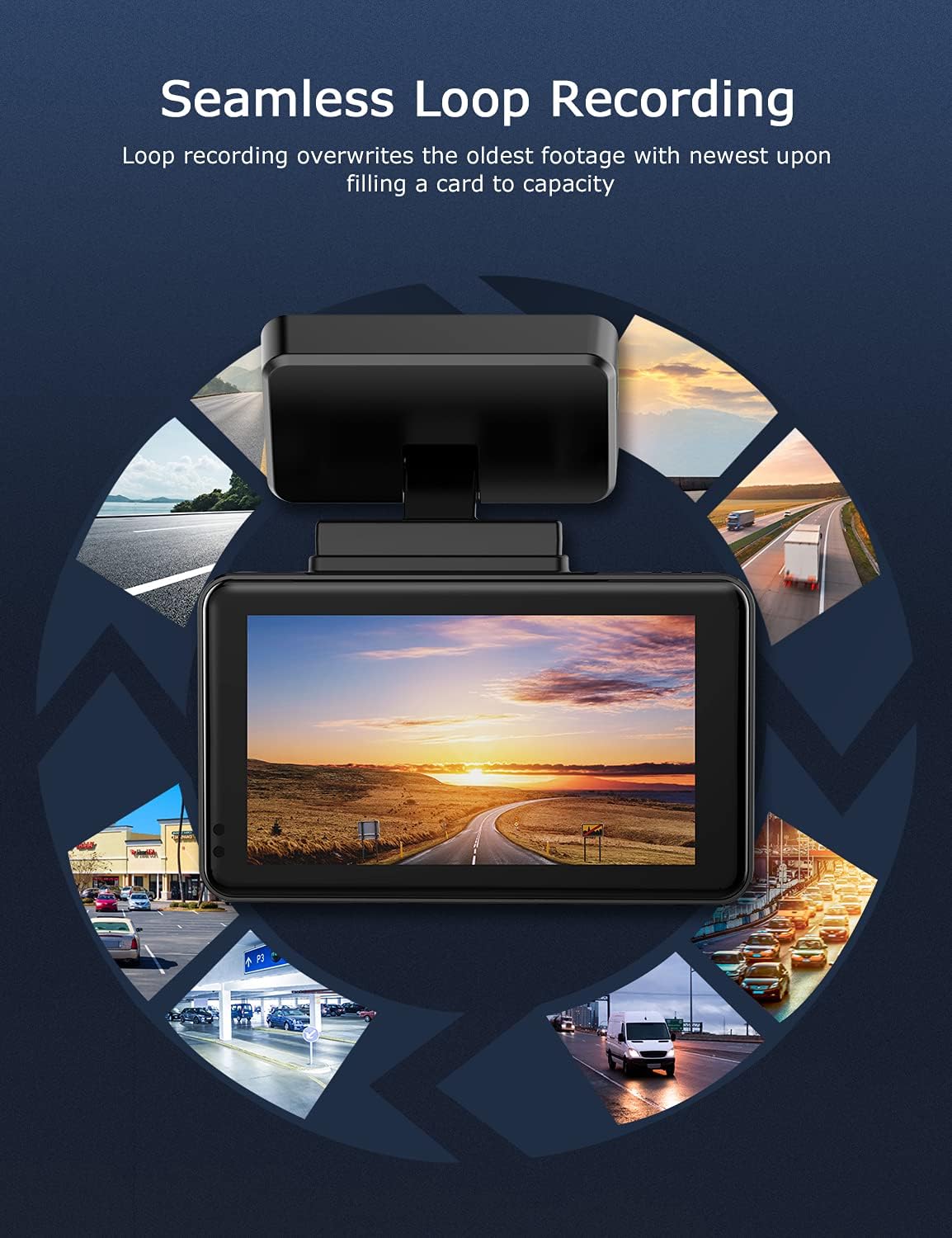
Image: Visual explanation of seamless loop recording, where the dash cam continuously records and overwrites the oldest footage once the memory card is full.
4.3 Г-сензор и закључавање у случају нужде
The built-in G-sensor detects sudden acceleration, braking, or collisions. When triggered, it automatically locks the current video segment, protecting it from being overwritten by loop recording. These locked fileсе чувају у посебној фасцикли на MicroSD картици.

Image: Depiction of the Emergency Accident Lock feature, where the G-sensor detects an impact and automatically locks the video footage as important evidence.
4.4 Надгледање паркинга
When enabled, parking monitoring allows the dash cam to automatically record if it detects a collision or vibration while the vehicle is parked. This feature typically requires a hardwire kit (sold separately) for continuous power supply.
4.5 Ноћни вид
Equipped with a Sony Starvis Sensor, the ORSKEY S950 provides enhanced night vision capabilities, capturing clear video footagе чак иу условима слабог осветљења.
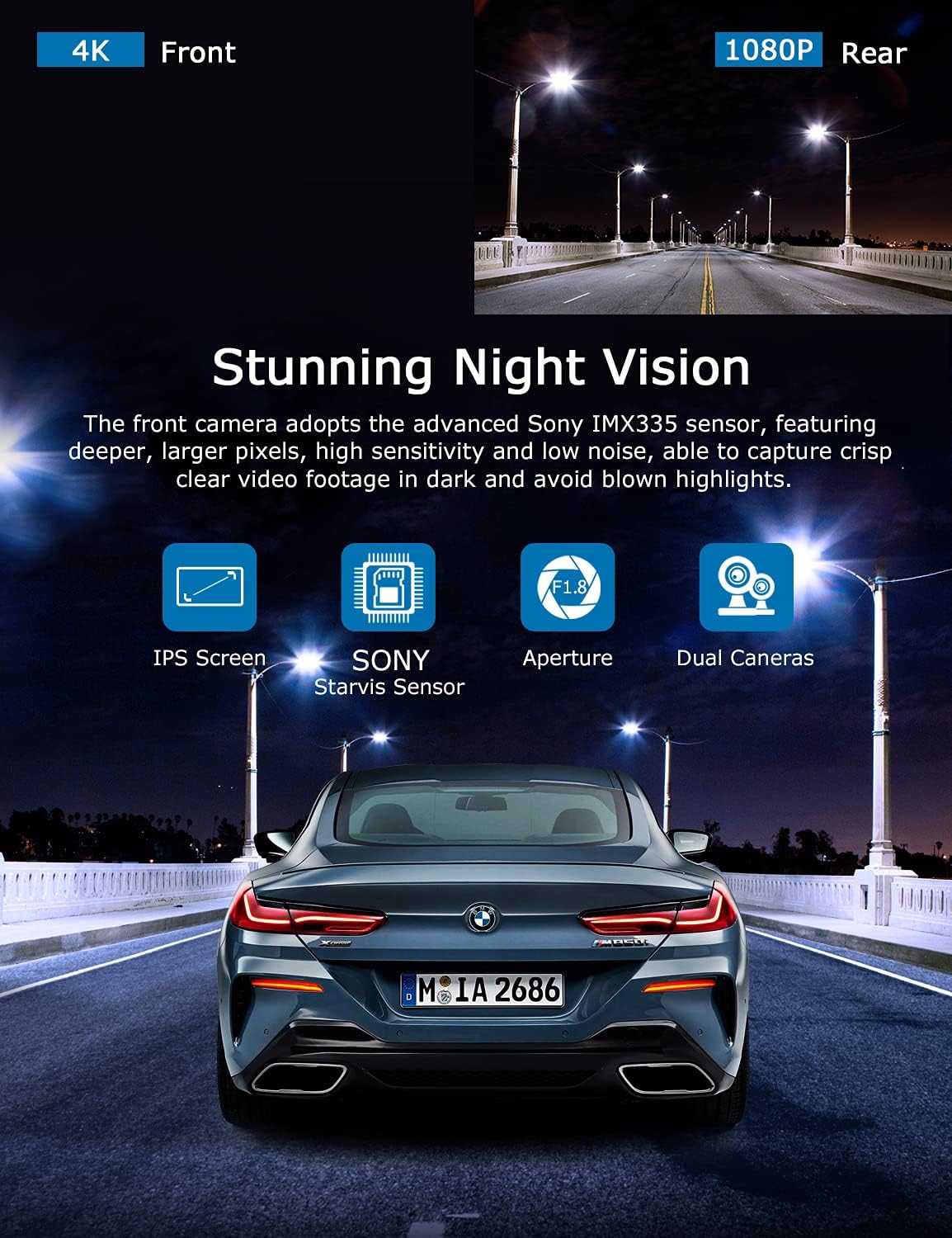
Image: Illustration highlighting the stunning night vision capability of the ORSKEY S950, showing clear footage in dark environments.
4.6 Репродукција
То реview снимљено фооtage:
- Stop recording by pressing the OK button (if currently recording).
- Enter playback mode via the menu options.
- Navigate through video files using the up/down buttons.
- Изаберите а file и притисните ОК за репродукцију.
- You can also remove the MicroSD card and view files on a computer using a compatible media player.
5. Одржавање
- Форматирање MicroSD картице: Regularly format the MicroSD card (at least once a month) to prevent data corruption and ensure optimal performance. Back up important fileс пре форматирања.
- Чишћење: Користите меку, суву крпу за чишћење сочива и екрана камере. Избегавајте употребу абразивних средстава за чишћење или растварача.
- температура: Избегавајте излагање камере за аутомобил екстремним температурама током дужег периода, јер то може утицати на век трајања батерије и интегритет компоненти.
КСНУМКС. Решавање проблема
| Проблем | Могући узрок | Решење |
|---|---|---|
| Камера се не укључује. | No power supply; faulty charger; dead battery. | Check car charger connection and vehicle's cigarette lighter. Ensure the camera's internal battery is charged. |
| "Card Error" or recording stops. | MicroSD card not formatted, incompatible, or corrupted. | Format the MicroSD card in the camera. Use a high-quality Class 10 (U3 recommended) MicroSD card from a reputable brand. Try a different card. |
| Video playback is laggy or corrupted. | Slow MicroSD card; file system issues; incompatible player. | Ensure you are using a high-speed MicroSD card (V30/U3). Format the card. Try playing videos with a different media player on your computer. |
| Rear camera image is reversed. | Default setting for mirror view. | Check camera settings for a 'Mirror Image' or 'Flip' option for the rear camera. If not available, this may be intended for reverse assistance rather than recording. |
| Г-сензор је превише осетљив/недовољно осетљив. | Подешавање осетљивости Г-сензора. | Adjust the G-Sensor sensitivity level in the camera's settings menu. |
7. Спецификације
| Феатуре | Спецификација |
|---|---|
| Број модела | С950 |
| Резолуција снимања видео записа | 4K (напред), 1080P (задњи) |
| Величина екрана | 3-инчни ИПС екран |
| Поље оф View | 170 Degrees (Front & Rear) |
| Посебне карактеристике | Loop Recording, Night Vision, G-Sensor, Parking Monitoring |
| Подршка за складиштење | Up to 128GB MicroSD Card (Class 10/U3 recommended) |
| Контролни метод | Додирните |
| Извор напајања | Пуњач за аутомобил (1 литијум-полимерска батерија укључена) |
| Димензије производа | КСНУМКС к КСНУМКС к КСНУМКС цм; КСНУМКС г |
8. Гаранција и подршка
ORSKEY products are designed for reliability and performance. For warranty information, technical support, or any inquiries regarding your ORSKEY S950 Dash Cam, please refer to the contact details provided on the official ORSKEY website or the product packaging. Keep your purchase receipt as proof of purchase for warranty claims.
For further assistance, you may visit the ORSKEY Store on Amazon: ORSKEY Store


