1. Увод
This manual provides instructions for the Monoprice Dark Matter 27-inch 165Hz Gaming Monitor. This monitor features an IPS panel, a 165Hz refresh rate, and a 1920x1080p Full HD resolution. It includes Adaptive Sync technology for smooth visuals and offers multiple connectivity options, including HDMI and DisplayPort inputs.
2. Безбедносне информације
- Read all instructions before operating the monitor.
- Keep the monitor away from water or damp окружења.
- Не блокирајте отворе за вентилацију.
- Користите само адаптер за напајање који је обезбедио произвођач.
- Избегавајте постављање монитора на нестабилне површине.
- Искључите кабл за напајање током грмљавине или када се не користи дуже време.
- Све сервисирање препустите квалификованом особљу.
3. Садржај пакета
Проверите да ли ваш пакет садржи следеће ставке:
- Monoprice Dark Matter 27-inch Gaming Monitor
- Постоље за монитор (база и врат)
- Адаптер за напајање и кабл за напајање
- ХДМИ кабл
- Кориснички приручник (овај документ)
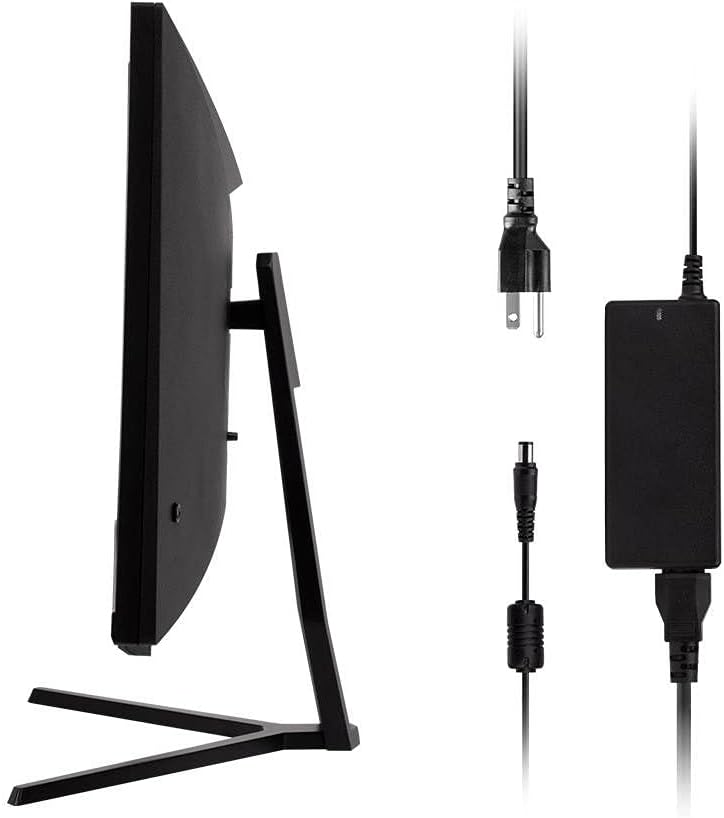
Image: Monitor side view with included power adapter and cable.
4. Монитор Оверview
Фронт View
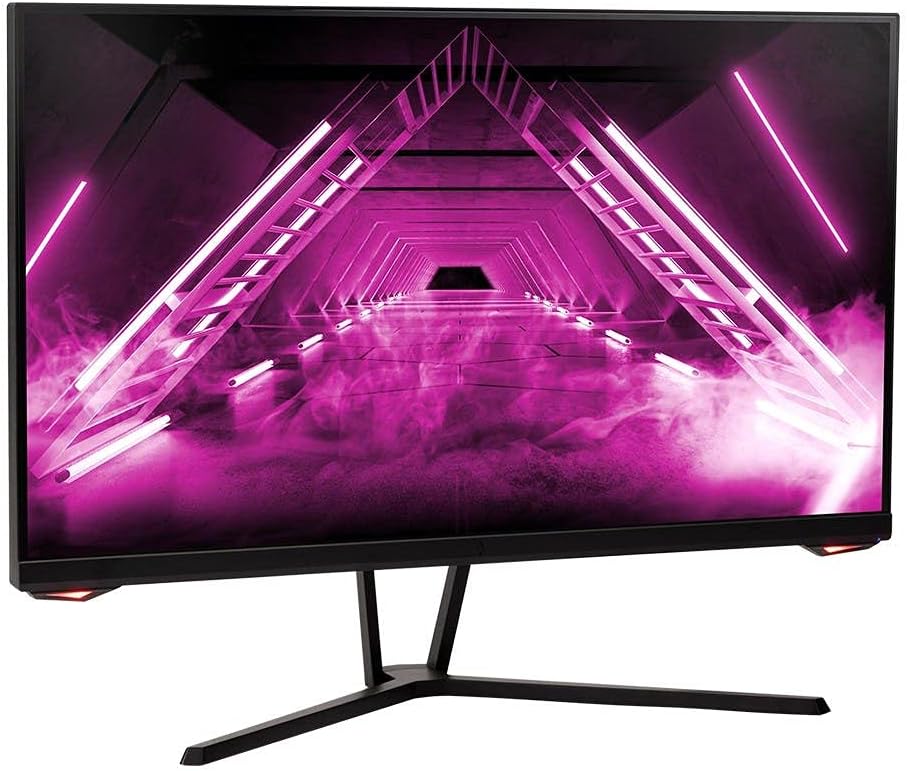
Слика: Фронт view монитора.
Позади View и луке
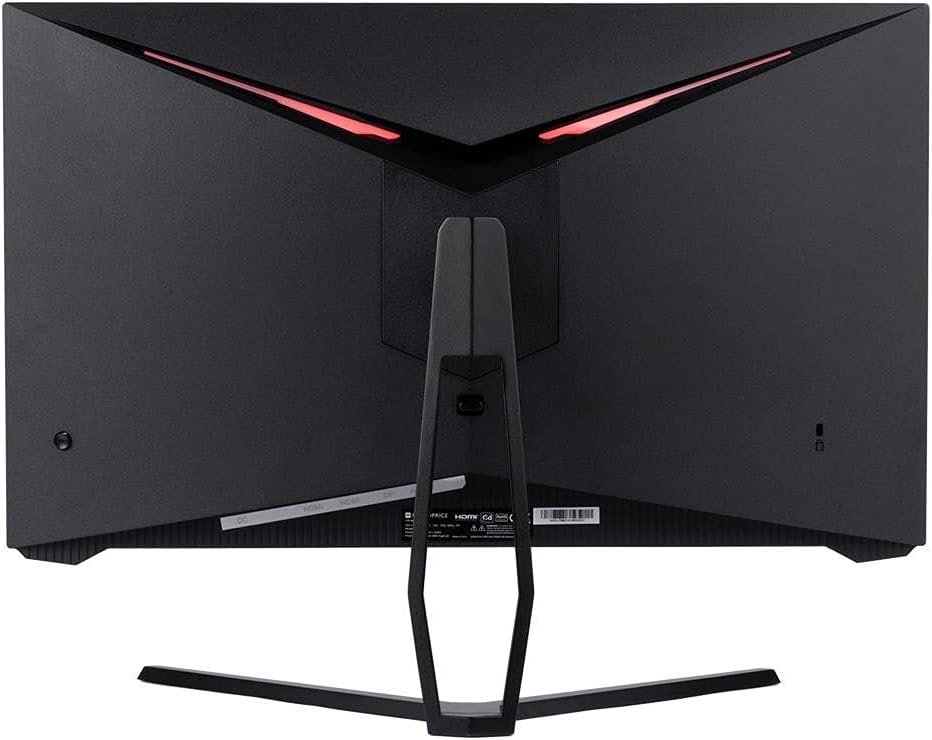
Слика: Позади view of the monitor, highlighting the VESA mount and stand attachment.

Image: Close-up of the monitor's input ports.
5. Подешавање
5.1 Склапање постоља
- Пажљиво извадите монитор из паковања, држећи га заштићеним на мекој површини.
- Attach the stand neck to the monitor's rear panel by aligning the tabs and securing any screws if present.
- Attach the stand base to the stand neck, ensuring it is firmly secured.
- Поставите састављени монитор на стабилну, равну површину.
5.2 ВЕСА монтажа
The monitor supports a 75x75mm VESA mount pattern. To use a wall or desk mount:
- Remove the pre-attached stand by unscrewing it from the monitor's rear panel.
- Attach your VESA-compatible mount to the monitor using the appropriate screws (not included).
- Ensure the mount is securely fastened before releasinмонитор.
5.3 Повезивање са рачунаром
Повежите монитор са рачунаром користећи једну од следећих метода:
- ДисплаиПорт: Connect one end of a DisplayPort cable to the DisplayPort output on your computer's graphics card and the other end to the DisplayPort input on the monitor.
- ДВИ: Connect one end of an HDMI cable to an HDMI output on your computer's graphics card and the other end to one of the HDMI inputs on the monitor.
After connecting the video cable, connect the power adapter to the monitor's DC input and then plug the power cable into a wall outlet.
6. Руковање монитором
6.1 Укључивање/искључивање
Press the power button, typically located on the rear or bottom of the monitor, to turn the monitor on or off. The power indicator light will illuminate when the monitor is on.
6.2 Приказ на екрану (ОСД) мени
The OSD menu allows you to adjust various monitor settings. Access the OSD menu by pressing the menu button (often a joystick or a series of buttons) on the monitor. Navigate through the options using the directional controls and confirm selections.
Уобичајена подешавања на екрану укључују:
- Подешавања слике: Осветљеност, контраст, оштрина, температура боје.
- Изаберите улаз: Choose between DisplayPort and HDMI inputs.
- аудио: Volume control for the audio output.
- Карактеристике игара: Overdrive, FreeSync/Adaptive Sync settings.
6.3 Кључне карактеристике
- Брзина освежавања од 165Хз: This monitor supports a 165Hz refresh rate, providing smoother motion and reduced input lag compared to standard 60Hz monitors. Ensure your graphics card and system settings are configured to utilize this refresh rate.
- Прилагодљива синхронизација: This technology synchronizes the monitor's refresh rate with your graphics card's frame rate, eliminating screen tearing and stuttering for a smoother gaming experience. Enable Adaptive Sync in your graphics card's control panel and the monitor's OSD menu.
- Full HD Resolution (1920x1080p): The monitor displays content at 1920x1080 pixels, offering clear and detailed visuals.
7. Одржавање
To maintain your monitor and ensure its longevity:
- Чишћење екрана: Нежно обришите екран меком крпом која не оставља влакна. За тврдокорне мрље користите средство за чишћење посебно за мониторе нането на крпу, а не директно на екран.
- Чишћење Цasing: Користите меку, суву крпу да обришете монитор casinг. Избегавајте абразивна средства за чишћење.
- вентилација: Уверите се да су вентилациони отвори монитора чисти од прашине и препрека како бисте спречили прегревање.
- Искључивање: Искључите монитор када га не користите дуже време.
КСНУМКС. Решавање проблема
Ако наиђете на проблеме са монитором, погледајте следећи водич за решавање проблема:
| Проблем | Могући узрок | Решење |
|---|---|---|
| No image on screen / Power LED off | Monitor not powered on; Power cable loose; Power outlet faulty. | Press the power button; Check power cable connections; Try a different power outlet. |
| Нема слике / порука „Нема сигнала“ | Video cable loose; Incorrect input selected; Computer not outputting signal. | Check video cable connections; Select the correct input via OSD; Ensure computer is on and outputting video. |
| Screen flickers or goes black intermittently | Loose video cable; Graphics driver issue; Monitor overheating; Faulty cable. | Ensure video cable is secure; Update graphics drivers; Ensure adequate ventilation around the monitor; Try a different video cable. |
| Прегревање / дим | Blocked ventilation; Internal component issue. | Immediately unplug the monitor. Ensure ventilation is clear. Do not use the monitor if smoke is present. Contact support. |
| Red line or other display artifacts | Faulty panel; Graphics card issue. | Test with a different video cable and computer. If the issue persists, contact support. |
| Backlight turns off, requires power cycle | Power management settings; Internal fault. | Check computer's power saving settings. If issue persists, contact support. |
9. Спецификације
| Феатуре | Спецификација |
|---|---|
| Број модела | 142771 |
| Величина екрана | 27 инча |
| Панел Типе | ИПС |
| Резолуција | 1920 x 1080 (FHD 1080p) |
| Рефресх Рате | 165Хз |
| Аспецт Ратио | 16:9 |
| Видео улази | 2x HDMI 1.4, 1x DisplayPort 1.2a |
| ВЕСА Моунт | 75к75мм |
| Димензије (ДкШкВ) | 28.8 к 7.1 к 19.3 инча |
| Тежина артикла | 15.77 фунти |
10. Гаранција и подршка
10.1 Информације о гаранцији
This Monoprice monitor is backed by a 1 Year PixelPerfect Guarantee. This warranty covers defects in materials and workmanship under normal use for one year from the date of purchase. Please refer to Monoprice's official webсајт за пуне услове гаранције.
10.2 Корисничка подршка
For technical assistance, warranty claims, or further information, please contact Monoprice Customer Support. Contact details can typically be found on the official Monoprice webсајт или вашу документацију о куповини.
11. Видео ресурси
No official product videos from the seller were found for this model.


