Увод
Тхе ViewСоник X1 је алamp-free, high-brightness smart projector designed for Full HD home entertainment. Utilizing 3rd generation LED technology, it offers an impressive lifespan of up to 30,000 hours, eliminating the need for frequent lamp replacements. With 2,300 ANSI lumens of brightness and 125% Rec. 709 color accuracy, the X1 delivers bright and stunning cinematic colors for a large-screen experience. Dual Harman Kardon speakers provide powerful, room-filling sound and Bluetooth compatibility for audio streaming. Embedded Wi-Fi enables screen mirroring from smart devices. Installation is made easy with vertical lens shift, 1.3x optical zoom, H/V keystone, and 4-corner adjustment capabilities.
Шта је у кутији
Приликом отварања вашег ViewSonic X1 projector package, you should find the following items:
- ViewSonic X1 пројектор
- Кабл за напајање (може да варира у зависности од региона)
- Ремоте Цонтрол
- Водич за брзи почетак

The image above displays the ViewSonic X1 projector along with its standard accessories: a power cable, a quick start guide, and a remote control. Ensure all items are present and in good condition before proceeding with setup.
Подешавање и инсталација
Тхе ViewSonic X1 projector offers flexible installation options to suit various home theater environments. Follow these steps for initial setup:
- Пласман: Position the projector on a flat surface or mount it to the ceiling. Consider the desired screen size and distance from the projection surface. The projector supports screen sizes up to 150 inches from a distance of 4.98 meters (16.3 feet).
- Прикључак за напајање: Connect the power cable to the projector and then to a power outlet.
- Извор уноса: Connect your media devices (e.g., laptop, gaming console, streaming dongle) to the projector using the available input ports (HDMI, USB-C).
- Укључено: Притисните дугме за напајање на пројектору или даљинском управљачу да бисте укључили уређај.
- Подешавање слике:
- Фокус: Use the focus ring on the projector to sharpen the image.
- Зумирање: Adjust the 1.3x optical zoom to achieve the desired image size without moving the projector.
- Кеистоне Цоррецтион: Utilize the H/V keystone correction and 4-corner adjustment features to correct distorted images, especially when the projector is not perfectly centered or angled.
- Вертикални помак сочива: The vertical lens shift feature provides additional flexibility for adjusting the image height without tilting the projector.

This diagram illustrates the recommended distances for achieving different screen sizes, from 60 inches to 150 inches, providing guidance for optimal projector placement.

The image demonstrates the projector's flexible installation capabilities, including ceiling mounting, allowing for versatile placement within your home theater setup.
Упутство за употребу
Тхе ViewSonic X1 projector is designed for user-friendly operation. Here are the basic steps to operate your projector:
- Укључивање/искључивање: Press the power button on the top panel of the projector or on the remote control to turn on the device. The power indicator light will illuminate.
- Изаберите извор улаза: Use the "Source" button on the remote or projector's top panel to cycle through available input sources (HDMI 1, HDMI 2, USB-C, Wi-Fi).
- Навигација: Use the arrow keys and "Enter" button on the remote control to navigate through the on-screen menu for settings adjustments.
- Контрола јачине звука: Adjust the volume using the dedicated volume buttons on the remote control. The dual Harman Kardon speakers provide powerful, room-filling sound.
- Пресликавање екрана: For wireless content streaming, select the Wi-Fi input source and follow the on-screen instructions to mirror your smart device.
- Блуетоотх аудио: Connect Bluetooth headphones or external speakers for personalized or enhanced audio experience.

This image highlights the projector's versatile connectivity, showing how it can connect to various devices via Wi-Fi, Bluetooth, USB-C, and HDMI, enabling seamless content streaming.
Кључне карактеристике
- Фулл ХД 1080п резолуција: Experience crisp and clear images with native 1920 x 1080 resolution, perfect for movies, games, and presentations.
- Осветљеност 2,300 ANSI лумена: Enjoy vibrant and bright images in various lighting conditions, suitable for both day and night viewинг.
- 3rd Generation LED Technology: Benefit from a lamp-free design with an extended lifespan of up to 30,000 hours, reducing maintenance and replacement costs.
- 125% Rec. 709 Color Accuracy: Delivers stunning cinematic colors with high accuracy for a true-to-life visual experience.
- Dual Harman Kardon Speakers: Integrated premium speakers provide powerful, room-filling audio, enhancing your entertainment.
- Блуетоотх повезивање: Stream audio directly from your smartphone or connect to Bluetooth headphones for personal listening.
- Embedded Wi-Fi & Screen Mirroring: Easily mirror content from your smart devices to the big screen for seamless streaming.
- Флексибилна инсталација: Features like vertical lens shift, 1.3x optical zoom, H/V keystone, and 4-corner adjustment simplify setup and image alignment.
- УСБ-Ц повезивање: Supports direct content streaming from compatible devices like laptops and Nintendo Switch without a docking station.
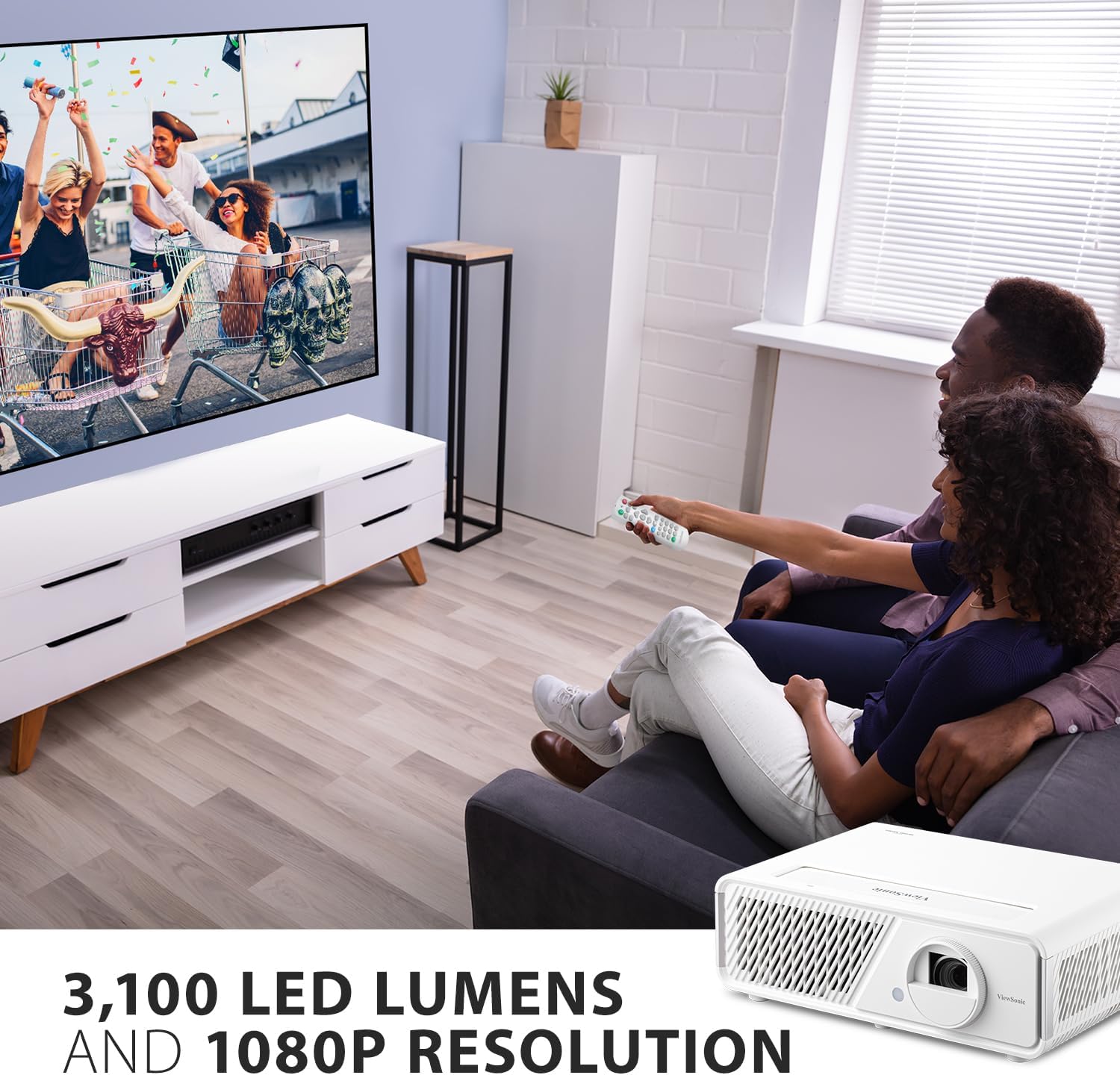
This image showcases the projector's ability to create a large, immersive viewing experience with its Full HD 1080p resolution and high brightness, making it ideal for movies and games.
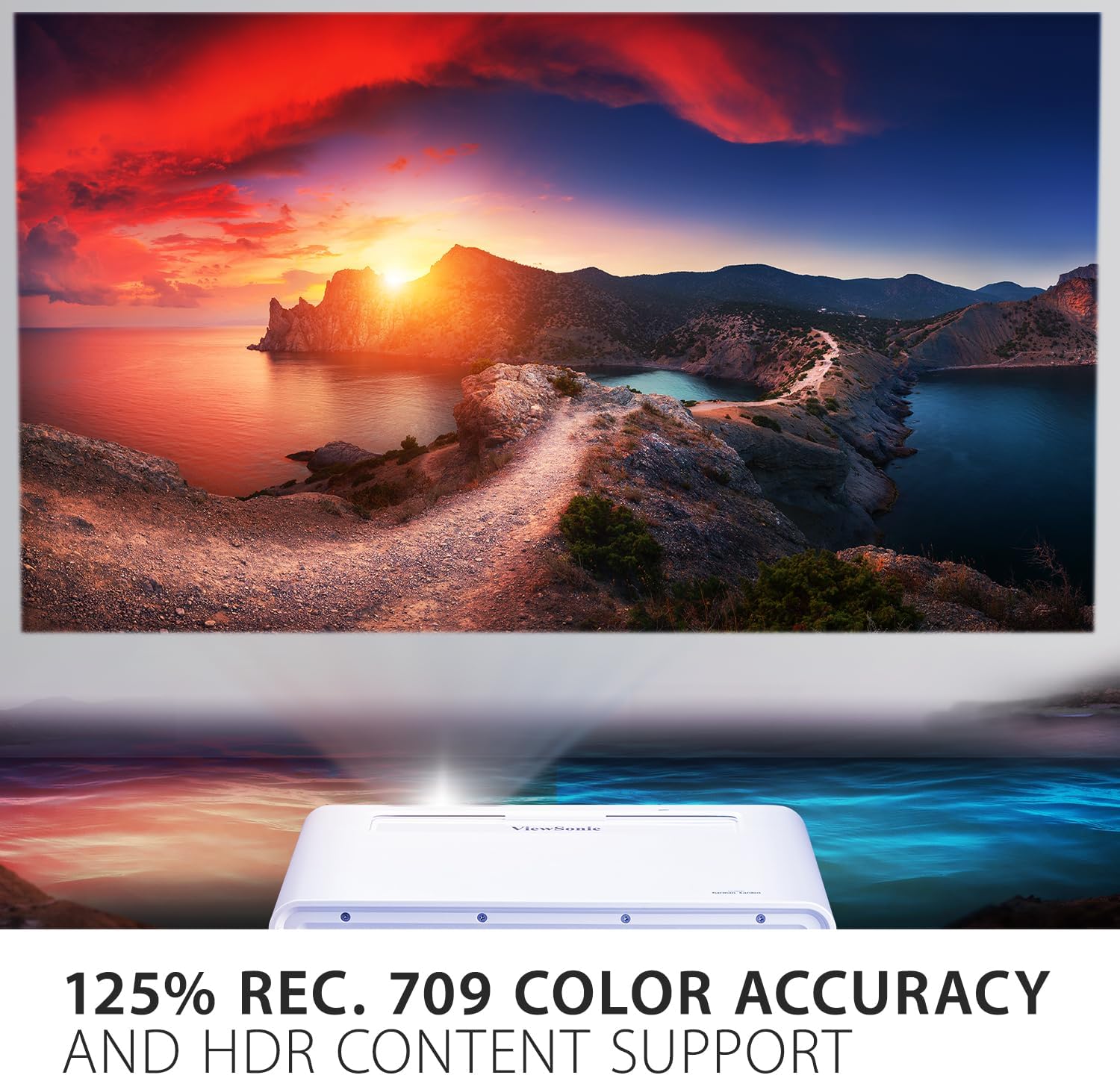
The image illustrates the projector's impressive 125% Rec. 709 color accuracy, which ensures vivid and true-to-life colors for an enhanced viewинг искуство.

This close-up highlights the projector's built-in dual Harman Kardon speakers, which deliver powerful and clear audio for an immersive sound experience.
Овај видео пружа детаљан преглед ViewSonic LED 1080p Home Theater Projector, demonstrating its performance and various functionalities in a home entertainment context.
Одржавање
Правилно одржавање осигурава дуготрајност и оптималне перформансе вашег ViewSonic X1 projector. Follow these guidelines:
- Чишћење сочива: Use a soft, lint-free cloth specifically designed for optical lenses to gently wipe the projector lens. Avoid using abrasive cleaners or cloths that could scratch the lens.
- Чишћење кућишта пројектора: Обришите спољашњост пројектора меком, сувом крпом. Не користите течна или аеросолна средства за чишћење директно на уређају.
- вентилација: Ensure that the projector's ventilation openings are not blocked to prevent overheating. Maintain adequate space around the projector for proper airflow.
- Складиштење: When not in use for extended periods, store the projector in a cool, dry place, ideally in its original packaging or a protective case, to shield it from dust and moisture.
- ЛЕД извор светлости: The 3rd generation LED light source has a lifespan of up to 30,000 hours, significantly reducing the need for lamp replacement. No user-serviceable lamp делови су присутни.
Решавање проблема
Ако наиђете на проблеме са својим ViewSonic X1 projector, refer to the following common troubleshooting tips:
- Нема слике на екрану:
- Уверите се да је пројектор укључен и да индикатор напајања стално светли.
- Verify that the input source selected on the projector matches the device connected (e.g., HDMI 1).
- Check all cable connections between the projector and the source device. Try a different cable if possible.
- Confirm the source device (laptop, console) is powered on and outputting a signal.
- Замућена слика:
- Подесите прстен за фокусирање на објективу пројектора док слика не буде оштра.
- Уверите се да је површина пројекције равна и глатка.
- Check if the lens is clean. Gently wipe it with a suitable lens cleaning cloth.
- Искривљена слика (трапезоидни облик):
- Use the keystone correction (H/V) and 4-corner adjustment features in the projector's menu to square the image.
- If possible, reposition the projector to be more directly aligned with the center of the screen.
- Нема звука:
- Increase the volume on the projector and the source device.
- Check audio cable connections if using external speakers via audio out.
- Ensure Bluetooth audio is correctly paired if using wireless headphones/speakers.
- Упозорење о прегревању:
- Уверите се да су сви отвори за вентилацију чисти и да нису зачепљени.
- Turn off the projector and allow it to cool down in a well-ventilated area.
For further assistance, please refer to the full user manual available on the ViewСониц webсајту или контактирајте корисничку подршку.
Спецификације
| Феатуре | Детаљ |
|---|---|
| Бранд | ViewСониц |
| Број модела | X1 |
| Резолуција екрана | 1920 к 1080 (Фулл ХД) |
| Осветљеност | КСНУМКС АНСИ Луменс |
| Извор светлости | 3rd Generation LED |
| Живот извора светлости | До 30,000 сати |
| Прецизност боје | 125% Препорука 709 |
| Аудио | Dual Harman Kardon Speakers |
| Технологија повезивања | Bluetooth, HDMI, USB 2.0 Type A, USB-C, Wi-Fi |
| Посебне карактеристике | Built-In Speaker, Digital Keystone Correction, Vertical Lens Shift, 1.3X Optical Zoom, H&V Keystone Correction and Corner Adjustment |
| Димензије производа | 19.3 к 14.8 к 12.2 инча |
| Тежина артикла | 12.2 фунти |

This image provides a visual representation of the projector's physical dimensions, aiding in planning for placement and installation.
Гаранција и подршка
Тхе ViewSonic X1 projector comes with a manufacturer's warranty. Please refer to the warranty card included in your product packaging for detailed terms and conditions, including coverage period and service procedures. For technical support, troubleshooting assistance, or warranty claims, please visit the official ViewСониц webсајту or contact their customer service department directly. Keep your purchase receipt and product serial number handy when seeking support.


