1. Увод
Thank you for choosing the HXSJ L800 3-Mode 61-Key RGB Mechanical Gaming Keyboard. This keyboard offers versatile connectivity options including 2.4GHz wireless, Bluetooth 5.0, and wired USB-C, making it suitable for various devices and usage scenarios. Its compact 61-key layout is designed for portability and efficiency, providing ample space for mouse movement. The keyboard features durable two-color injection molded ABS keycaps and vibrant RGB backlighting for an enhanced user experience. This manual provides detailed instructions for setup, operation, maintenance, and troubleshooting to ensure optimal performance.
2. Садржај пакета
- 1 x HXSJ L800 Mechanical Gaming Keyboard
- 1 x USB Receiver (for 2.4GHz wireless connection)
- 1 x Type-C Cable (for wired connection and charging)
- 1 к Упутство за употребу

3. Подешавање
3.1 Режими повезивања
The HXSJ L800 keyboard supports three connection modes: 2.4GHz wireless, Bluetooth 5.0, and wired USB-C. You can switch between these modes based on your device and preference.
3.1.1 Бежична веза од 2.4 GHz
- Пронађите УСБ пријемник који је укључен у пакет.
- Plug the USB receiver into an available USB port on your computer or compatible device.
- Ensure the keyboard's mode switch (usually on the back or side) is set to 2.4G wireless mode.
- The keyboard should automatically connect. If not, press and hold the Fn + R keys simultaneously for a few seconds to initiate pairing.
3.1.2 Bluetooth 5.0 веза
The keyboard can connect to up to three Bluetooth devices simultaneously.
- Уверите се да је прекидач за режим тастатуре подешен на Bluetooth режим.
- На свом уређају (рачунару, таблету, паметном телефону) омогућите Блутут и потражите нове уређаје.
- To connect to the first device, press and hold Фн + З (BT1) until the indicator light flashes rapidly.
- To connect to the second device, press and hold Фн + Кс (BT2) until the indicator light flashes rapidly.
- To connect to the third device, press and hold Фн + Ц (BT3) until the indicator light flashes rapidly.
- Select "HXSJ L800" or a similar name from your device's Bluetooth list to pair.

3.1.3 Wired USB-C Connection
- Повежите један крај приложеног Type-C кабла са Type-C портом на тастатури.
- Повежите други крај кабла на УСБ порт на рачунару.
- Тастатура ће се аутоматски пребацити у жични режим и почети са пуњењем.
3.2 Компатибилност система
The HXSJ L800 keyboard is compatible with a wide range of operating systems, including IBM PC, Win98SE, Me, 2000, XP, VISTA, WIN 7, and WIN10. It also supports Mac OS, iOS, and Android systems.

4. Упутство за употребу
4.1 Кључне функције
The 61-key layout is compact but retains all essential functions. Many keys have secondary functions accessible via the Fn key. Refer to the keyboard's keycap legends for specific Fn combinations (e.g., Fn + number row for F1-F12, Fn + arrow keys for page navigation).
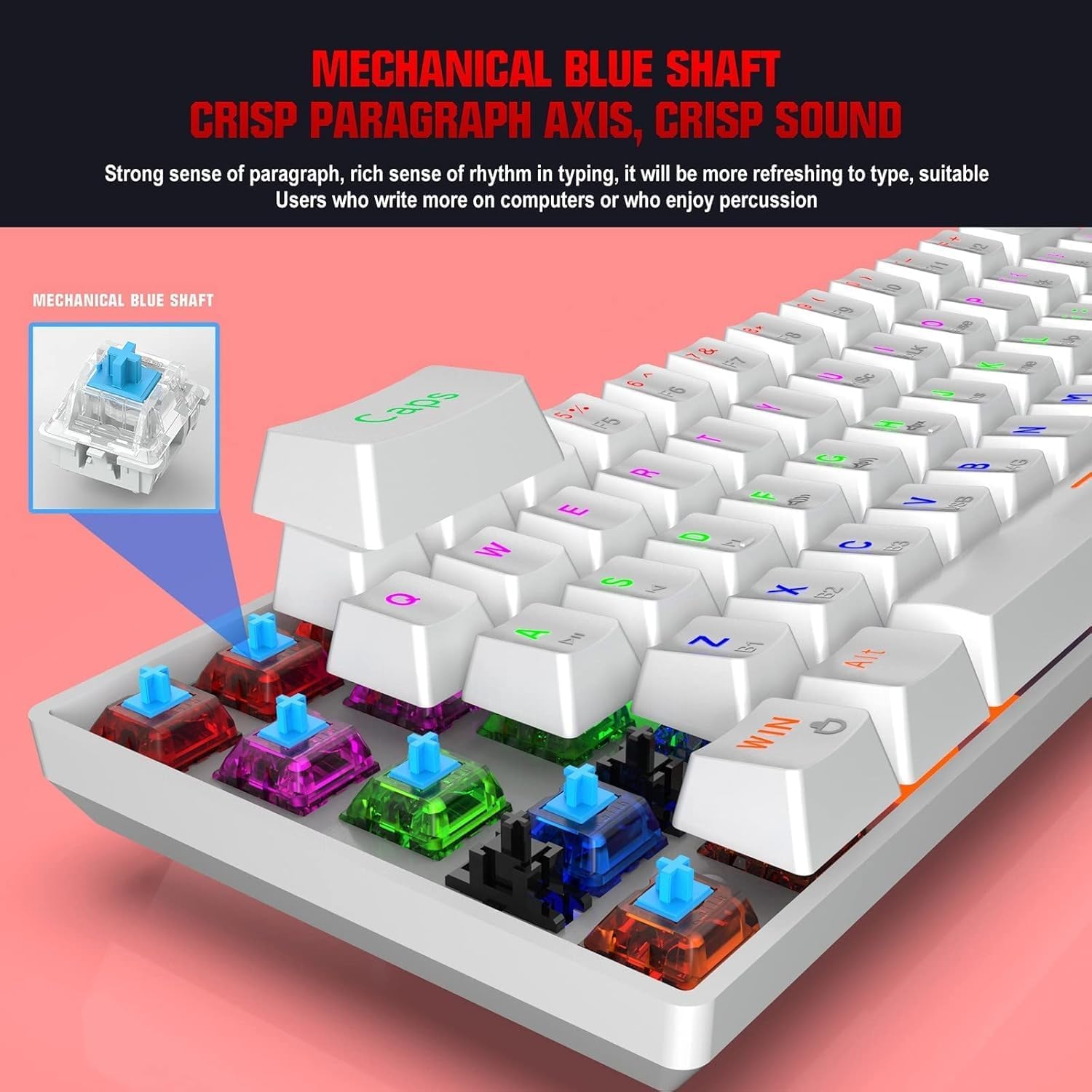
4.1.1 Blue Mechanical Switches
The keyboard is equipped with blue mechanical switches, known for their distinct tactile bump and audible click. This provides clear feedback for each keystroke, preferred by many for typing and gaming.
4.2 РГБ позадинско осветљење
The keyboard features dynamic RGB backlight effects. Use specific Fn key combinations (e.g., Fn + \|) to cycle through different lighting modes, adjust brightness, or change colors. Consult the full user manual for a complete list of lighting controls.
4.3 Пуњење тастатуре
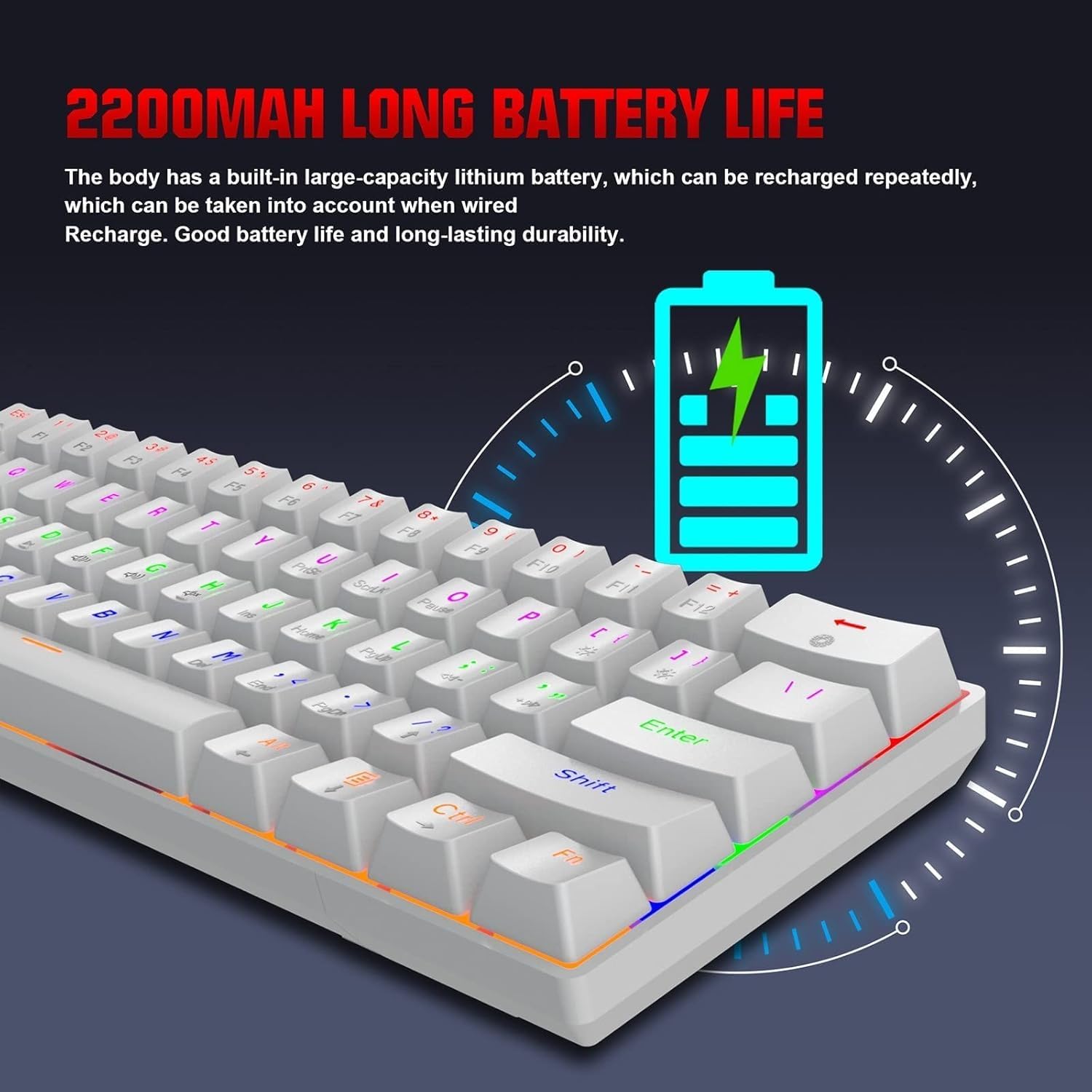
The HXSJ L800 has a built-in 2200mAh rechargeable lithium battery. When the battery is low, the indicator light may flash or change color. Connect the keyboard to a USB power source using the provided Type-C cable to charge. The indicator light will typically show charging status and turn off or change color when fully charged.
5. Одржавање
To ensure the longevity and optimal performance of your HXSJ L800 keyboard, follow these maintenance guidelines:
- Чишћење: Regularly clean the keyboard with a soft, dry cloth. For deeper cleaning, use compressed air to remove dust and debris from between the keycaps. You may carefully remove keycaps using a keycap puller (not included) for thorough cleaning, but ensure to reattach them correctly.
- Тастери: The two-color injection molded ABS keycaps are designed for durability and resistance to fading. Avoid using harsh chemicals or abrasive materials that could damage the keycap surface.
- Складиштење: Чувајте тастатуру на хладном и сувом месту, даље од директне сунчеве светлости и екстремних температура.
- Изложеност течности: Avoid spilling liquids on the keyboard. If a spill occurs, immediately disconnect the keyboard, turn it upside down to drain, and allow it to dry completely before reconnecting.
КСНУМКС. Решавање проблема
If you encounter issues with your HXSJ L800 keyboard, refer to the following common troubleshooting steps:
| Проблем | Могуће решење |
|---|---|
| Тастатура не реагује (жичана) | Уверите се да је USB-C кабл безбедно повезан и са тастатуром и са рачунаром. Покушајте са другим USB портом или каблом. |
| Keyboard not connecting (2.4GHz wireless) | Ensure the USB receiver is plugged in and the keyboard is in 2.4G mode. Try re-pairing by pressing Fn + R. Check battery level. |
| Тастатура се не повезује (Блутут) | Ensure the keyboard is in Bluetooth mode and discoverable (Fn + Z/X/C). Check your device's Bluetooth settings. Forget and re-pair the device. Check battery level. |
| RGB позадинско осветљење не ради или се заглавило | Ensure the backlight is not turned off. Use Fn key combinations to cycle through modes or adjust brightness. Check battery level. |
| Тастери се не региструју или се куцају двапут | Clean under the affected keycap. Ensure the switch is not damaged. Try updating keyboard drivers if available. |
| Кратко трајање батерије | Ensure the keyboard is fully charged. Reduce backlight brightness or turn it off when not needed. |
7. Спецификације
| Феатуре | Детаљ |
|---|---|
| Бранд | ХКССЈ |
| Модел | Л800 |
| Врста производа | 3-Mode Mechanical Gaming Keyboard |
| Повезивање | Type-C Wired + 2.4GHz Wireless + Bluetooth 5.0 |
| Боја | Бела |
| Позадинско осветљење | RGB Backlight Effect |
| Распоред тастера | 61 Кеис |
| Кеи Лифе | 50 милиона пута |
| Механички прекидач | Плави прекидач |
| Кеицап Материал | АБС |
| Keycap Technology | Two-color Injection Molded Keycaps |
| Капацитет уграђене батерије | 2200мАх |
| Оператинг Волtage | DC 5V + 5% |
| Називна струја | 150мА (макс.) |
| Интерфејс Порт | Типе-Ц |
| Цабле Ленгтх | 1.75м |
| Димензије (Д×Ш×В) | Прибл. 289 × 101 × 38 мм |
| Тежина | 590г |
| Подршка за оперативни систем | IBM PC Win98SE/Me/2000/XP/VISTA/WIN 7/WIN10, Mac OS, iOS, Android |
8. Информације о гаранцији
This product is covered by a standard manufacturer's warranty against defects in materials and workmanship. The warranty period typically begins from the date of purchase. Please retain your proof of purchase for warranty claims. The warranty does not cover damage caused by misuse, accident, unauthorized modification, or normal wear and tear. For specific warranty terms and conditions, please refer to the documentation provided at the time of purchase or contact your retailer.
9. Подршка
If you require further assistance or have questions not covered in this manual, please contact the seller or manufacturer's customer support. You may find contact information on the product packaging or the retailer's website. When contacting support, please have your product model (L800) and purchase details ready.


