Увод
This manual provides essential information for setting up, operating, maintaining, and troubleshooting your iFFALCON 43-inch 4K Ultra HD Smart LED Google TV, model iFF43U62. Please read this manual thoroughly before using your television to ensure proper functionality and safety.
Шта је у кутији
Приликом распакивања, проверите да ли су укључене све следеће ставке:
- 1 x iFFALCON 43-inch LED TV
- 1 x Постоље за сто
- 1 к Упутство за употребу
- 1 к Гарантни лист
- 1 к даљински управљач
- 2 к ААА батерије
Сетуп
1. Постављање на постоље или монтажа на зид
Carefully place the TV face down on a soft, flat surface to prevent screen damage. Attach the provided table-top stand using the screws, ensuring it is securely fastened. If wall mounting, follow the instructions provided with your wall mount kit (sold separately) and ensure proper ventilation around the TV.

Image: TV dimensions for stand installation or wall mounting.
2. Повезивање уређаја
Connect your external devices such as set-top boxes, Blu-ray players, or gaming consoles to the HDMI ports. Use the USB port for external storage devices. For wired internet, connect an Ethernet cable to the LAN port. The TV also supports in-built Wi-Fi (2.4GHz/5GHz) for wireless connectivity.

Слика: Са стране view showing various connectivity ports.
3. Укључивање и почетно подешавање
Plug the power cord into an electrical outlet. Press the power button on the TV or remote control. Follow the on-screen instructions to complete the initial setup, including language selection, network connection, and Google account sign-in.
Управљање телевизором
1. Google TV Interface and Smart Features
Your iFFALCON TV runs on Google TV, offering a personalized experience with content recommendations. Access pre-installed apps like Netflix, Prime Video, Disney+Hotstar, and YouTube. Use Google Assistant for voice control to search for content, control smart home devices, and more.

Image: Google TV interface with streaming apps.
2. Карактеристике екрана
Experience stunning visuals with 4K Ultra HD resolution (3840 x 2160) and a 60Hz refresh rate. The TV features an A+ Grade Panel, AI Picture Engine 2.0, HDR 10 support, 4K Upscaling, Dynamic Color Enhancement, and Micro Dimming Technology for enhanced contrast and vibrant colors. The Edgeless Design provides an immersive viewинг искуство.
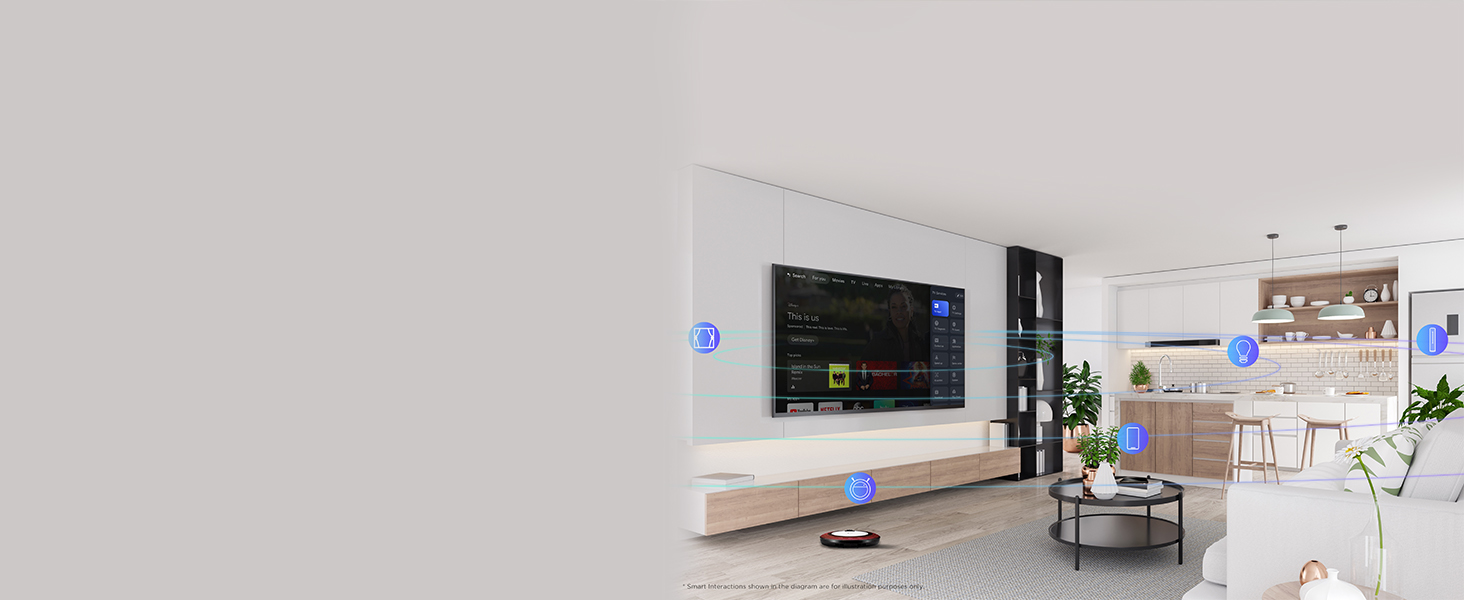
Image: 4K Ultra HD resolution detail.
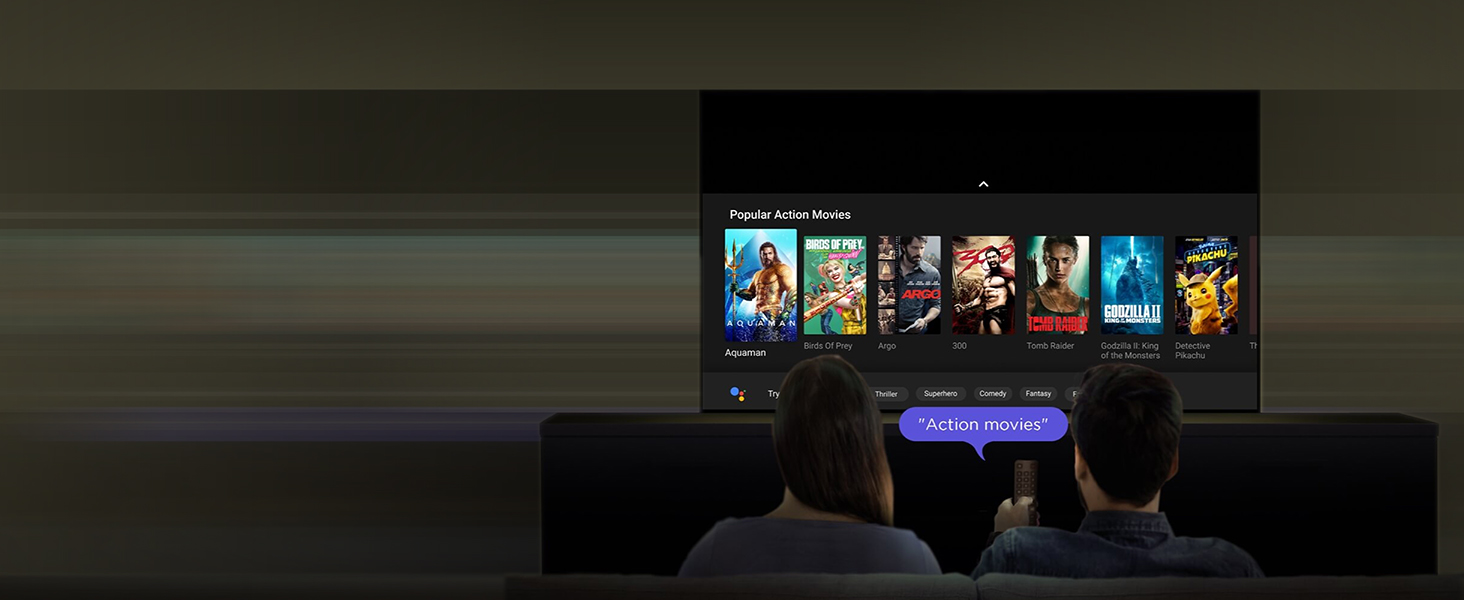
Image: HDR 10 contrast and color enhancement.
Image: Dynamic Color Enhancement.
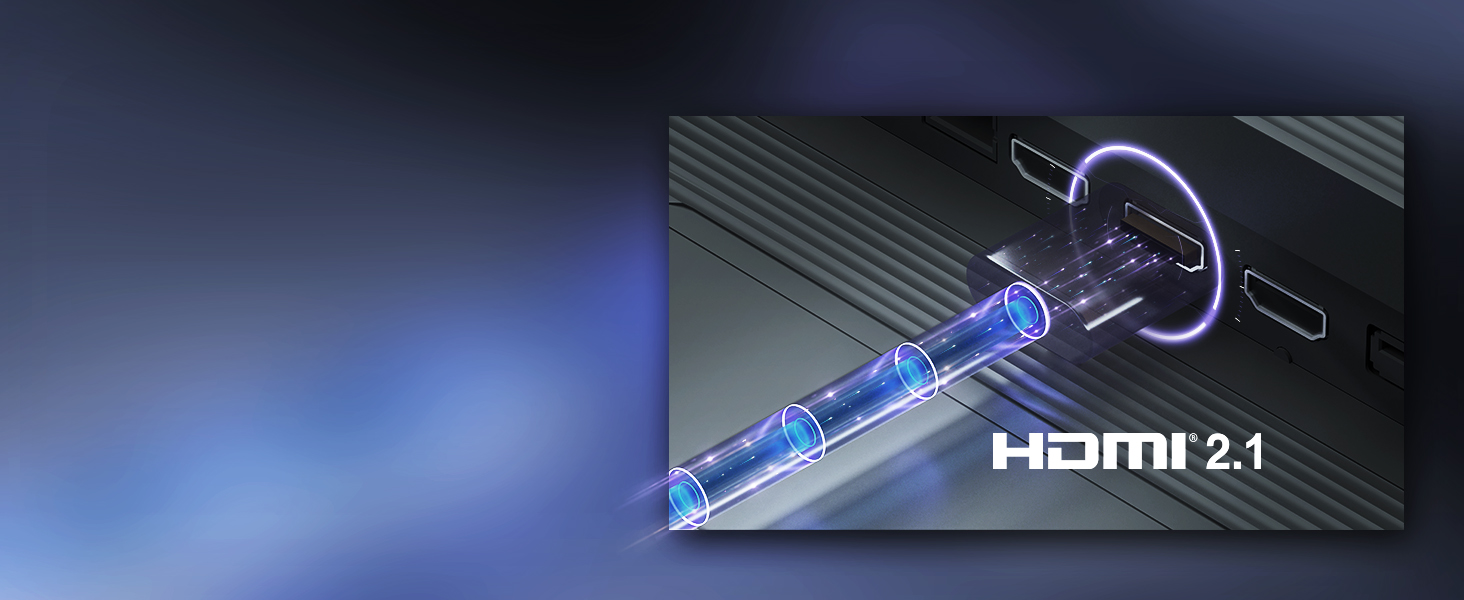
Image: Micro Dimming technology for enhanced contrast.
3. Аудио функције
The TV delivers powerful audio with 24 Watts output and Dolby Audio technology, providing rich, clear, and immersive sound for all your entertainment.
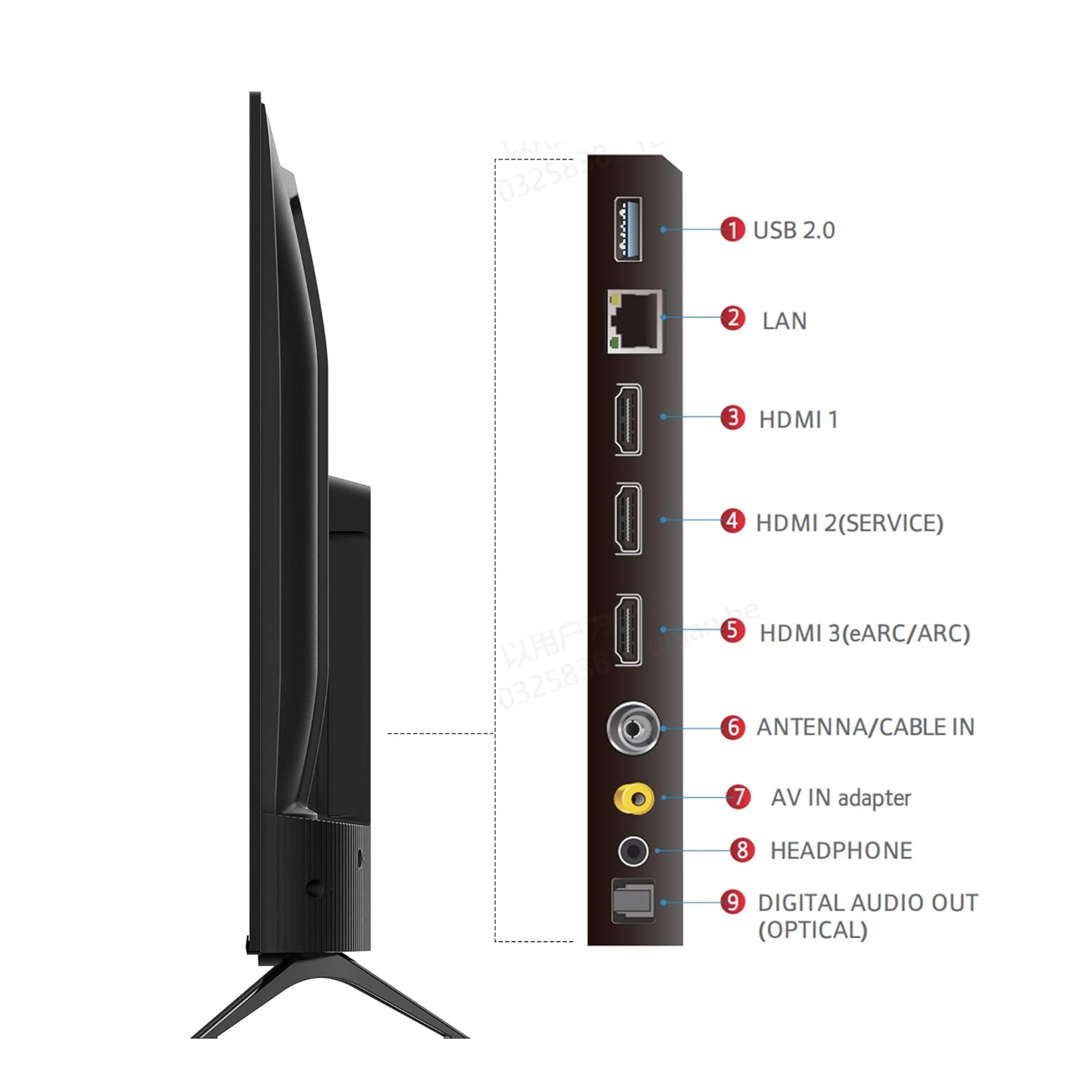
Image: Dolby Audio for immersive sound.
4. Званични видео производа
Видео: Званична видео презентација производаasing the iFFALCON U62 Series 4K HDR TV features, including Dolby Audio, 4K Ultra HD resolution, Micro Dimming, Dynamic Color Enhancement, Google TV, and HDMI 2.1 connectivity.
Одржавање
1. Чишћење телевизора
Да бисте очистили екран, нежно га обришите меком крпом која не оставља влакна. За тврдокорне мрље, благо обришитеampen the cloth with water or a screen cleaner specifically designed for TVs. Avoid using harsh chemicals, abrasive materials, or direct spraying of liquids onto the screen. For the TV body, use a soft, dry cloth.
2. Општа нега
Keep the TV away from direct sunlight, heat sources, and excessive dust. Ensure adequate ventilation around the TV to prevent overheating. Unplug the TV during lightning storms or when it will be unused for extended periods.
Решавање проблема
Ако наиђете на проблеме са телевизором, погледајте следеће уобичајене проблеме и решења:
- Нема напајања: Ensure the power cord is securely plugged into both the TV and the electrical outlet. Check if the outlet is working by plugging in another device. Try pressing the power button on the TV itself, not just the remote.
- Нема слике/звука: Verify that the correct input source is selected (e.g., HDMI 1, HDMI 2). Check all cable connections between the TV and external devices. If using a set-top box, ensure it is powered on.
- Лош квалитет слике: Adjust picture settings (brightness, contrast, color) in the TV menu. Ensure the input source is providing a high-quality signal. For 4K content, ensure your source device and cables support 4K.
- Нема интернет везе: For Wi-Fi, check your router and ensure the TV is within range. Re-enter the Wi-Fi password. For wired connection, ensure the Ethernet cable is properly connected and your router is working.
- Даљински управљач не ради: Замените ААА батерије у даљинском управљачу. Уверите се да нема препрека између даљинског управљача и ИР сензора телевизора.
Ако проблем и даље постоји након што сте испробали ове кораке, обратите се корисничкој подршци.
Спецификације
| Феатуре | Спецификација |
|---|---|
| Бранд | iFFALCON |
| Модел | iFF43U62 |
| Величина екрана | 43 инча (108 цм) |
| Резолуција | 4К Ултра ХД (3840 к 2160) |
| Рефресх Рате | 60 Хертз |
| Оперативни систем | Гоогле ТВ |
| РАМ | 2 ГБ |
| РОМ | 16 ГБ |
| Процесор | 64-bit Quad Core Processor |
| Повезивање | 3 HDMI Ports, 1 USB Port, Headphone Output, Wi-Fi (2.4Ghz/5GHz), Ethernet, Bluetooth |
| Излаз звука | 24 Ваттс |
| Аудио технологија | Долби Аудио |
| Дисплаи Феатурес | A+ Grade Panel, 178 Degree Wide Viewing Angle, AI Picture Engine 2.0, HDR 10, 4K Upscaling, Dynamic Color Enhancement, Micro Dimming Technology, Edgeless Design |
| Димензије производа (са постољем) | 95.7 к 18.5 к 61 цм |
| Тежина артикла | 6.3 кг |
Гаранција и подршка
Информације о гаранцији
Your iFFALCON iFF43U62 TV comes with a 1 година гаранције provided by the manufacturer from the date of purchase. Please retain your purchase receipt and warranty card for any warranty claims.
Корисничка подршка
For technical assistance, service requests, or any inquiries regarding your iFFALCON TV, please refer to the contact information provided on your warranty card or visit the official iFFALCON support website. Ensure you have your TV's model number (iFF43U62) and serial number ready when contacting support.


