1. Увод
The Baseus AcmeJoy 4-Port Type-C HUB Adapter is designed to expand the connectivity of your USB-C enabled devices. It provides multiple ports for efficient data transfer, power delivery, and peripheral connections, enhancing your productivity and device versatility.
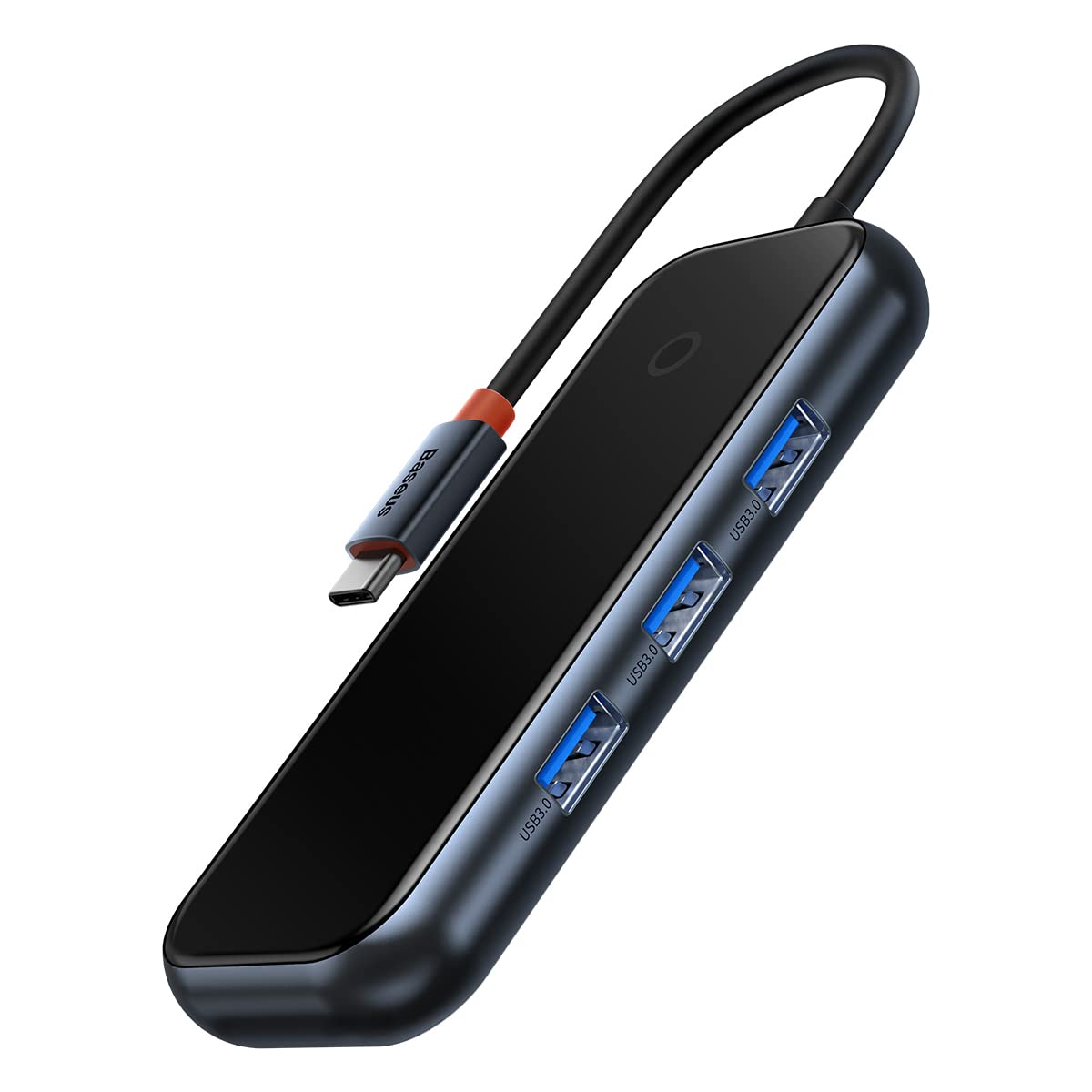
Image: The Baseus AcmeJoy 4-Port Type-C HUB Adapter, showcasing its compact design and integrated Type-C cable.
2. Производ је готовview
This hub features a robust design with essential ports for modern computing needs. It offers a plug-and-play experience, requiring no additional drivers for most operating systems.
- 3x USB 3.0 порта: For connecting various USB peripherals such as flash drives, keyboards, mice, and external hard drives.
- 1x Type-C PD & Data Port: A versatile port supporting both Power Delivery (PD) for charging your host device and high-speed data transfer.

Слика: А view of the Baseus AcmeJoy hub highlighting its three USB 3.0 ports and one Type-C PD & Data port, emphasizing its plug-and-play functionality.

Image: An illustration depicting the internal circuit protections of the Baseus AcmeJoy hub, ensuring safe and stable operation for connected devices.
3. Упутства за подешавање
- Повежите чвориште: Insert the integrated Type-C connector of the Baseus AcmeJoy hub into an available USB-C port on your laptop, tablet, or smartphone.
- Повежите периферне уређаје: Plug your USB devices (e.g., USB flash drives, external hard drives, mouse, keyboard) into the three USB 3.0 ports on the hub.
- Power and Data (Optional): If your host device requires charging or you need additional data transfer capabilities, connect a compatible Type-C power adapter and/or data cable to the Type-C PD & Data port on the hub. This port supports up to 100W Power Delivery.
The hub is designed for plug-and-play operation, meaning it should be recognized automatically by your device without the need for driver installation.
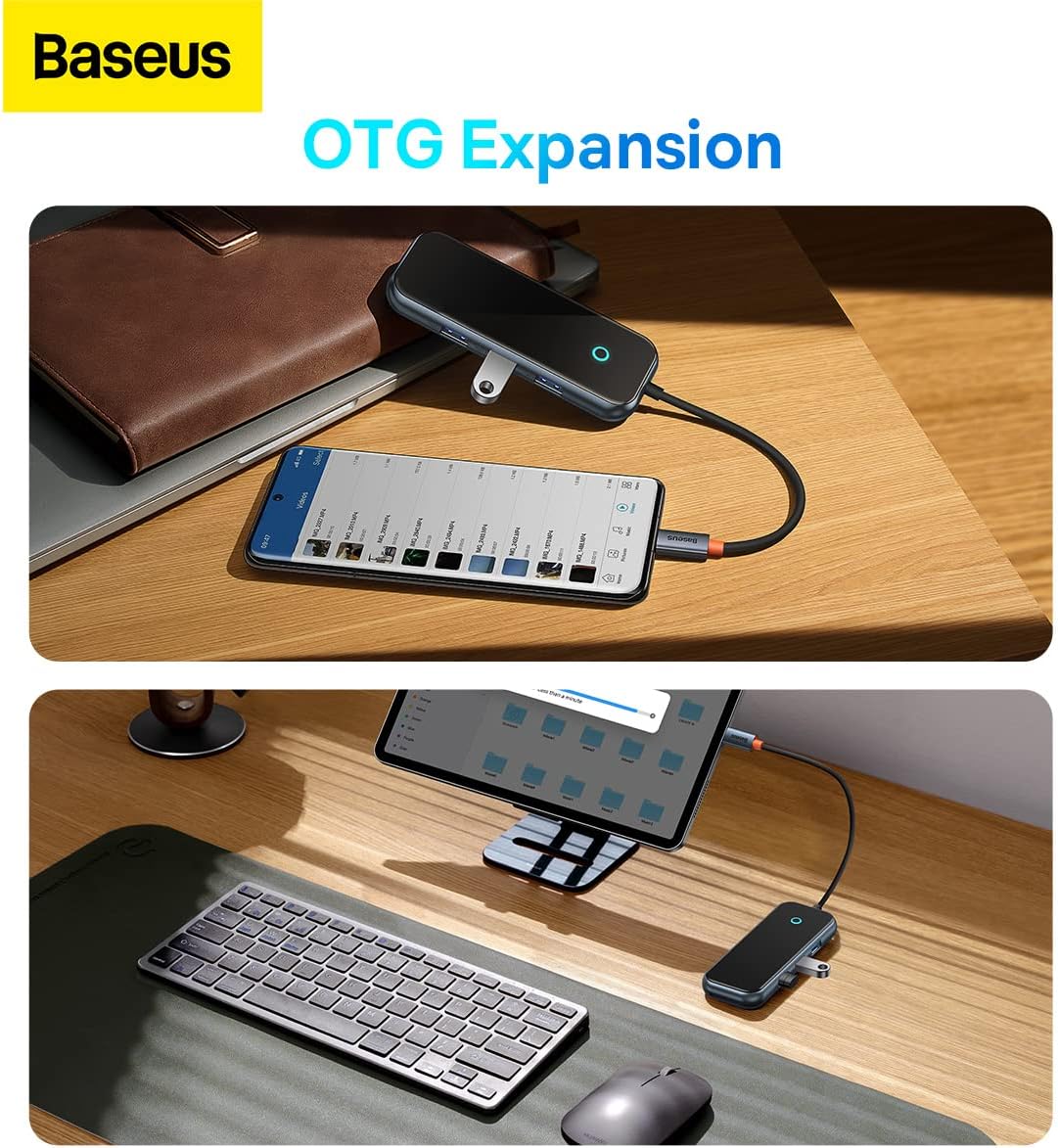
Image: The Baseus AcmeJoy hub connected to a smartphone and a tablet, demonstrating its On-The-Go (OTG) expansion capabilities for mobile devices.
4. Упутство за употребу
Once connected, the Baseus AcmeJoy hub functions as an extension of your device's connectivity. Below are guidelines for using its features:
4.1. USB 3.0 Data Transfer
- Connect any USB 3.0 or USB 2.0 compatible device to the USB-A ports.
- These ports support data transfer speeds of up to 500 MB/s, allowing for quick transfers of large files.

Image: A laptop connected to the Baseus AcmeJoy hub, which is then connected to an external hard drive, illustrating high-speed data transmission at 500MB/s.
4.2. Type-C Power Delivery (PD) and Data
- The dedicated Type-C port supports Power Delivery up to 100W, enabling fast charging for your compatible laptop or device while using the hub.
- This port also supports data transfer at speeds up to 500 MB/s, allowing you to connect Type-C peripherals or storage devices.

Image: The Baseus AcmeJoy hub connected to a laptop, demonstrating its 100W PD fast charging capability from a power bank and 500MB/s data transmission to an external drive via its 2-in-1 Type-C port.
5. Одржавање
To ensure the longevity and optimal performance of your Baseus AcmeJoy hub, follow these maintenance guidelines:
- Чишћење: Use a soft, dry cloth to clean the surface of the hub. Avoid using liquid cleaners or abrasive materials.
- Складиштење: Чвориште чувајте на хладном и сувом месту, даље од директне сунчеве светлости и екстремних температура.
- Руковање: Avoid dropping the device or subjecting it to strong impacts. Do not attempt to disassemble or repair the hub, as this will void the warranty and may cause damage.
- Нега каблова: Do not bend the integrated Type-C cable excessively or pull it forcefully.
КСНУМКС. Решавање проблема
If you encounter issues with your Baseus AcmeJoy hub, refer to the following common problems and solutions:
- Уређај није препознат:
- Ensure the hub's Type-C connector is fully and securely inserted into your host device's USB-C port.
- Try connecting the hub to a different USB-C port on your host device, if available.
- Поново покрените свој хост уређај.
- Спори пренос података:
- Verify that the connected peripheral devices (e.g., USB flash drive, external HDD) support USB 3.0 speeds.
- Avoid connecting too many power-hungry devices simultaneously without external power connected to the hub's PD port.
- Ensure your host device's USB-C port supports USB 3.0 or higher data transfer rates.
- Charging Not Working (via PD port):
- Confirm that your power adapter and Type-C cable are functional and correctly connected to the hub's Type-C PD port.
- Ensure your host device supports USB-C Power Delivery and is compatible with the power output of your adapter.
- Check if the power adapter provides sufficient wattagе за ваш уређај.
- Интермитентна веза:
- Check for any physical damage to the hub or its cable.
- Уверите се да су сви спојеви чврсти.
- Test with different peripherals to isolate the issue.
7. Спецификације
Detailed technical specifications for the Baseus AcmeJoy 4-Port Type-C HUB Adapter:
| Бранд | Басеус |
| Број модела | WKJZ010013 |
| Димензије производа | 10 к 5 к 3 цм |
| Тежина артикла | 150 грама |
| Интерфејс | УСБ Ц |
| Укупно УСБ портова | 4 (3x USB 3.0, 1x Type-C PD & Data) |
| Брзина преноса података | 500 MB/s (for USB 3.0 and Type-C data) |
| Повер Деливери | Up to 100W (via Type-C PD port) |
| Компатибилност оперативног система | Windows Vista, Windows XP (and modern OS like macOS, Linux, Android) |
| Материјал | Гума |

Image: The back of the Baseus AcmeJoy hub packaging, displaying detailed specifications and compliance information.
8. Гаранција и подршка
For detailed warranty information, technical support, or service inquiries regarding your Baseus AcmeJoy 4-Port Type-C HUB Adapter, please refer to the official Baseus webсајт или директно контактирајте њихову корисничку службу. Сачувајте рачун као доказ о куповини за евентуалне рекламације по гаранцији.
Произвођач: Басеус
Webсајт: ввв.басеус.цом


