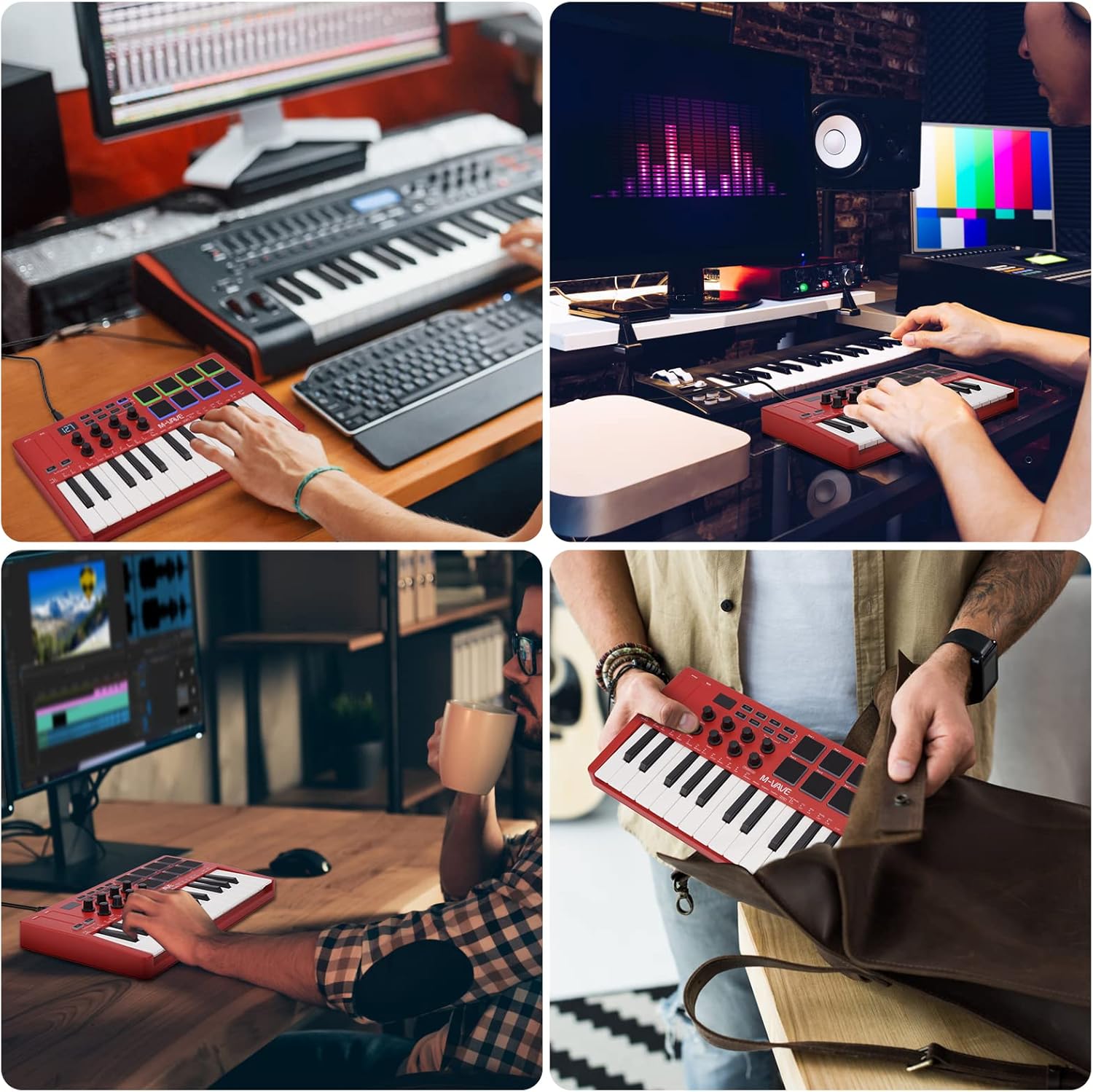
Увод
The M-VAVE K5 is a versatile 25-key USB MIDI Keyboard Controller designed for music production and performance. Featuring both wired USB and wireless Bluetooth connectivity, it offers portability and flexibility for musicians on the go. This manual provides essential information for setting up, operating, and maintaining your K5 controller.
Кључне карактеристике
- 25 мини дирки осетљивих на брзину: Provides expressive control for melodies and harmonies.
- 8 RGB Backlit Velocity-Sensitive Pads: Ideal for finger drumming, triggering samples, and creating beats.
- 8 Assignable Rotary Encoders: Customize control over various parameters in your music software.
- 2 Capacitive Touch Strips: For dynamic pitch bend and modulation effects.
- Бежична Блуетоотх веза: Connects wirelessly to compatible devices, offering freedom from cables.
- Уграђена батерија од 2,000 мАх: Provides up to 16 hours of portable use.
- УСБ напајање: Can also be powered and connected via USB.
- Smart Chord and Smart Sound Functions: Facilitates quick selection and performance of chords and sounds.
- Широка компатибилност: Works with Windows, Mac OS, Android, and iOS, supporting major DAWs like Ableton Live, FL Studio, Cubase, Logic Pro X, Bitwig, Reason, Studio One, and GarageBand.
Сетуп
Напајање уређаја
The M-VAVE K5 can be powered in two ways:
- УСБ Снага: Connect the controller to your computer using a USB cable. The device will draw power directly from the USB port.
- Унутрашња батерија: The K5 features a built-in 2,000 mAh rechargeable Lithium Polymer battery, providing approximately 16 hours of operation. Use the power switch on the back of the device to turn it on/off when operating on battery power. The battery recharges via the USB connection.
Повезивање са вашим уређајем
- УСБ веза: Connect the M-VAVE K5 to your computer (Windows or Mac OS) using a standard USB cable. The controller is class-compliant and should be recognized automatically by your operating system and DAW.
- Блуетоотх МИДИ веза:
- Ensure the K5 is powered on using the switch on the back.
- Activate Bluetooth on your computer (Windows, Mac OS) or mobile device (Android, iOS).
- In your DAW or music application, navigate to the MIDI settings or Bluetooth MIDI devices.
- Select the M-VAVE K5 from the list of available Bluetooth MIDI devices to pair.
- Bluetooth MIDI offers low-latency performance, suitable for real-time playing and recording.
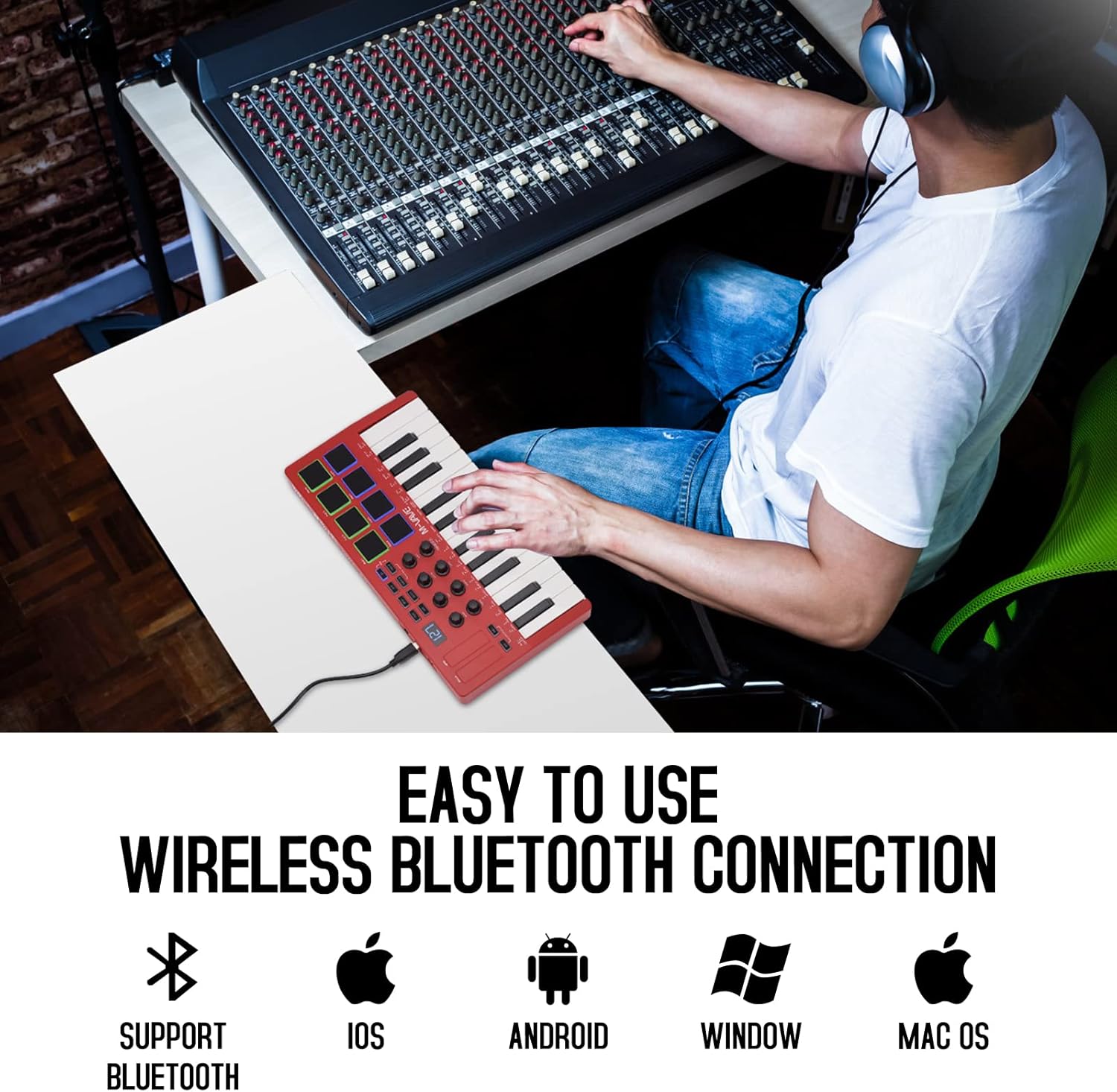
Image: The M-VAVE K5 MIDI Controller connected wirelessly to a laptop, showcasing its compatibility with various operating systems like iOS, Android, Windows, and Mac OS.
Operating the M-VAVE K5
Keys and Pads
- 25 Velocity-Sensitive Keys: Play melodies, chords, and bass lines with dynamic expression.
- 8 RGB Backlit Pads: Use these velocity-sensitive pads for finger drumming, triggering one-shot samples, or launching clips in your DAW. The RGB backlighting provides visual feedback.

Слика: Детаљна view of the M-VAVE K5 MIDI Controller's interface, highlighting its 25 velocity-sensitive keys, 8 RGB backlit pads, 8 assignable rotary encoders, and two capacitive touch strips for pitch bend and modulation.
Rotary Encoders and Touch Strips
- 8 Assignable Rotary Encoders: These endless encoders can be assigned to control various parameters in your digital audio workstation (DAW) or virtual instruments, such as volume, pan, filter cutoff, or effect sends.
- Pitch Bend and Modulation Touch Strips: The two capacitive touch strips allow for expressive control over pitch and modulation, enhancing your performance.
Екран и навигација
- The 3-digit 7-segment display provides visual feedback for parameter values, modes, and settings, aiding in navigation and control.
- Use the navigation buttons to browse through presets, adjust settings, and access various functions.
Smart Functions and Arpeggiator
- Smart Chord and Smart Sound: Quickly select and play complex chords or specific sounds, simplifying your workflow during performance or composition.
- Арпеђатор: The built-in arpeggiator allows you to create rhythmic patterns from held notes, with adjustable tempo, swing, and other parameters.

Слика: Детаљна view of the M-VAVE K5's control panel, illustrating the 2000mAh battery indicator, one-key and spin play, octagon shift switch, host software control, and arpeggiator features, along with the USB port and sustain input.
ДАВ Интегратион
The M-VAVE K5 is compatible with a wide range of Digital Audio Workstations (DAWs) and music production software, including:
- Аблетон Ливе
- ФЛ Студио
- Цубасе
- Логиц Про Кс
- Битвиг
- Разлог
- Студио Оне
- GarageBand (iOS)
For optimal performance, ensure your DAW's MIDI settings are correctly configured to recognize the M-VAVE K5 as an input device.
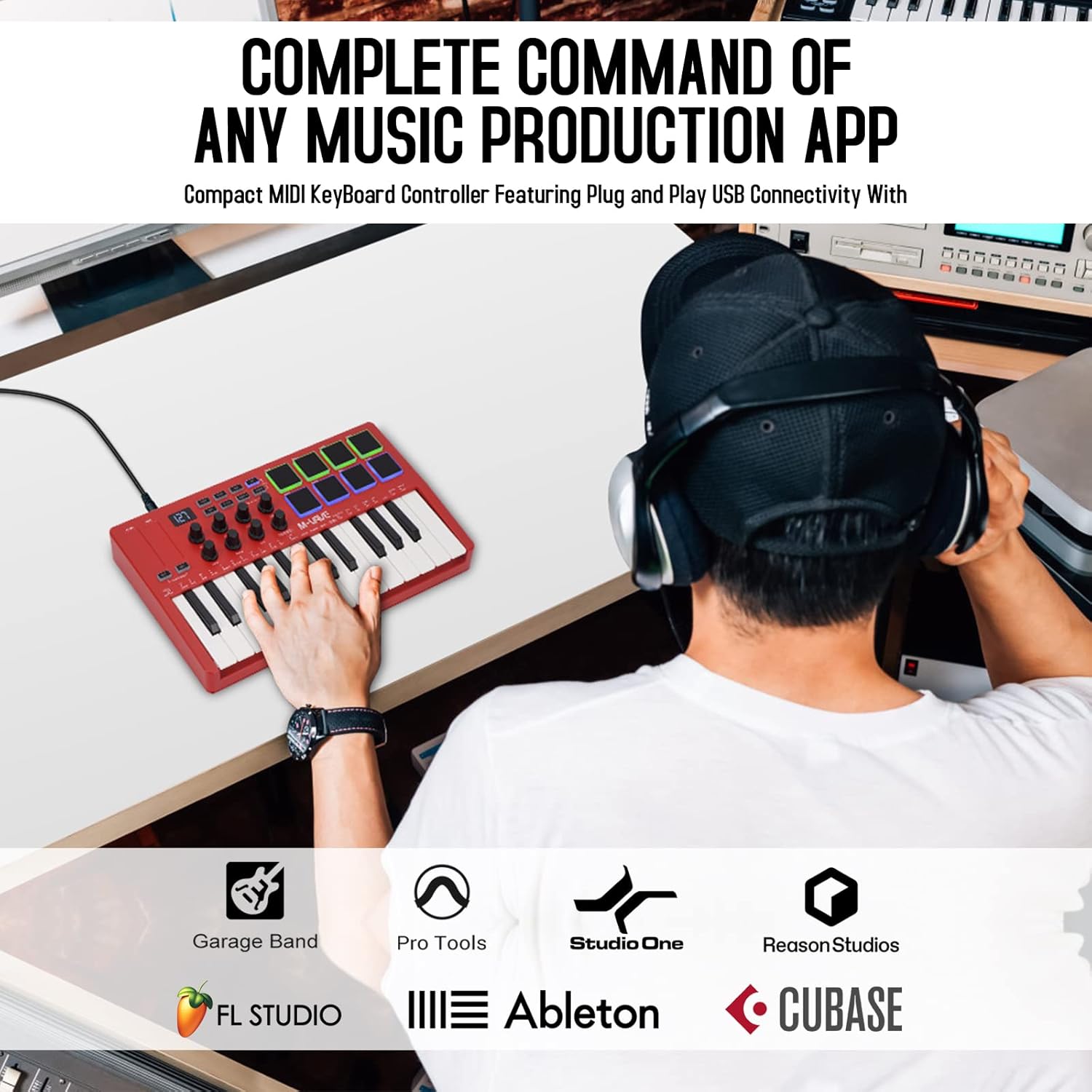
Image: The M-VAVE K5 MIDI Controller being used in a music production environment, illustrating its seamless integration with popular DAWs such as GarageBand, Pro Tools, Studio One, Reason Studios, FL Studio, Ableton, and Cubase.
Одржавање
To ensure the longevity and optimal performance of your M-VAVE K5 controller, follow these maintenance guidelines:
- Чишћење: Use a soft, dry cloth to clean the surface of the controller. Avoid abrasive cleaners or solvents that could damage the finish or electronic components.
- Складиштење: Чувајте контролер на хладном и сувом месту, даље од директне сунчеве светлости, екстремних температура и високе влажности.
- Руковање: Избегавајте испуштање уређаја или његово излагање јаким ударцима. Не стављајте тешке предмете на контролер.
- Одржавање батерије: For prolonged storage, ensure the battery is partially charged (around 50%) to maintain battery health. Avoid fully discharging the battery for extended periods.
Решавање проблема
If you encounter issues with your M-VAVE K5, consider the following:
- Проблеми са повезивањем:
- For USB connection, try a different USB port or cable.
- For Bluetooth, ensure the controller is powered on and within range. Check your device's Bluetooth settings and MIDI input configurations in your DAW.
- Some Windows computers may experience compatibility issues with Bluetooth MIDI; a wired USB connection is recommended if problems persist.
- Keys/Pads Not Responding:
- Verify that the controller is properly connected and recognized by your DAW.
- Check your DAW's MIDI input routing and ensure the correct track is armed for recording or receiving MIDI input.
- Ensure the correct MIDI channel is selected on both the controller and your DAW.
- Конфигурација софтвера: For advanced customization of pads, knobs, and buttons, M-VAVE provides companion software (e.g., "MidiSuite" or "Cube Suite"). Refer to the M-VAVE webсајт за најновији софтвер и драјвере.
Спецификације
| Феатуре | Детаљ |
|---|---|
| Назив модела | 25 Key USB MIDI Keyboard Controller |
| Број модела ставке | K5 |
| Кључеви | 25 Velocity-Sensitive Mini Keys |
| Јастучићи | 8 RGB Backlit Velocity-Sensitive Pads |
| Ручице | 8 Assignable Rotary Encoders |
| Додирне траке | 2 Capacitive (Pitch Bend, Modulation) |
| Технологија повезивања | Блуетоотх, УСБ |
| Компатибилни уређаји | Андроид, Мек ОС, Виндоус, иОС |
| Подржани софтвер | Ableton Live, FL Studio, Cubase, Logic Pro X, Bitwig, Reason, Studio One, GarageBand (iOS) |
| Тип батерије | 1 литијум полимер (укључен) |
| Тежина артикла | 2.29 фунти |
| Димензије производа | 12.6 к 7 к 1.8 инча |
Гаранција и подршка
The M-VAVE K5 comes with a 30-дневна гаранција поврата новца и а једногодишња гаранција. For technical support, software downloads, or further assistance, please visit the official M-VAVE webсајту или контактирајте њихову корисничку службу.
Производ је завршенview Видео
Видео: Искрено питањеview of the M-VAVE 25 Key USB MIDI Keyboard Controller, highlighting its features and performance from a seller's perspective.
Додатне слике производа