Увод
The Geeni Smart Cascading Curtain Color String Lights offer a versatile lighting solution with customizable multicolor LED illumination. These lights are designed for easy control via the Geeni App, voice commands through Amazon Alexa and Google Home, and feature music synchronization capabilities. This manual provides essential information for the safe and effective use of your smart string lights.
Безбедносне информације
- Прочитајте сва упутства пре инсталације и употребе.
- Не излажите светла прекомерној влази или екстремним температурама.
- Ensure the power adapter is connected to a suitable power source.
- Чувати ван домашаја деце.
- Не покушавајте да поправите или модификујете производ. За помоћ контактирајте корисничку подршку.
Шта је у кутији
- Geeni Smart Cascading Curtain Color String Lights (6.6ft x 5ft)
- Ви-Фи контролер
- Повер Адаптер

Слика: Прекоview of the Geeni Smart Curtain Lights highlighting key features such as multicolor options, brightness adjustment, music sync, scheduling, voice control, extendability, app control, and share access.
Сетуп
- Преузмите апликацију Geeni: Тражи "Geeni" in the App Store (iOS) or Google Play Store (Android) and download the application.
- Укључено: Connect the string lights to the Wi-Fi controller, then plug the power adapter into a standard electrical outlet. The lights should begin to flash, indicating pairing mode.
- Повежите се на Ви-Фи: Open the Geeni App, create an account or log in, and follow the on-screen instructions to add your new smart curtain lights. Ensure your mobile device is connected to a 2.4 GHz Wi-Fi network during setup.
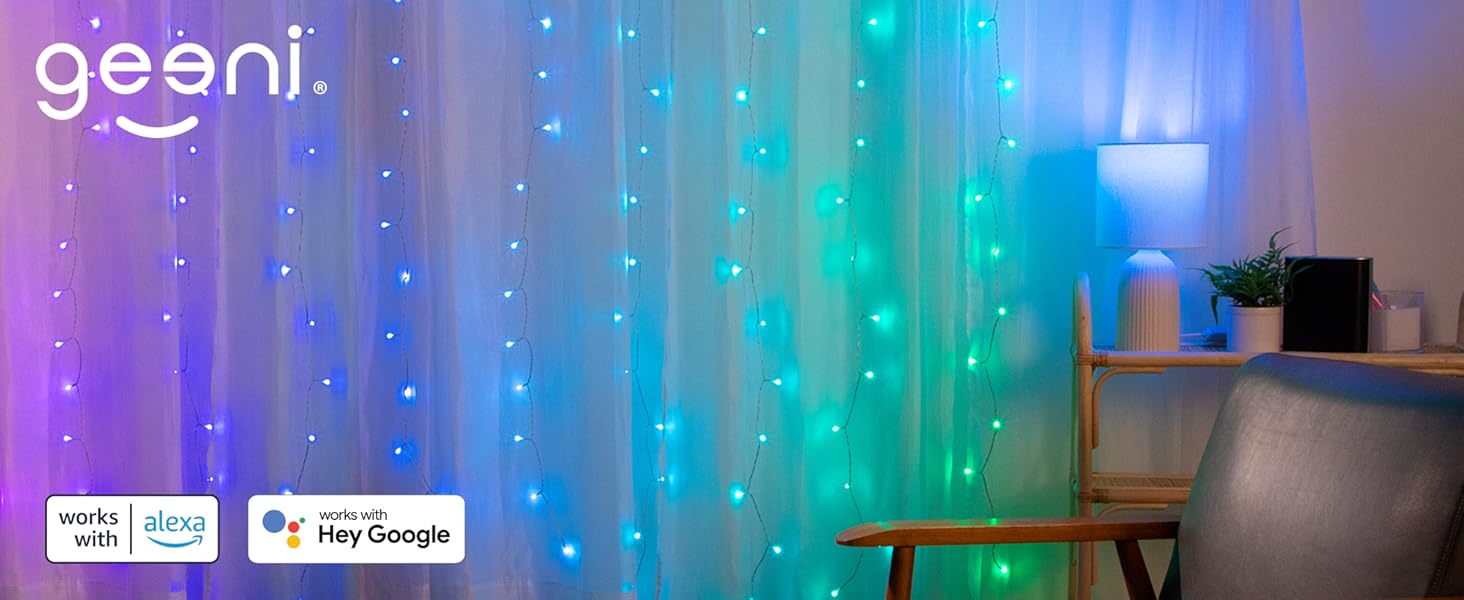
Image: A visual guide showing the three simple setup steps: 1. Download App, 2. Power On, 3. Connect via Wi-Fi.
Упутство за употребу
Контрола апликација
Use the Geeni App to fully customize your lights. From the app, you can:
- Change colors (millions of options, including RGB and cool white).
- Подесите нивое осветљености.
- Select from various preset scenes and dynamic effects.
- Set schedules and timers for automatic operation.
- Enable music synchronization.
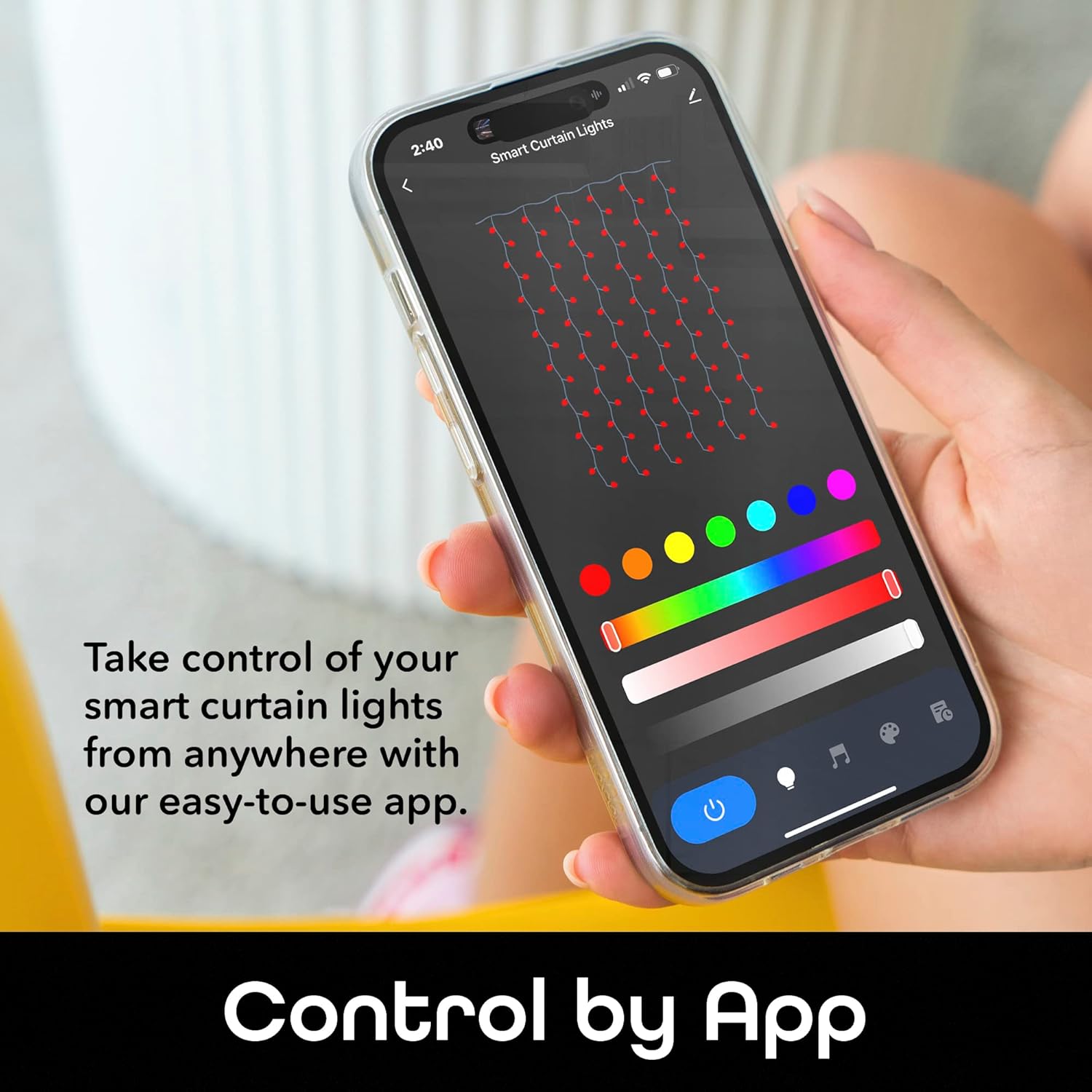
Image: A smartphone displaying the Geeni app interface for controlling smart curtain lights, showing color selection and various light settings.

Image: A smartphone showing the Geeni app's custom scene creation interface, allowing users to select colors, effects (static, jump, twinkle), and speed for their light show.

Слика: Раскол view demonstrating the wide range of RGB color options on one side and the refreshing clarity of cool white light on the other, showcasing the versatility of the smart curtain lights.
Воице Цонтрол
The Geeni Smart Curtain Lights are compatible with Amazon Alexa and Google Assistant. Once integrated, you can use voice commands for hands-free operation.
- Exampле команде:
- "Alexa, turn on the curtain lights."
- "Hey Google, set the curtain lights to blue."
- "Alexa, dim the curtain lights to 50%."

Image: A person interacting with an Amazon Alexa device, demonstrating voice control functionality for the smart curtain lights.
Функција синхронизације музике
Activate the music sync feature through the Geeni App to make your lights respond to the rhythm and beat of your favorite music, creating an immersive audio-visual experience.

Image: A smartphone displaying the Geeni app's music rhythm mode, with lights flashing to the beat of music, enhancing the ambiance of a room.
Заказивање и тајмери
Program your lights to turn on/off or change settings at specific times using the scheduling and timer functions in the Geeni App. This feature helps conserve energy and ensures your lights are always on when needed.

Image: A smartphone showing the Geeni app's timer and schedule settings, allowing users to customize light operation for different times of the day.
Одржавање
- Чишћење: Disconnect the power before cleaning. Wipe the lights and controller with a soft, dry cloth. Do not use liquid cleaners or abrasive materials.
- Складиштење: When not in use, store the lights in a cool, dry place, away from direct sunlight and extreme temperatures.
- инспекција: Periodically inspect the lights and wiring for any damage. If damage is found, discontinue use and contact customer support.
Решавање проблема
| Проблем | Решење |
|---|---|
| Светла се не пале. | Ensure the power adapter is securely plugged into a working outlet. Check if the lights are properly connected to the Wi-Fi controller. |
| Lights are not connecting to the Geeni App. | Verify your mobile device is connected to a 2.4 GHz Wi-Fi network. Ensure the lights are in pairing mode (flashing). Try resetting the lights by unplugging and replugging them. Move the lights closer to your Wi-Fi router. |
| Some lights remain on or do not change color. | This may indicate a minor software glitch. Try unplugging the lights for a few seconds and then plugging them back in. If the issue persists, contact customer support. |
| Гласовна контрола не ради. | Ensure your Geeni account is correctly linked to Amazon Alexa or Google Assistant. Check your internet connection and the status of your voice assistant device. |
Спецификације
| Феатуре | Детаљ |
|---|---|
| Број модела | GN-DW005-999 |
| Димензије | 6.6 ft. (Height) x 5 ft. (Width) |
| Лигхт Типе | LED (Multicolor RGB + Cool White) |
| Број извора светлости | 120 |
| Извор напајања | Цордед Елецтриц |
| Контролни метод | App (Geeni App), Voice (Alexa, Google Home) |
| Повезивање | Ви-Фи (КСНУМКС ГХз) |
| Унутрашња/спољна употреба | Индоор |
| Тежина артикла | 14.9 унци |
| УПЦ | 194383042259 |
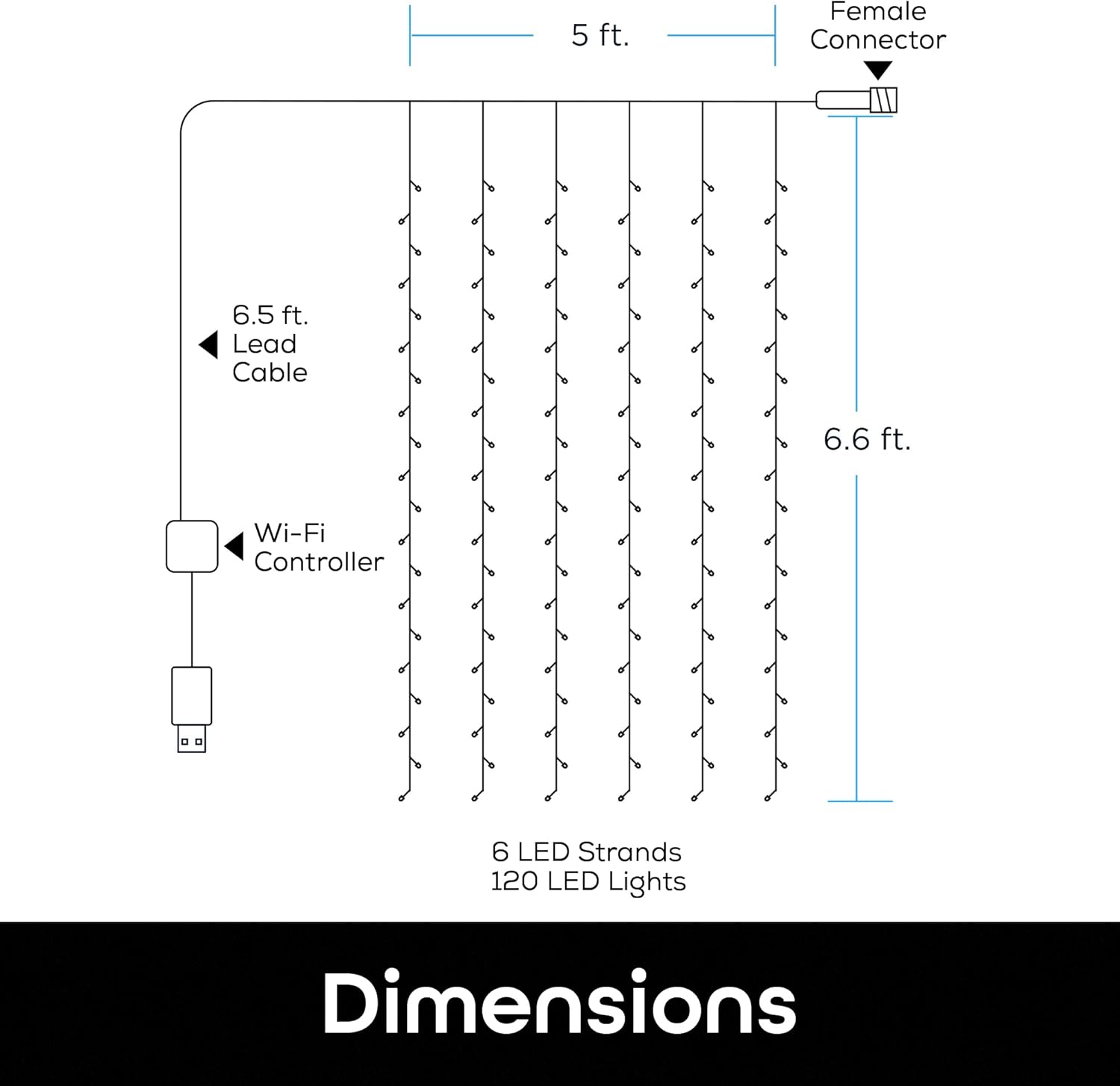
Image: A diagram illustrating the dimensions of the smart curtain lights, showing a 6.5 ft lead cable, 5 ft width, 6.6 ft height, 6 LED strands, and 120 LED lights.
Гаранција и подршка
For warranty information, technical support, or any product-related inquiries, please visit the official Geeni webсајт или директно контактирајте њихову корисничку службу. Сачувајте рачун за куповину за потребе гаранције.
Geeni Official Webсајт: Geeni продавница на Амазону


