1. Увод
Thank you for choosing the Baseus Bowie H2 True Wireless Earphones. This manual provides detailed instructions on how to set up, operate, maintain, and troubleshoot your earphones to ensure optimal performance and longevity. Please read this manual thoroughly before using the product.
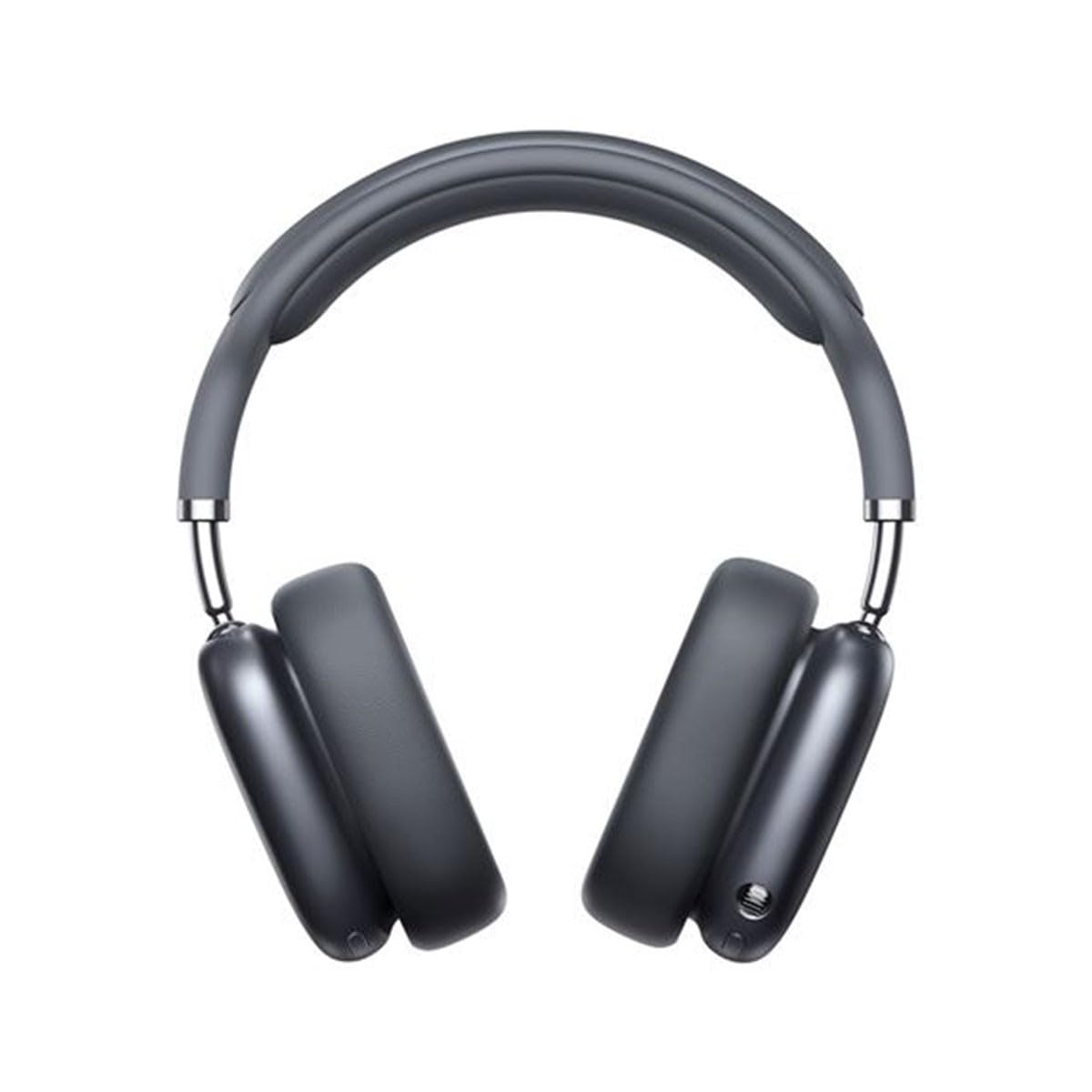
Image 1.1: Baseus Bowie H2 product overview. Please note that while this image displays over-ear headphones, the product described in this manual is the Baseus Bowie H2 True Wireless Earphones (in-ear type).
2. Шта је у кутији
Carefully unpack the product and ensure all items are present and in good condition. The package should contain:
- Baseus Bowie H2 True Wireless Earphones (Left and Right)
- Футрола за бежично пуњење
- УСБ кабл за пуњење
- Упутство за употребу

Слика 2.1: Примерample of Baseus headphones in a case. The Baseus Bowie H2 True Wireless Earphones come with a compact wireless charging case.
3. Подешавање
3.1 Пуњење слушалица и футроле
Before first use, fully charge the earphones and the charging case. Place the earphones into the charging case. Connect the USB charging cable to the charging port on the case and plug the other end into a USB power adapter (not included) or a computer's USB port. The indicator light on the case will show charging status and turn off or change color when fully charged.
3.2 Блуетоотх упаривање
- Уверите се да су слушалице напуњене.
- Open the charging case. The earphones will automatically enter pairing mode, and an indicator light (usually on the earphones or case) will flash, indicating they are ready to pair.
- На свом уређају (паметном телефону, таблету, лаптопу) омогућите Блутут.
- Тражи available Bluetooth devices. Select "Baseus Bowie H2" from the list.
- Once connected, the indicator light will stop flashing, and you may hear a confirmation tone.
- Ако упаривање не успе, вратите слушалице у футролу, затворите је, а затим поново отворите да бисте поново ушли у режим упаривања.
4. Употреба слушалица
4.1 Ношење слушалица
Gently insert the earphones into your ear canals. Adjust them for a comfortable and secure fit to ensure optimal sound quality and noise isolation. The left (L) and right (R) earphones are marked.

Слика 4.1: Предња страна view of Baseus headphones. For the Bowie H2 earphones, ensure a snug fit in the ear canal.
4.2 Контроле на додир
The Baseus Bowie H2 earphones feature touch controls for various functions. The specific touch gestures may vary slightly, but common functions include:
- Пусти/паузирај: Једном додирните било коју слушалицу.
- Следећа нумера: Двапут додирните десну слушалицу.
- Претходни запис: Двапут додирните леву слушалицу.
- Одговори/заврши позив: Једном додирните било коју слушалицу.
- Одбиј позив: Long press on either earphone.
- Активирање гласовног помоћника: Троструко додирните било коју слушалицу.
Погледајте водич за брзи почетак који се налази у вашем пакету за прецизно мапирање контрола додиром.

Слика 4.2: Врх view of Baseus headphones. The touch control areas are typically located on the outer surface of the earphones.
5. Одржавање
Proper maintenance ensures the longevity and performance of your Baseus Bowie H2 earphones.
- Чишћење: Користите меку, суву крпу која не оставља влакна за чишћење слушалица и кућишта за пуњење. Не користите абразивна средства за чишћење, алкохол или хемијске раствараче.
- Складиштење: Када се не користе, увек чувајте слушалице у њиховој футроли за пуњење како бисте их заштитили од прашине, прљавштине и оштећења.
- Избегавајте воду: Иако слушалице могу бити извесно отпорне на воду, избегавајте њихово потапање у воду или излагање прекомерној влази.
- температура: Do not expose the earphones to extreme temperatures (hot or cold) or direct sunlight for extended periods.
КСНУМКС. Решавање проблема
If you encounter issues with your Baseus Bowie H2 earphones, try the following solutions:
| Проблем | Решење |
|---|---|
| Слушалице се не упарују |
|
| Нема звука из једне слушалице |
|
| Проблем са пуњењем |
|
| Ниска јачина звука или лош квалитет звука |
|
7. Спецификације
Key technical specifications for the Baseus Bowie H2 True Wireless Earphones (Model: NGTW260013):
- Број модела:
- NGTW260013
- Бренд:
- Басеус
- Технологија повезивања:
- бежични (Блуетоотх)
- Блуетоотх верзија:
- 5.2
- Положај уха:
- Ин Еар
- Фактор форме:
- Ин Еар
- Тип контроле:
- Контрола додиром
- Тип аудио драјвера:
- Динамички возач
- Укључене компоненте:
- Футрола за бежично пуњење
- Материјал:
- Пластика
- Тежина артикла:
- 582 g (Note: This weight is unusually high for in-ear earphones and may refer to the package weight or a different product variant.)
- Димензије производа:
- 50 x 50 x 28 cm (Note: These dimensions are unusually large for in-ear earphones and may refer to the package dimensions or a different product variant.)
- Компатибилни уређаји:
- Smartphones, Tablets, Laptops, Smart Speakers
8. Гаранција и подршка
Baseus products are designed with quality and reliability in mind. For specific warranty information, please refer to the warranty card included with your purchase or visit the official Baseus website. If you require technical support or have questions not covered in this manual, please contact Baseus customer service through their official channels.
Сачувајте доказ о куповини за гаранцијске захтеве.


