Увод
This manual provides detailed instructions for the AGPTEK A51PL 16GB Clip MP3 Player. Please read this manual thoroughly before using the device to ensure proper operation and to maximize its features. This portable music player is designed for ease of use, featuring Bluetooth connectivity, FM radio, and a convenient clip for active lifestyles.
Производ је завршенview
Familiarize yourself with the physical components and controls of your AGPTEK A51PL MP3 player.

Слика: Прекоview of the AGPTEK A51PL MP3 Player's physical features, including the back clip, power/volume buttons, function buttons, headphone jack, and Type-C port.
Кључне карактеристике:
- Дизајн клипова: Lightweight and portable, designed for secure attachment during sports or other activities.
- Блуетоотх повезивање: Connects wirelessly to Bluetooth headphones or speakers.
- ФМ радио: Built-in FM radio for listening to broadcasts.
- 16 ГБ интерне меморије: Ample space for music files.
- Интуитивне контроле: Easy-to-use buttons for navigation and playback.
Сетуп
1. Пуњење уређаја
Before first use, fully charge the MP3 player. Connect the device to a computer's USB port or a USB wall adapter (not included) using the provided Type-C USB cable. The battery indicator will show charging status.
2. Пренос музике Files
Connect the MP3 player to your computer using the Type-C USB cable. The device will appear as a removable disk. Drag and drop your music files (MP3 format supported) into the device's storage folder. Ensure the device is safely ejected from your computer before disconnecting the cable.
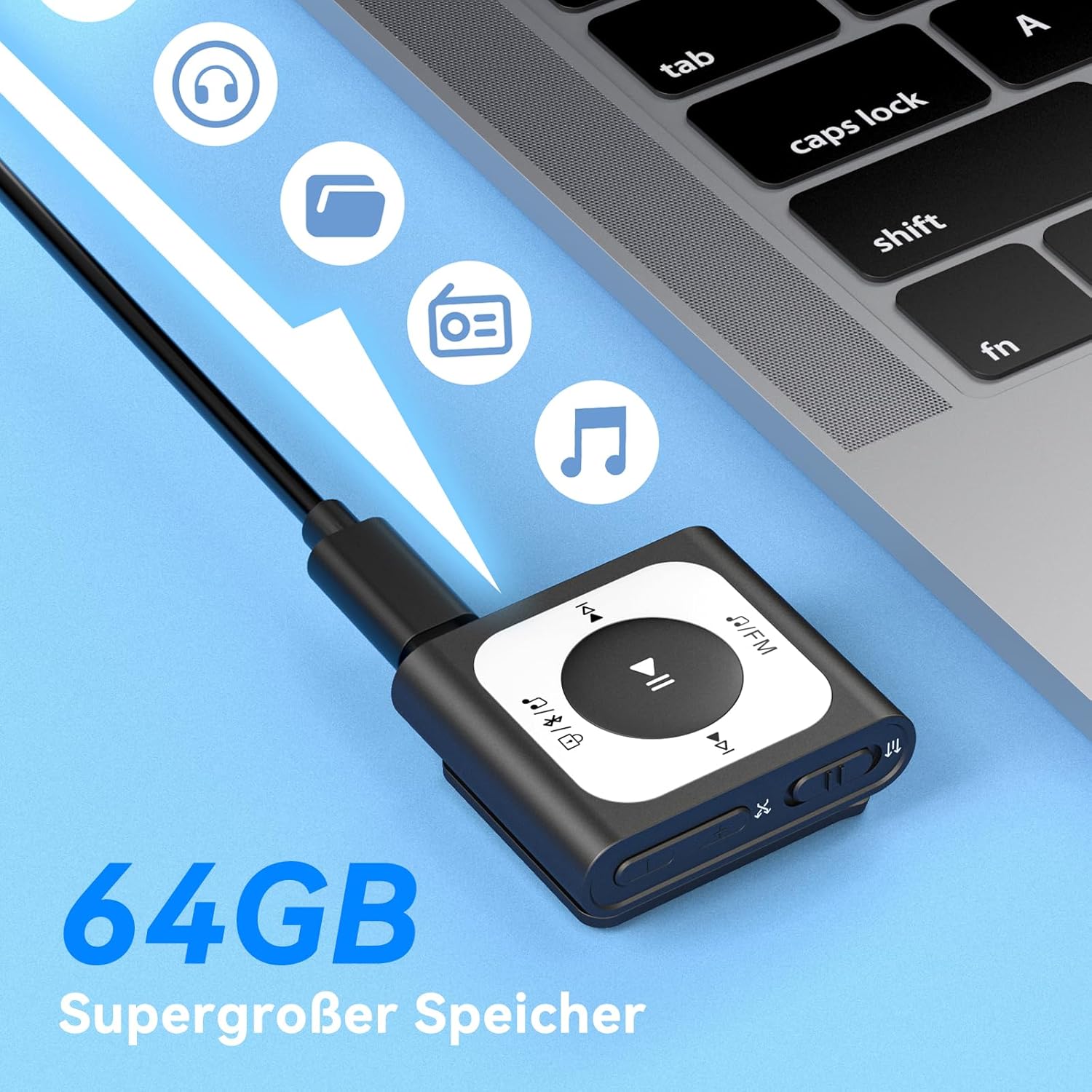
Image: The MP3 player connected to a laptop, illustrating the process of transferring music files to its internal storage. The device has 16GB of internal storage.
3. Укључивање/искључивање
- За укључивање: Press and hold the Power/Volume button (located on the side) for a few seconds until the screen illuminates.
- За искључивање: Press and hold the Power/Volume button until the device shuts down.
Упутство за употребу
1. Basic Music Playback
- Navigate to the 'Music' menu.
- Select a song or playlist using the navigation buttons.
- Press the Play/Pause button (center button) to start or pause playback.
- Use the 'Previous' and 'Next' buttons to skip tracks.
- Adjust volume using the Volume Up/Down buttons on the side.
2. Блуетоотх веза
Да бисте се повезали са Bluetooth слушалицама или звучницима:
- Уверите се да је ваш Bluetooth аудио уређај у режиму упаривања.
- On the MP3 player, go to the 'Bluetooth' menu.
- Изаберите 'Тражи Device' or similar option.
- Изаберите свој Bluetooth уређај са листе и потврдите упаривање.

Image: The MP3 player demonstrating its Bluetooth 5.3 compatibility, capable of connecting to various audio devices such as Bluetooth earbuds, headphones, and speakers.
3. Рад ФМ радија
Да бисте користили функцију ФМ радија:
- Plug in wired headphones; they act as the antenna for the FM radio.
- Navigate to the 'FM Radio' menu.
- Select 'Auto Search' to find available stations.
- Use the navigation buttons to switch between saved stations or manually tune.
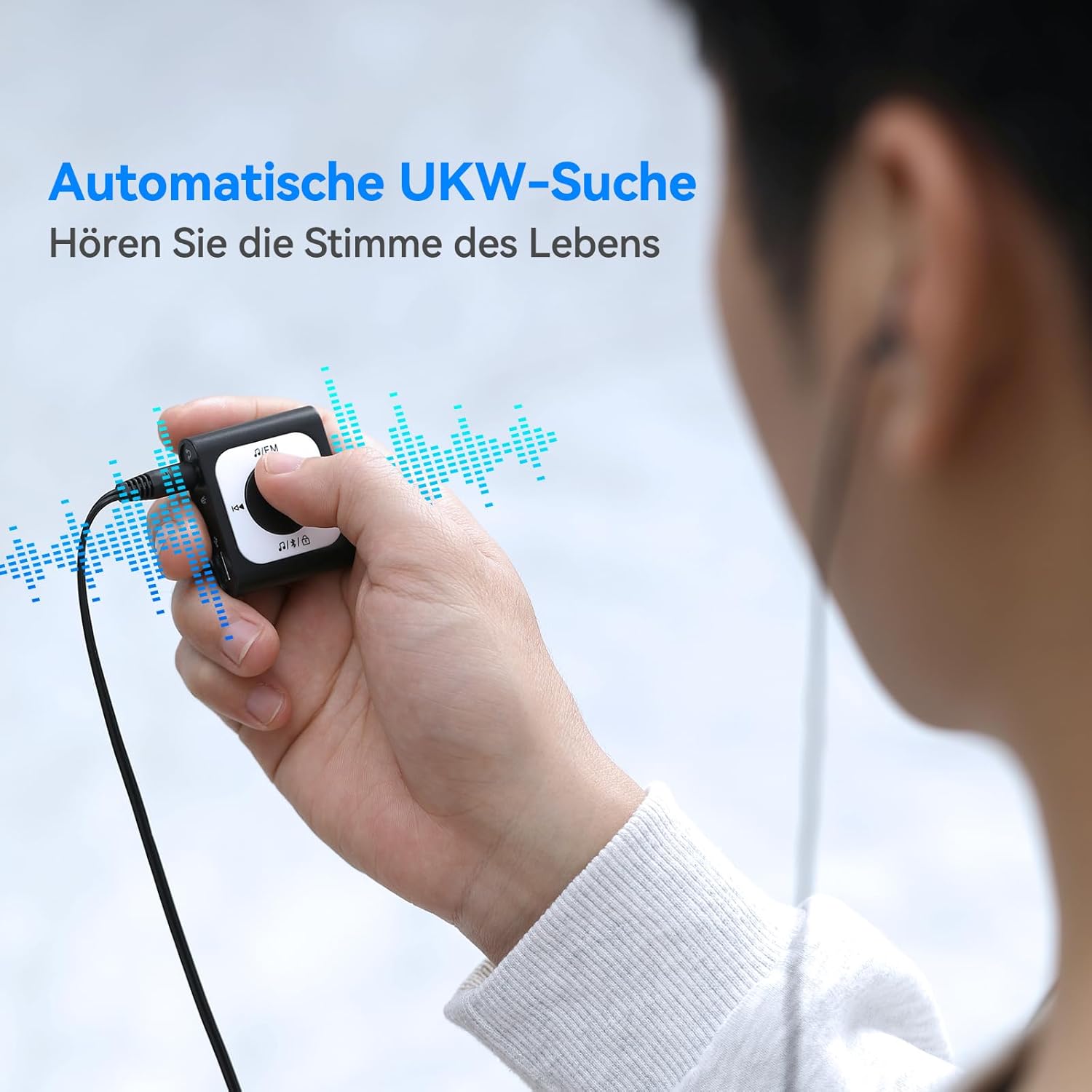
Image: A user operating the MP3 player's automatic FM search function while wearing wired headphones, which are essential for receiving radio signals.
4. Screen Lock Function
To prevent accidental button presses during activity, use the screen lock feature.
- Да закључате: Double-click the dedicated lock button (often indicated by a padlock icon).
- За откључавање: Double-click the lock button again.

Image: The MP3 player highlighting the lock/unlock function, activated by a double-click on the designated button to prevent unintended operations.
5. Using the Clip
The integrated clip allows you to securely attach the MP3 player to clothing, bags, or other items, making it ideal for sports and on-the-go use.

Image: Demonstrations of the MP3 player's portable clip design, showing it attached to a shirt collar, waistband, and backpack strap for convenient, hands-free use.
Одржавање
Чишћење:
- Обришите уређај меком, сувом крпом.
- Do not use abrasive cleaners, alcohol, or solvents, as these can damage the surface.
Складиштење:
- Уређај чувајте на хладном и сувом месту, даље од директне сунчеве светлости и екстремних температура.
- Избегавајте складиштење у прашњавим или влажним срединама.
Одржавање батерије:
- Редовно пуните батерију, чак и ако се уређај не користи често, како бисте одржали њено здравље.
- Избегавајте потпуно пражњење батерије пре поновног пуњења.
Решавање проблема
Уређај се не укључује:
- Уверите се да је батерија напуњена. Прикључите уређај на извор напајања и покушајте поново.
- Press and hold the Power button for an extended period (10-15 seconds) to perform a hard reset.
Cannot Connect to Bluetooth Device:
- Make sure both the MP3 player and the Bluetooth audio device are in pairing mode and within range.
- Ensure no other devices are actively connected to either the MP3 player or the Bluetooth audio device.
- Try restarting both devices and attempting to pair again.
Нема звука:
- Check the volume level on both the MP3 player and your connected headphones/speakers.
- Ensure headphones are properly plugged into the jack (if using wired).
- If using Bluetooth, verify the connection is active and the correct output device is selected.
- Test with different headphones or speakers to rule out a faulty accessory.
Files Not Transferring:
- Ensure the USB cable is securely connected to both the MP3 player and the computer.
- Пробајте други УСБ порт или кабл.
- Проверите да ли је музика fileсу у подржаном формату (нпр. MP3).
- Check if the device's storage is full.
Спецификације
| Димензије производа | 5.91 к 3.94 к 0.79 инча |
| Тежина артикла | 3.87 унци |
| Бранд | АГПТЕК |
| Назив модела | A51PL (SMPA51PLBN-VAEU) |
| Посебна карактеристика | ФМ Радио |
| Технологија повезивања | Блуетоотх |
| Капацитет меморије | 16 ГБ |
| Боја | Црно |
| Компатибилни уређаји | Блуетоотх уређаји |
| Укључене компоненте | МП3 плејер |
| Подржани стандарди | МП3 |
Гаранција и подршка
Информације о гаранцији:
For detailed warranty information, please refer to the warranty card included with your product or visit the official AGPTEK webсајт. Сачувајте рачун као доказ о куповини за потребе гаранције.
Корисничка подршка:
If you encounter any issues not covered in this manual or require further assistance, please contact AGPTEK customer support through their official webсајт или контакт информације које сте добили уз паковање производа.


