1. Увод и крајview
This manual provides instructions for the Amazon Kindle Paperwhite 16GB (12th Generation) e-reader. It covers initial setup, operational procedures, maintenance guidelines, troubleshooting tips, and detailed product specifications to ensure optimal use of your device.
The Kindle Paperwhite features a 7-inch glare-free display, designed for comfortable reading. It offers faster page turns and an extended battery life, making it suitable for prolonged reading sessions.
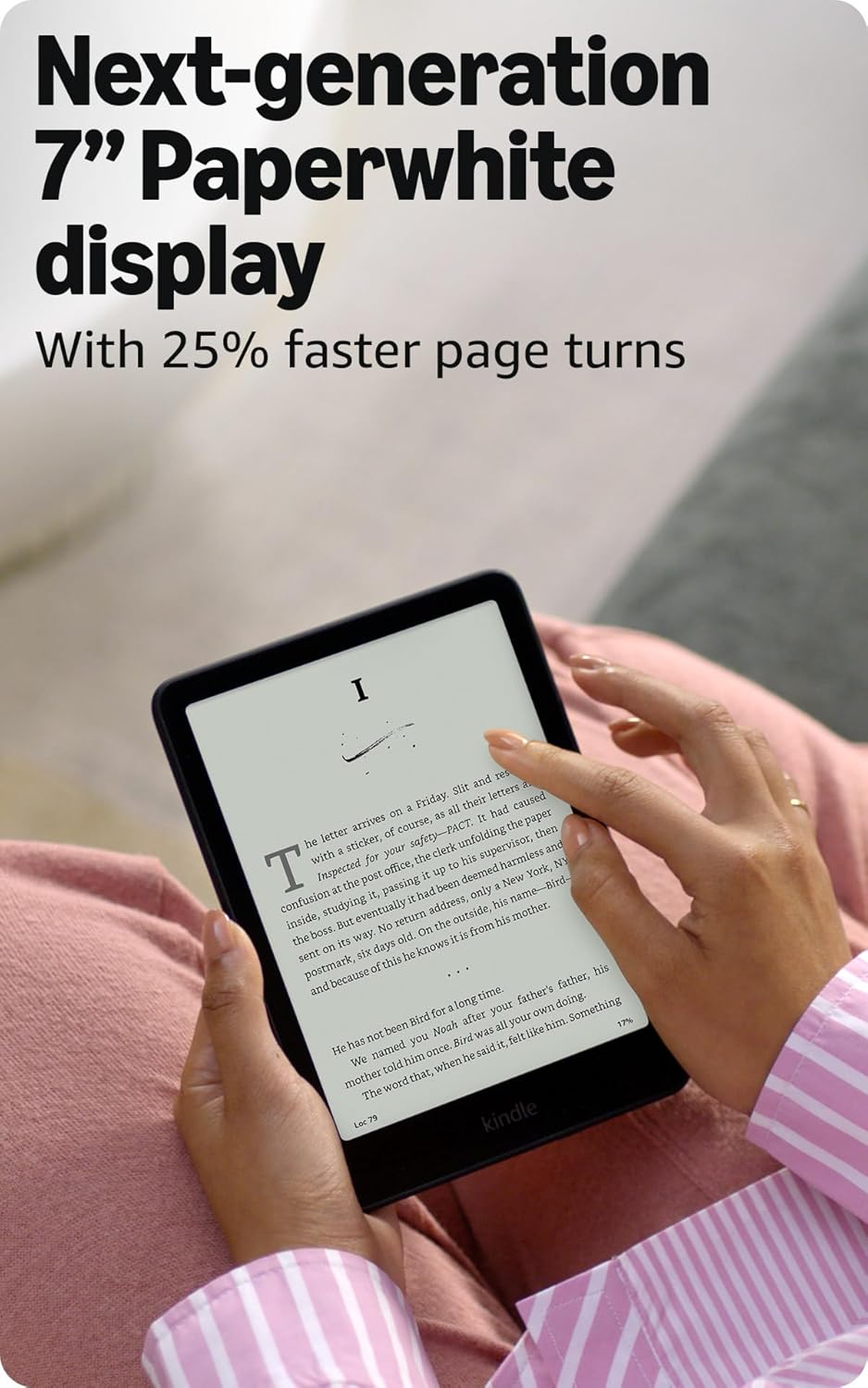
Image: Kindle Paperwhite in Raspberry color, demonstrating its speed with text on screen.

Image: Kindle Paperwhite in Black, highlighting the 7-inch display and faster page turns.
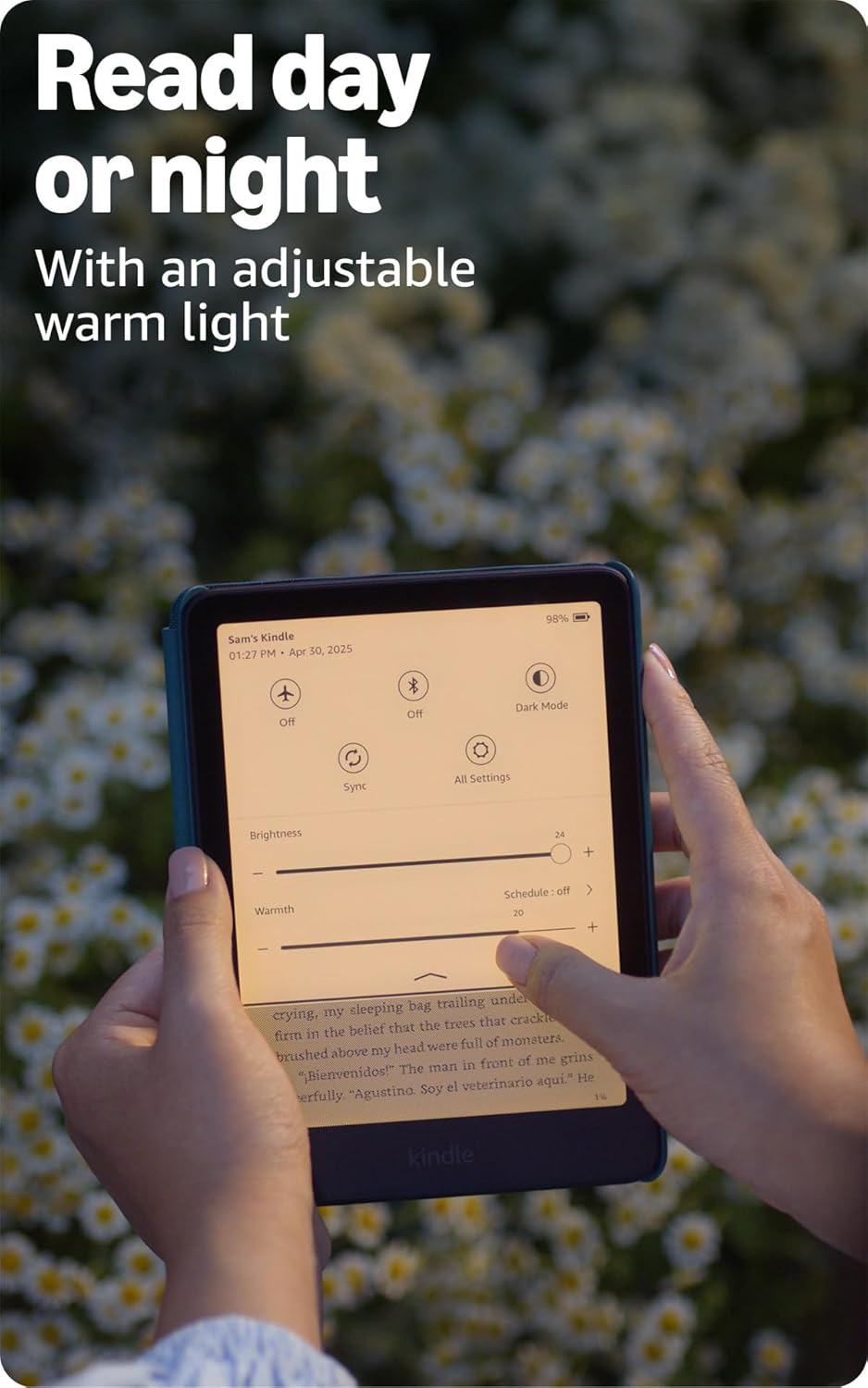
Image: Kindle Paperwhite demonstrating its glare-free display, shown without notifications.
2. Подешавање
- Напуните уређај: Connect the included USB-C charging cable to your Kindle Paperwhite and a compatible power adapter (sold separately) or a computer's USB port. A full charge takes less than 2.5 hours with a 9W USB power adapter.
- Укључено: Press and hold the power button located on the bottom edge of the device until the screen illuminates.
- Повежите се на Ви-Фи: Follow the on-screen prompts to select your Wi-Fi network and enter the password. The device supports 2.4 GHz and 5.0 GHz networks with WEP, WPA, WPA2, WPA3, and OWE security.
- Региструјте свој Kindle: Sign in with your existing Amazon account or create a new one. This links your device to your Amazon content library.
- Преузми садржај: Once registered and connected to Wi-Fi, you can browse and download books directly from the Kindle Store without needing a computer.
For a quick start, refer to the Водич за брзи почетак укључено у кутију.
3. Упутство за употребу
- Окретање страница: Tap the right side of the screen to turn to the next page, or the left side to go back. You can also swipe left or right.
- Подешавање поставки екрана:
- Tap the top of the screen to access the toolbar.
- Adjust brightness and warmth using the sliders. The adjustable warm light allows for comfortable reading day or night.
- Омогући Дарк Моде for inverted colors (white text on a black background).
- Приступ садржају:
- Browse the Kindle Store directly from your device to access over 15 million titles.
- Manage your library from the home screen.
- Supported formats include Kindle Format 8 (AZW3), Kindle (AZW), TXT, PDF, unprotected MOBI, PRC natively. Other formats like DOCX, HTML, EPUB, JPEG, GIF, PNG, BMP are supported through conversion.
- Карактеристике приступачности:
- ГласView Читач екрана: Available over Bluetooth audio, provides spoken feedback for navigation and text-to-speech for books (English only). Connect Bluetooth headphones or speakers in Settings > Wi-Fi & Bluetooth > Bluetooth Devices. Then enable VoiceView in Settings > Accessibility.
- Adjust font size, font face, line spacing, and margins for personalized reading comfort.
- Хидроизолација: The device is waterproof (IPX8 rated), tested to withstand immersion in 2 meters of fresh water for 60 minutes. This allows for reading in environments like baths or pools.
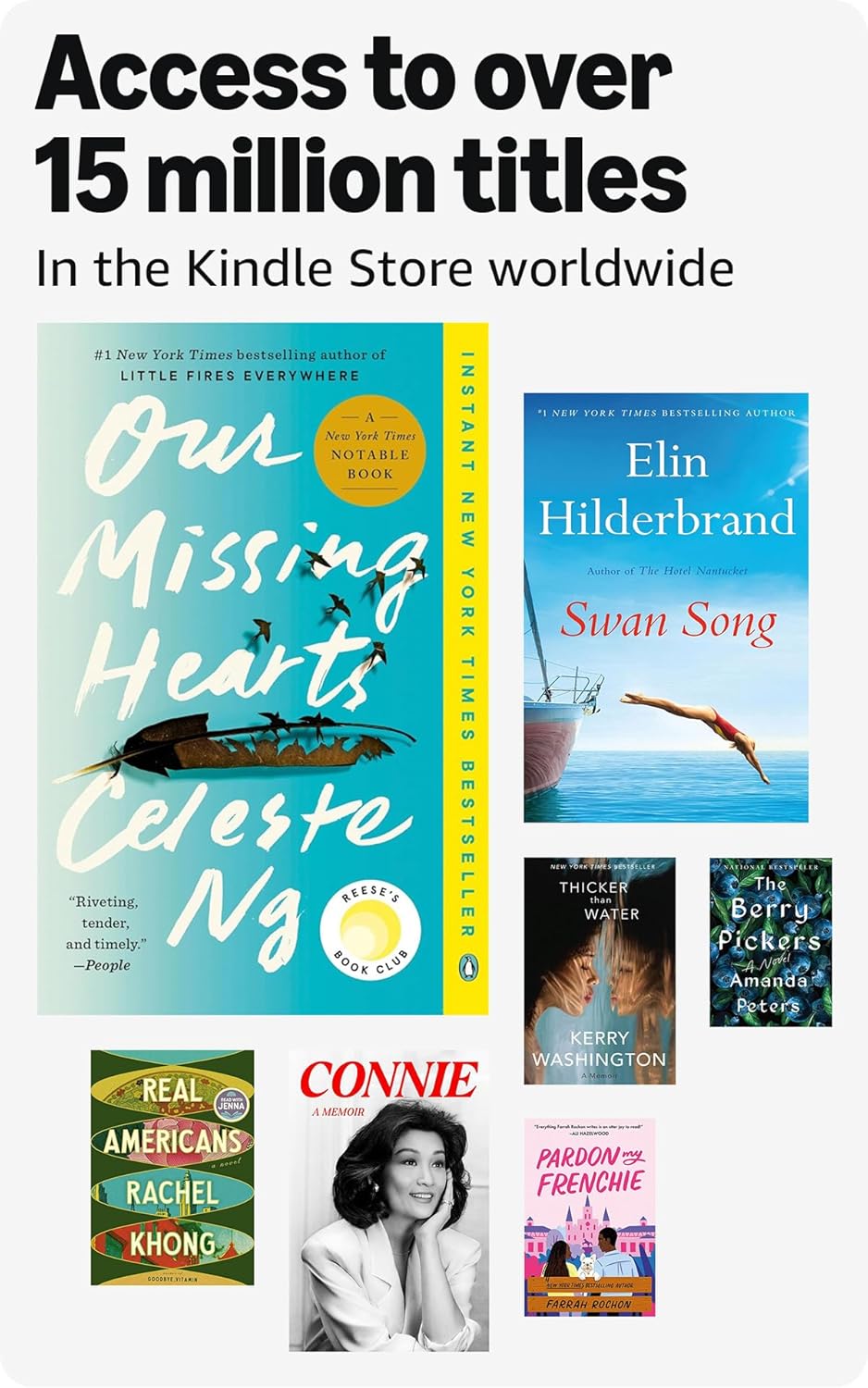
Image: Kindle Paperwhite displaying adjustable warm light settings for day and night reading.
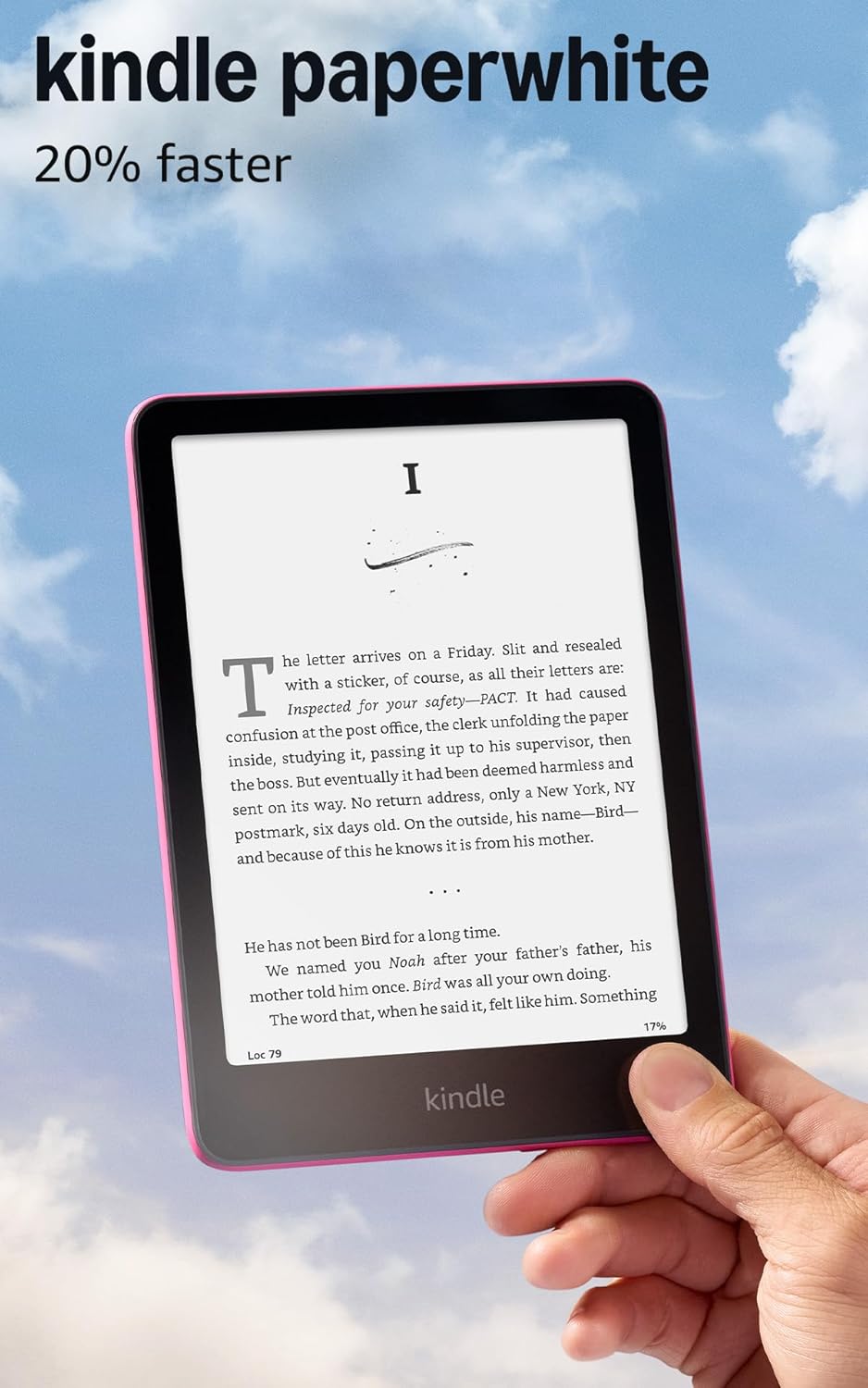
Image: Visual representation of the vast selection of titles available in the Kindle Store.
4. Одржавање
- Чишћење: Use a soft, lint-free cloth to clean the screen and body of your Kindle. Avoid abrasive materials or harsh chemicals.
- Управљање батеријом:
- A single charge can last up to twelve weeks, based on 30 minutes of reading per day with wireless off and light setting at 13.
- Редовно пуните уређај да бисте одржали здравље батерије.
- Note that Audible audiobook streaming over Bluetooth will reduce battery life.
- Ажурирања софтвера: Your Kindle Paperwhite receives automatic software security updates. Ensure your device is connected to Wi-Fi periodically to receive these updates.
- Цлоуд Стораге: All Amazon content purchased or uploaded to your account is stored in the cloud for free, allowing you to re-download it to your device at any time.
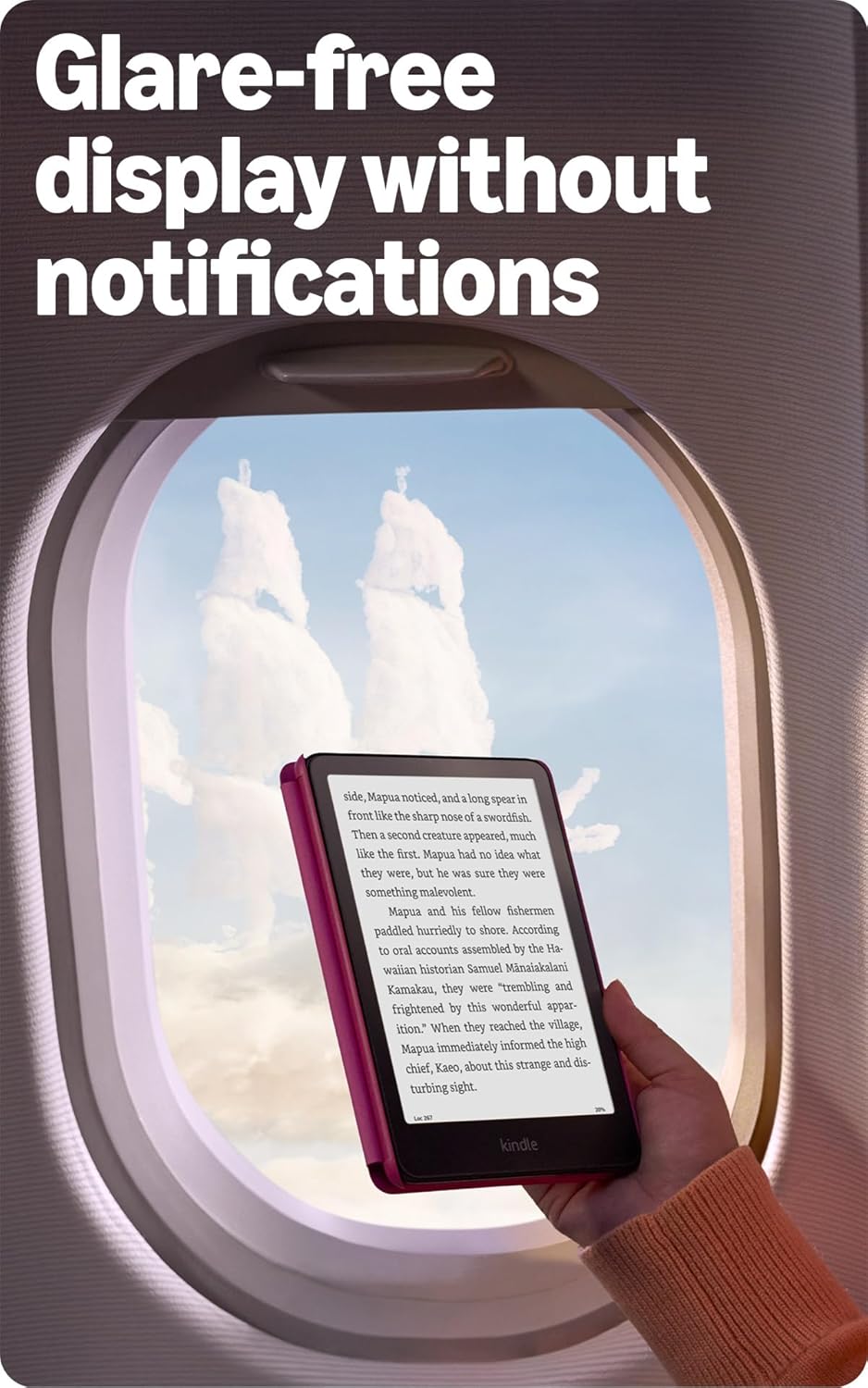
Image: Kindle Paperwhite demonstrating its long battery life, shown being used for extended reading.
КСНУМКС. Решавање проблема
- Уређај не реагује: If your Kindle is not responding, press and hold the power button for 7 seconds until the device restarts.
- Проблеми са Ви-Фи везом:
- Уверите се да је ваша лозинка за Wi-Fi исправна.
- Рестартујте свој Wi-Fi рутер.
- Verify that your network is not an ad-hoc (peer-to-peer) network, as these are not supported.
- Screen Anomalies: If you notice unusual lines or patterns on the screen, try restarting the device. If the issue persists, it may indicate a hardware problem.
- Content Not Downloading: Check your Wi-Fi connection. Ensure your Amazon account is properly registered and your payment method is up to date if purchasing new content.
За додатну помоћ, посетите званичну страницу Kindle User Guide or Amazon customer support.
6. Спецификације
| Дисплаи | Amazon's 7” Paperwhite display technology with built-in light, 300 ppi, optimized font technology, 16-level gray scale. |
| Величина | 5" к 7" к 0.3" (127.6 к 176.7 к 7.8 мм) |
| Тежина | 7.4 oz (211g). Actual size and weight may vary. |
| Складиштење на уређају | 16 ГБ; садржи хиљаде књига. |
| Цлоуд Стораге | Бесплатно складиштење у облаку за сав садржај са Амазона. |
| Трајање батерије | Up to twelve (12) weeks, based on a half hour of reading per day with wireless off and light setting at 13. Varies by use. |
| Време пуњења | Less than 2.5 hours with a 9W USB power adapter. |
| Ви-Фи повезивање | Supports 2.4 GHz and 5.0 GHz networks (WEP, WPA, WPA2, WPA3, OWE security). Does not support ad-hoc networks. |
| Хидроизолација | IPX8 rated; tested to withstand immersion in 2 meters of fresh water for 60 minutes. |
| Подржани формати садржаја | Киндл формат 8 (AZW3), Киндл (AZW), TXT, PDF, незаштићени MOBI, PRC изворно; PDF, DOCX, DOC, HTML, EPUB, TXT, RTF, JPEG, GIF, PNG, BMP кроз конверзију; Audible audio формат (AAX). |
| Укључено у кутију | Kindle Paperwhite, USB-C charging cable, Quick Start Guide. |
| Генератион | Kindle Paperwhite (12th Generation) - 2024 release. |
7. Гаранција и подршка
Your Amazon Kindle Paperwhite comes with a 1-year limited warranty and service. Extended warranty options (1-year, 2-year, or 3-year) are available for U.S. customers and sold separately.
Use of the Kindle device is subject to the terms found on the official Amazon website. For detailed warranty information and customer support, please visit Амазон подршка.
For information specific to your device or to manage your content, visit Управљајте својим садржајем и уређајима.