1. Увод
The PhoFuta M832 is an ultra-portable wireless thermal printer designed for convenience and efficiency. Weighing approximately 1.5 pounds and compact in size, it is ideal for use in various settings including business trips, vehicles, offices, homes, and schools. This printer utilizes thermal technology, eliminating the need for ink cartridges and simplifying your printing experience.

2. Безбедносне информације
Please read all safety instructions carefully before using the device to ensure safe and proper operation.
- Do not expose the printer to extreme temperatures, direct sunlight, or high humidity.
- Keep the printer away from water or other liquids to prevent electric shock or damage.
- Користите само приложени кабл за пуњење и адаптер.
- Do not attempt to disassemble or repair the printer yourself. Contact customer support for assistance.
- Осигурајте одговарајућу вентилацију приликом пуњења уређаја.
3. Шта је у кутији
Проверите да ли су све компоненте присутне у пакету:
- 1 x PhoFuta M832 Portable A4 Printer
- 1 x USB Cable and Type-C Converter
- 1 x A4 Thermal Paper Roll
- 1 к Упутство за употребу
4. Подешавање
4.1 Пуњење уређаја
Before first use, fully charge the printer. Connect the provided USB-C cable to the printer's charging port and the other end to a compatible power source (e.g., wall adapter, computer USB port). The indicator light will show charging status.

4.2 Убацивање термалног папира
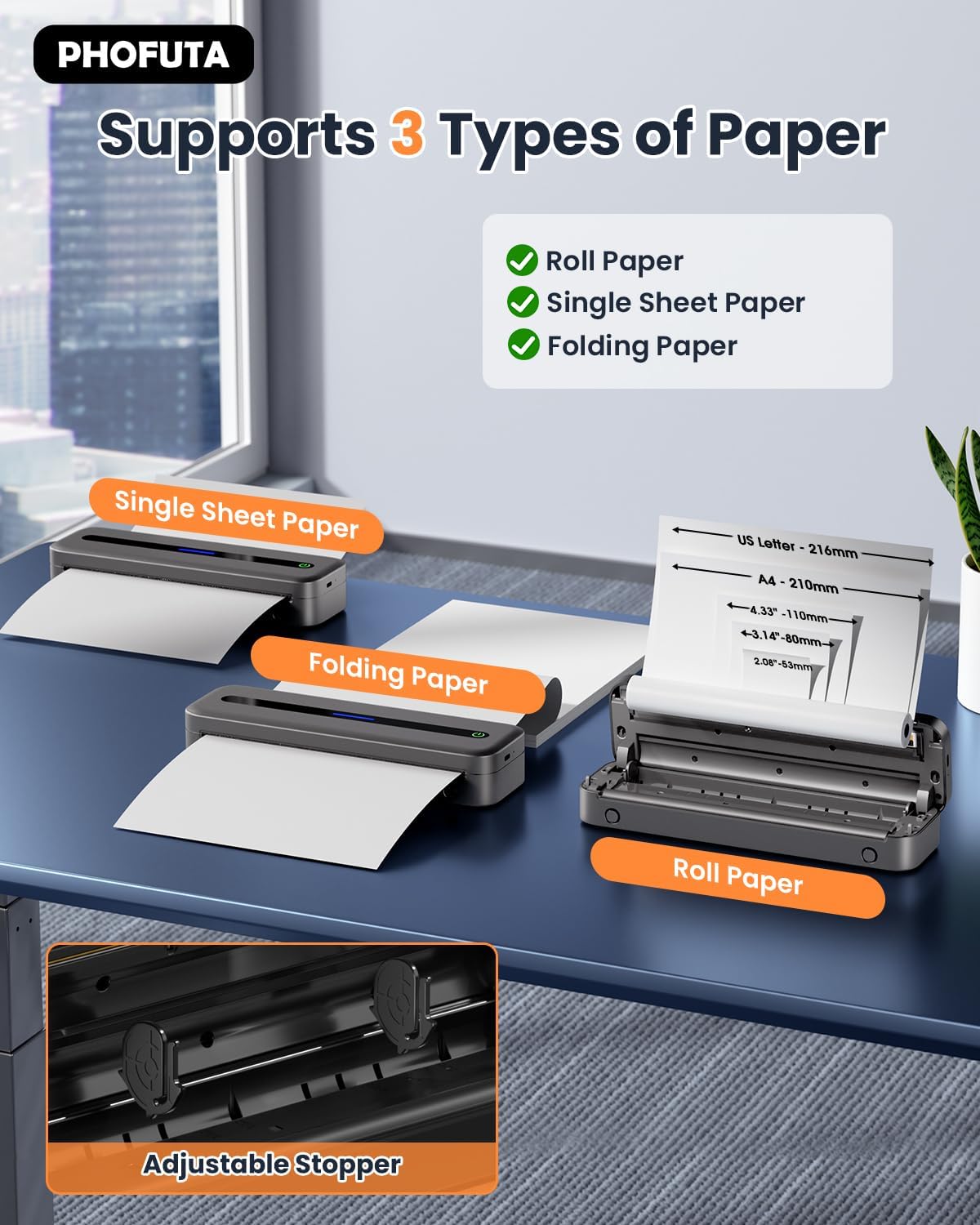
The PhoFuta M832 supports various thermal paper types, including roll paper, single sheets, and folding paper. Open the paper compartment cover, insert the thermal paper according to the diagram, ensuring the printable side faces the print head. Close the cover securely.
4.3 Повезивање са вашим уређајем
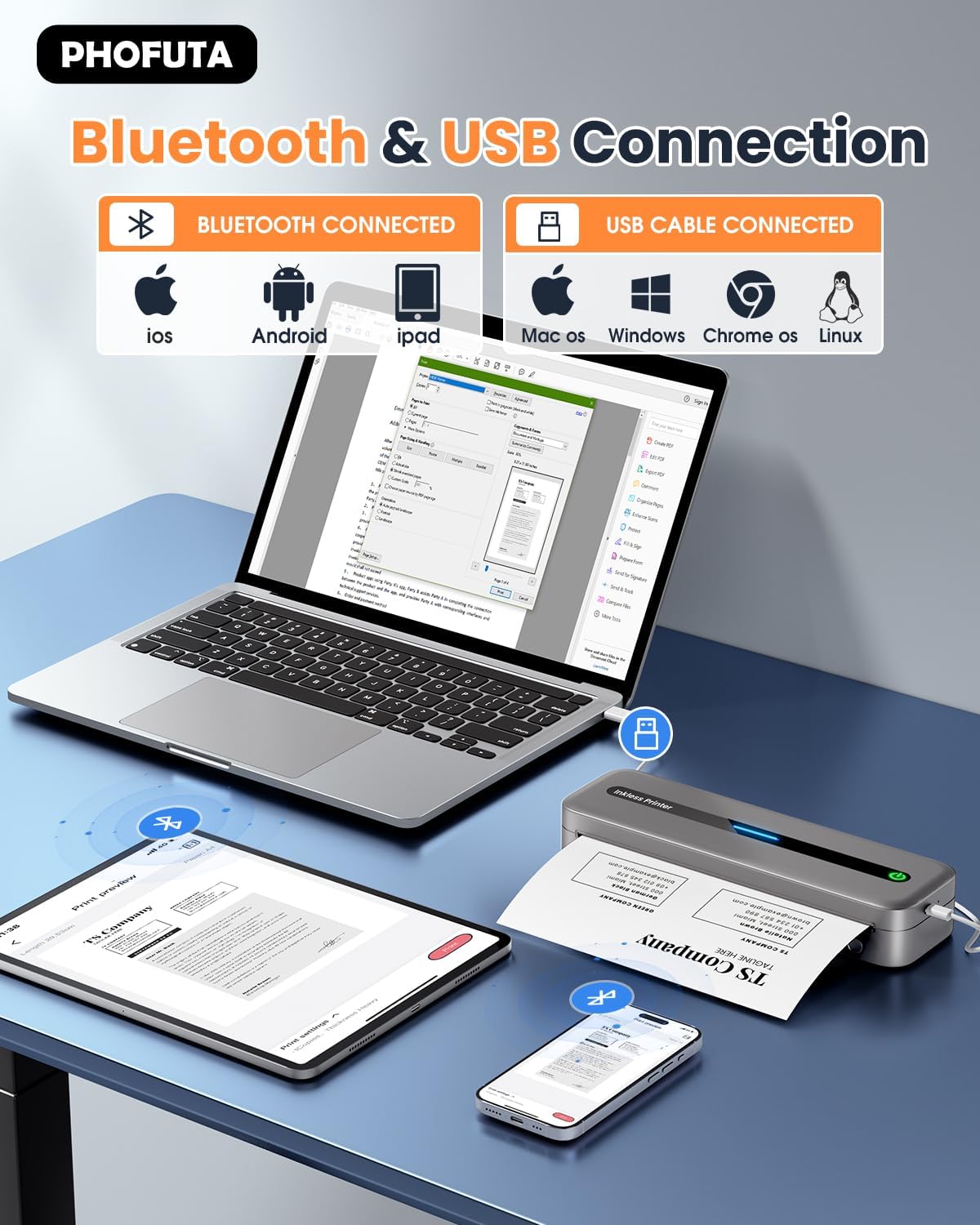
The printer offers both Bluetooth and USB connectivity options.
- Блуетоотх веза: Turn on the printer and enable Bluetooth on your smartphone or tablet. Download the Phomemo app (available for iOS and Android). Open the app, search for the printer, and pair.
- УСБ веза: Connect the printer to your laptop or computer using the provided USB-C cable. Install the necessary drivers (usually available from the PhoFuta website or included on a small disk/QR code).
5. Упутство за употребу
5.1 Основно штампање
Once connected, open the document or image you wish to print from your device. Select the PhoFuta M832 as your printer. Adjust print settings as needed (e.g., paper size, orientation) and initiate the print command. The printer will feed the thermal paper and produce the printout.
5.2 Квалитет штампе
The PhoFuta M832 offers a maximum print resolution of 300 DPI (dots per inch) for black and white prints, ensuring clear and legible documents.

5.3 Supported Paper Sizes
The printer supports various paper sizes, including US Letter, A4, and smaller sizes like 4-inch, 3-inch, and 2-inch (216mm, 210mm, 110mm, 80mm, 53mm respectively). Ensure you use thermal paper compatible with these dimensions.
6. Одржавање
6.1 Чишћење штампача
Regularly clean the printer to maintain optimal performance. Use a soft, dry, lint-free cloth to wipe the exterior. For the print head, use a cotton swab lightly dampened with isopropyl alcohol, wiping gently. Ensure the printer is off and disconnected from power before cleaning.
6.2 Thermal Paper Considerations
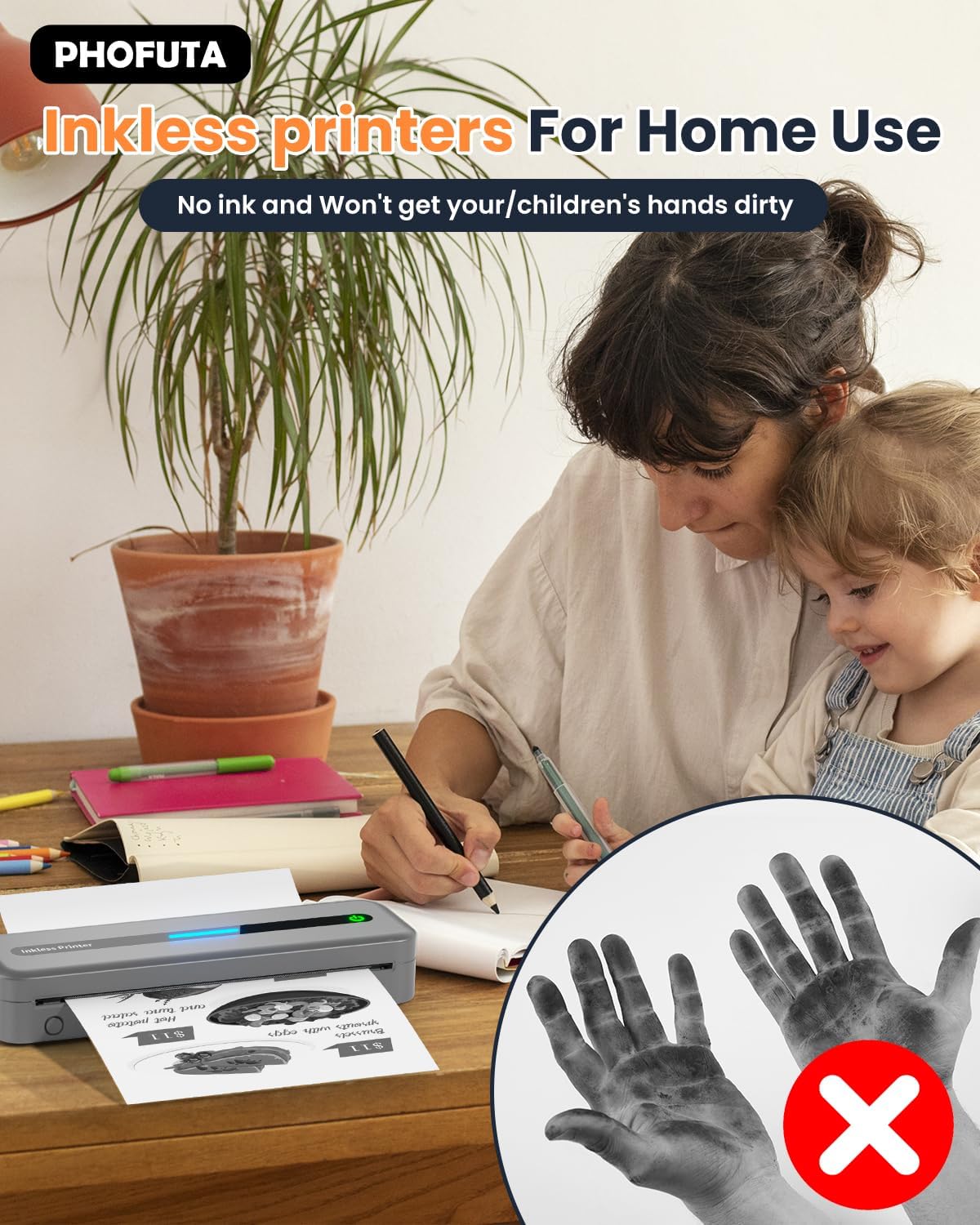
The PhoFuta M832 is an inkless printer, meaning it uses thermal paper that reacts to heat to create images. This eliminates the need for ink cartridges, preventing messy hands and reducing ongoing costs. However, it is crucial to use only thermal paper, as regular paper will not work. Thermal prints may fade over time if exposed to heat, light, or certain chemicals, so store important documents appropriately.

КСНУМКС. Решавање проблема
If you encounter issues with your PhoFuta M832 printer, refer to the following common problems and solutions:
- Штампач се не укључује: Ensure the battery is charged. Connect the printer to a power source and try again.
- Повезивање преко Блуетоотх-а није могуће: Make sure Bluetooth is enabled on both devices. Restart the printer and your device. Ensure the Phomemo app is installed and updated.
- Лош квалитет штампе: Check if you are using thermal paper. Ensure the paper is loaded correctly. Clean the print head if smudges or lines appear.
- Заглављени папир: Turn off the printer, open the paper compartment, and carefully remove any jammed paper. Ensure paper is loaded straight and not wrinkled.
- Штампач не реагује: Try restarting the printer. If the issue persists, perform a factory reset (refer to the Phomemo app or detailed user manual for instructions).
8. Спецификације
| Феатуре | Спецификација |
|---|---|
| Бранд | ПхоФута |
| Модел | М832 |
| Број производа | PH-M832-GY |
| Боја | Греи |
| Технологија штампе | Тхермал |
| Излаз штампача | Моноцхроме |
| Максимална резолуција штампања (црно-бело) | 300 ДПИ |
| Максимална брзина штампања (монохроматско) | 5 странице у минути |
| Максимални капацитет улазног листа | 300 листова |
| Подржани тип медија | Plain Paper (Thermal Paper) |
| Величина листа | US Letter/A4/4"/3"/2" (216mm/210mm/110mm/80mm/53mm) |
| Дуплек Принтинг | бр |
| Технологија повезивања | Блуетоотх |
| Хардверски интерфејс | УСБ-Ц |
| Компатибилни уређаји | Smartphones, Tablets, Laptops, Computers |
| Тип скенера | Портабле |
| Резолуција скенера | 203 к 203 ДПИ |
| Димензије производа | 31 к 11.4 к 9.2 цм |
| Тежина производа | 992 г |
| Батерија | 1 литијум јон (укључено) |
| Састав батерије | литијум |
| Ажурирања софтвера гарантована до | Непознато |
9. Гаранција и подршка
9.1 Информације о гаранцији
The PhoFuta M832 Portable Thermal Printer comes with a Доживотна гаранција. This warranty covers manufacturing defects and ensures the long-term reliability of your device. Please retain your proof of purchase for warranty claims.
9.2 Корисничка подршка
For technical assistance, troubleshooting, or warranty inquiries, please contact PhoFuta customer support. Refer to the official PhoFuta webвеб-сајт или контакт информације које сте добили уз куповину за најновије канале подршке.


