1. Увод
This manual provides essential information for the safe and efficient operation of your BLUETTI AC70 Portable Power Station. Please read this manual thoroughly before using the product and keep it for future reference. The BLUETTI AC70 is a versatile power solution designed for various applications, including outdoor activities, emergency backup, and mobile power needs.
2. Безбедносна упутства
To ensure safe operation, always follow these guidelines:
- Немојте растављати, поправљати или модификовати јединицу.
- Држите уређај даље од ватре, воде и екстремних температура.
- Користите само додатну опрему и каблове за пуњење које је одобрио BLUETTI.
- Обезбедите одговарајућу вентилацију током употребе и пуњења како бисте спречили прегревање.
- Чувати ван домашаја деце и кућних љубимаца.
- Избегавајте испуштање или излагање уређаја јаким ударцима.
3. Садржај пакета
Проверите да ли су сви предмети укључени у ваш пакет:
- БЛУЕТТИ АЦ70 Преносна електрана
- 100W Solar Panel (Ships Separately)
- Кабл за пуњење наизменичном струјом
- Кабл за пуњење аутомобила
- Соларни кабл за пуњење
- Упутство за употребу

Figure 1: BLUETTI AC70 Portable Power Station with its standard accessories.
4. Производ је готовview
4.1 Предња плоча
The front panel features the main display, input/output ports, and control buttons.
- ЛЦД екран: Приказује ниво батерије, улазну/излазну снагуtagе, преостало време рада и индикатори грешака.
- DC/PV улаз: For connecting solar panels or other DC charging sources.
- DC Output (12V/10A): Standard car-style outlet.
- USB-C Ports (100W): Two ports for fast charging compatible devices.
- USB-A Ports (12W): Two ports for standard USB charging.
- AC Outlets (120V/1000W): Two standard AC outlets.
- Дугме за напајање: Укључује/искључује уређај.
- DC Output Button: Activates/deactivates DC output.
- Дугме за излаз наизменичне струје: Activates/deactivates AC output.

Figure 2: Front panel layout of the BLUETTI AC70.
4.2 Задња плоча
The rear panel includes the AC input port and ventilation.
- АЦ улаз: For connecting the AC charging cable.
- Решетке за вентилацију: Обезбеђује правилан проток ваздуха за хлађење.
4.3 Горња плоча
The top panel features a sturdy handle for portability.

Figure 3: Top handle for easy portability.
5. Подешавање
5.1 Почетно пуњење
Before first use, fully charge the BLUETTI AC70. Connect the AC charging cable to the AC input port on the rear of the unit and plug it into a wall outlet. The LCD display will show the charging status. A full charge from 0% to 100% typically takes about 1.5 hours.
5.2 Повезивање соларних панела
If using the included 100W solar panel, unfold it and position it in direct sunlight. Connect the solar charging cable to the solar panel and then to the DC/PV input port on the front of the AC70. The display will indicate solar input wattage.
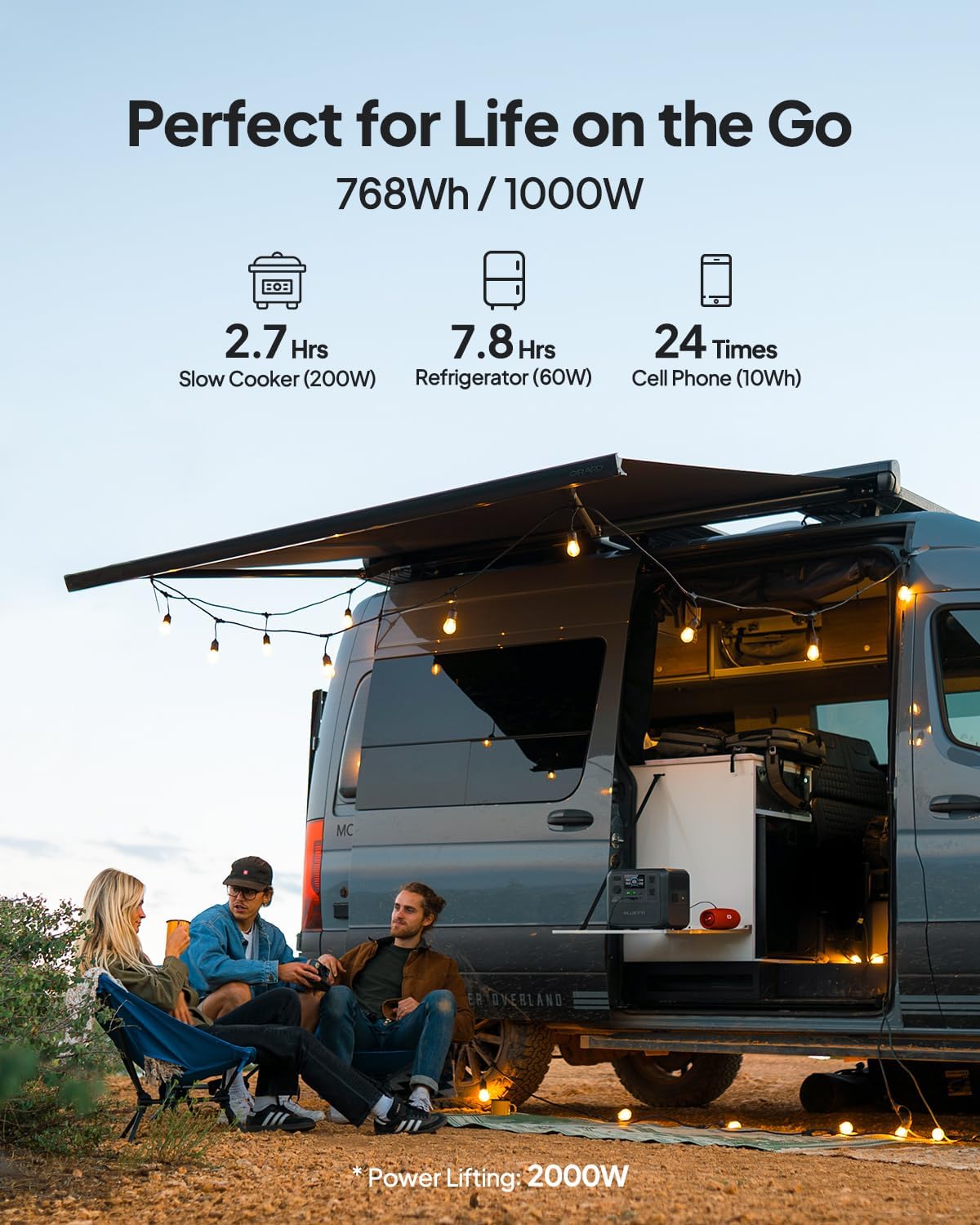
Figure 4: Connecting the BLUETTI AC70 to a solar panel.
6. Упутство за употребу
6.1 Укључивање/искључивање
Press and hold the main Power Button for 2-3 seconds to turn the unit on or off.
6.2 Коришћење излаза
Press the respective DC Output Button or AC Output Button to activate the desired output ports. The corresponding icons on the LCD display will illuminate.

Figure 5: Various output ports of the BLUETTI AC70 in use.
6.3 BLUETTI APP Control
Download the BLUETTI APP from your smartphone's app store. Connect your AC70 via Bluetooth to monitor its status, adjust settings (like charging mode), and update firmware remotely.

Figure 6: Monitoring and controlling the AC70 using the BLUETTI App.
6.4 Режим подизања снаге
The Power Lifting mode allows the AC70 to handle high-power resistive loads up to 2000W, exceeding its rated 1000W output. This is particularly useful for devices like hair dryers or electric kettles. Activate this mode via the BLUETTI APP.
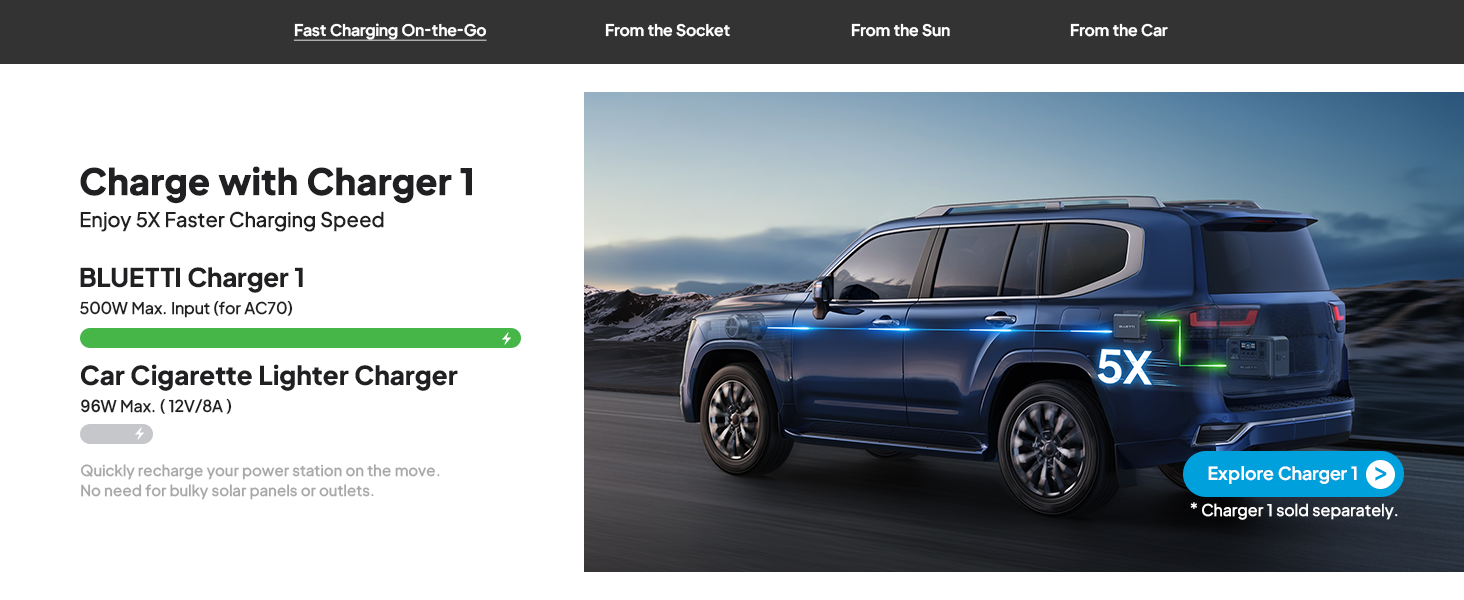
Figure 7: AC70 utilizing Power Lifting mode for higher wattagе апарати.
6.5 Функционалност УПС-а
The AC70 features an Uninterruptible Power Supply (UPS) function with a switching time of ≤20ms. When connected to a wall outlet and powering devices, it can automatically switch to battery power in the event of a power outage, ensuring continuous operation for connected electronics.
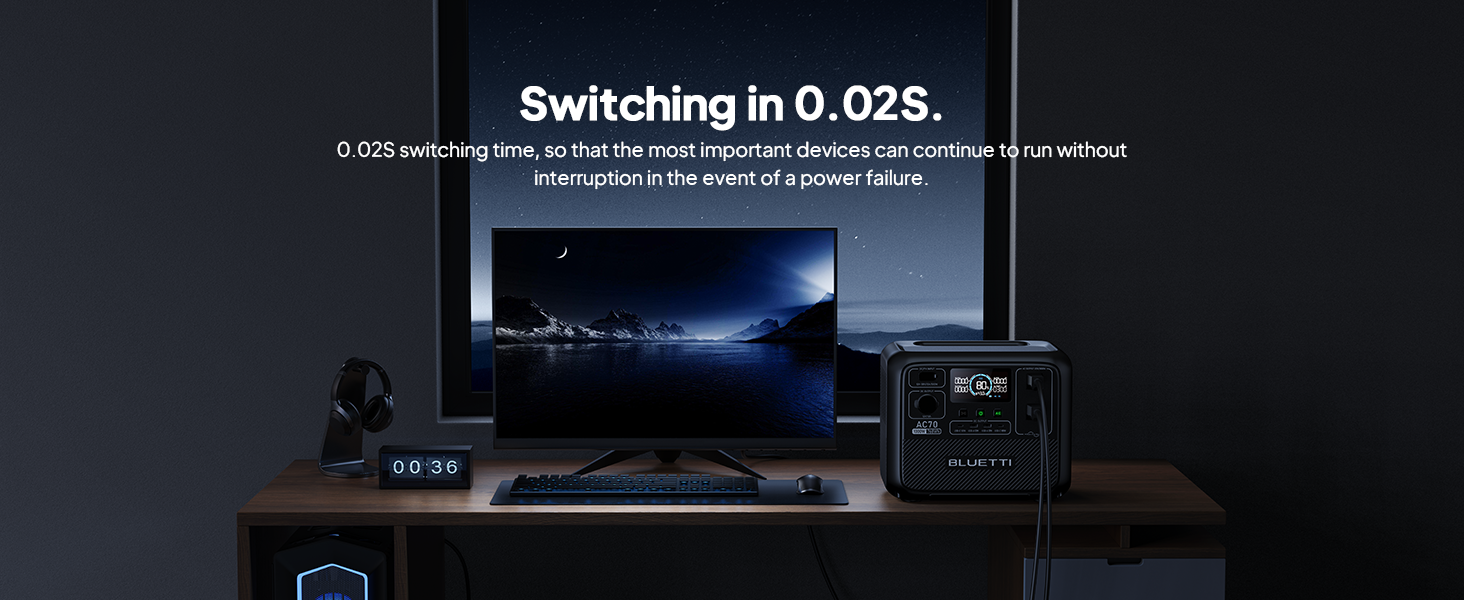
Figure 8: AC70 acting as an Uninterruptible Power Supply (UPS).
7. Charging the AC70
7.1 Пуњење наизменичном струјом
Connect the AC charging cable to the AC input port and a wall outlet. The AC70 supports up to 950W fast charging, reaching 80% in 45 minutes and 100% in 1.5 hours.

Figure 9: AC70 charging from a standard wall outlet.
7.2 Соларно пуњење
Connect compatible solar panels (up to 500W) to the DC/PV input port using the solar charging cable. The AC70 can be fully charged via solar power in 1.9-2.4 hours under optimal sunlight conditions.

Figure 10: AC70 charging using solar panels.
7.3 Пуњење аутомобила
Use the car charging cable to connect the AC70 to your vehicle's 12V/24V cigarette lighter port. This allows for convenient charging while on the go, with a full charge taking approximately 3.2-7 hours.
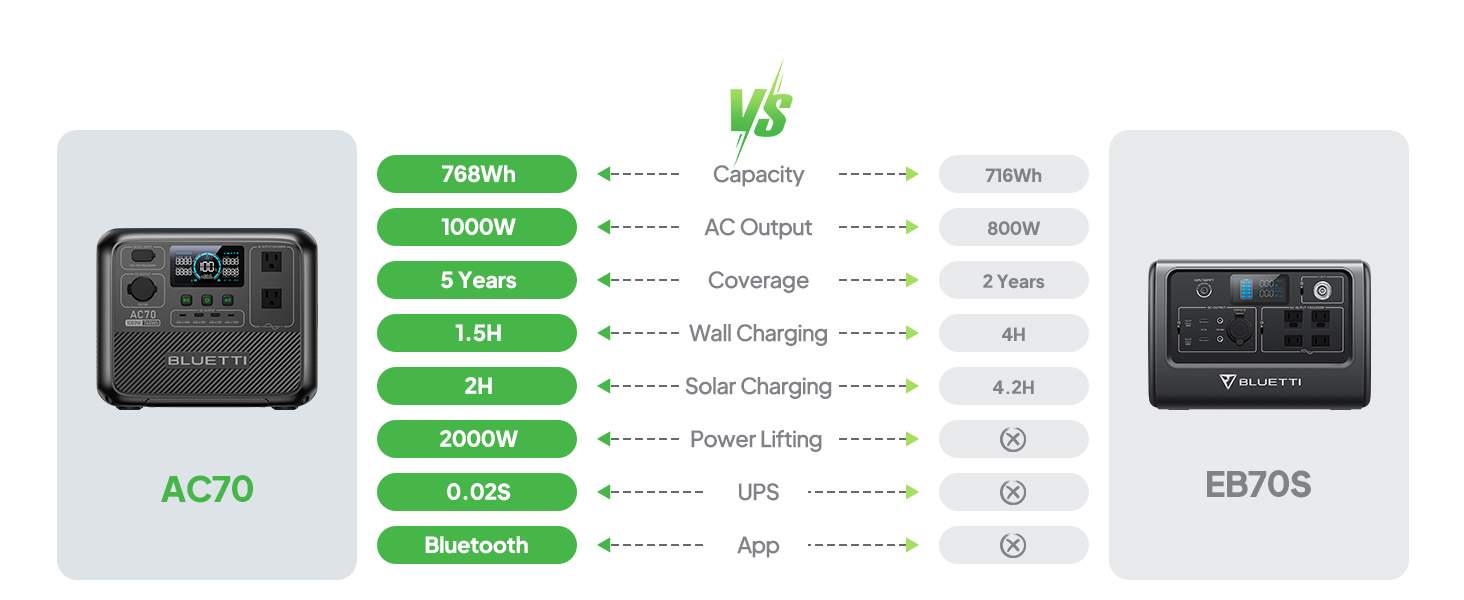
Figure 11: AC70 charging from a vehicle's 12V/24V outlet.
8. Одржавање
Proper maintenance ensures the longevity and performance of your AC70:
- Чувајте уређај на хладном и сувом месту, заштићено од директне сунчеве светлости.
- Recharge the unit every 3-6 months if not in regular use to maintain battery health.
- Clean the exterior with a dry, soft cloth. Do not use harsh chemicals or abrasives.
- Држите вентилационе отворе чистим од прашине и остатака.
КСНУМКС. Решавање проблема
If you encounter issues with your AC70, refer to the following common problems and solutions:
| Проблем | Могући узрок | Решење |
|---|---|---|
| Jedinica se ne uključuje | Low battery or unit is off. | Charge the unit. Press and hold the power button for 2-3 seconds. |
| АЦ излаз не ради | AC output is off or overloaded. | Press the AC output button. Reduce the load or check for short circuits. |
| Соларно пуњење не ради | Insufficient sunlight, incorrect connection, or incompatible panel. | Ensure direct sunlight, check cable connections, verify panel compatibility. |
| Апликација се не повезује | Bluetooth is off or unit is too far. | Ensure Bluetooth is enabled on your phone and AC70. Move closer to the unit. |
10. Спецификације
| Феатуре | Детаљ |
|---|---|
| Бранд | БЛУЕТТИ |
| Назив модела | АЦ70 |
| Капацитет батерије | 768Wh (LiFePO4) |
| АЦ Оутпут | 2 x 1000W (2000W Power Lifting) |
| ДЦ излаз | 1 к 12В/10А |
| УСБ-Ц излаз | 2 к 100В Макс |
| УСБ-А излаз | 2 к 12В Макс |
| АЦ Инпут | 950W Max (0-80% in 45 min, 0-100% in 1.5 hrs) |
| Соларни улаз | 500W Max (0-100% in 1.9-2.4 hrs) |
| Пуњење аутомобила | 12V/24V, 10A (0-100% in 3.2-7 hrs) |
| Баттери Цицлес | 3000+ до 80% капацитета |
| Време пребацивања УПС-а | ≤20мс |
| Тежина артикла | 22.5 лбс |
| Димензије производа | 12.4 cm D x 8.2 cm Š x 10.1 cm V |
11. Гаранција и подршка
The BLUETTI AC70 Portable Power Station comes with a 5-year warranty. For technical support, troubleshooting assistance, or warranty claims, please contact BLUETTI customer service through their official website or the BLUETTI APP.
Video 1: Official BLUETTI AC70 product overview highlighting its features and portability.


