Увод
The Logitech Signature M550 L Wireless Mouse is designed for enhanced comfort and productivity, especially for users with larger hands. It features an adaptive SmartWheel for precise or hyper-fast scrolling, SilentTouch technology for quiet clicks, and versatile connectivity options. This manual provides detailed instructions for setup, operation, and maintenance of your device.
Садржај пакета
- Logitech Signature M550 L Wireless Mouse
- 1 АА батерија (унапред инсталирана или укључена)
- Logi Bolt USB Receiver (may be stored inside the mouse battery compartment)
- Корисничка документација (овај приручник)
Производ је завршенview
Familiarize yourself with the key components of your Logitech Signature M550 L mouse.

Image: Top and side view of the Logitech Signature M550 L mouse, highlighting its features including the SmartWheel, silent clicking buttons, Bluetooth connectivity, ergonomic shape, and 24-month battery life.
- Леви/десни клик: Feature SilentTouch technology for reduced clicking noise.
- Паметни точак: Adaptive scroll wheel for line-by-line precision or super-fast free-spin scrolling.
- ЛЕД индикатор: Shows battery status and connection mode.
- Прекидач за укључивање/искључивање: Located on the bottom of the mouse.
- Одељак за батерије: Houses the AA battery and Logi Bolt USB receiver.
- Ергономски дизајн: Contoured shape with soft thumb area and rubber side grips for comfort.
Сетуп
1. Инсталирајте батерију
- Отворите поклопац одељка за батерију на доњој страни миша.
- Уметните приложену АА батерију, водећи рачуна о исправном поларитету (+/-).
- Close the battery compartment cover. The LED indicator on the mouse may flash briefly.
2. Повежите се са својим уређајем
Signature M550 L нуди два начина повезивања: Logi Bolt USB пријемник или Bluetooth Low Energy.
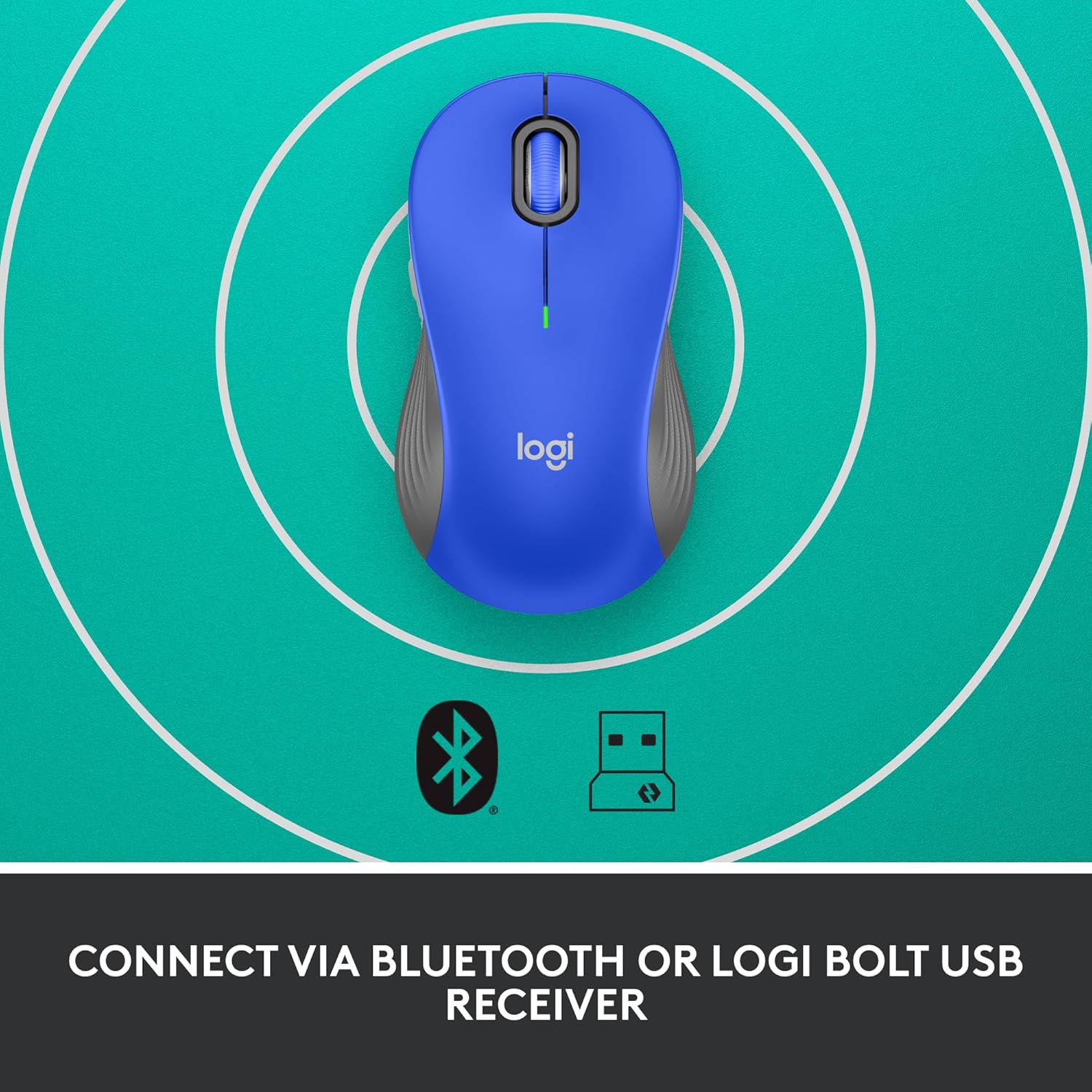
Image: The Logitech Signature M550 L mouse shown with icons representing Bluetooth and Logi Bolt USB receiver connectivity options.
Опција А: Логи Болт УСБ пријемник
- Пронађите Логи Болт УСБ пријемник, који се обично налази унутар одељка за батерију миша.
- Прикључите Логи Болт УСБ пријемник у слободан УСБ порт на рачунару.
- Turn on the mouse using the On/Off switch on the bottom. Your computer should automatically detect the mouse.
Опција Б: Bluetooth ниске потрошње енергије
- Укључите миш помоћу прекидача за укључивање/искључивање на дну.
- Press and hold the Easy-Switch button (usually on the bottom or side, refer to product diagram if available) for 3 seconds until the LED indicator starts blinking rapidly. This indicates pairing mode.
- На рачунару или уређају отворите подешавања за Bluetooth.
- Изаберите „Logitech M550 L“ са листе доступних уређаја и пратите упутства на екрану да бисте завршили упаривање.
The mouse is compatible with Windows, macOS, Linux, Chrome OS, iPadOS, and Android operating systems.
Упутство за употребу
Скроловање помоћу паметног точка
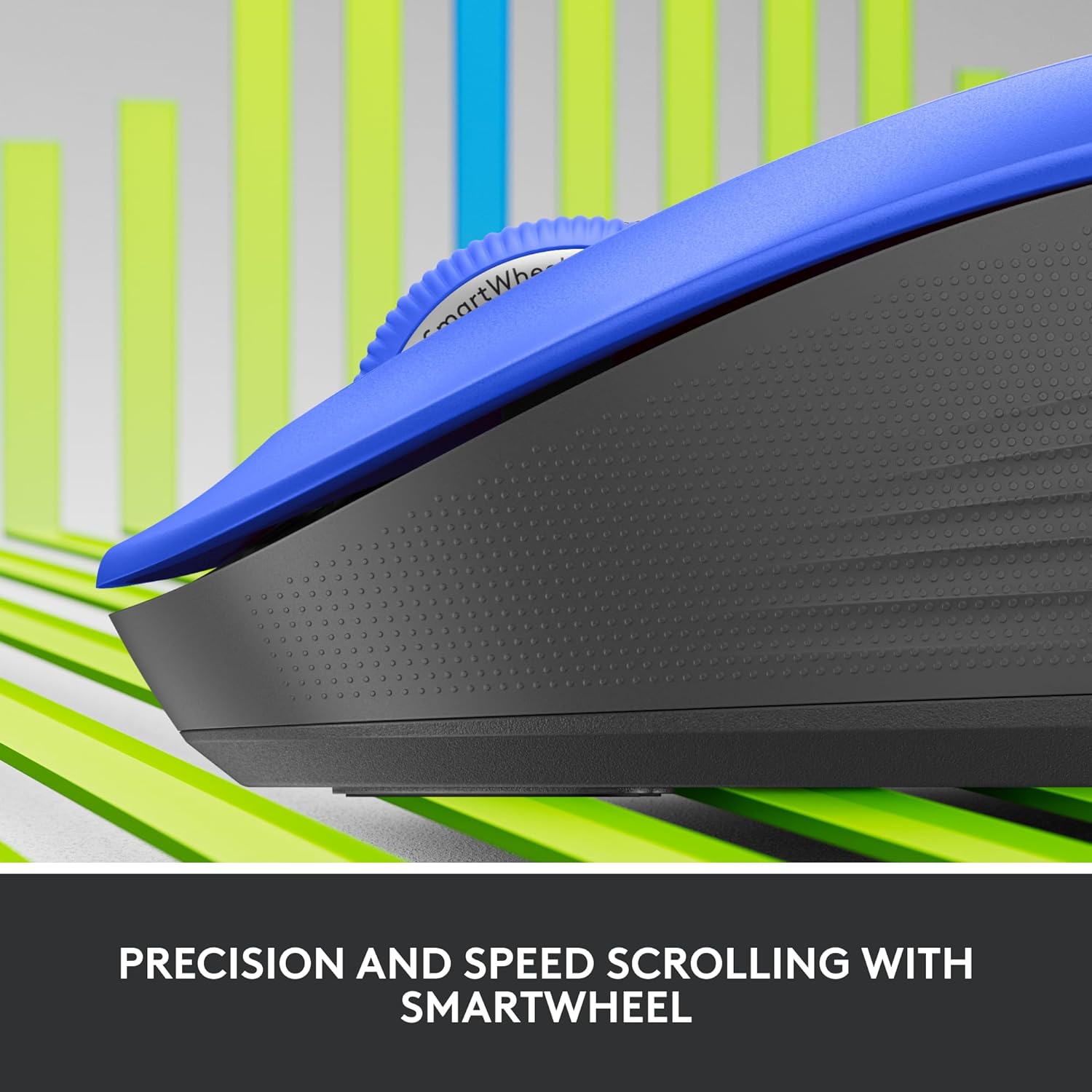
Слика: Крупни план view of the Logitech SmartWheel, demonstrating its precision and speed scrolling capabilities.
SmartWheel се аутоматски пребацује између два режима:
- Прецизност ред по ред: Ideal for detailed work and navigating documents. Scroll slowly for precise control.
- Super-Fast Free-Spin: For quickly navigating long web pages or documents. Flick the wheel to activate.
Тихи кликови

Image: A person using the Logitech Signature M550 L mouse at a desk, illustrating the benefit of 90% less clicking noise for a focused work environment.
The mouse features Logitech's SilentTouch technology, reducing click noise by over 90% compared to traditional mice. This allows for a quieter work environment without compromising click feel.
Компатибилност са више уређаја
The Signature M550 L can be paired with multiple devices and switched between them using the Easy-Switch button. This feature is ideal for users who work across several computers or tablets.
Одржавање
Замена батерије
The mouse operates on a single AA battery, offering up to 24 months of battery life depending on usage. When the battery is low, the LED indicator will turn red. To replace:
- Искључите миш.
- Open the battery compartment cover on the underside.
- Remove the old AA battery and insert a new one, observing correct polarity.
- Close the cover and turn the mouse back on.
Чишћење
Да бисте очистили миш, користите меку крпу која не оставља влакна, лагано је обришитеampened with water or a mild cleaning solution. Avoid harsh chemicals or abrasive materials. Ensure no liquid enters the mouse's openings.
Решавање проблема
- Миш не реагује:
- Уверите се да је миш укључен.
- Проверите ниво батерије и замените ако је потребно.
- If using the Logi Bolt receiver, try plugging it into a different USB port or a different computer to rule out port issues.
- If using Bluetooth, ensure Bluetooth is enabled on your device and the mouse is properly paired. Try re-pairing the mouse.
- Move the mouse closer to the receiver or Bluetooth-enabled device to ensure it's within range.
- Неправилно кретање курсора:
- Очистите оптички сензор на дну миша.
- Уверите се да користите миш на одговарајућој површини. Избегавајте јако рефлектујуће или провидне површине.
- Connectivity issues after system update:
- Поново покрените рачунар.
- Check for updated drivers for your mouse or Bluetooth adapter.
Спецификације
| Бранд | Логитецх |
| Број модела | 910-006794 |
| Технологија повезивања | Bluetooth ниске потрошње енергије, Logi Bolt USB пријемник |
| Откривање покрета | Оптицал |
| Посебне карактеристике | Lightweight, Portable, Silent Clicks (SilentTouch), SmartWheel, Wireless |
| Тип батерије | 1 АА батерија |
| Трајање батерије | До 24 месеци (може варирати у зависности од употребе) |
| Компатибилност оперативног система | Виндовс, мацОС, Линук, Цхроме ОС, иПадОС, Андроид |
| Тежина артикла | 3.92 унци |
| Боја | Плава (за ову варијанту) |
Информације о гаранцији
Logitech products are manufactured to high quality standards and are covered by a limited hardware warranty. For specific warranty terms and conditions applicable to your region and product, please refer to the official Logitech webсајт или гарантни лист који сте добили уз куповину.
Подршка
For further assistance, technical support, or to download the latest software and drivers for your Logitech Signature M550 L Wireless Mouse, please visit the official Logitech support webсајт:
You can also find FAQs and community forums on the support site.


