Увод
The Logitech Signature M550 Wireless Mouse is designed for enhanced productivity and comfort. Featuring an adaptive SmartWheel for precise and fast scrolling, SilentTouch technology for quiet clicks, and versatile connectivity options, this mouse is compatible with multiple operating systems and devices. This manual will guide you through its setup, operation, and maintenance.
Сетуп
1. Инсталирајте батерију
The Logitech Signature M550 mouse requires one AA battery, which is included. To install the battery:
- Пронађите одељак за батерију на доњој страни миша.
- Скините поклопац.
- Уметните АА батерију, водећи рачуна о исправном поларитету (+/-).
- Вратите поклопац одељка за батерије.

Слика: Доња страна view of the Logitech Signature M550 mouse, highlighting the battery compartment, on/off switch, and the Logi Bolt USB receiver storage slot.
2. Повежите миш
The Signature M550 offers two connection methods: Bluetooth Low Energy or the Logi Bolt USB receiver.
Коришћење Логи Болт УСБ пријемника:
- Remove the Logi Bolt USB receiver from the battery compartment.
- Прикључите Логи Болт УСБ пријемник у слободан УСБ-А порт на рачунару.
- Turn on the mouse using the on/off switch on the bottom. The mouse should connect automatically.
Коришћење Bluetooth-а са ниском потрошњом енергије:
- Turn on the mouse using the on/off switch on the bottom.
- Press and hold the Easy-Switch button on the bottom of the mouse until the LED light starts blinking rapidly. This indicates pairing mode.
- On your device (computer, tablet, etc.), open Bluetooth settings and search for available devices.
- Select "Logi M550" from the list to complete the pairing process.
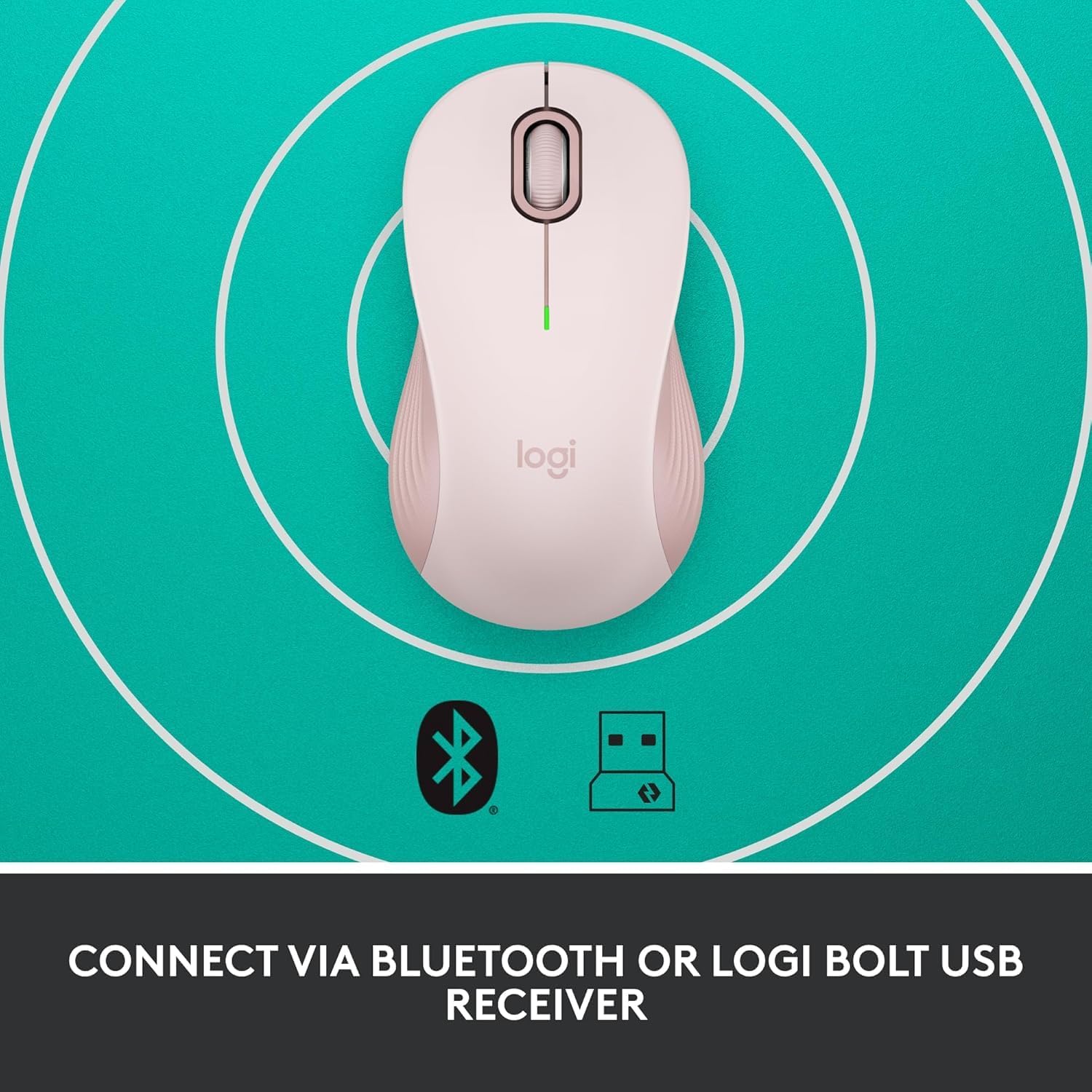
Image: The Logitech Signature M550 mouse on a teal background with icons for Bluetooth and the Logi Bolt USB receiver, illustrating its dual connectivity options.
Video: A demonstration of installing the battery and connecting the Logitech Signature M550 Wireless Mouse via Bluetooth or USB receiver.
Video: A user demonstrating the easy setup process of the Logitech Signature M550, including battery insertion and connectivity.
Упутство за употребу
Скроловање помоћу паметног точка
The Signature M550 features an adaptive SmartWheel that allows for two modes of scrolling:
- Прецизност ред по ред: За детаљну навигацију у документима и табелама.
- Супер брзо бесплатно окретање: Померите точак за брзо скроловање кроз дугачке web странице или документа.

Image: A close-up of the Logitech Signature M550 mouse, highlighting the SmartWheel for precision and speed scrolling.
Video: A demonstration of the Logitech Signature M550's SmartWheel functionality, showcasing both precise and super-fast scrolling modes.
Silent Clicks with SilentTouch Technology
Experience a quieter workspace with Logitech's SilentTouch technology, reducing click noise by 90% compared to traditional mice. This allows for focused work without distractions.

Image: A woman using the Logitech Signature M550 mouse at a desk, illustrating the benefit of 90% less clicking noise for a focused work environment.
Multi-Device and OS Compatibility
The Signature M550 offers seamless compatibility across various platforms:
- Виндоус (укључујући Виндоус 11)
- мацОС
- Линук
- Цхроме ОС
- иПадОС
- Андроид
Image: The Logitech Signature M550 mouse displayed with a message confirming its full compatibility with Windows 11.
Одржавање
Замена батерије
The mouse operates on a single AA battery with an average life of 24 months. When the battery is low, the LED indicator on the mouse will blink. To replace the battery, follow the steps outlined in the 'Install Battery' section.
Чишћење
To maintain optimal performance, regularly clean your mouse with a soft, dry cloth. Avoid using harsh chemicals or abrasive materials.
Решавање проблема
Проблеми са повезивањем
- Миш не реагује: Ensure the mouse is turned on and the battery is correctly installed or replaced.
- Грешка упаривања са Bluetooth-ом: Make sure your device's Bluetooth is enabled and the mouse is in pairing mode (blinking LED). Try restarting both the mouse and your device.
- USB receiver not detected: Ensure the Logi Bolt USB receiver is securely plugged into a working USB-A port. Try a different USB port.
- сметње: Померите миш ближе свом уређају и даље од других бежичних уређаја који могу изазвати сметње.
Спецификације
| Бранд | Логитецх |
| Сериес | М550 |
| Број модела ставке | 910-006593 |
| Технологија повезивања | Блуетоотх, УСБ |
| Технологија детекције покрета | Оптицал |
| Посебне карактеристике | Lightweight, Portable, Soundless, Wireless |
| Извор напајања | Баттери Поверед |
| Батерије су потребне | 1 АА батерија (укључена) |
| Просечно трајање батерије | 24 месеци |
| Тежина артикла | 3.44 унци |
| Димензије пакета | 5.55 к 3.54 к 1.73 инча |
| Хардверска платформа | Линукс, Мак, рачунар |
| Подржани оперативни системи | Виндовс, мацОС, Линук, Цхроме ОС, иПадОС, Андроид |
Информације о гаранцији
For detailed warranty information regarding your Logitech Signature M550 Wireless Mouse, please refer to the official Logitech website or the warranty card included with your product. Logitech typically offers a limited hardware warranty for its products.
Подршка
If you encounter any issues or have questions about your Logitech Signature M550 Wireless Mouse, please visit the official Logitech support website for FAQs, troubleshooting guides, and contact information for customer service.