Увод
Welcome to the user manual for your Baseus Bowie EZ10 Wireless Bluetooth Earbuds. This guide provides detailed instructions on how to set up, operate, and maintain your earbuds to ensure optimal performance and a seamless audio experience. Please read this manual carefully before using your device.
Производ је завршенview
Садржај пакета

Image: The package contents for the Baseus Bowie EZ10, including the two earbuds, the charging case, a USB charging cable, and multiple pairs of silicone ear tips in various sizes.
- Baseus Bowie EZ10 Wireless Earbuds (Left and Right)
- Футрола за пуњење
- УСБ кабл за пуњење
- Multiple Pairs of Ear Tips (various sizes)
- Кориснички приручник (овај документ)
Кључне карактеристике
- Adaptive Noise Cancellation (ANC) up to -42dB: Experience high-quality, immersive audio regardless of your environment.
- ENC Noise Cancellation with 4 Microphones: Ensures clear and high-quality calls even in noisy surroundings.
- Ultra-Low Latency (0.038s): Guarantees audio and video synchronization for an immersive experience, especially for gaming and video playback.
- Продужено трајање батерије: Up to 30 hours of total playback with the charging case, and 5 hours on a single charge.
- Истовремено повезивање уређаја: Connect to two devices at the same time for seamless switching.
- Customizable App Support: Personalize your audio experience and controls via the dedicated Baseus application.
Диаграм производа
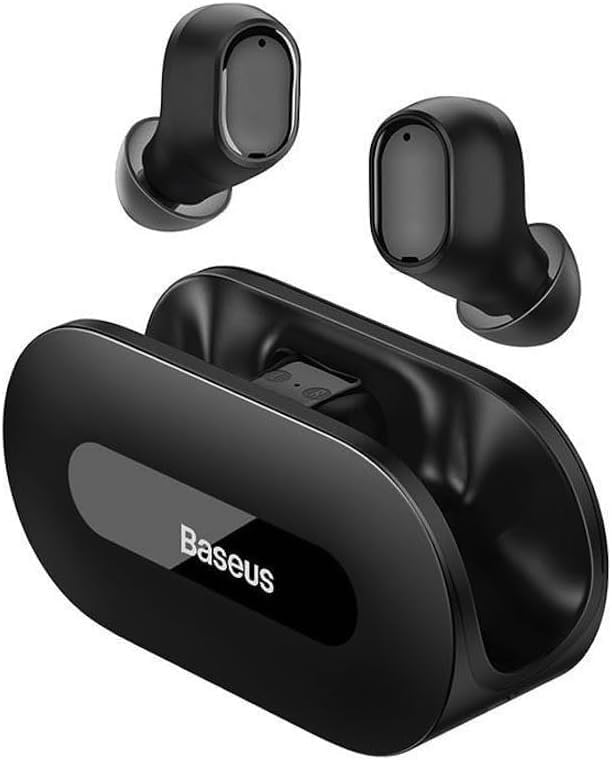
Слика: Јасна view of the Baseus Bowie EZ10 wireless earbuds and their sleek black charging case, showcasinг њихов компактни дизајн.
The Baseus Bowie EZ10 earbuds feature a compact in-ear design for a comfortable and secure fit. The charging case is designed for easy portability and secure storage, with magnetic slots to hold the earbuds in place.
Сетуп
Пуњење слушалица и футроле

Image: A graphic illustrating the long battery life of the Baseus Bowie EZ10 earbuds, indicating extended listening time with the charging case and quick charging capabilities.
- Почетна наплата: Before first use, fully charge both the earbuds and the charging case. Place the earbuds into the charging case.
- Повежите пуњач: Connect the USB charging cable to the charging port on the case and plug the other end into a compatible USB power source (e.g., wall adapter, computer USB port).
- Индикатори пуњења: The LED indicators on the charging case will show the charging status. Refer to the specific light patterns in your quick start guide for detailed information.
- Брзо пуњење: The earbuds support fast charging, providing significant playback time with a short charge.
Упаривање са вашим уређајем
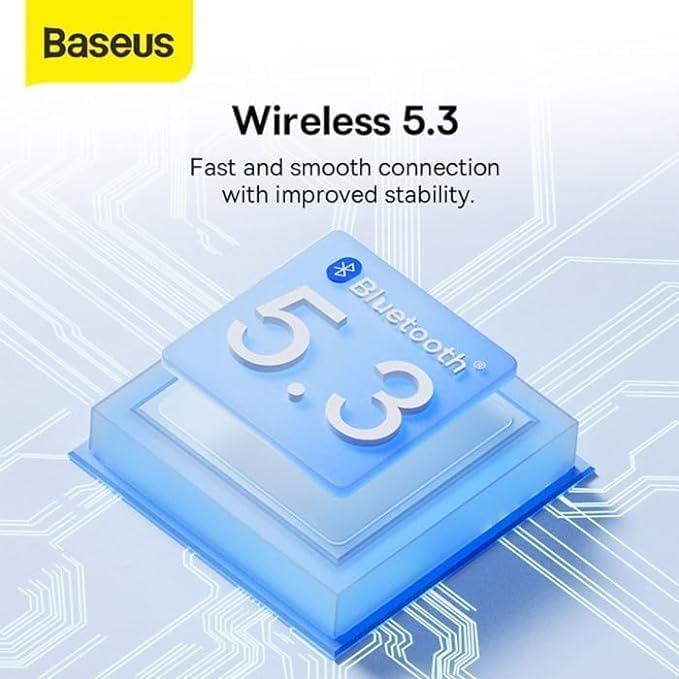
Image: A visual representation of Bluetooth 5.3 technology, highlighting its role in providing a fast and stable wireless connection for the Baseus Bowie EZ10 earbuds.
- Укључено: Отворите кућиште за пуњење. Слушалице ће се аутоматски укључити и ући у режим упаривања.
- Активирајте Блуетоотх: На свом уређају (паметном телефону, таблету, рачунару) омогућите Блутут.
- Тражи Уређаји: У подешавањима Bluetooth-а на вашем уређају, потражите доступне уређаје.
- Select 'Baseus Bowie EZ10': From the list of found devices, select 'Baseus Bowie EZ10' to connect.
- Потврда: Once connected, you will hear an audio prompt from the earbuds, and the device's Bluetooth settings will show them as connected.
- Веза са више уређаја: The earbuds can connect to two devices simultaneously. After pairing with the first device, disable Bluetooth on it, then pair with the second device. Re-enable Bluetooth on the first device, and the earbuds should connect to both.
Упутство за употребу
Ношење слушалица
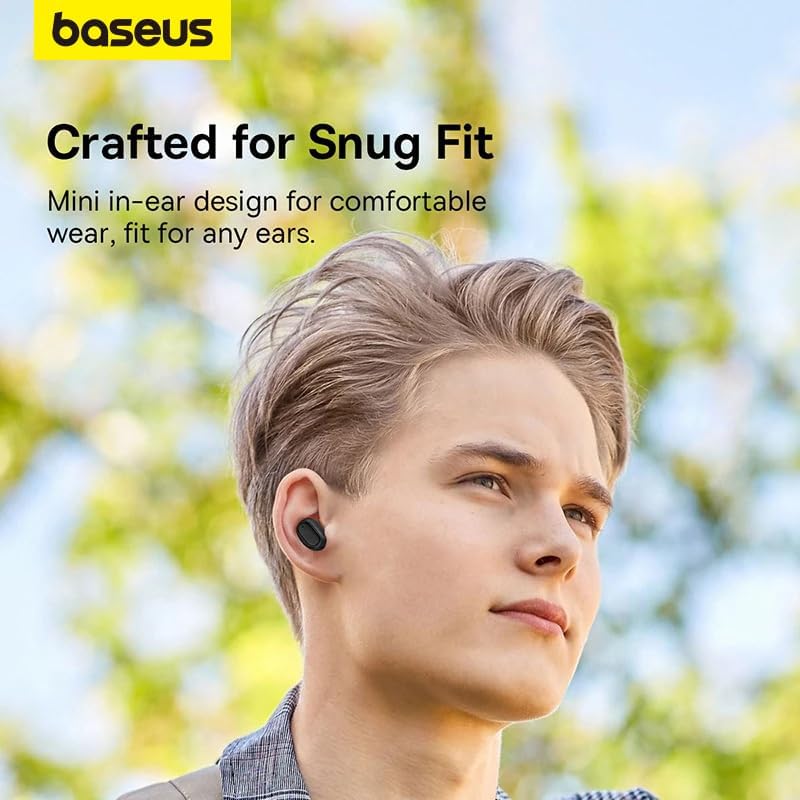
Image: A person wearing a Baseus Bowie EZ10 earbud, illustrating the comfortable and snug fit of the mini in-ear design.
- Choose Right Ear Tips: Изаберите врхове за уши који пружају најбоље заптивање и удобност за ваше уши.
- Уметните слушалице: Пажљиво уметните сваку слушалицу у ушни канал.
- Прилагоди за величину: Rotate the earbuds slightly until they feel secure and comfortable, ensuring a good seal for optimal sound quality and noise cancellation.
Додирните контроле
The Baseus Bowie EZ10 earbuds feature intuitive touch controls on each earbud. Specific functions may vary or be customizable via the Baseus app.
- Пусти/паузирај: Један додир на обе слушалице.
- Следећа нумера: Двапут додирните десну слушалицу.
- Претходни запис: Двапут додирните леву слушалицу.
- Одговори/заврши позив: Један додир на обе слушалице.
- Одбиј позив: Притисните и држите било коју слушалицу.
- Активирање гласовног помоћника: Трипут додирните било коју слушалицу.
- Контрола јачине звука: Specific gestures for volume control can often be set up in the Baseus app.
Noise Cancellation (ANC/ENC)
The Baseus Bowie EZ10 earbuds offer advanced noise cancellation features:
- Адаптивно поништавање буке (ANC): Reduces ambient noise for an immersive listening experience. This mode can often be toggled on/off or adjusted via the touch controls or the Baseus app.
- ENC Noise Cancellation for Calls: The 4-microphone ENC system automatically works during calls to ensure your voice is clear and background noise is minimized for the person on the other end.
Режим ниске кашњења
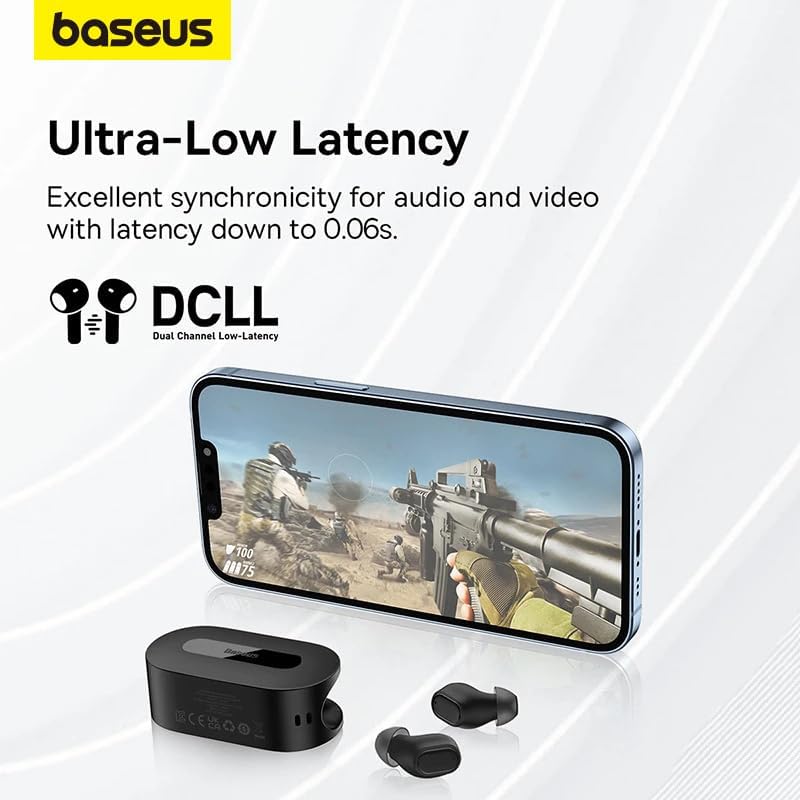
Image: The Baseus Bowie EZ10 earbuds and charging case positioned next to a smartphone displaying a gaming scene, emphasizing the ultra-low latency feature for synchronized audio and video.
For gaming or watching videos, activate the ultra-low latency mode to ensure perfect synchronization between audio and video. This mode can typically be activated via a specific touch gesture or through the Baseus app.
Using the Baseus App
Download the official Baseus app from your device's app store. The app allows you to:
- Прилагодите контроле додиром.
- Подесите подешавања еквилајзера.
- Toggle noise cancellation modes.
- Проверите нивое батерије.
- Ажурирајте фирмвер.
Одржавање
Чишћење
- Еарбудс: Use a soft, dry, lint-free cloth to wipe the earbuds. For earwax or debris, gently clean with a small, soft brush or cotton swab. Do not use liquids or abrasive cleaners.
- Савети за уши: Remove the silicone ear tips and wash them with mild soap and water. Rinse thoroughly and allow them to dry completely before reattaching.
- Футрола за пуњење: Wipe the case with a soft, dry cloth. Ensure the charging contacts inside the case are clean and free of debris.
Складиштење
- Увек чувајте слушалице у кутији за пуњење када их не користите како бисте их заштитили и одржали напуњеним.
- Уређај чувајте на хладном и сувом месту, даље од екстремних температура и директне сунчеве светлости.
Решавање проблема
| Проблем | Могући узрок | Решење |
|---|---|---|
| Слушалице се не упарују | Слушалице нису у режиму упаривања; Блутут искључен на уређају; претходно упарени уређај омета рад. | Ensure earbuds are in pairing mode (open case); turn on Bluetooth on your device; forget previous connections on your device and try again. |
| Нема звука из једне слушалице | Low battery; earbud not properly connected; earbud dirty. | Place both earbuds in the case to charge; ensure they are properly seated; clean earbud and charging contacts. |
| Проблеми са пуњењем | Cable or adapter faulty; charging contacts dirty; case battery empty. | Try a different USB cable and power adapter; clean charging contacts on earbuds and case; ensure charging case is charged. |
| Лош квалитет звука | Improper fit; ear tips dirty; interference. | Adjust earbud fit and try different ear tips; clean ear tips and earbuds; move closer to your device or away from sources of interference. |
Спецификације
| Феатуре | Детаљ |
|---|---|
| Назив модела | Bowie EZ10 |
| Технологија повезивања | Бежично (Bluetooth 5.3) |
| Постављање уха | Ин-Еар |
| Контрола буке | Adaptive Noise Cancellation, ENC for calls |
| Латенција | 0.038s (Ultra-Low Latency Mode) |
| Трајање батерије (слушалице) | До 5 сати (једно пуњење) |
| Трајање батерије (са кућиштем) | До 30 сати |
| Тип контроле | Media Control, Volume Control (customizable) |
| Материјал | Plastic, Silicone/Memory Foam (ear tips) |
| Боја | Црно |
| Произвођач | Baseus_Inc |
| Цертифицатион | CE |
Гаранција и подршка
The Baseus Bowie EZ10 Wireless Bluetooth Earbuds come with a manufacturer's warranty. Please refer to the warranty card included in your package or visit the official Baseus webсајт за детаљне услове гаранције.
For technical support, troubleshooting assistance, or any product-related inquiries, please contact Baseus customer service through their official webсајт или контакт информације које су наведене у паковању вашег производа.




