Увод
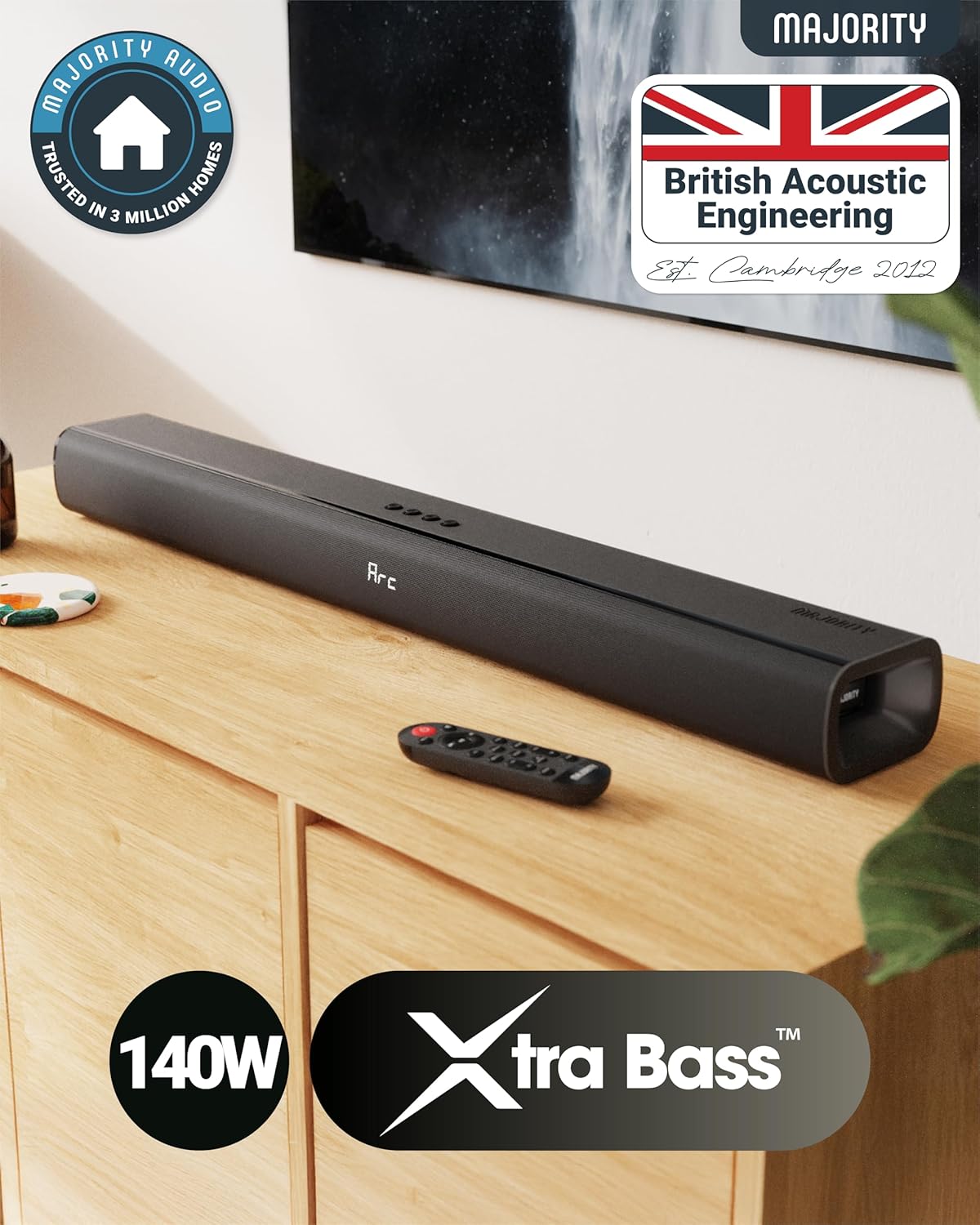
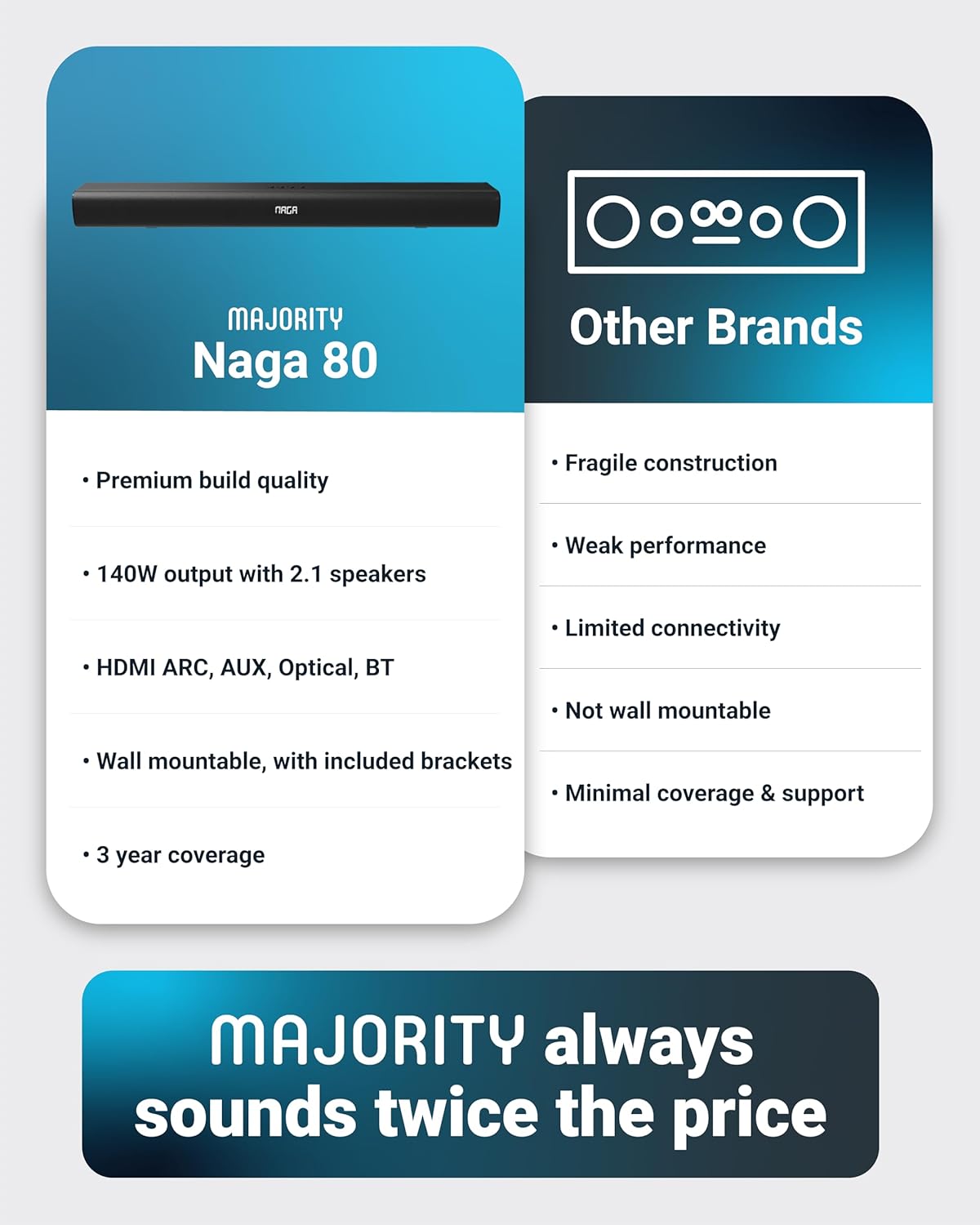
The Majority Naga 80 Sound Bar is designed to enhance your home audio experience with powerful 140W peak output and 2.1 channel sound. Featuring advanced 3D surround sound technology and a built-in subwoofer, it delivers rich, clear audio for movies, gaming, and music. This manual provides detailed instructions for setup, operation, and maintenance of your sound bar.

The Naga 80 TV Soundbar delivers powerful, high-quality sound to elevate your home entertainment.
Шта је у кутији
Please check the contents of your package carefully. If any items are missing or damaged, contact customer support.
- Нага 80 саундбар
- Упутство за употребу
- Ремоте Цонтрол
- Зидни носачи
- HDMI, AUX, and Power cables
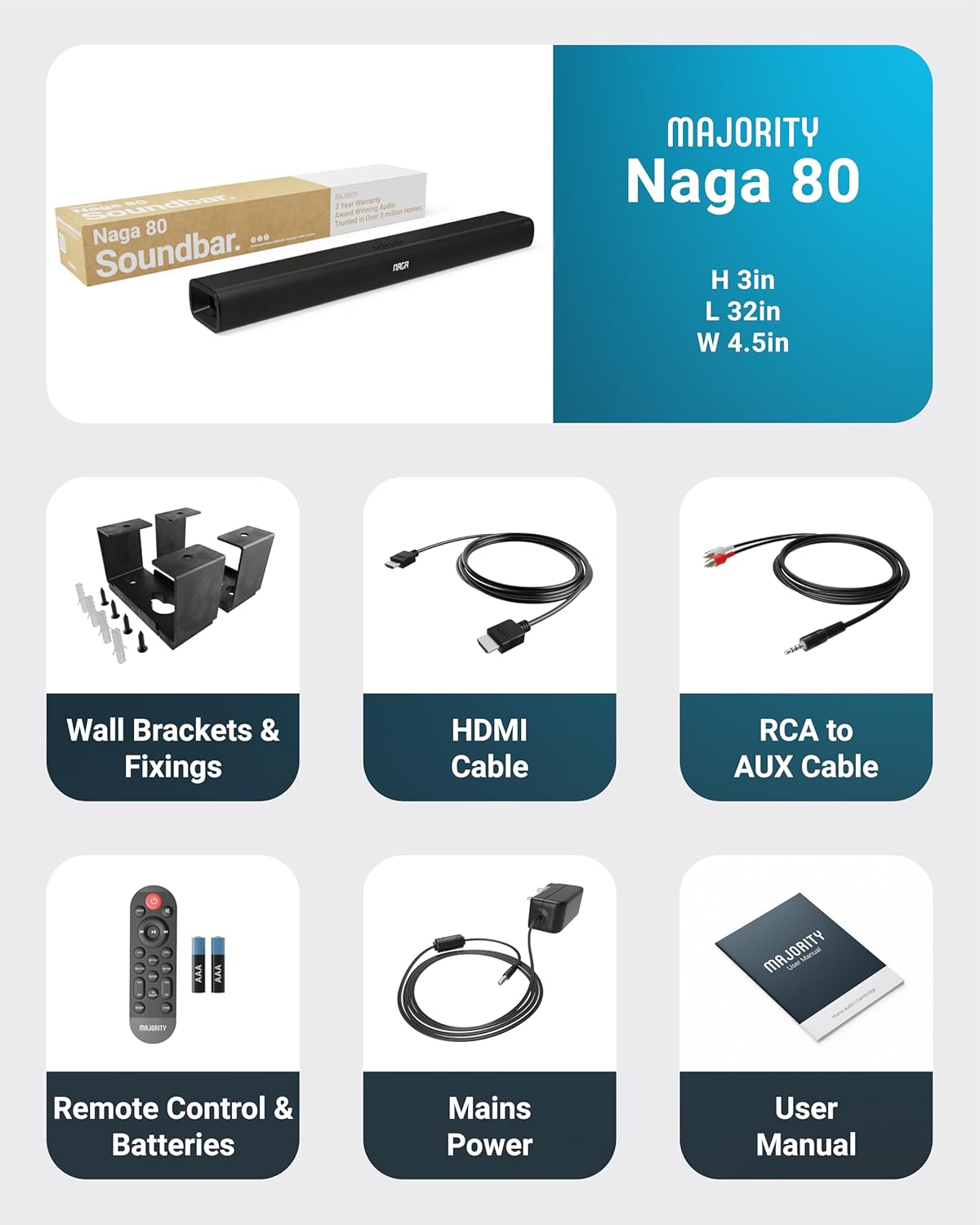
All items included in the Naga 80 Sound Bar package.
Сетуп
Повезивање на напајање
- Ensure the sound bar is placed on a stable surface or securely wall-mounted.
- Connect the power adapter to the DC 24V input port on the back of the sound bar.
- Укључите адаптер за напајање у зидну утичницу.
Аудио везе
The Naga 80 Sound Bar offers multiple connectivity options for your devices:
- ХДМИ АРЦ: Connect an HDMI cable from the sound bar's ARC port to your TV's HDMI ARC port for high-quality audio and TV remote control integration.
- Оптички улаз: Use an optical cable to connect to your TV or other audio source for digital audio transmission.
- АУКС улаз: Connect devices using the 3.5mm AUX cable for analog audio input.
- УСБ: Уметните УСБ диск да бисте репродуковали аудио files directly from the sound bar.
- Блуетоотх: Pair your smartphone, tablet, or other Bluetooth-enabled devices wirelessly.
Важно: If you experience buzzing or static sound when using HDMI or Optical connections, adjust your TV's audio output settings to PCM (Pulse Code Modulation).

Rear panel connections of the Naga 80 Sound Bar.
Блуетоотх упаривање
- Press the 'Input' button on the sound bar or remote control until 'BT' appears on the display.
- On your device (smartphone, tablet), enable Bluetooth and search for 'Naga 80'.
- Select 'Naga 80' to pair. A confirmation sound will indicate successful pairing.
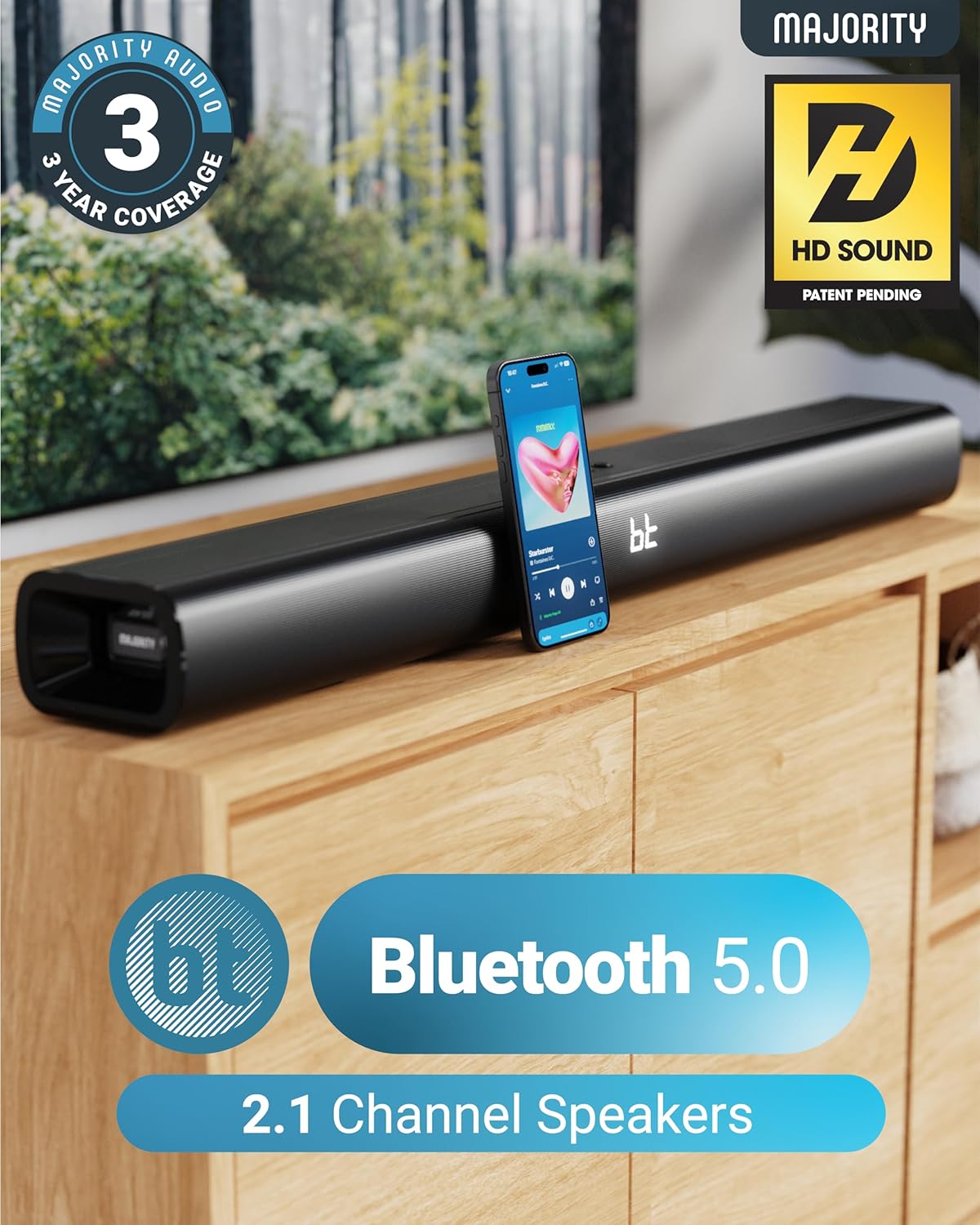
The Naga 80 Sound Bar supports Bluetooth 5.0 for wireless audio streaming.
Упутство за употребу
Функције даљинског управљача
The included remote control allows full command over your sound bar's features:
- Снага: Укључите или искључите звучну траку.
- Улаз: Прелазите кроз изворе улаза (HDMI ARC, оптички, AUX, USB, Bluetooth).
- Волуме +/-: Подесите главну јачину звука.
- Репродукција/пауза, прескакање нумера: Control media playback in Bluetooth or USB mode.
- Режими звука: Select between Movie, Music, and Dialog modes.
- Bass +/- (BA+/-): Подесите нивое баса.
- Treble +/- (TR+/-): Подесите нивое високих тонова.
- 3D On/Off: Activate or deactivate 3D surround sound.
- Ресетовати: Reset audio settings to default.
- пар: Покрените Bluetooth упаривање.
The remote control provides comprehensive control over your sound bar.
Режими звука
Optimize your audio experience with dedicated sound modes:
- Режим филма: Enhances cinematic sound effects and dialogue for an immersive movie-watching experience.
- Музички режим: Пружа уравнотежен аудио професионалацfile погодно за различите музичке жанрове.
- Режим дијалога: Prioritizes vocal clarity, making conversations easier to understand, especially in TV shows or news broadcasts.
Подешавање баса и високих тонова
You can fine-tune the bass and treble levels to your preference using the remote control. Both settings can be adjusted from -4 to +4, with 0 being the default. Use the 'BA+/-' buttons for bass and 'TR+/-' buttons for treble.
Инсталација и постављање
Валл Моунтинг
The Naga 80 Sound Bar can be wall-mounted for a clean, space-saving setup. Use the included wall brackets and fixings. Ensure the mounting surface is sturdy enough to support the sound bar's weight (4.3 pounds).
Wall mount brackets for secure installation.
Спецификације
| Феатуре | Спецификација |
|---|---|
| Назив модела | Нага 80 |
| Спеакер Типе | Соундбар |
| Максимална излазна снага звучника | 140 Ваттс |
| Конфигурација канала сурроунд звука | 2.1 |
| Технологија повезивања | Bluetooth, HDMI, Optical, AUX, USB |
| Бежична комуникациона технологија | Блуетоотх |
| Блуетоотх домет | 10 метара |
| Контролни метод | Ремоте |
| Димензије производа | 31.8"Д к 4.6"Ш к 3.06"В |
| Тежина артикла | 4.3 фунти |
| Материјал | Plastic (Enclosure), Metal (Subwoofer) |
| Укључене компоненте | HDMI, AUX and Power cables, Naga 80 Soundbar, Remote, User Manual, Wall Brackets |
| Батерије | Потребне су 2 ААА батерије (укључене) |
| Тип монтаже | Валл Моунт |
Одржавање
To ensure the longevity and optimal performance of your Majority Naga 80 Sound Bar, follow these maintenance guidelines:
- Чишћење: Use a soft, dry cloth to wipe the exterior of the sound bar. Avoid using abrasive cleaners, waxes, or solvents.
- вентилација: Ensure proper ventilation around the sound bar to prevent overheating. Do not block any ventilation openings.
- Складиштење: Ако складиштите звучну траку дуже време, искључите је из струје и чувајте је на хладном и сувом месту.
Решавање проблема
Ако наиђете на било какве проблеме са звучном траком, погледајте следеће уобичајене проблеме и решења:
- Нема напајања: Ensure the power cable is securely connected to both the sound bar and a working power outlet. Check if the power adapter is functioning correctly.
- Нема звука: Verify the correct input source is selected on the sound bar. Check all audio cables for secure connections. Ensure the volume is not muted or set too low on both the sound bar and your connected device.
- Buzzing/Static Sound (HDMI/Optical): Adjust your TV's HDMI/Optical audio output settings to PCM. Some TVs may default to other formats that are not compatible with the sound bar.
- Проблеми са Блуетоотх упаривањем: Ensure the sound bar is in Bluetooth pairing mode. Turn off and on Bluetooth on your device, then try pairing again. Move your device closer to the sound bar to ensure it's within range (10 meters).
- Даљински управљач не ради: Check the batteries in the remote control and replace them if necessary (2 AAA batteries). Ensure there are no obstructions between the remote and the sound bar.
Гаранција и подршка
The Majority Naga 80 Sound Bar comes with a 3-годишња продужена гаранција upon registration. For warranty registration, technical support, or further assistance, please visit the official Majority webсајту или контактирајте њихову корисничку службу.
For more information and to register your product, visit: ввв.мајорити.цо.ук


