1. Увод
This manual provides essential information for the installation, operation, and maintenance of your Dell OEM Nvidia RTX A2000 4GB GDDR6 Graphics Card. Please read these instructions carefully before proceeding with installation or use to ensure proper functionality and to prevent damage to the component or your system.
2. Подешавање и инсталација
Proper installation is crucial for the performance and longevity of your graphics card. Ensure your computer is powered off and unplugged from the wall outlet before beginning.
2.1 Контролна листа пре инсталације
- Компатибилност система: Verify your motherboard has an available PCI-Express x16 slot.
- Напајање: Уверите се да ваша јединица за напајање (PSU) испуњава минималну снагуtage requirements for your system configuration, including the RTX A2000.
- Одобрење: Check your computer case for adequate space to accommodate the card's dimensions.
- Алати: You may need a Phillips head screwdriver.
2.2 Физичка инсталација
- Припремите свој систем: Power down your computer completely and unplug the power cable. Open the computer case.
- Пронађите PCIe слот: Identify an available PCI-Express x16 slot on your motherboard. Remove any expansion slot covers from the back of the case that correspond to the slot.
- Уметните графичку картицу: Carefully align the graphics card with the PCI-Express x16 slot. Apply even, firm pressure to both ends of the card until it is fully seated in the slot. You should hear a click as the retention clip engages.
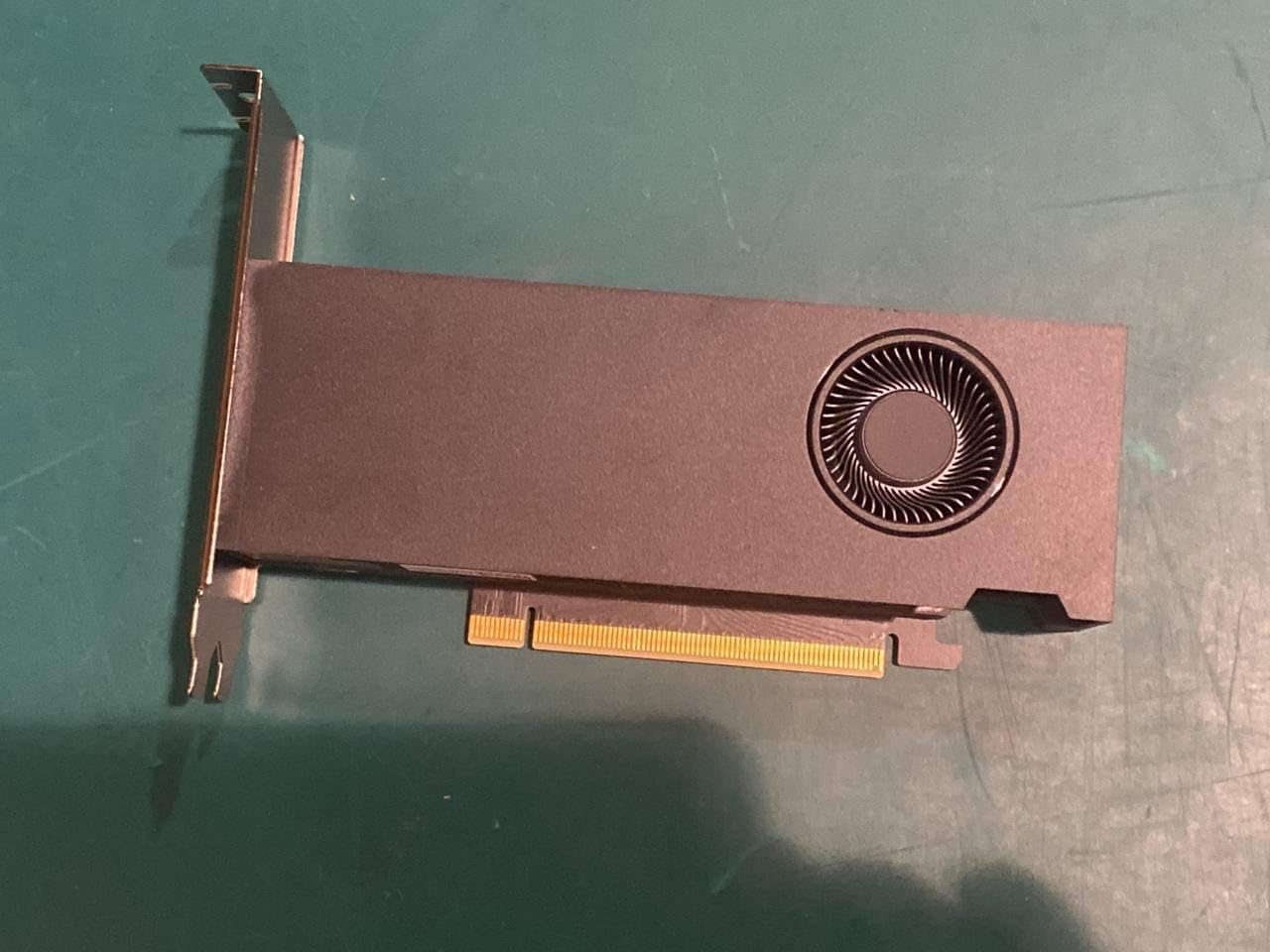
Слика 1: Страна view of the Dell OEM Nvidia RTX A2000 graphics card, illustrating its compact design with a single fan cooler and the PCIe connector.
- Обезбедите картицу: Use a screw to secure the graphics card's mounting bracket to the computer case.
- Повежите напајање (ако је применљиво): The RTX A2000 typically draws power directly from the PCIe slot. If your specific model requires an auxiliary power connector, connect the appropriate PCIe power cable from your PSU to the card.
- Затворите кућиште и повежите периферне уређаје: Close your computer case, reconnect all peripherals (monitor, keyboard, mouse), and plug in the power cable.
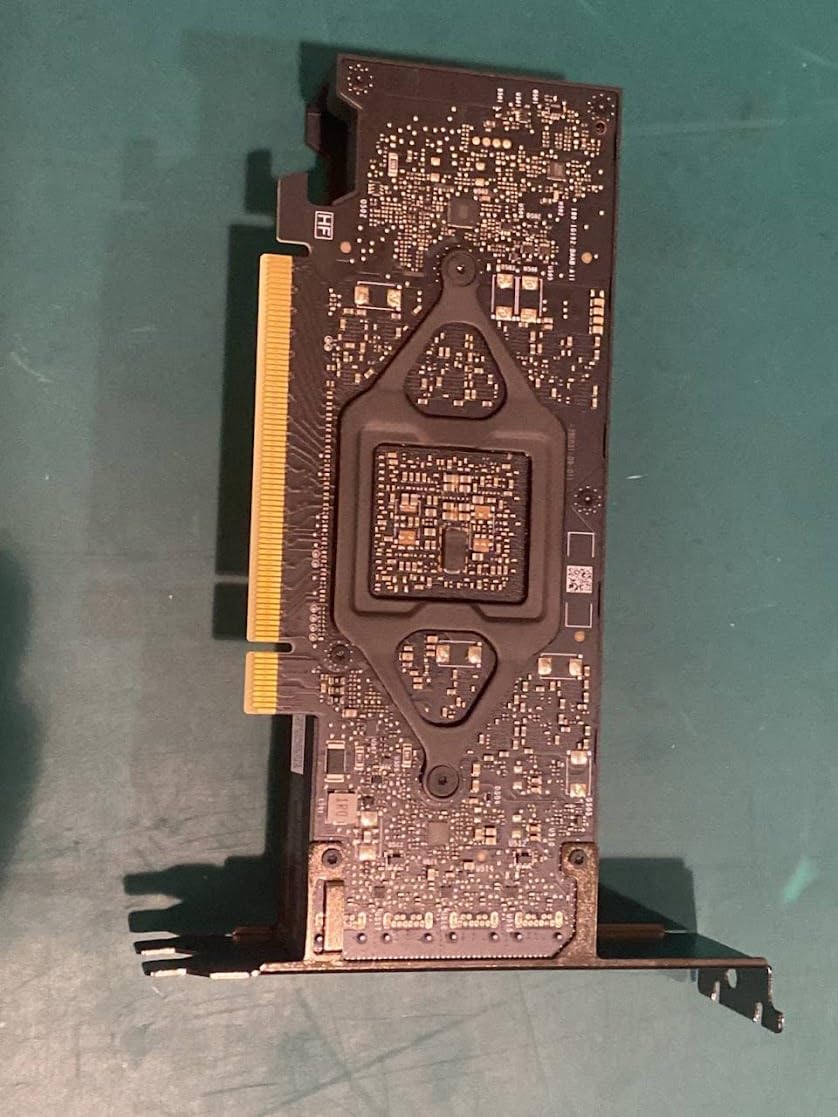
Слика 2: Задња страна view of the RTX A2000 PCB, displaying the intricate circuitry and component layout.
2.3 Инсталација драјвера
- Укључено: Turn on your computer. It may boot into a basic display mode.
- Преузмите драјвере: Visit the official Nvidia webсајт (ввв.нвидиа.цом/дриверс) or the Dell support website. Select your product (RTX A2000) and operating system to download the latest recommended drivers.
- Инсталирајте драјвере: Run the downloaded driver installer and follow the on-screen prompts. A system restart will likely be required to complete the installation.
3. Руковање графичком картицом
Once installed and drivers are updated, your RTX A2000 is ready for use. The card will automatically handle graphics processing for applications and games.
3.1 Приказ излаза
Connect your monitor(s) to the display outputs on the graphics card. The RTX A2000 typically features Mini DisplayPort outputs. Ensure you use appropriate cables and adapters if necessary.
3.2 Nvidia Control Panel
The Nvidia Control Panel software, installed with the drivers, allows you to configure various display and 3D settings. You can access it by right-clicking on your desktop and selecting 'Nvidia Control Panel'.
- Adjust display resolution and refresh rates.
- Configure multiple displays.
- Optimize 3D application settings for performance or quality.
4. Одржавање
Regular maintenance helps ensure optimal performance and extends the lifespan of your graphics card.
4.1 Чишћење
Dust accumulation can impede cooling performance. Periodically, with the computer powered off and unplugged:
- Отворите кућиште рачунара.
- Use compressed air to gently clear dust from the graphics card's fan, heatsink fins, and surrounding areas. Hold the fan blades to prevent them from spinning rapidly during cleaning.
- Avoid touching the PCB directly with your hands to prevent electrostatic discharge.
4.2 Ажурирања драјвера
Regularly check for and install the latest graphics drivers from the Nvidia or Dell webсајт. Ажурирања драјвера често укључују побољшања перформанси, исправке грешака и побољшања компатибилности за нови софтвер и игре.
КСНУМКС. Решавање проблема
Ако наиђете на проблеме са графичком картицом, погледајте следеће уобичајене кораке за решавање проблема.
5.1 Нема излаза за приказ
- Проверите каблове: Ensure all display cables (e.g., DisplayPort) are securely connected to both the graphics card and the monitor.
- Улаз монитора: Verify your monitor is set to the correct input source.
- Поново подесите картицу: Power off your PC, unplug it, and reseat the graphics card in its PCIe slot to ensure it's fully connected.
- Test with Integrated Graphics: If your CPU has integrated graphics, remove the RTX A2000 and test if the system displays output using the integrated graphics. This helps determine if the issue is with the card or another system component.
5.2 Проблеми са драјвером или нестабилност
- Поново инсталирајте драјвере: Perform a clean installation of the graphics drivers. Use the 'Custom' installation option in the Nvidia installer and select 'Perform a clean installation'.
- Check for Conflicts: Ensure no other graphics drivers (e.g., from a previous AMD card) are installed. Use a tool like Display Driver Uninstaller (DDU) in Safe Mode to thoroughly remove old drivers before installing new ones.
5.3 Проблеми са перформансама
- Монитор температуре: Use monitoring software (e.g., HWMonitor, MSI Afterburner) to check the GPU temperature during load. High temperatures can lead to thermal throttling and reduced performance.
- Ажурирања драјвера: Уверите се да имате инсталиране најновије драјвере.
- Системски ресурси: Close unnecessary background applications that might be consuming CPU or RAM resources.
6. Спецификације
| Феатуре | Спецификација |
|---|---|
| Бранд | Делл |
| Назив модела | РТКС А2000 |
| Грапхицс Процессор | Nvidia RTX A2000 |
| Видео меморија | 4ГБ ГДДР6 |
| Меморијски интерфејс | 192-битни |
| Брзина меморије | 12Гбпс |
| Основна брзина такта | 562МХз |
| Boost Clock Speed | 1200МХз |
| Интерфејс | PCI-Express 4.0 x16 |
| Maximum Digital Resolution | 3840к2160 |
| Препоручена употреба | Гаминг |
| Произвођач | Делл рачунари |
| УПЦ | 787058646113 |
| ASIN | B0CS9FLM6T |
7. Гаранција и подршка
This product is listed as 'Amazon Renewed'. For specific warranty details and support related to renewed products, please refer to the Amazon Renewed program terms and conditions or contact Amazon customer service directly.
For technical support regarding the Dell OEM Nvidia RTX A2000, you may also visit the official Dell support website or Nvidia's support resources for driver updates and troubleshooting guides.
- Амазон обновљена подршка: https://www.amazon.com/renewed
- Dell Support: https://www.dell.com/support
- Nvidia Drivers: https://www.nvidia.com/drivers


