1. Увод
Thank you for choosing Baseus Bowie MA10S and AirNora 2 Wireless Earbuds. These earbuds are designed to provide a superior audio experience with advanced features such as Hybrid Active Noise Cancellation, immersive Spatial Audio, and robust bass performance. The AirNora 2 model also features a lightweight design tailored for comfort and an integrated make-up mirror in its charging case.
This manual will guide you through the setup, operation, and maintenance of your new earbuds, ensuring you get the most out of their capabilities.

Image: Baseus Bowie MA10S (black) and AirNora 2 (orange) wireless earbuds with their respective charging cases. The Bowie MA10S case shows a digital battery display, while the AirNora 2 case features an integrated mirror.
2. Садржај пакета и подешавање
2.1 Шта је у кутији
- Baseus Bowie MA10S or AirNora 2 Wireless Earbuds (L/R)
- Футрола за пуњење
- УСБ-Ц кабл за пуњење
- Више величина врхова за уши
- Кориснички приручник (овај документ)

Image: The AirNora 2 earbuds, their charging case with mirror, USB-C charging cable, and various sizes of ear tips, displayed within their decorative packaging.
2.2 Пуњење слушалица и футроле
- Ставите слушалице у кутијицу за пуњење, водећи рачуна да су правилно постављене.
- Connect the USB-C charging cable to the charging port on the case and plug the other end into a USB power adapter (not included).
- The indicator lights on the case will show charging status. For Bowie MA10S, the digital display will show battery percentage.
- Fully charge the case and earbuds before first use.
2.3 Блуетоотх упаривање
- Отворите кућиште за пуњење. Слушалице ће аутоматски ући у режим упаривања (индикаторска светла ће трептати).
- На свом уређају (паметном телефону, таблету итд.) омогућите Блутут.
- Тражи available Bluetooth devices and select "Baseus Bowie MA10S" or "Baseus AirNora 2" from the list.
- Once connected, the indicator lights on the earbuds will turn off or show a steady light, and your device will confirm the connection.
2.4 Ношење слушалица
Choose the ear tips that provide the best seal and comfort. Gently insert each earbud into your ear canal and twist slightly to secure a snug fit. A proper fit is crucial for optimal sound quality and noise cancellation.
3. Упутство за употребу
3.1 Контроле на додир
The earbuds feature touch-sensitive areas for control. Specific functions may vary slightly between models, but common controls include:
- Једнократни додир: Пуштање/паузирање музике, одговарање/прекидање позива.
- Двоструки додир (лево/десно): Next/Previous track (configurable).
- Трипле Тап: Активирајте гласовног асистента.
- Дуго притисните: Switch between ANC/Transparency/Normal modes, Reject call.
3.2 Active Noise Cancellation (ANC) and Transparency Mode
The Bowie MA10S and AirNora 2 earbuds feature Hybrid Active Noise Cancellation, reducing external noise by up to -48dB (MA10S) or -42dB (AirNora 2). Transparency mode allows you to hear your surroundings without removing the earbuds.

Image: A man wearing Baseus Bowie MA10S earbuds, illustrating the Hybrid Active Noise Cancellation feature with a graphic indicating -48dB ANC.

Image: A close-up of an AirNora 2 earbud, highlighting its -42dB Active Noise Canceling capability with sound wave graphics.
3.3 Audio Modes (Bowie MA10S)
The Bowie MA10S offers tailored audio modes:
- Бас режим: Enhanced bass for sports or energetic music.
- Музички режим: Balanced audio for daily immersive listening.
- Режим игре: Low latency audio and video synchronization for gaming.

Слика: Експлодирана view diagram illustrating the Titanium-plated PU composite diaphragm, emphasizing 50% punchier bass and 100% clearer treble.
3.4 Immersive Spatial Audio
Both models feature 360° immersive spatial audio. A built-in gyroscope and spatial audio algorithm track your head movements, keeping you at the center of the sound experience.
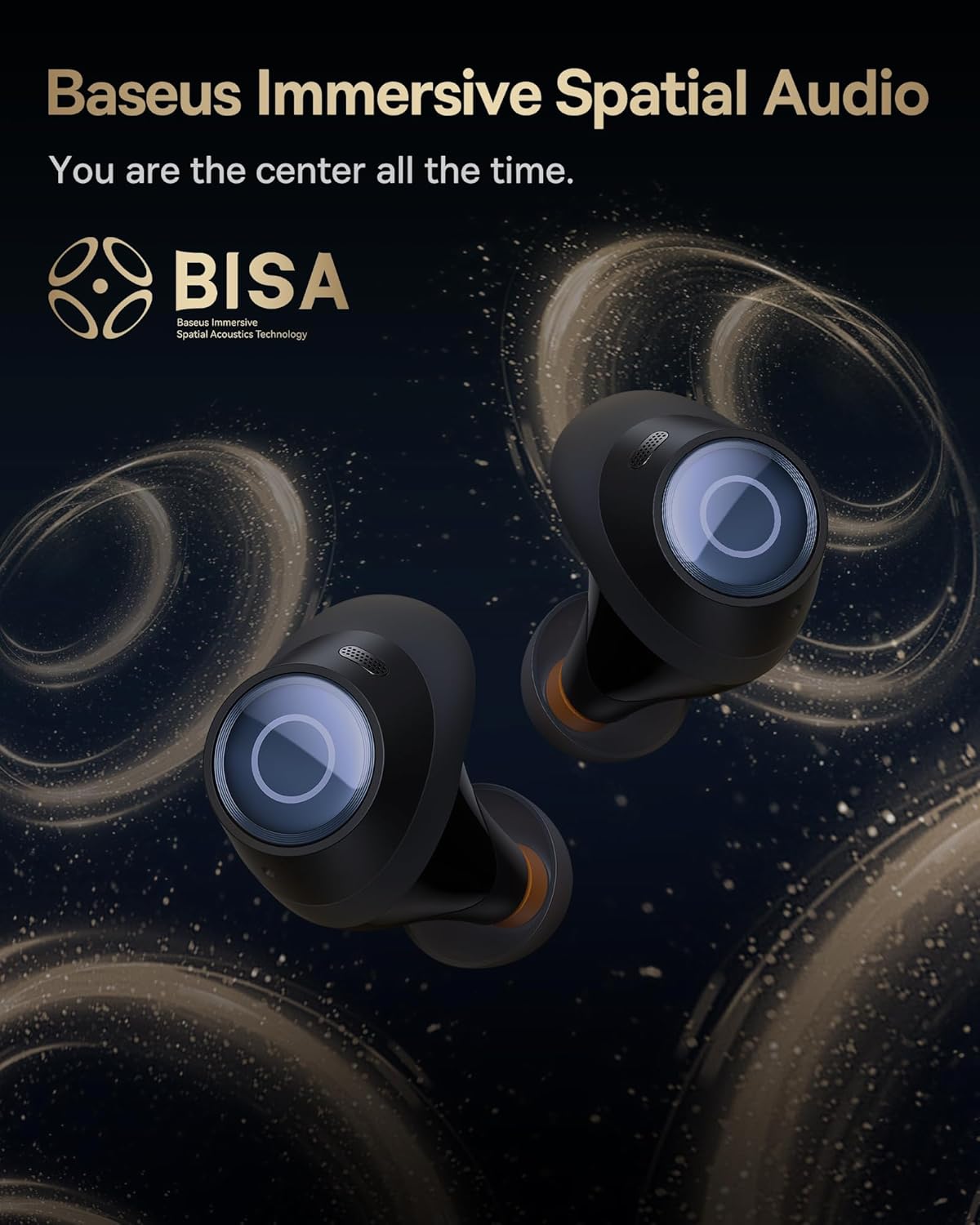
Image: A pair of Baseus Bowie MA10S earbuds with the 'BISA' (Baseus Immersive Spatial Acoustics) technology logo, indicating 360° immersive spatial audio.
4. Одржавање и њега
4.1 Чишћење
- Редовно чистите слушалице, посебно врхове за уши и контакте за пуњење, меком, сувом крпом која не оставља влакна.
- Уклоните врхове за уши и по потреби их очистите благим сапуном и водом, водећи рачуна да буду потпуно суви пре него што их поново ставите.
- Clean the charging case with a soft, dry cloth. Avoid using abrasive materials or harsh chemicals.
4.2 Отпорност на воду (IPX4)
The earbuds are IPX4 water-resistant, meaning they are protected against splashing water from any direction. This makes them suitable for workouts and light rain. However, they are not designed for swimming or submersion in water.
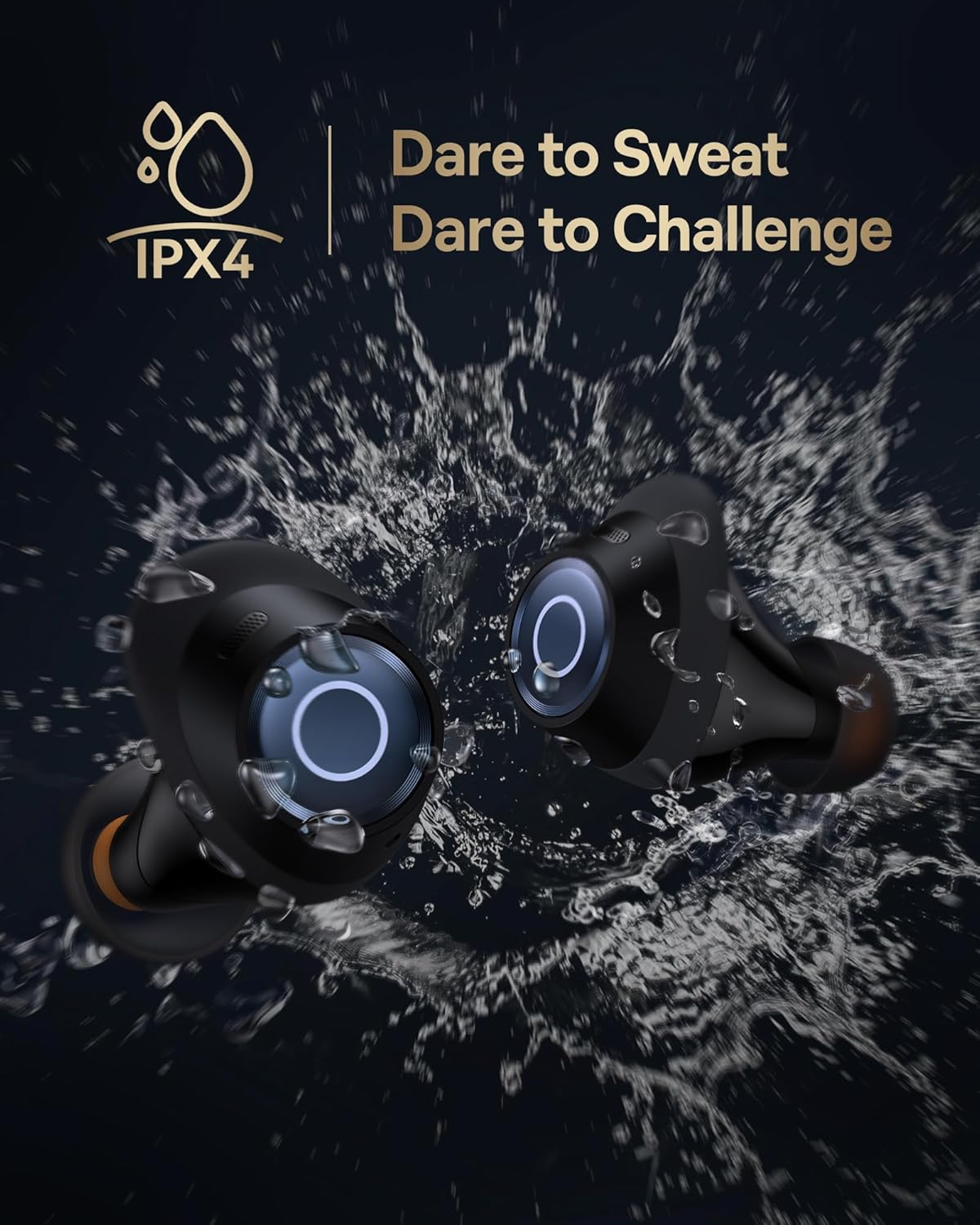
Image: Baseus Bowie MA10S earbuds shown with water splashing around them, illustrating their IPX4 water resistance rating.
4.3 Storage and Battery Care
- Чувајте слушалице у футроли за пуњење када се не користе да бисте их заштитили и одржали напуњеним.
- Avoid exposing the earbuds or case to extreme temperatures, direct sunlight, or high humidity.
- For long-term storage, charge the case and earbuds to about 50% every few months to preserve battery health.
4.4 AirNora 2 Make-up Mirror
The AirNora 2 charging case includes an integrated make-up mirror. Keep the mirror clean with a soft, dry cloth. Avoid scratching the surface.

Image: The AirNora 2 charging case opened, showcasing the earbuds inside and the integrated vanity mirror on the lid.
КСНУМКС. Решавање проблема
5.1 Слушалице се не упарују/не повезују
- Ensure earbuds are charged and in pairing mode (lights flashing).
- Искључите и укључите Блутут на свом уређају.
- Заборавите уређај у подешавањима Bluetooth-а на телефону и покушајте поново да га упарите.
- Вратите слушалице у футролу, затворите поклопац, сачекајте неколико секунди, а затим га поново отворите.
5.2 Нема звука или је јачина звука ниска
- Проверите ниво јачине звука и на уређају и на слушалицама.
- Уверите се да су слушалице правилно повезане са вашим уређајем.
- Очистите мрежицу звучника слушалица од свих остатака.
5.3 Проблеми са наплатом
- Уверите се да је кабл за пуњење безбедно повезан и са кућиштем и са извором напајања.
- Проверите да ли адаптер за напајање исправно функционише.
- Очистите контакте за пуњење и на слушалицама и унутар кућишта.
5.4 ANC Not Working Effectively
- Ensure the earbuds are properly seated in your ears and you have chosen the correct size ear tips for a good seal.
- Verify that ANC mode is activated via touch controls.
6. Спецификације
| Феатуре | Спецификација |
|---|---|
| Назив модела | Baseus Bowie MA10S / AirNora 2 |
| Технологија повезивања | бежични (Блуетоотх) |
| Блуетоотх верзија | 5.0 |
| Контрола буке | Активно поништавање буке (хибридни ANC) |
| Ниво отпорности на воду | ИПКС4 |
| Материјал | Гума, силикон |
| Фреквенцијски опсег | 20 Hz - 20,000 Hz |
| Контролни метод | Додирните |
| Постављање уха | Ин Еар |
| Форм Фацтор | Ин Еар |
| Произвођач | Басеус |
| Први доступан датум | 25. марта 2024. године |
7. Гаранција и подршка
For warranty information and detailed support, please refer to the official Baseus website or the warranty card included with your product. You may also contact Baseus customer service directly for assistance with product issues or inquiries.
Baseus Official Webсајт: ввв.басеус.цом


