1. Увод
This manual provides detailed instructions for the safe and efficient operation of your TIDRADIO TD-H3 Ham Radio. Please read this manual thoroughly before using the device to ensure proper functionality and to prevent damage.
2. Производ је готовview
2.1 Садржај пакета
The TIDRADIO TD-H3 package includes the following components:
- TIDRADIO TD-H3 Ham Radio Unit
- Type-C Battery (2500mAh)
- 6.1-inch Ham Antenna
- 15.12-inch 771 AM Antenna
- Слушалица са микрофоном
- USB Charger with Cable
- Бацк Цлип
- Кориснички приручник (овај документ)
- Ланиард
- Пуњач за рачунаре
2.2 Кључне карактеристике
- 8-Band Frequency Support (FM/AM, Aviation Band Receiving)
- Type-C and Bluetooth Wireless Programming
- Репеатер Цапабле
- Функција копирања фреквенције
- Dual PTT (Push-To-Talk) Buttons
- Enhanced Flashlight
- DTMF Lock
- 1.44-инчни ЛЦД екран у боји
- 199 Channel Banks
- Dual Watch Functionality
- Подесиви Скуелцх

Слика 1: Позади view of the TD-H3 radio, displaying model and FCC details.
3. Подешавање
3.1 Инсталација и пуњење батерије
The TD-H3 radio uses a 2500mAh Type-C battery. Ensure the battery is fully charged before first use.
- Align the battery with the compartment on the back of the radio.
- Гурните батерију на своје место док безбедно не кликне.
- To charge, connect the USB-C cable to the battery's Type-C port or place the radio in the desktop charger.
- Пуњење обично траје око 3 сата.
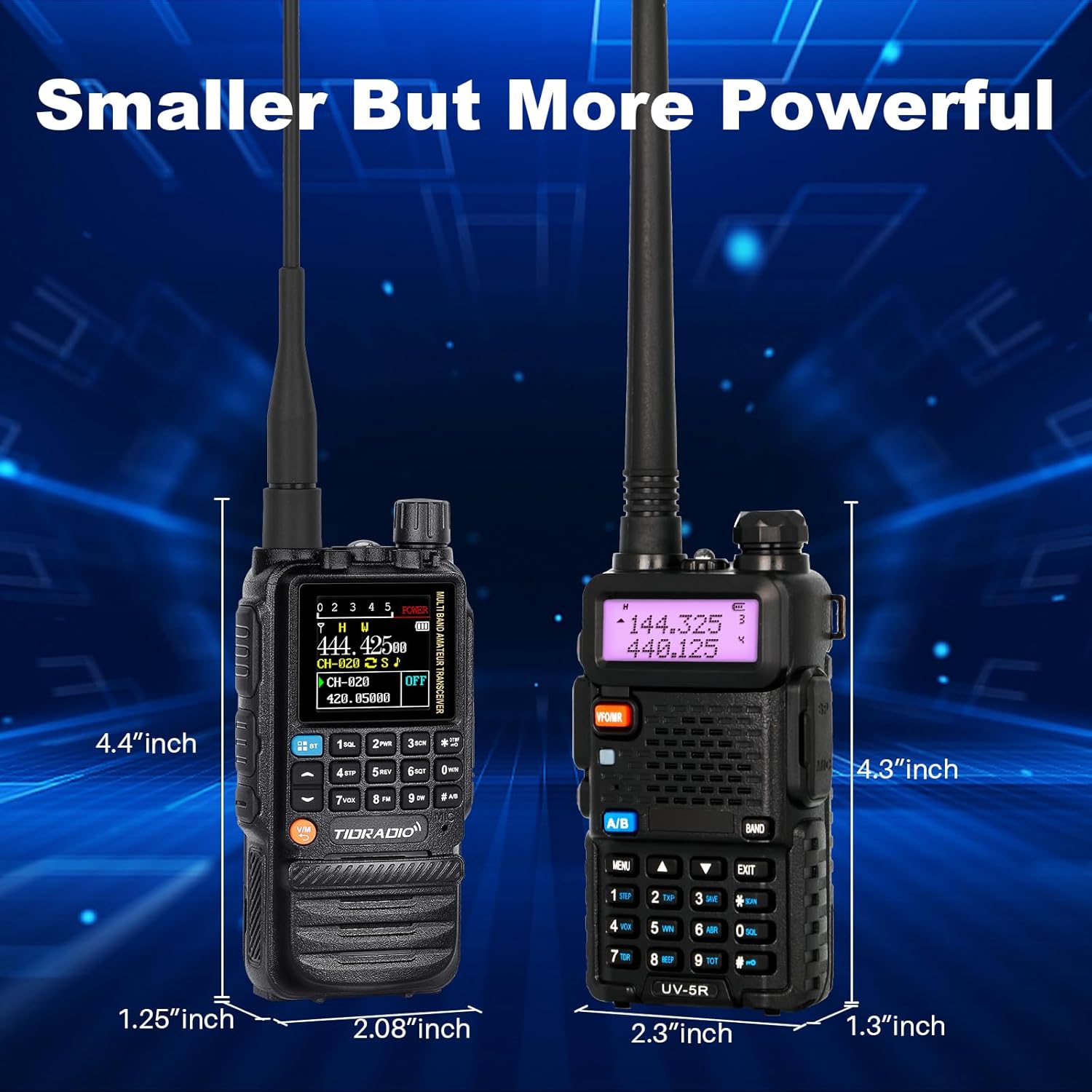
Figure 2: Charging options for the TD-H3 radio, including desktop and USB-C direct charging.
3.2 Прикључак антене
Select the appropriate antenna for your desired frequency band and screw it clockwise onto the antenna connector at the top of the radio until it is finger-tight.
- Use the 6.1-inch Ham Antenna for general amateur radio use.
- Use the 15.12-inch 771 AM Antenna for enhanced air band reception.
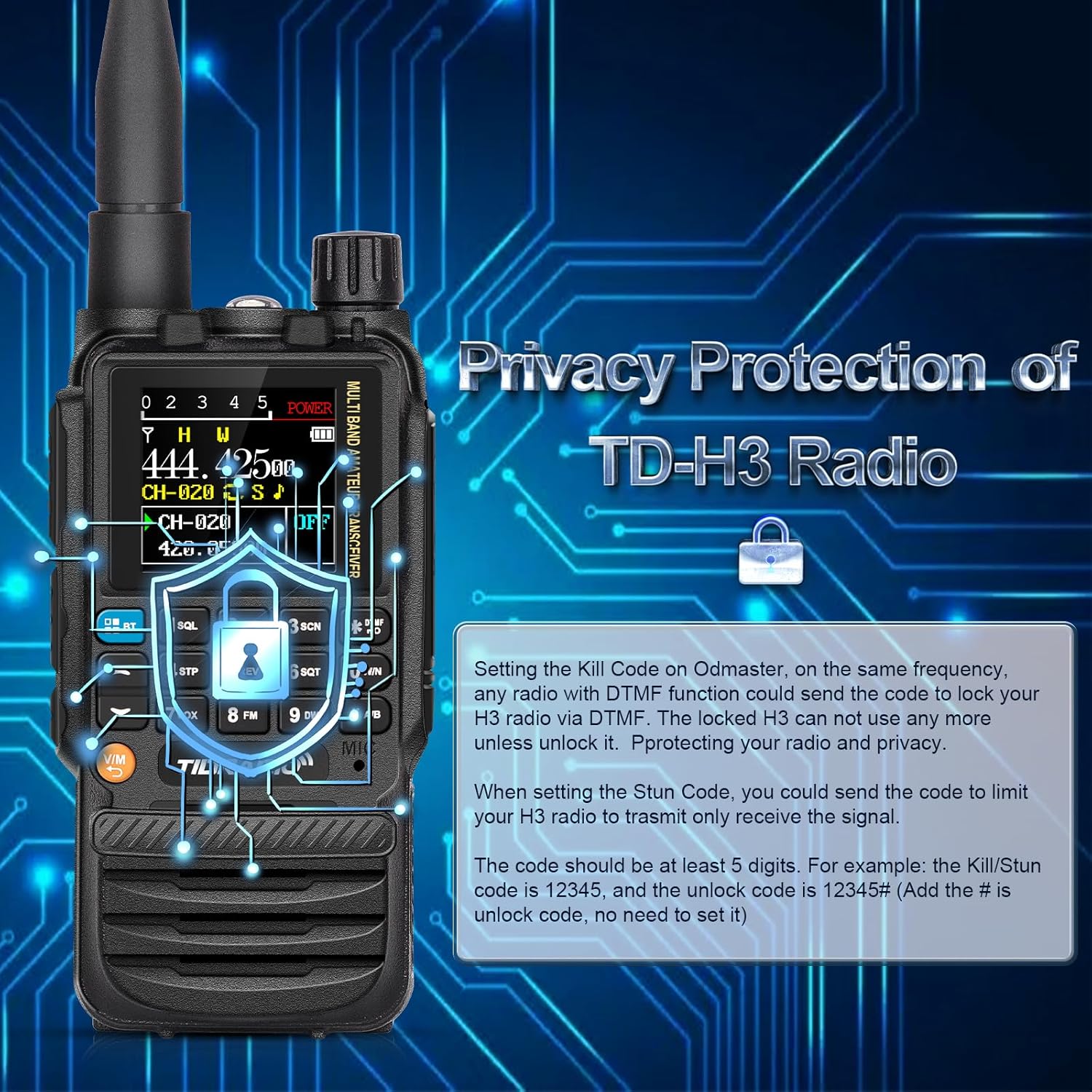
Figure 3: The flexible air band antenna, designed for improved reception.
4. Основна операција
4.1 Укључивање/искључивање
To power on the radio, rotate the volume knob clockwise. To power off, rotate it counter-clockwise until it clicks.
4.2 Подешавање јачине звука
Adjust the volume by rotating the volume knob located at the top of the radio.
4.3 Избор канала
The TD-H3 supports 199 channel banks. Use the up/down arrow keys or the numeric keypad to select channels. The 1.44-inch color screen displays channel information clearly.

Figure 4: The 1.44-inch color screen provides clear display of radio status.
4.4 Dual Watch / Dual Display
The radio can monitor two different frequencies or channels simultaneously. The screen will display both, allowing you to switch between them for transmission.
4.5 Dual PTT
The TD-H3 features two Push-To-Talk (PTT) buttons, labeled A and B, allowing for quick transmission on either of the two monitored frequencies/channels.

Figure 5: The Dual PTT buttons (A and B) for convenient operation.
4.6 Лампица
The radio includes an enhanced flashlight function. Refer to the on-screen menu or specific button for activation.

Figure 6: The enhanced flashlight feature of the TD-H3.
5. Напредне функције
5.1 Programming Methods
The TD-H3 offers multiple programming options:
- Type-C Port Programming: Use the side Type-C port with CHIRP or CPS Programming Software.
- Bluetooth Wireless Programming: Program the radio wirelessly via the Odmaster APP on your smartphone or a PC website (PC requires Bluetooth enabled).
- Kenwood Port Programming: Compatible with CHIRP and CPS Programming Software via the Kenwood port.

Figure 7: Various programming methods available for the TD-H3.

Figure 8: Programming the radio using the Odmaster APP.
5.2 One-Key Frequency Match (Frequency Copy)
This feature allows you to quickly identify and save a transmitting frequency from another radio.
- Hold down the '1' key on the radio.
- The radio will identify the frequency when another radio transmits.
- You can then save this frequency directly to a new channel. (Refer to Menu 47 for On/Off settings).

Figure 9: One-Key Frequency Match in action.
5.3 Wireless Radio Replication
The TD-H3 supports wireless replication, allowing you to copy channel data from one radio to another wirelessly.

Figure 10: Wireless Radio Replication between two TD-H3 units.
5.4 DTMF Lock (Privacy Protection)
The DTMF Lock feature provides privacy protection by allowing you to remotely lock or stun a radio using DTMF codes.
- Kill Code: Setting a Kill Code on the Odmaster app allows another radio with DTMF functionality to send a code to lock your TD-H3, rendering it unusable until unlocked.
- Stun Code: Setting a Stun Code limits your TD-H3 radio to only receive signals.
- Codes should be at least 5 digits. For example, a Kill/Stun code could be 12345, and the unlock code would be 12345#.

Figure 11: DTMF Lock feature for privacy protection.
5.5 Multi-Band Transmitting & Receiving
The TD-H3 supports a wide range of frequencies:
- САМ: 108-136MHz (Receive) - Aviation Band
- ФМ: 50-76MHz (Receive), 76-108MHz (Receive)
- ВХФ: 136-174MHz (Transmit/Receive), 174-350MHz (Receive), 350-400MHz (Receive)
- УХФ: 400-470MHz (Transmit/Receive), 470-600MHz (Receive)
6. Одржавање
6.1 Одржавање батерије
Да бисте максимално повећали трајање батерије и перформансе:
- Потпуно напуните батерију пре прве употребе.
- Избегавајте прекомерно пуњење или потпуно пражњење батерије.
- Чувајте радио и батерију на хладном и сувом месту када се не користе.
- The 2500mAh battery provides approximately 12 hours of working time and 48 hours of standby time.

Figure 12: Battery capacity and usage times for the TD-H3.
6.2 Чишћење
Обришите радио меком, дamp тканина. Не користите јаке хемикалије или раствараче.
КСНУМКС. Решавање проблема
If you encounter issues with your TD-H3 radio, please refer to the following common solutions:
- Нема напајања: Ensure the battery is properly installed and fully charged. Check the power/volume knob.
- Не могу да пренесем/примим: Verify the antenna is securely attached. Check frequency settings and ensure you are within range of another radio or repeater. Confirm your license status for transmission.
- Проблеми са програмирањем: Ensure the correct programming software (CHIRP/CPS) or app (Odmaster) is used. Check cable connections for wired programming or Bluetooth connection for wireless programming.
- Лош квалитет звука: Adjust the squelch level. Check the earpiece/microphone connection if used.
For persistent issues, contact TIDRADIO customer support.
8. Спецификације
| Феатуре | Спецификација |
|---|---|
| Број модела | ТД-Х3 |
| Бранд | ТИДРАДИО |
| Број канала | 199 |
| Фреквенцијски опсег | AM: 108-136MHz (Rx) FM: 50-76MHz (Rx), 76-108MHz (Rx) VHF: 136-174MHz (Tx/Rx), 174-350MHz (Rx), 350-400MHz (Rx) UHF: 400-470MHz (Tx/Rx), 470-600MHz (Rx) |
| Максимални домет говора | 5 километра |
| Батерија | 2500mAh Type-C (included) |
| Тежина артикла | 1.1 фунти |
| Ниво отпорности на воду | Отпоран на воду |
| Посебна карактеристика | Пуњива |
| Компатибилни уређаји | Smartphone (for app programming) |
9. Гаранција и подршка
TIDRADIO offers lifetime aftersales support for the TD-H3 Ham Radio. For warranty claims, technical assistance, or any inquiries, please contact TIDRADIO customer service through their official channels or the retailer where the product was purchased.

Figure 13: TIDRADIO provides lifetime aftersales support.