1. Увод
Thank you for choosing the aosu 4MP Indoor Security Camera. This manual provides essential information for the safe and efficient use of your device. This camera offers 2.5K QHD resolution, 360° pan and 155° tilt for comprehensive coverage, dual-band Wi-Fi support (5GHz/2.4GHz), two-way audio with one-touch call functionality, and smart motion tracking. It is ideal for home security, baby monitoring, and pet surveillance.

Слика: Прекоview of aosu 4MP Indoor Camera features.
2. Садржај пакета
- aosu 4MP Indoor Security Camera
- УСБ кабл за напајање
- Повер Адаптер
- Mounting Accessories (Screws, Wall Mount Plate)
- Водич за брзи почетак
3. Водич за подешавање
3.1 Инсталација апликације
- Преузмите аосу апликацију из продавнице апликација на вашем паметном телефону (Google Play продавница за Андроид или Apple App Store за iOS).
- Направите налог или се пријавите ако га већ имате.
3.2 Повезивање камере
- Connect the camera to a power source using the provided USB cable and power adapter. The camera will power on and indicate readiness for setup.
- Open the aosu app and follow the on-screen instructions to add your new device.
- Уверите се да је ваша Wi-Fi мрежа 5 ГХз или 2.4 ГХз compatible for a hassle-free connection. The camera supports both frequencies.
- Scan the QR code displayed in the app with your camera lens when prompted.
- Once connected, you can name your camera and begin using its features.

Image: The camera supports both 2.4GHz and 5GHz Wi-Fi for flexible connectivity.
Видео: Званичник прекоview of the aosu indoor security camera, demonstrating its features and ease of use.
4. Упутство за употребу
4.1 Уживо View and Control (360° Pan/Tilt)
Access the live feed from your camera through the aosu app. Use the on-screen controls to pan (360° horizontal rotation) and tilt (155° vertical tilt) the camera lens, allowing you to view any corner of your room. You can also zoom in for more detail.

Image: The camera offers a 360° horizontal view and 155° vertical tilt for full room coverage.
4.2 One-Touch Call
The camera features a physical button that, when pressed, initiates a call to your connected smartphone. This is ideal for children or elderly family members to quickly get in touch with you.
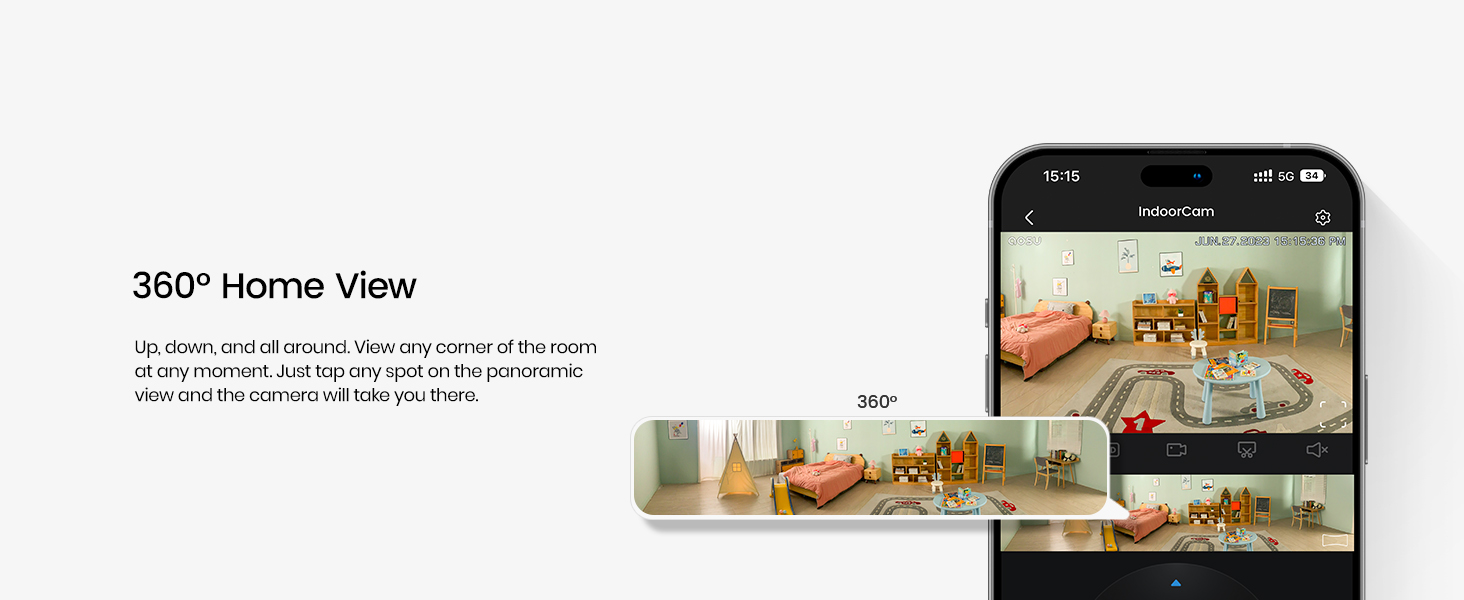
Image: The one-touch call feature allows instant communication from the camera to your phone.
4.3 Двосмерни аудио
Utilize the built-in microphone and speaker for two-way communication. Speak through your smartphone app to the camera, and hear responses from the camera's location.

Image: Engage in real-time two-way communication through the camera and your smartphone.
4.4 Smart Motion Tracking
Enable smart tracking in the app to have the camera automatically follow detected motion, such as people or pets, ensuring no important activity is missed.
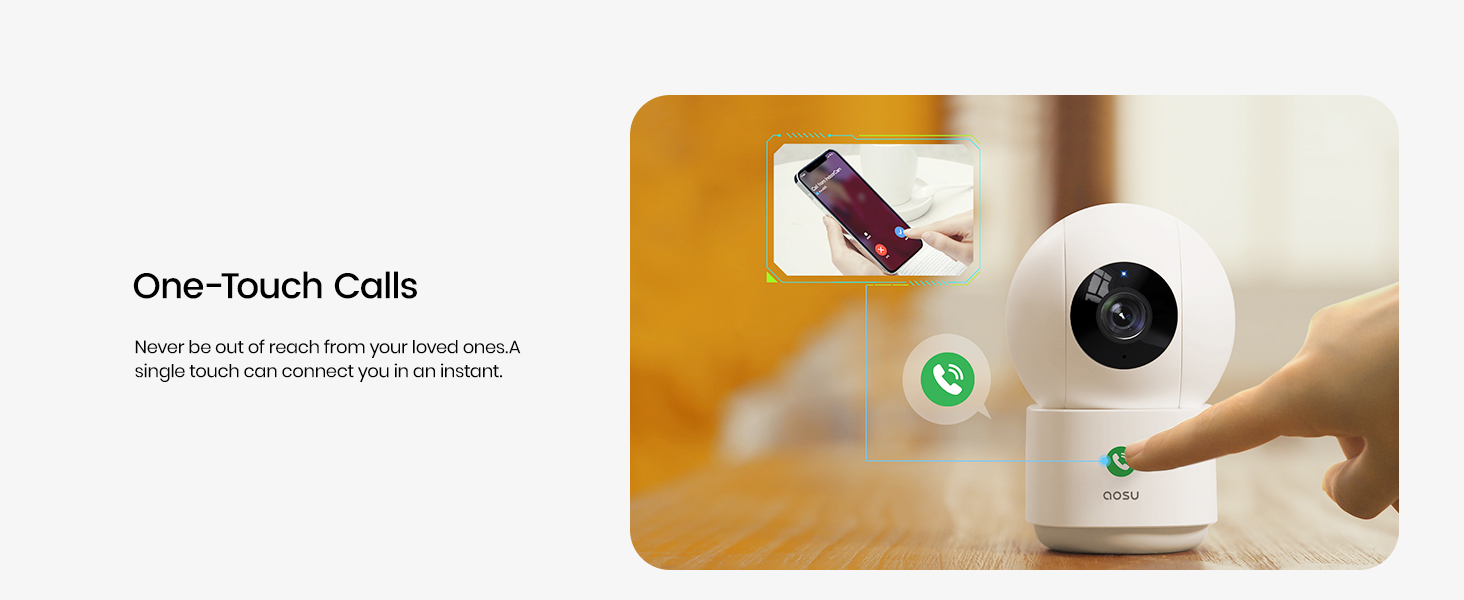
Image: The camera's smart motion tracking feature follows movement within its field of view.
4.5 Ноћни вид
The camera is equipped with clear night vision capabilities, allowing for monitoring in low-light or dark conditions.
4.6 Режим приватности
Activate Privacy Mode via the aosu app. In this mode, the camera lens will rotate downwards, physically hiding itself to ensure your privacy when monitoring is not required.
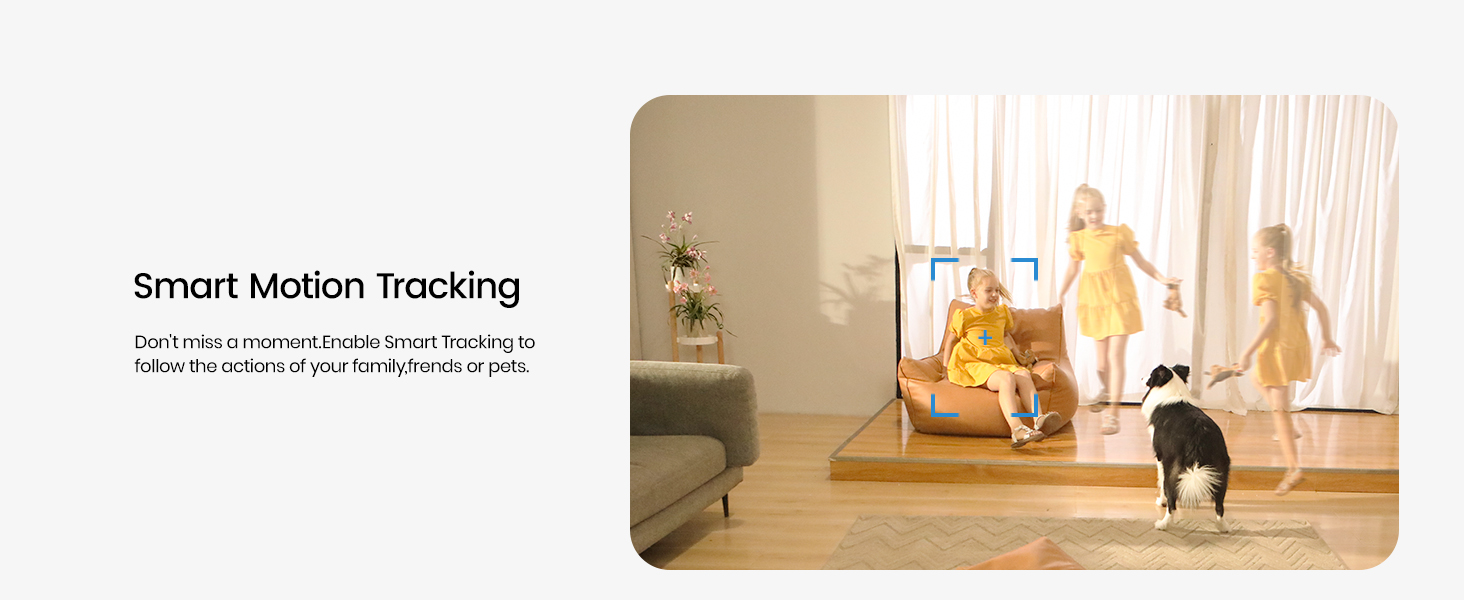
Image: Privacy Mode allows the camera to physically hide its lens when not in use.
4.7 Опције складиштења
The camera supports both local storage via a MicroSD card (not included) and cloud storage options (subscription may be required). This allows for flexible recording and playback of events.

Image: Choose between local MicroSD card storage or cloud storage for your recordings.
4.8 Интеграција паметног дома
The aosu camera is compatible with Amazon Alexa and Google Assistant. Integrate it into your smart home ecosystem to view live feeds on compatible smart displays or receive voice-activated commands.

Image: Seamlessly integrate your camera with Amazon Alexa and Google Assistant.
5. Одржавање
- Чишћење: Нежно обришите објектив и кућиште камере меком, сувом крпом. Избегавајте употребу јаких хемикалија или абразивних материјала.
- Ажурирања фирмвера: Regularly check the aosu app for available firmware updates to ensure optimal performance and security.
- Пласман: Уверите се да је камера постављена на стабилно место, даље од директне сунчеве светлости, извора топлоте и влаге.
КСНУМКС. Решавање проблема
- Проблеми са повезивањем: If the camera loses connection, ensure your Wi-Fi router is functioning correctly and the camera is within range. Try restarting both the camera and your router.
- Апликација не реагује: Close and reopen the aosu app. If the issue persists, reinstall the app.
- Лош видео квалитет: Check your internet connection speed. Ensure the camera lens is clean and free from obstructions. Adjust video quality settings in the app if necessary.
- Детекција покрета не ради: Verify that motion detection is enabled in the app settings and that the detection zone is correctly configured.
7. Спецификације
| Феатуре | Детаљ |
|---|---|
| Бранд | аосу |
| Назив модела | C2P2BH11 |
| Технологија повезивања | Бежично (Wi-Fi, Bluetooth) |
| Посебне карактеристике | 2-Way Audio, Local Recording, Motion Sensor, Night Vision, One-Touch Call |
| Унутрашња/спољна употреба | Индоор |
| Компатибилни уређаји | Smartphone (Amazon Alexa, Google Assistant) |
| Ефективна резолуција мировања | 4 МП |
| Резолуција снимања видео записа | 1920p (2.5K QHD) |
| Фраме Рате | 25 кадрова у секунди |
| Viewинг Англе | 360 степени (панорама), 155 степени (нагиб) |
| Оптицал Зоом | 6x |
| Извор напајања | Цордед Елецтриц |
| Димензије артикла | 3 к 3 к 5 инча |
| Тежина артикла | 0.74 килограма |
8. Гаранција и подршка
For warranty information, please refer to the documentation included with your product or visit the official aosu website. For technical support or further assistance, please contact aosu customer service.
Произвођач: AOSU
Политика враћања: 30-day refund/replacement policy may apply (check retailer for details).
AOSU Official Store: Посетите продавницу


