Увод
The Ashfly LCD Digital Coin Microscope is a versatile and powerful tool designed for detailed observation and analysis. Featuring a 4.3-inch IPS screen and up to 1000x magnification, it allows users to explore the microscopic world with clarity. It is ideal for inspecting coins, circuit boards, textiles, plants, and jewelry, and can also be connected to a PC for real-time viewing and recording. Its portable design and adjustable LED lighting make it suitable for various applications, from educational purposes to professional inspections.
Шта је у кутији
- Microscope Device (with 4.3-inch LCD screen)
- Adjustable Stand (Base, Pole, Bracket)
- УСБ-Ц кабл за пуњење
- Упутство за употребу
Сетуп
Follow these steps to assemble your Ashfly Digital Microscope:
- Attach the Pole to the Base: Insert the metal pole into the designated slot on the plastic base. Ensure it is firmly seated.
- Монтирајте носач: Slide the adjustable bracket onto the metal pole. This bracket will hold the microscope unit.
- Attach the Microscope Unit: Secure the microscope unit to the bracket. Use the tightening knobs on the bracket to firmly hold the microscope in place.
- Уклоните заштитни филм: Gently peel off the protective plastic film from the LCD screen.

Figure 1: Fully assembled Ashfly Digital Microscope.

Figure 2: Step-by-step assembly guide for the microscope.
Видео водич за подешавање
Video: Easy to install motherboard repair magnifier. This video demonstrates the assembly process and initial setup of the microscope, including attaching the unit to the stand and adjusting its position.
Упутство за употребу
Основна операција
- Укључивање/искључивање: Press and hold the power button (usually marked with a circle and vertical line) to turn the device on or off.
- Подесите увећање: Use the zoom in/out buttons (often marked with '+' and '-' or arrows) on the unit to adjust the digital magnification. The optical magnification is fixed at 1000x.
- Подешавање фокуса: Rotate the focus knob located on the microscope body to achieve a clear image of your specimen. Adjust the height of the microscope on the stand for coarse focus, then use the knob for fine-tuning.
- ЛЕД светла: The microscope features 8 adjustable LED lights. Use the dedicated control (often a dial or button) to adjust the brightness for optimal illumination of your subject.

Figure 3: Adjusting the 8 LED lights for optimal viewинг.

Figure 4: Stepless adjustment of the 8 high-brightness LED ring lights.
ПЦ Цоннецтион
То view the microscope's feed on your computer:
- Connect the microscope to your PC using the provided USB-C cable.
- On the microscope's screen, select "PC Camera" mode when prompted.
- On your computer, open a camera application (e.g., Windows Camera app or a third-party software like Inskam Camera). The microscope feed should appear.
- You can capture photos and record videos directly from your computer's software.

Figure 5: Real-time zoomed-in view on a PC via USB-C connection.

Figure 6: Microscope connected to a PC, displaying a coin for detailed inspection.
Снимање фотографија и видеа
- The microscope has built-in storage for approximately 100 photos.
- To capture a photo, press the "OK" or "Photo/Video" button on the unit.
- To record video, press the "Photo/Video" button again to switch to video mode, then press "OK" to start/stop recording.
- For extended storage, insert a TF Card (up to 64GB, Class 10 recommended) into the designated slot.
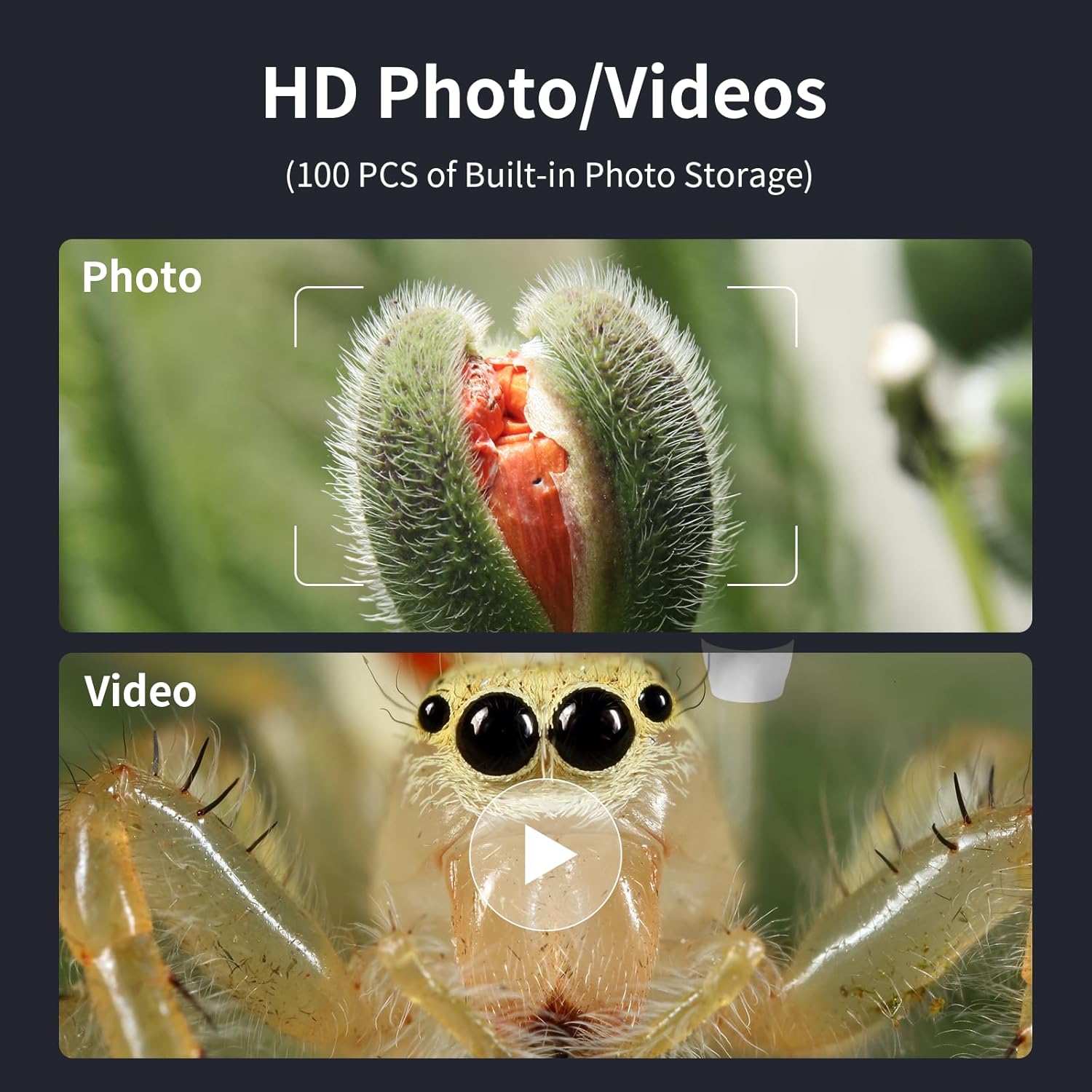
Figure 7: Options for capturing high-definition photos and videos.
Одржавање
- Keep the microscope lens clean using a soft, lint-free cloth. Avoid abrasive materials.
- Уређај чувајте на сувом и месту без прашине када се не користи.
- Charge the internal battery using a 5V-1A charger. Do not charge via PC to prevent potential damage.
- Избегавајте излагање уређаја екстремним температурама или директној сунчевој светлости.
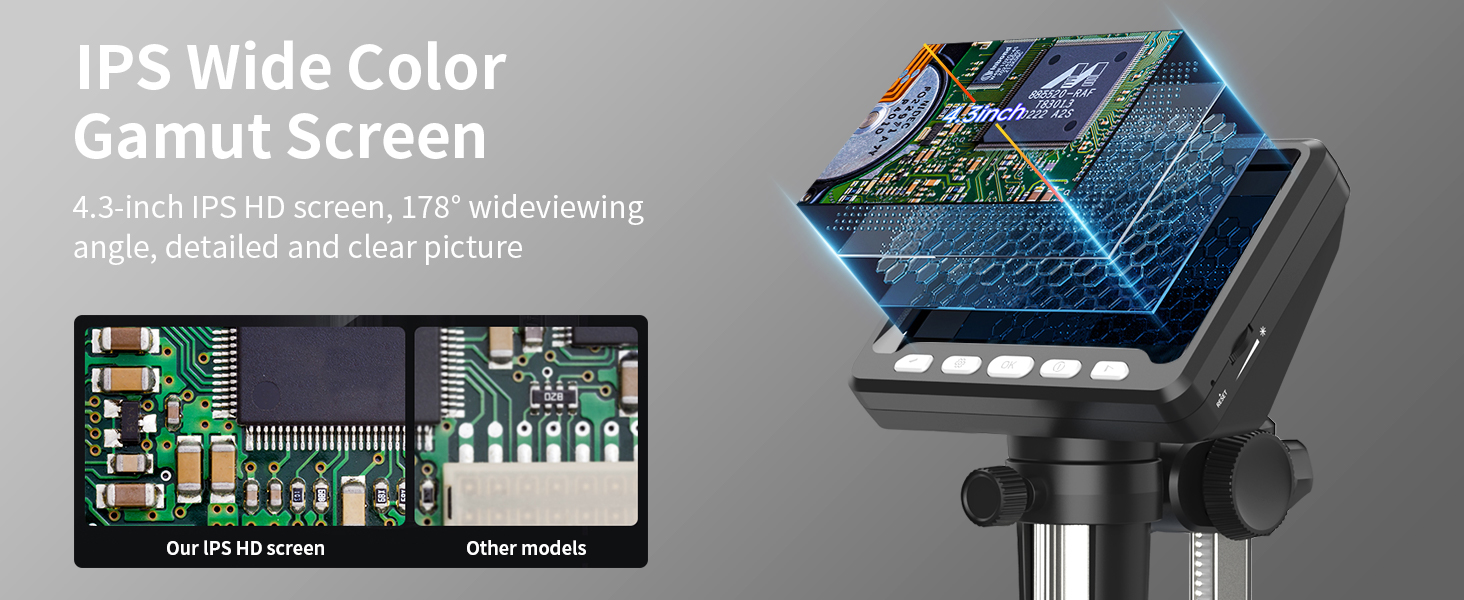
Figure 8: Charging the microscope for optimal battery life.
Решавање проблема
- Нема слике на екрану: Ensure the device is powered on and fully charged. Check if the lens cap is removed.
- Замућена слика: Adjust the focus knob and the height of the microscope on the stand. Ensure adequate lighting from the LED lights.
- Проблеми са повезивањем са рачунаром: Verify the USB-C cable is securely connected. Ensure "PC Camera" mode is selected on the microscope. Try restarting the camera application on your computer.
- Кратак век трајања батерије: Ensure the device is fully charged before use. Reduce LED brightness if not needed.
Спецификације
| Феатуре | Детаљ |
|---|---|
| Број модела | 366Ц |
| Величина екрана | 4.3 Inch IPS HD Screen |
| Увећање | До 1000к |
| Резолуција | 1080P (for display) |
| Извор светлости | 8 podesivih LED svetla |
| Тип батерије | Литијум јонски (укључено) |
| Оперативно време | До 3.5 сати |
| Време пуњења | Прибл. 3.0 сата |
| ПЦ Цомпатибилити | MacOS, Windows (Vista, XP, 7, 8, 10, 11) |
| Димензије производа | 5 к 5 к 5 инча |
| Тежина артикла | 1.01 фунти |
| Материјал | Пластика |
| Боја | Црно |
Безбедносне информације
- Не гледајте директно у ЛЕД светла дуже време.
- Држите уређај даље од воде и других течности.
- Не покушавајте сами да раставите или поправите уређај. Обратите се корисничкој подршци за помоћ.
- Keep out of reach of small children without adult supervision.
Гаранција и подршка
For warranty information, technical support, or any inquiries regarding your Ashfly LCD Digital Coin Microscope, please refer to the contact details provided on the product packaging or visit the official Ashfly webсајт. Молимо вас да сачувате доказ о куповини за потребе гаранције.


