1. Увод
This manual provides essential information for setting up, operating, and maintaining your DOOGEE N55PLUS Unlocked Cell Phone. Please read it carefully to ensure proper use and to maximize the device's capabilities. The DOOGEE N55PLUS is an Android 14 smartphone featuring a 6.56-inch HD+ 90Hz display, an Octa-Core processor, 20GB RAM (8GB physical + 12GB virtual), 128GB internal storage expandable up to 1TB, a 5150mAh battery, and a 13MP AI main camera.
2. Шта је у кутији
- 1 x DOOGEE N55PLUS Cell Phone
- 1 к пуњач
- 1 x кабл за порт типа C
- 1 x TP заштитна фолија (претходно налепљена)
- 1 x ТПУ заштитна футрола
3. Подешавање
3.1 Инсталација SIM картице и TF картице
- Пронађите лежиште за СИМ картицу са стране телефона.
- Уметните алатку за избацивање СИМ картице (ако је доступна) у мали отвор поред лежишта и лагано гурајте док лежиште не искочи.
- Place your Nano-SIM card(s) and/or TF card into the designated slots on the tray. Ensure the gold contacts are facing down. The phone supports dual 4G SIM cards (nano SIM1 + nano SIM2) or one nano SIM and one TF card for storage expansion.
- Пажљиво вратите лежиште у телефон док не кликне на своје место.

3.2 Укључивање/искључивање
- За укључивање: Press and hold the Power button (located on the right side) until the DOOGEE logo appears.
- За искључивање: Притисните и држите дугме за напајање док се не појави мени са опцијама напајања. Додирните „Искључи“ и потврдите.
- Рестартовати: From the power options menu, tap 'Restart' and confirm.
3.3 Почетно подешавање
Upon first power-on, follow the on-screen prompts to complete the initial setup. This includes selecting your language, connecting to Wi-Fi, setting up your Google account, and configuring security features like Face Unlock.
4. Управљање телефоном
4.1 Приказ и навигација
The DOOGEE N55PLUS features a 6.56-inch HD+ Waterdrop screen with a 90Hz refresh rate, providing a smooth visual experience. Navigate the interface using touch gestures: tap to select, swipe to scroll, pinch to zoom.

4.2 Функције камере
The phone is equipped with a 13MP AI main camera and an 8MP front camera. Open the Camera app to capture photos and videos. Various modes such as Portrait, Pro Mode, Beauty, Night mode, and Panorama are available to enhance your photography.

4.3 Перформансе и складиштење
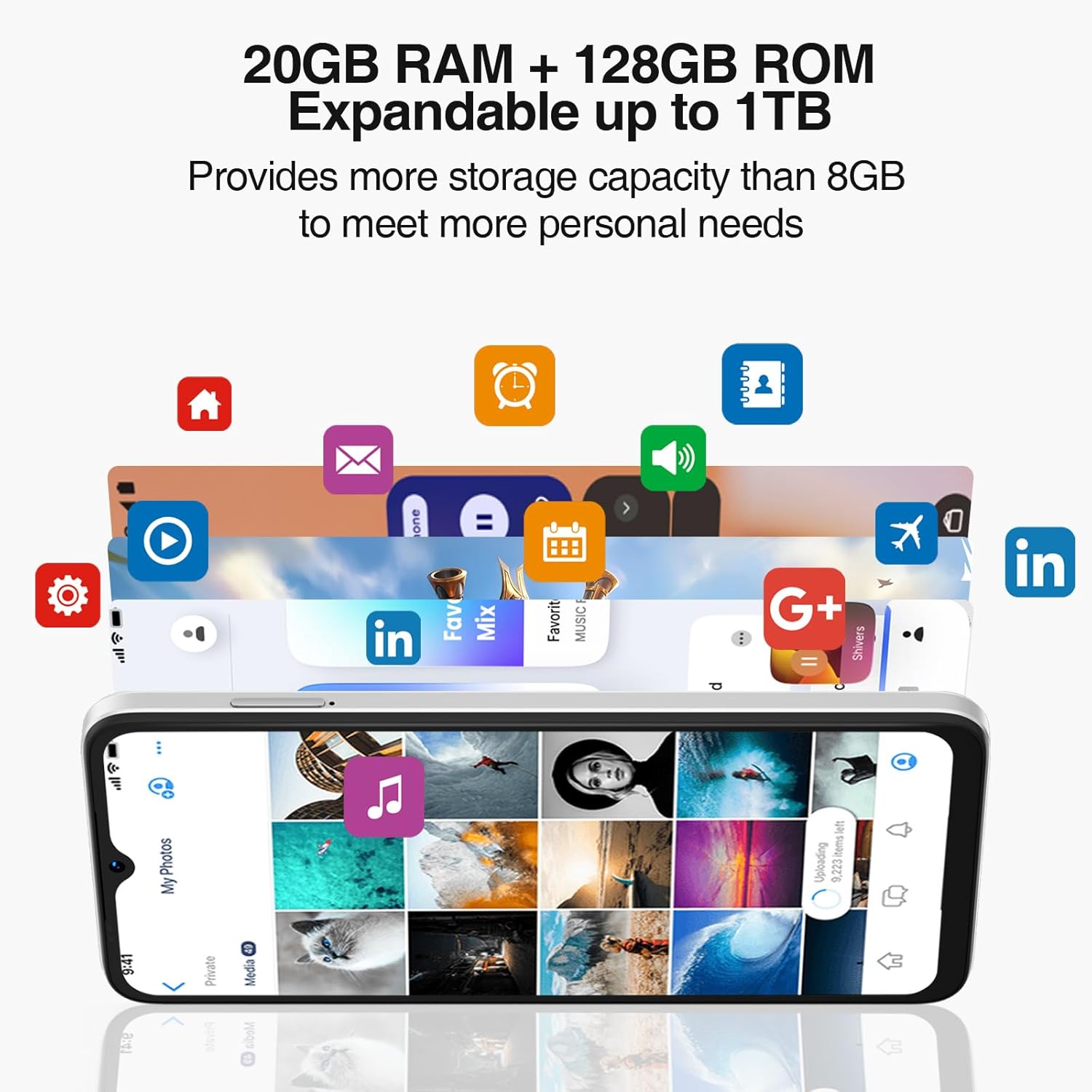
Powered by an Octa-Core processor and 20GB RAM (8GB physical + 12GB virtual), the N55PLUS ensures smooth multitasking and app performance. It comes with 128GB of internal storage, expandable up to 1TB using a TF card, providing ampоставите простор за ваше files, photos, and applications.
4.4 Управљање батеријом
The 5150mAh large battery provides extended usage time. To optimize battery life, manage background app usage, adjust screen brightness, and enable power-saving modes when needed. The phone supports OTG reverse charging, allowing it to charge other devices.

5. Повезивање
- Мрежа: Supports 4G global network bands (GSM, WCDMA, TDD, FDD). Ensure your SIM card is compatible with the phone's supported bands for optimal service.
- Ви-Фи: Connect to available Wi-Fi networks for internet access.
- Блуетоотх: Pair with Bluetooth devices such as headphones, speakers, or car systems.
- ГПС: Integrated GPS, Glonass, Galileo, and Beidou for accurate navigation.
- УСБ типа Ц: За пуњење и пренос података.
6. Одржавање
6.1 Ажурирања софтвера
Regularly check for and install software updates to ensure your phone has the latest features, security patches, and performance improvements. Go to Подешавања > Систем > Ажурирање система.
6.2 Чишћење уређаја
Користите меку крпу која не оставља влакна да бисте очистили екран и кућиште телефона. Избегавајте употребу јаких хемикалија или абразивних материјала који би могли оштетити уређај.
6.3 Управљање складиштем
To maintain optimal performance, periodically clear unnecessary fileс, деинсталирајте некоришћене апликације и пребаците велике медије files to external storage or cloud services. Go to Подешавања > Складиштење to manage your device's storage.
КСНУМКС. Решавање проблема
- Телефон се не укључује: Уверите се да је батерија напуњена. Прикључите телефон на пуњач и сачекајте неколико минута пре него што покушате поново да га укључите.
- Апликације се руше или замрзавају: Close and restart the app. If the issue persists, clear the app's cache (Settings > Apps > [App Name] > Storage > Clear cache) or uninstall and reinstall the app.
- Слаб мрежни сигнал: Проверите да ли је ваша СИМ картица правилно уметнута. Преместите се у подручје са бољим мрежним покривањем. Обратите се свом оператеру ако се проблем и даље јавља.
- Батерија се брзо празни: Reduce screen brightness, disable unused features like Wi-Fi or Bluetooth, and close background apps. Check battery usage in Settings to identify power-hungry apps.
- Откључавање лицем не ради: Ensure your face is well-lit and clearly visible to the front camera. Re-register your face data in Settings > Security > Face Unlock.
8. Спецификације
| Феатуре | Спецификација |
|---|---|
| Назив модела | Н55 Плус |
| Оперативни систем | Андроид 14 |
| Процесор | Octa-Core (Mediatek Dimensity 1100, 3.2 GHz) |
| РАМ | 8 GB (expandable to 20 GB with virtual RAM) |
| Интерна меморија | 128 ГБ |
| Екпандабле Стораге | До 1 ТБ преко ТФ картице |
| Величина екрана | 6.56 инча |
| Дисплаи Типе | HD+ IPS екран са капљицом воде |
| Резолуција | 1612 к 720 |
| Рефресх Рате | 90 Хз |
| Главна камера | АИ камера од 13 МП |
| Предња камера | 8 МП |
| Капацитет батерије | 5150 мАх литијум-јонски |
| Повезивање | 4G LTE, Wi-Fi, Bluetooth, USB Type-C |
| Навигација | ГПС, ГЛОНАСС, Галилео, Бејду |
| Посебне карактеристике | Dual SIM, Expandable Memory, Face Unlock, Widevine L1, OTG |
| Димензије | 6.45 x 2.98 x 0.34 inches (8.6mm thickness) |
| Тежина | 6.6 унци (186 грама) |
9. Гаранција и подршка
All DOOGEE unlocked phones purchased from our official channels are covered by a 12-month warranty. If you encounter any issues during use, please contact our customer support for assistance. For further support, visit the official DOOGEE webсајт или погледајте контакт информације које сте добили уз куповину.


