1. Увод
This manual provides detailed instructions for the Varmilo Sword68 Sakura 65% Hotswap Wireless RGB Mechanical Keyboard. Please read this manual thoroughly before using the product to ensure proper operation and to maximize its lifespan. This keyboard features a full 6063 aluminum CNC case, multiple connectivity options, hot-swappable switches, and customizable RGB lighting.
2. Безбедносне информације
- Држите тастатуру даље од течности и прекомерне влаге како бисте спречили оштећења.
- Избегавајте излагање тастатуре екстремним температурама.
- Не покушавајте да растављате или модификујете тастатуру, јер то може поништити гаранцију и проузроковати оштећења.
- Користите само приложени USB-C кабл за пуњење и жичану везу.
- Чувати ван домашаја деце.
3. Садржај пакета
Проверите да ли су све ставке присутне у пакету:
- Varmilo Sword68 Mechanical Keyboard
- УСБ-Ц кабл
- Извлачење капица за тастере (може бити укључено)
- Извлачеч прекидача (може бити укључен)
4. Подешавање
4.1 Почетно пуњење
Before first use, connect the keyboard to a USB power source using the provided USB-C cable. The keyboard features a 4000mAh rechargeable battery. A full charge is recommended for optimal wireless performance.
4.2 Опције повезивања
The Varmilo Sword68 supports three connection modes:
- Жични (USB-C): Повежите тастатуру директно са рачунаром помоћу USB-C кабла. Тастатура ће се аутоматски пребацити у жични режим.
- Блуетоотх КСНУМКС:
- Turn on the keyboard and switch to Bluetooth mode (refer to the keyboard's function keys for mode switching).
- On your device (PC, laptop, smartphone, tablet), enable Bluetooth and search for new devices.
- Select 'Varmilo Sword68' from the list of available devices to pair.
- Бежична веза од 2.4 GHz:
- Insert the 2.4 GHz USB receiver into an available USB port on your computer.
- Switch the keyboard to 2.4 GHz wireless mode (refer to the keyboard's function keys for mode switching). The keyboard should automatically connect to the receiver.
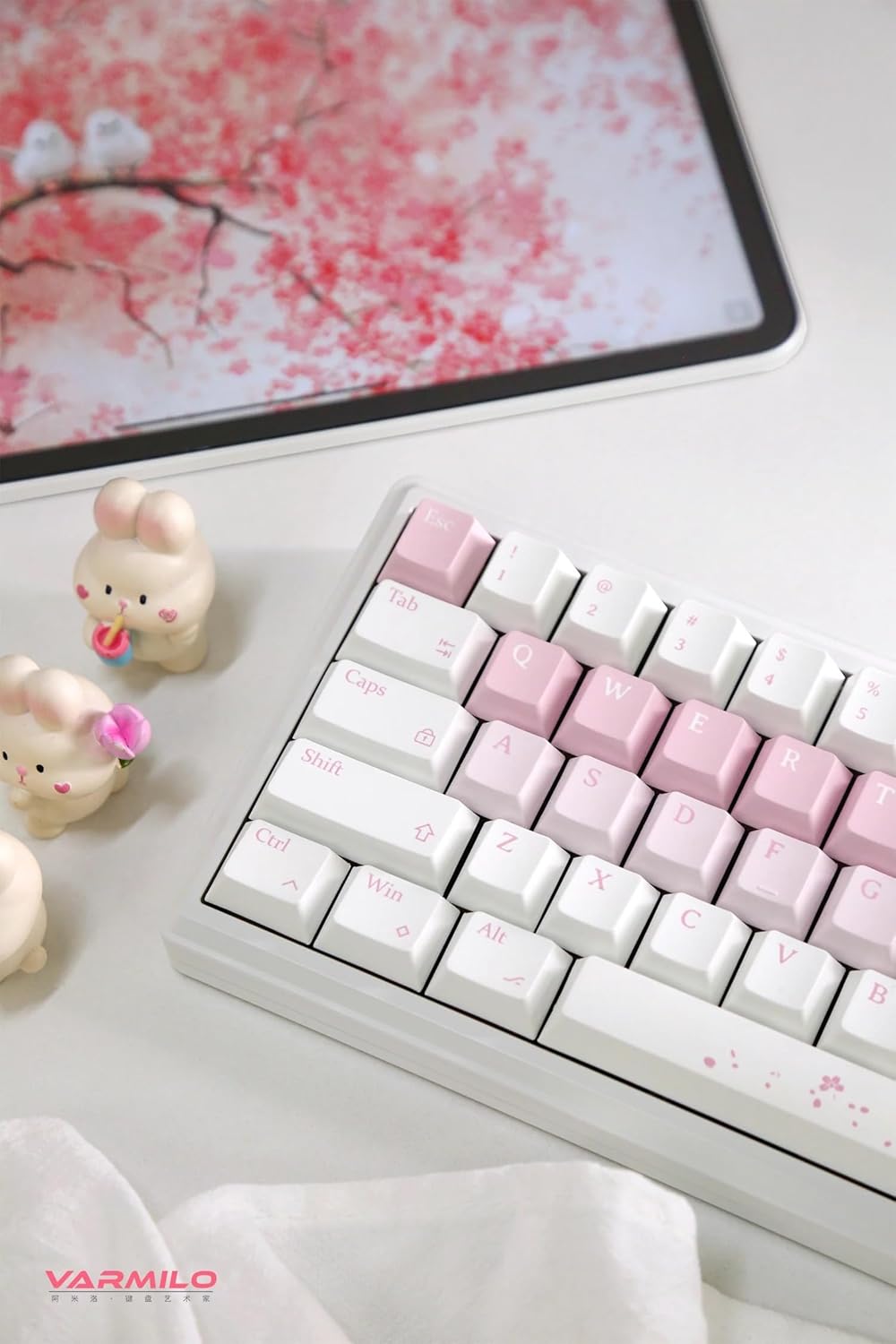
Image: The Varmilo Sword68 keyboard set up on a desk, demonstrating its compact size and aesthetic design alongside a tablet.
5. Оперативни
5.1 Основне функције тастатуре
The Varmilo Sword68 functions as a standard 65% mechanical keyboard. All keys perform their labeled functions. For secondary functions (accessed via the Fn key), refer to the keycap legends or the custom software.

Слика: Детаљна view of the Varmilo Sword68 keyboard's right side, highlighting the white and pink keycaps and the Sakura-themed spacebar and escape key.
5.2 РГБ позадинско осветљење
The keyboard features RGB backlighting. Lighting effects and colors can be customized using the dedicated software. Refer to the software's instructions for detailed customization options.
5.3 Custom Layout Control
The Varmilo Sword68 supports custom layout control through its software. This allows users to remap keys, create macros, and personalize the keyboard's functionality to suit their workflow or gaming preferences.
5.4 Прекидачи са могућношћу замене током рада
The PCB is hot-swappable, allowing users to change mechanical switches without soldering. This feature supports both plate mount and PCB mount stabilizers. To replace a switch:
- Пажљиво уклоните капицу тастатуре помоћу алата за извлачење капица тастатуре.
- Use a switch puller to carefully extract the switch from the PCB.
- Align the pins of the new switch with the holes on the PCB and press firmly until it clicks into place. Ensure pins are not bent.

Слика: Крупни план view of the Varmilo Sword68 keyboard, showcasing the arrangement of its white and pink keycaps and the decorative spacebar.
6. Одржавање
6.1 Чишћење тастатуре
Да бисте одржали изглед и функционалност тастатуре:
- Искључите тастатуру из свих извора напајања пре чишћења.
- Користите меку крпу која не оставља длачицеampводом или благим раствором за чишћење да бисте обрисали капице тастера и кућиште.
- За прашину и прљавштину између тастера користите компримовани ваздух или малу четку.
- Избегавајте употребу јаких хемикалија или абразивних материјала.
6.2 Одржавање тастера и прекидача
The Double Shot ABS keycaps are durable. If removing keycaps or switches, do so gently to avoid damaging the components or the PCB.
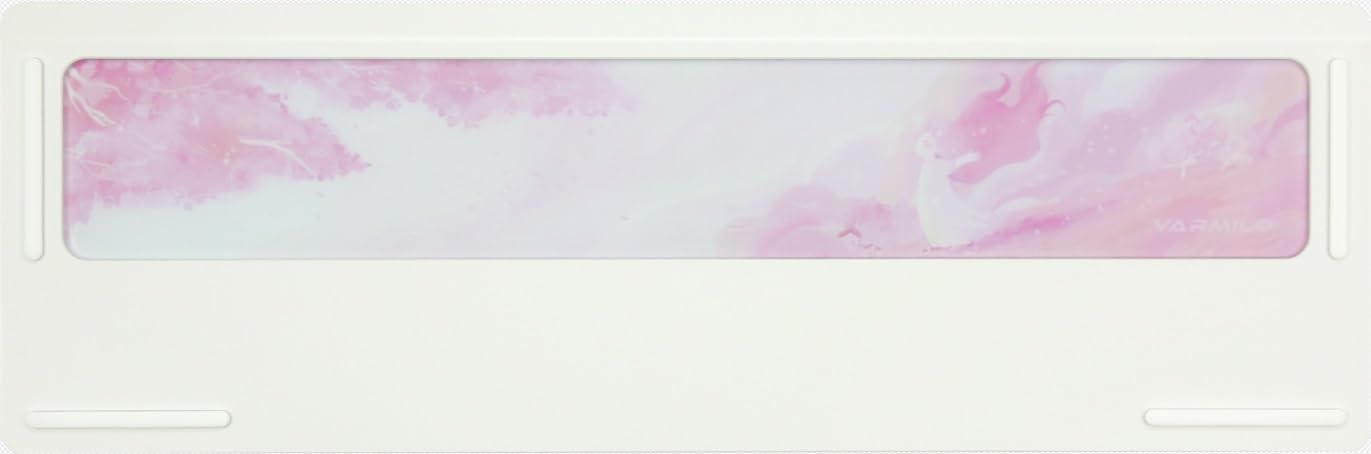
Image: The underside of the Varmilo Sword68 keyboard, revealing the frosted glass weight and rubber feet for stability.
КСНУМКС. Решавање проблема
- Тастатура не реагује: Ensure the USB-C cable is securely connected or that the wireless receiver is properly inserted and the keyboard is in the correct mode (wired, Bluetooth, 2.4 GHz). Check battery level if in wireless mode.
- Проблеми са упаривањем преко Bluetooth-а: Ensure the keyboard is in pairing mode and your device's Bluetooth is enabled. Try removing previous pairings and re-pairing.
- RGB осветљење не ради: Check the software settings for RGB control. Ensure the keyboard is not in a low-power mode that disables lighting.
- Кључеви се не региструју: For hot-swappable switches, ensure the switch is fully seated and its pins are not bent. Try replacing the switch if the issue persists.
- Повремена бежична веза: Ensure the keyboard is within range of the receiver/device and there are no significant obstructions or interference sources.
8. Спецификације
| Бранд | Вармило |
| Модел | Sword68 |
| ASIN | B0DMXL67WS |
| Технологија повезивања | Блуетоотх, УСБ-Ц |
| Опис тастатуре | Механички |
| Посебне карактеристике | Backlit, Hot-Swappable, Rechargeable |
| Подршка бојама позадинског осветљења тастатуре | РГБ |
| Материјал | Алуминијум, поликарбонат |
| Капацитет батерије | 4000мАх |
| Кеицапс | Double Shot ABS |
| Апсорпција звука | 3x Poron foam, 2x PET foam, 1x IXPE foam |
| Материјал кућишта | 6063 Aluminum CNC with electrophoresis finish |
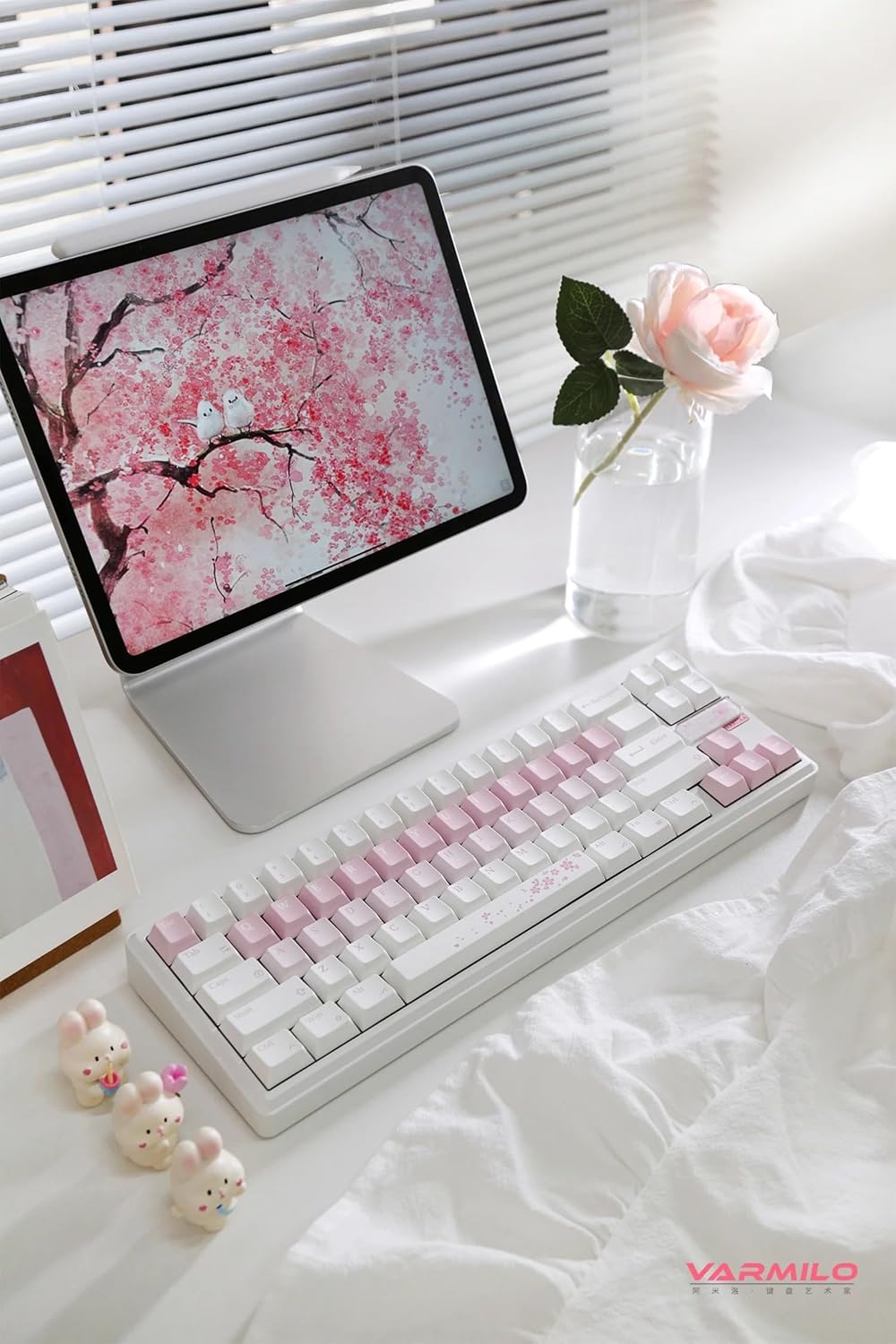
Слика: Комплетна view of the Varmilo Sword68 keyboard in a desk setup, showcasing its elegant design and compact form factor.
9. Гаранција и подршка
For warranty information, technical support, or service inquiries, please refer to the official Varmilo webсајт или директно контактирајте њихову корисничку подршку. Сачувајте рачун о куповини за потребе рекламације у гаранцији.


