1. Увод
The LYNCAST HY300 Pro+ is a portable mini projector designed for versatile entertainment. Featuring Android 14 OS, built-in streaming applications, WiFi 6, and Bluetooth 5.4, it offers a comprehensive viewing experience. This manual provides essential information for setting up, operating, maintaining, and troubleshooting your projector.

The compact design of the HY300 Pro+ allows for easy portability.
2. Водич за подешавање
2.1 Садржај пакета
Пре него што почнете, уверите се да су све ставке присутне у пакету:
- LYNCAST HY300 Pro+ Mini Projector
- Ремоте Цонтрол
- Повер Адаптер
- ХДМИ кабл
- Упутство за употребу
2.2 Прикључак за напајање
Connect the power adapter to the projector's DC input port and then plug it into a power outlet. The projector will power on automatically or can be turned on using the power button on the device or remote control.

The projector features HDMI, USB, and DC input ports for various connections.
2.3 Постављање и пројекција
The HY300 Pro+ offers flexible placement options due to its 180° rotatable design and ultra-short throw ratio. Place the projector on a tabletop, mount it on a tripod, or even project onto the ceiling.
- 180° Multi-Angle Projection: Adjust the projector's angle to project onto walls or ceilings.
- Ултра-кратак домет: Achieve a large screen size (e.g., 100+ inches) from a short distance (under 2 meters).

The 180° rotatable design allows projection onto various surfaces, including the ceiling.

Multiple setup options: tripod, desk, or ceiling mounting.
2.4 Фокус и корекција трапезоидног изобличења
The projector features automatic keystone correction and manual focus adjustment for a clear, rectangular image.
- Ауто Кеистоне: The projector automatically adjusts the image shape to correct for angled projection.
- Ручно фокусирање: Use the focus ring on the projector to sharpen the image.

Auto keystone correction and manual focus ensure a clear, properly shaped image.
3. Упутство за употребу
3.1 Navigating the Android 14 OS
The projector runs on Android 14 TV OS, providing access to a wide range of applications. Use the included remote control to navigate the interface.
- Почетни екран: Access pre-installed apps like Netflix, Prime Video, YouTube, Tubi, and Disney+.
- Апп Сторе: Download additional applications from the integrated app store.

Access a variety of built-in streaming applications directly from the projector.
3.2 Wireless Connectivity (WiFi 6 & Bluetooth 5.4)
Connect the projector to your home network via WiFi 6 for fast streaming and pair with Bluetooth devices for enhanced audio.
- ВиФи 6: Provides faster and more stable wireless internet connection for 4K content streaming.
- Блуетоотх КСНУМКС: Connect to external Bluetooth speakers for richer sound or headphones for private listening.

Experience seamless wireless connectivity with WiFi 6 and Bluetooth 5.4.
3.3 Пресликавање екрана
Mirror content from your iOS, Android, or Windows devices to the projector.
- Android Miracast / Apple AirPlay: Wirelessly cast content from compatible smartphones and tablets.
- Apple Wired Connection / Transcreen: Alternative options for Apple devices (Transcreen may require a separate download).

Mirror your smartphone, tablet, or computer screen to the projector.
3.4 Повезивање екстерних уређаја
Connect various devices using the HDMI and USB ports.
- ДВИ: Connect laptops, gaming consoles (Switch/PS5), TV sticks, and other HDMI-enabled devices.
- УСБ: Play multimedia directly from USB drives or connect other USB accessories.
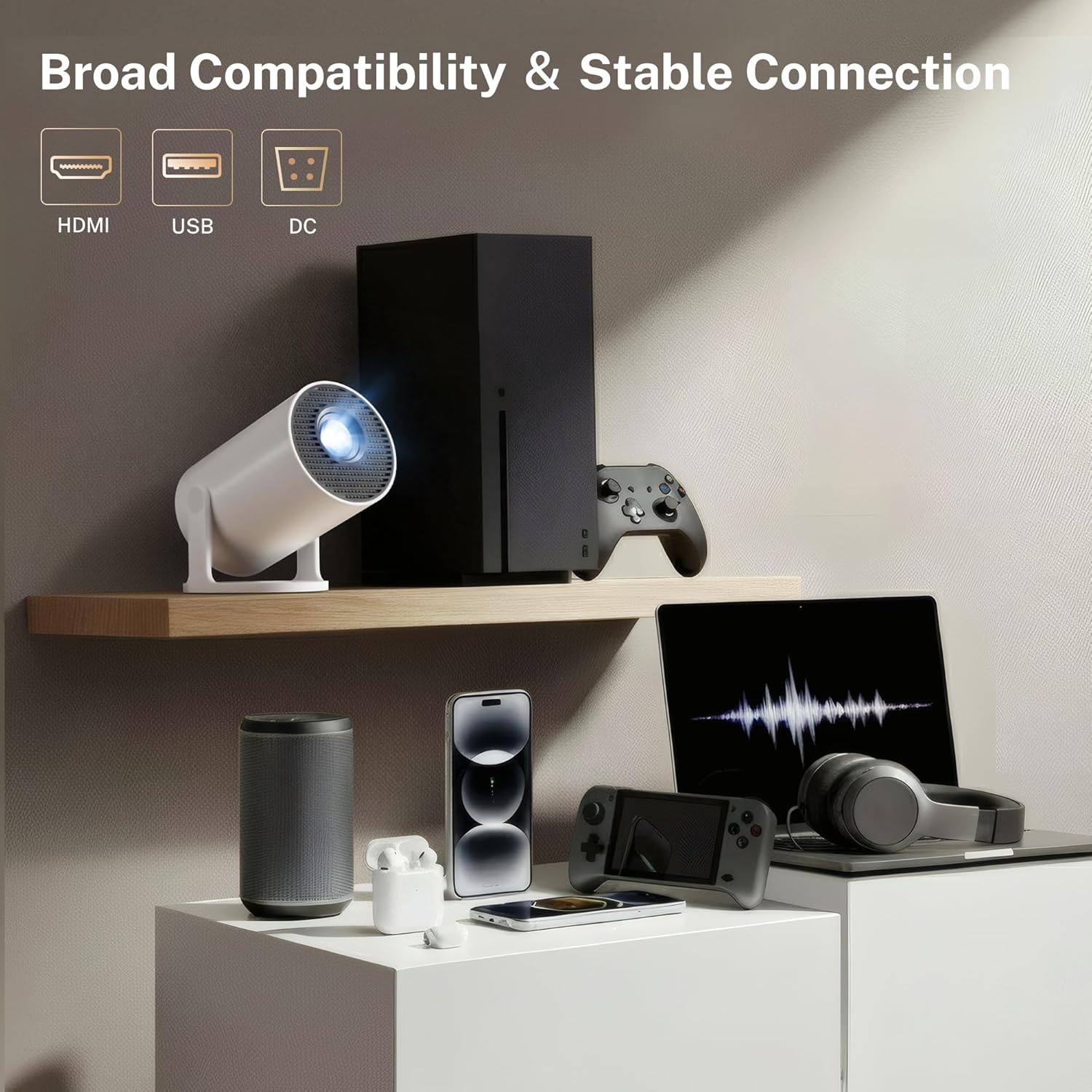
The projector offers broad compatibility with multiple devices via HDMI and USB.
4. Одржавање
4.1 Чишћење пројектора
To ensure optimal performance and longevity, keep your projector clean.
- Објектив: Use a soft, lint-free cloth specifically designed for optical lenses to gently wipe the projector lens. Avoid abrasive materials or harsh chemicals.
- Екстеријер: Обришите спољашњост цasing with a soft, dry cloth. Do not use liquid cleaners directly on the projector.
- Вентс: Periodically check the ventilation openings for dust accumulation. Use a soft brush or compressed air to clear any obstructions. Ensure the projector is powered off and unplugged before cleaning.
4.2 Складиштење
Када се пројектор не користи дуже време, чувајте га на хладном и сувом месту, даље од директне сунчеве светлости и екстремних температура. Користите оригинално паковање или заштитну футролу да бисте спречили прашину и оштећења.
КСНУМКС. Решавање проблема
If you encounter issues with your LYNCAST HY300 Pro+ Mini Projector, refer to the following common problems and solutions:
| Проблем | Могући узрок | Решење |
|---|---|---|
| Но Повер | Power cable disconnected; Power outlet fault | Уверите се да је кабл за напајање безбедно повезан; покушајте са другом утичницом. |
| Нема слике | Input source incorrect; Lens cap on; Focus adjustment needed | Select correct input source (HDMI/USB); Remove lens cap; Adjust manual focus. |
| Замућена слика | Focus not adjusted; Keystone incorrect | Adjust manual focus; Allow auto keystone to correct or manually adjust. |
| Нема звука | Volume too low; External audio device not connected; Muted | Increase volume; Connect Bluetooth speaker/headphones; Unmute the projector. |
| WiFi Connection Issues | Incorrect password; Router too far; Network interference | Verify WiFi password; Move projector closer to router; Restart router. |
| Screen Mirroring Fails | Devices not on same network; Compatibility issues | Ensure both devices are on the same WiFi network; Check device compatibility with Miracast/AirPlay. |
6. Спецификације
Key technical specifications for the LYNCAST HY300 Pro+ Mini Projector:
- Бренд: ЛИНЦАСТ
- Назив модела: HY300 Pro+
- Број модела: Кс1БР
- Резолуција екрана: Native 1280 x 720 (720P Full HD), Supports 4K input
- Осветљеност: 300 ANSI Lumens (equivalent to 2000 Lumen marketing term)
- Однос контраста: 10000:1
- Оперативни систем: Андроид 14 ТВ ОС
- Бежична повезаност: ВиФи 6, Блуетоотх 5.4
- Технологија повезивања: Блутут, HDMI, УСБ, Ви-Фи
- Улазни портови: HDMI, USB, DC
- Радни век извора светлости: 30000 сата
- Максимална величина слике: 130 инча
- Minimum Image Size: 50 инча
- Однос бацања: 0.8:1 (Ultra-Short Throw)
- Димензије (Д к Ш к В): 3.1"L x 3.1"W x 6"H (Cylindrical)
- Тежина артикла: 466 грама
- Посебне карактеристике: Auto Keystone, 180° Multi-Angle Projection, Built-In Apps, Built-In Speakers, Digital Zoom (50-100%)

The projector supports 4K input and offers a native 720P resolution with high brightness and contrast.

Advanced optical lens design contributes to improved performance.
7. Гаранција и подршка
LYNCAST offers a satisfaction guarantee for the HY300 Pro+ Mini Projector.
- Политика враћања: Full refund available within 30 days for quality issues.
- Доступност резервних делова у ЕУ: 7 године
For further assistance or technical support, please refer to the contact information provided with your purchase or visit the official LYNCAST webсајту.
8. Видео снимци производа
8.1 Mini Projector with WiFi and Bluetooth Android TV OS
Овај видео пружа крајview of the projector's features, including its Android TV OS, WiFi, and Bluetooth capabilities.
8.2 Mini Projector with WiFi and Bluetooth Portable
This video demonstrates the portability and ease of use of the mini projector, highlighting its wireless connectivity.


