Увод
Welcome to the user manual for your Skullcandy Ink'd Wired In-Ear Headphones. These headphones are designed to provide a high-quality audio experience with a comfortable, noise-isolating fit. Featuring a built-in microphone and in-line controls, they offer convenience for both music playback and hands-free communication. This manual will guide you through the setup, operation, and maintenance of your new headphones.
Садржај пакета
- Skullcandy Ink'd Wired In-Ear Headphones (Earphones)
- Small and Medium Ear Gels (pre-installed or included separately)
Сетуп
Follow these steps to set up your Skullcandy Ink'd Wired In-Ear Headphones for optimal use.
1. Choose the Right Ear Gels
The headphones come with different sizes of ear gels to ensure a comfortable and secure fit. A proper fit is crucial for noise isolation and sound quality.
- Gently remove the pre-installed ear gels.
- Try the different sizes (small, medium) to find the pair that creates a snug seal in your ear canal.
- The correct size will feel comfortable and significantly reduce ambient noise.
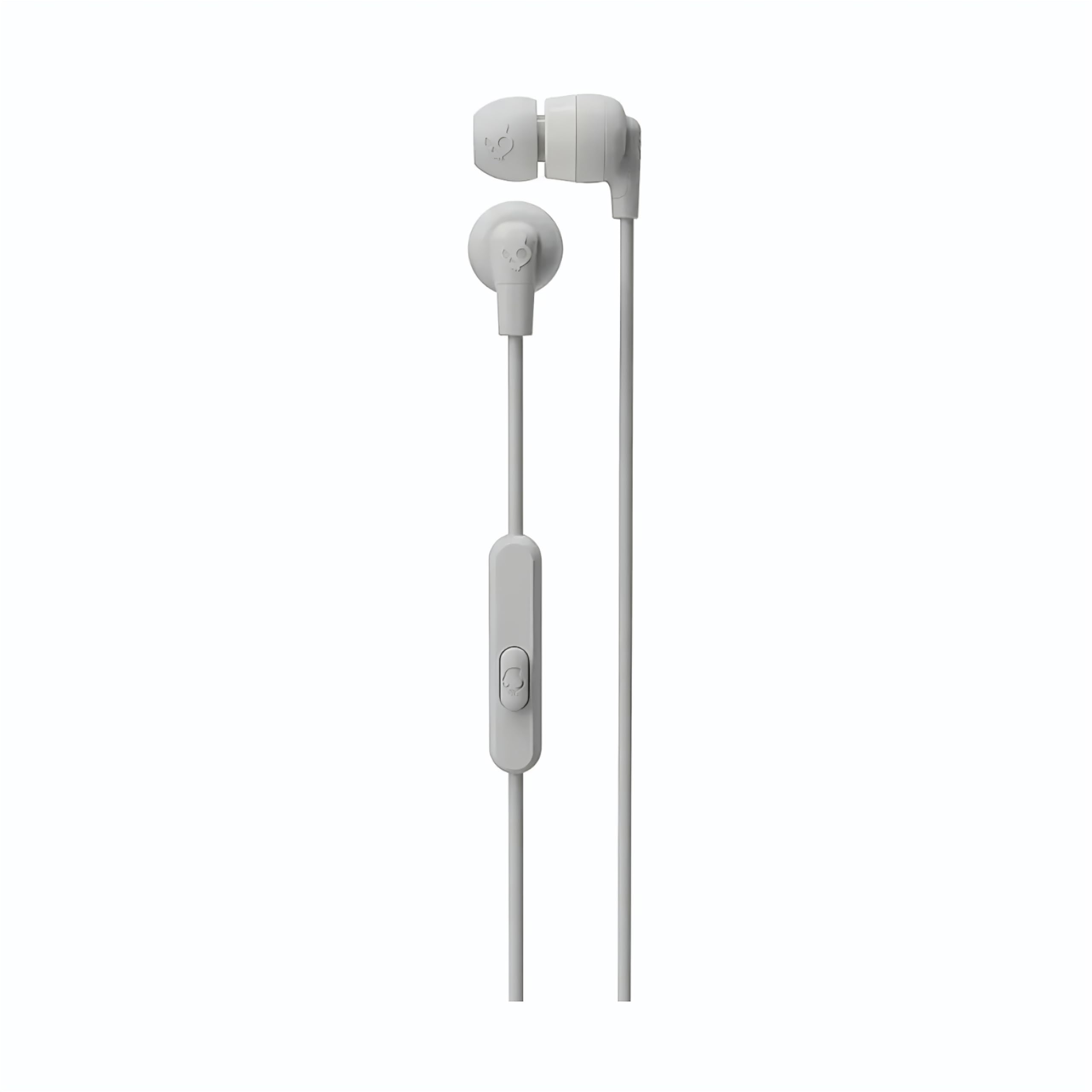
Image: The Skullcandy Ink'd Wired In-Ear Headphones, showcasing the white earbuds with the Skullcandy logo and the wired connection.
2. Повежите се са својим уређајем
These headphones utilize a standard 3.5mm AUX connection.
- Locate the 3.5mm audio jack on your smartphone, tablet, laptop, or other compatible audio device.
- Insert the 3.5mm plug from your Skullcandy Ink'd headphones firmly into the device's audio jack.
- Ensure the connection is secure for uninterrupted audio.
Упутство за употребу
Your Skullcandy Ink'd headphones feature an in-line remote and microphone for convenient control of your audio and calls.
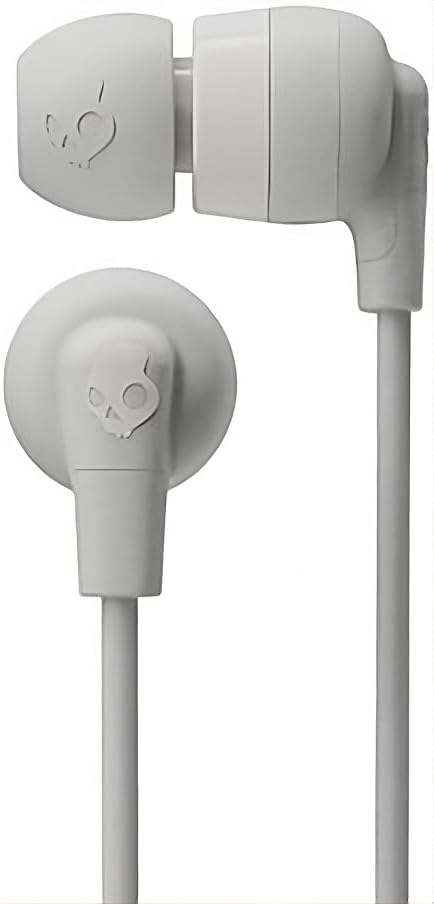
Image: The in-line remote and microphone on the Skullcandy Ink'd Wired In-Ear Headphones cable.
Контрола музике
- Пусти/паузирај: Притисните централно дугме једном.
- Следећа нумера: Притисните централно дугме двапут брзо.
- Претходни запис: Притисните централно дугме три пута брзо.
Контрола позива
- Одговори/заврши позив: Притисните централно дугме једном.
- Одбиј позив: Press and hold the center button for approximately two seconds.
Note: Functionality may vary slightly depending on your device's operating system and specific application.
Одржавање
Proper care will extend the life and performance of your headphones.
- Cleaning Ear Gels: Gently remove the ear gels and wash them with mild soap and water. Rinse thoroughly and allow them to dry completely before reattaching.
- Чишћење слушалица: Use a soft, dry cloth to wipe the earbuds. Avoid using harsh chemicals or abrasive materials. Do not submerge the earbuds in water.
- Нега каблова: Avoid sharp bends or excessive pulling on the cable. Store the headphones neatly to prevent tangling.
- Складиштење: When not in use, store your headphones in a clean, dry place away from extreme temperatures.
Решавање проблема
Ако имате проблема са слушалицама, покушајте следеће кораке:
- Нема звука:
- Уверите се да је 3.5 мм утикач потпуно уметнут у аудио прикључак вашег уређаја.
- Проверите подешавања јачине звука на вашем уређају.
- Тестирајте слушалице са другим аудио уређајем да бисте искључили проблем специфичан за тај уређај.
- Poor Sound Quality / Noise:
- Ensure the ear gels are properly seated and creating a good seal in your ear.
- Clean the ear gels and earbud grilles to remove any debris.
- Тестирајте са другим аудио извором.
- Микрофон не ради:
- Ensure the 3.5mm plug is fully inserted. Some devices require a TRRS (Tip-Ring-Ring-Sleeve) connector for microphone functionality, which these headphones provide.
- Проверите подешавања улаза за микрофон на вашем уређају.
- Тестирајте микрофон са другим уређајем или апликацијом.
Спецификације
| Број модела | Н747 |
| Бранд | Скуллцанди |
| Технологија повезивања | Жични (3.5 mm џек) |
| Постављање уха | Ин Еар |
| Контрола буке | Пасивно уклањање буке |
| Built-In Features | Microphone, In-line Remote |
| Фреквенцијски опсег | 20Хз - 20,000Хз |
| Тежина артикла | 0.04 килограма |
| Компатибилни уређаји | Лаптопови, десктоп рачунари, таблети, телефони, паметни звучници, телевизори, ауто аудио системи, мобилни телефони |
Информације о гаранцији
Your Skullcandy Ink'd Wired In-Ear Headphones are covered by a Manufacturer Warranty. For detailed information regarding warranty terms, conditions, and duration, please refer to the official Skullcandy webсајт или гарантни лист који је испоручен уз ваш производ.
Корисничка подршка
If you require further assistance or have questions not covered in this manual, please contact Skullcandy customer support.
- Подршка на мрежи: Visit the official Skullcandy support webсајт за често постављана питања, водиче за решавање проблема и опције за контакт.
- Контакт информације: Refer to the Skullcandy website for the most up-to-date contact details, including phone numbers and email support.