Увод
This manual provides essential information for setting up, operating, maintaining, and troubleshooting your HP V24 24-inch Full HD LED Backlit LCD Monitor. Designed for productivity and entertainment, this monitor offers a crisp 1920 x 1080 resolution, a 75Hz refresh rate, and AMD FreeSync technology for a smooth visual experience. It also features a Low Blue Light mode to enhance eye comfort during extended use.
Your HP V24 monitor is equipped with both HDMI and VGA ports for versatile connectivity. The anti-glare screen and adjustable tilt feature allow for personalized viewing comfort. This bundle includes two monitors, enabling an expanded multi-screen setup for enhanced workflow.
Сетуп
1. Распакивање и монтажа
Carefully remove all components from the packaging. Ensure you have the monitor panel, stand base, stand neck, power cable, and video cables (HDMI/VGA).
Attach the stand neck to the monitor panel, then secure the stand base to the neck. Refer to the diagram below for visual guidance.
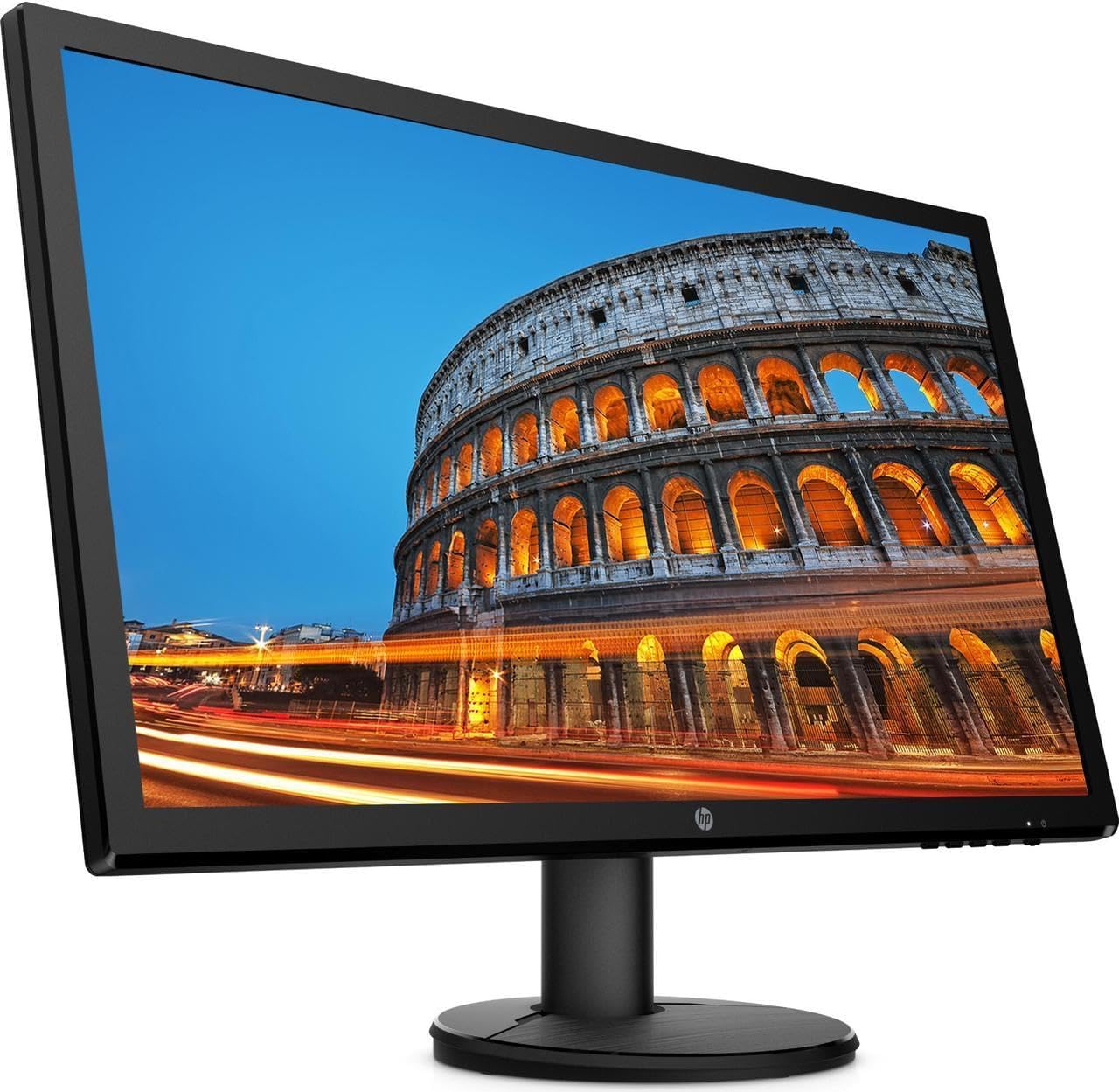
Слика: Фронт view of the HP V24 monitor with its stand fully assembled, ready for connection.
2. Повезивање каблова
Connect the power cable to the monitor's power input and then to a wall outlet. Choose either an HDMI or VGA cable to connect your computer to the monitor. For optimal performance and Full HD resolution, HDMI is recommended.
- Кабл за напајање: Connect to the monitor's power port and a power source.
- ХДМИ кабл: Connect one end to the monitor's HDMI port and the other to your computer's HDMI output.
- ВГА кабл: Alternatively, connect one end to the monitor's VGA port and the other to your computer's VGA output.

Слика: Сајд професионалацfile of the HP V24 monitor, illustrating its slim design and the location of the rear input ports.
3. Прво укључивање
Press the power button on the monitor. Your computer should automatically detect the monitor. If not, you may need to adjust display settings in your operating system.
Упутство за употребу
1. Укључивање/искључивање
The power button is located on the bottom right side of the monitor. Press it once to turn the monitor on or off.
2. Контроле на екрану (OSD)
The OSD menu allows you to adjust various display settings. Buttons for OSD navigation are typically located on the bottom right bezel of the monitor.
- Дугме менија: Отвара ОСД мени.
- Дугмад за навигацију: Користи се за кретање кроз опције менија.
- Дугме Селецт/ОК: Потврђује избор.
- Дугме за излаз: Затвара OSD мени или враћа на претходни ниво.
Уобичајена подешавања на екрану укључују:
- Осветљеност/контраст: Подешава укупну осветљеност и разлику између светлих и тамних подручја.
- Контрола боје: Adjusts color temperature, RGB levels, and preset color modes.
- Контрола улаза: Manually selects the input source (HDMI or VGA).
- Контрола слике: Adjusts sharpness, aspect ratio, and other image properties.
- Менаџмент: Accesses power-saving options, OSD timeout, and factory reset.
3. Low Blue Light Mode
To reduce eye strain, especially during prolonged use, activate the Low Blue Light mode through the OSD menu. This feature shifts the display's color spectrum to warmer tones, minimizing blue light emissions.
4. АМД ФрееСинц
The HP V24 monitor supports AMD FreeSync technology, which synchronizes the monitor's refresh rate with your AMD graphics card's frame rate. This helps eliminate screen tearing and stuttering for a smoother gaming and video experience. Ensure FreeSync is enabled in your graphics card settings and on the monitor (if an option is available in the OSD).
5. Подешавање нагиба монитора
You can adjust the tilt angle of the monitor to find your most comfortable viewing position. Gently hold the top and bottom edges of the monitor panel and tilt it forwards or backwards. Do not apply excessive force.

Слика: Фронт view of the HP V24 monitor displaying a vibrant image, highlighting its visual clarity.
Одржавање
Чишћење монитора
To clean the monitor screen, first turn off the monitor and unplug the power cord. Use a soft, lint-free cloth lightly dampened with water or a non-abrasive screen cleaner. Do not spray cleaner directly onto the screen. For the monitor casinг, користите меку, суву крпу.
- Избегавајте употребу јаких хемикалија, абразивних средстава за чишћење или растварача.
- Do not apply pressure to the screen while cleaning.
- Уверите се да је монитор потпуно сув пре него што га поново укључите и укључите.
Решавање проблема
Ако наиђете на проблеме са HP V24 монитором, погледајте следеће уобичајене проблеме и решења:
- Нема слике на екрану:
- Уверите се да је кабл за напајање безбедно повезан и са монитором и са утичницом.
- Verify that the video cable (HDMI/VGA) is firmly connected to both the monitor and your computer.
- Check if the monitor is powered on (power indicator light should be lit).
- Press the Input Control button on the OSD to ensure the correct input source is selected.
- Поново покрените рачунар.
- Слика трепери или је нестабилна:
- Проверите везе видео кабла. Пробајте други кабл ако је могуће.
- Уверите се да су драјвери ваше графичке картице ажурирани.
- Adjust the refresh rate in your computer's display settings to 75Hz.
- Disable AMD FreeSync temporarily to see if the issue persists.
- Боје изгледају погрешно:
- Adjust color settings in the OSD menu (Color Control).
- Perform a factory reset through the OSD menu.
- Ensure the Low Blue Light mode is not causing unintended color shifts if you prefer standard colors.
- OSD Menu Does Not Appear:
- Уверите се да је монитор укључен.
- Press the Menu button firmly.
If these steps do not resolve the issue, please contact HP customer support.
Спецификације
| Феатуре | Детаљ |
|---|---|
| Број модела | CustomASIHL4516 |
| Величина екрана | 24 inches (23.8-inch diagonal) |
| Панел Типе | ТН (Твистед Нематиц) |
| Резолуција | 1920 к 1080 (Фулл ХД) |
| Аспецт Ратио | 16:9 |
| Рефресх Рате | 75Хз |
| Време одговора | 1 мс (типично) |
| Однос контраста | 1000: 1 (типично) |
| Повезивање | 1 к ХДМИ, 1 к ВГА |
| Дисплаи Феатурес | Anti-glare, Low Blue Light Mode, LED Backlights, Tilt Adjustment, On-screen Controls |
| Повер Инпут | 100 - 240 VAC, 50/60 Hz |
| Димензије производа (Ш к Д к В) | 22.38 x 13.4 x 19 инча (са постољем) |
| Произвођач | HP |
Гаранција и подршка
Информације о гаранцији
Your HP V24 monitor is covered by HP's standard limited warranty. Please refer to the warranty card included with your product or visit the official HP webсајт за детаљне услове и одредбе. Сачувајте доказ о куповини за потребе гаранције.
The return policy allows for returns within 30 days of purchase for refund or replacement, subject to seller terms.
Корисничка подршка
For technical assistance, troubleshooting beyond this manual, or warranty service, please contact HP customer support. You can find contact information and additional resources on the official HP support webсајт: