Увод
This manual provides essential instructions for setting up, operating, maintaining, and troubleshooting your GOBOULT Dire Smartwatch. Please read this guide thoroughly to ensure optimal performance and longevity of your device.
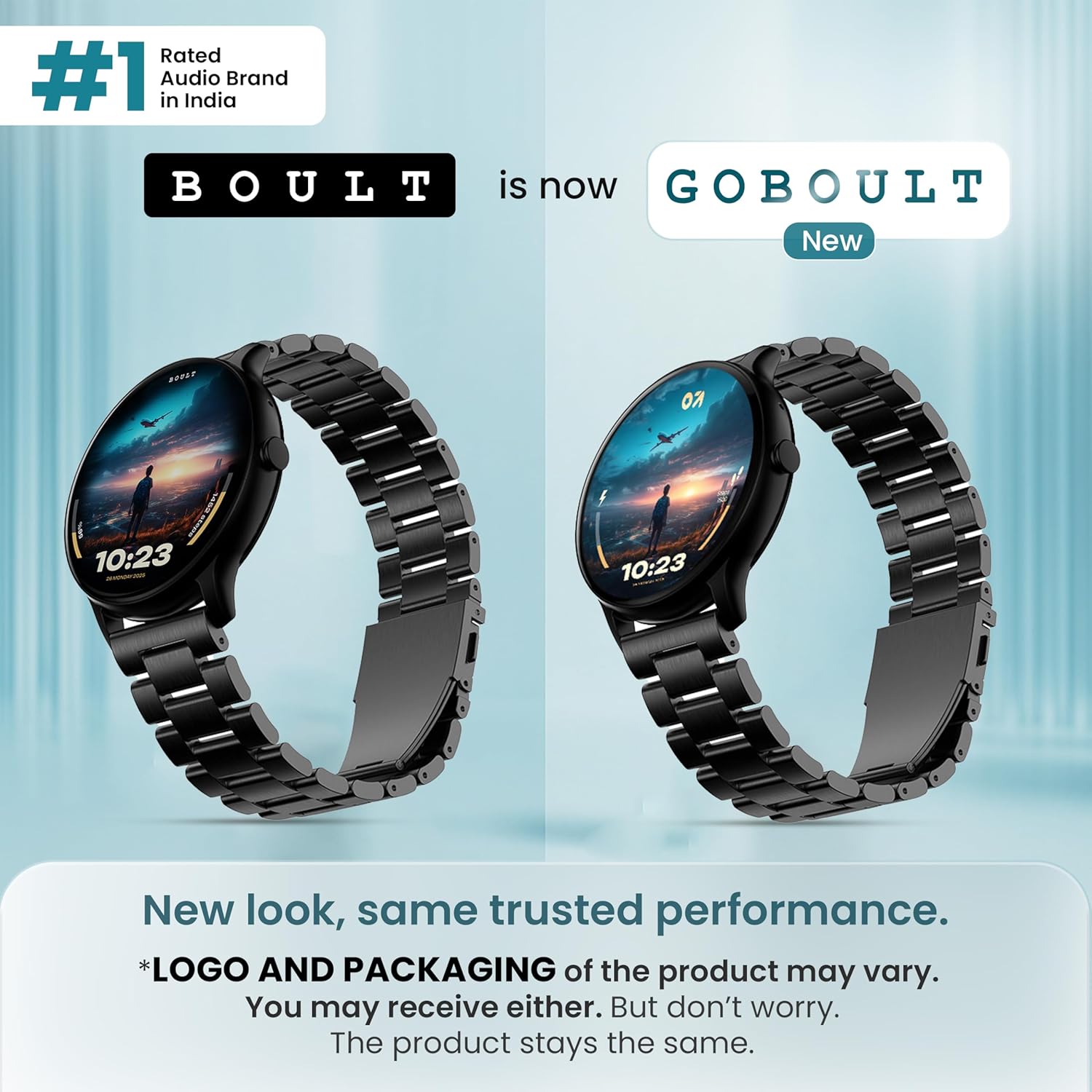
Слика: Фронт view of the GOBOULT Dire Smartwatch, showcasing its display and strap.
Шта је у кутији
Проверите да ли су све следеће ставке укључене у паковање вашег производа:
- GOBOULT Dire Smartwatch (Jet Black)
- Кабл за пуњење
- Кориснички приручник (овај документ)
- Гарантни лист
Сетуп
1. Почетно пуњење
Before first use, fully charge your smartwatch. Connect the provided charging cable to the magnetic charging points on the back of the watch and to a standard USB power adapter (not included). A full charge typically takes approximately 150 minutes.
2. Укључивање/искључивање
- За укључивање: Press and hold the side button until the GOBOULT logo appears on the screen.
- За искључивање: Притисните и држите бочно дугме, а затим на екрану изаберите „Искључивање“.
3. Инсталација и упаривање апликације
- Download the companion application (e.g., 'Boult Fit' or similar as indicated in the packaging) from your smartphone's app store (compatible with iOS and Android).
- Уверите се да је Блуетоотх омогућен на вашем паметном телефону.
- Отворите апликацију и пратите упутства на екрану да бисте креирали налог или се пријавили.
- Select 'Add Device' or 'Pair Device' within the app and choose 'Boult Dire' from the list of available devices.
- Потврдите захтев за упаривање и на паметном телефону и на паметном сату.
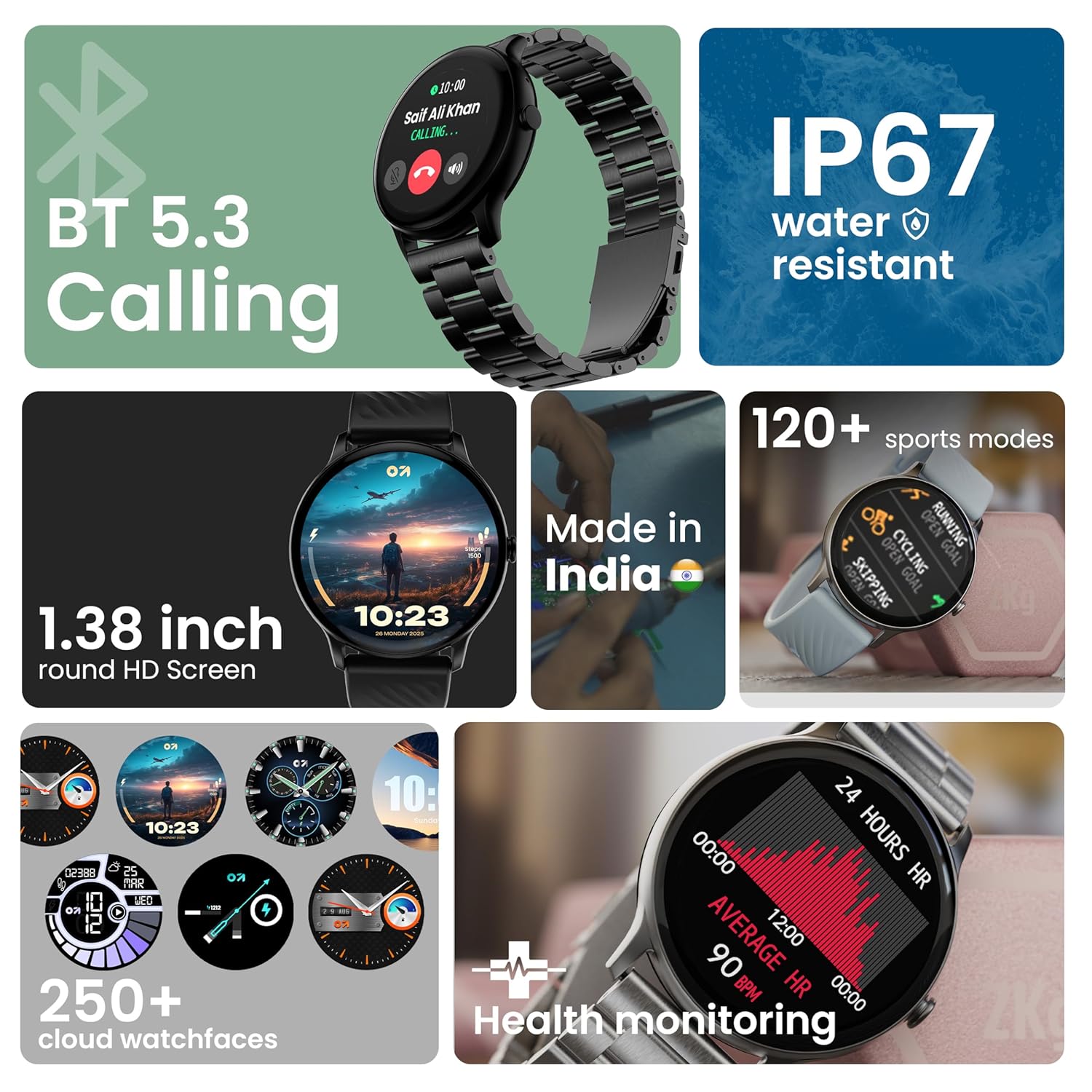
Слика: Прекоview of key smartwatch features including Bluetooth 5.3 Calling, IP67 water resistance, 1.38-inch HD screen, 250+ watchfaces, 120+ sports modes, and health monitoring.
Упутство за употребу
1. Навигација екрана
The 1.38-inch 2.5D curved HD display is fully touch-sensitive. Swipe left, right, up, or down to navigate through menus, notifications, and widgets. Tap to select items.
2. Прилагођавање изгледа сата
Your smartwatch supports over 250 cloud watch faces. To change the watch face, long-press on the current watch face on the home screen, then swipe left or right to browse and tap to select. More options are available through the companion app.
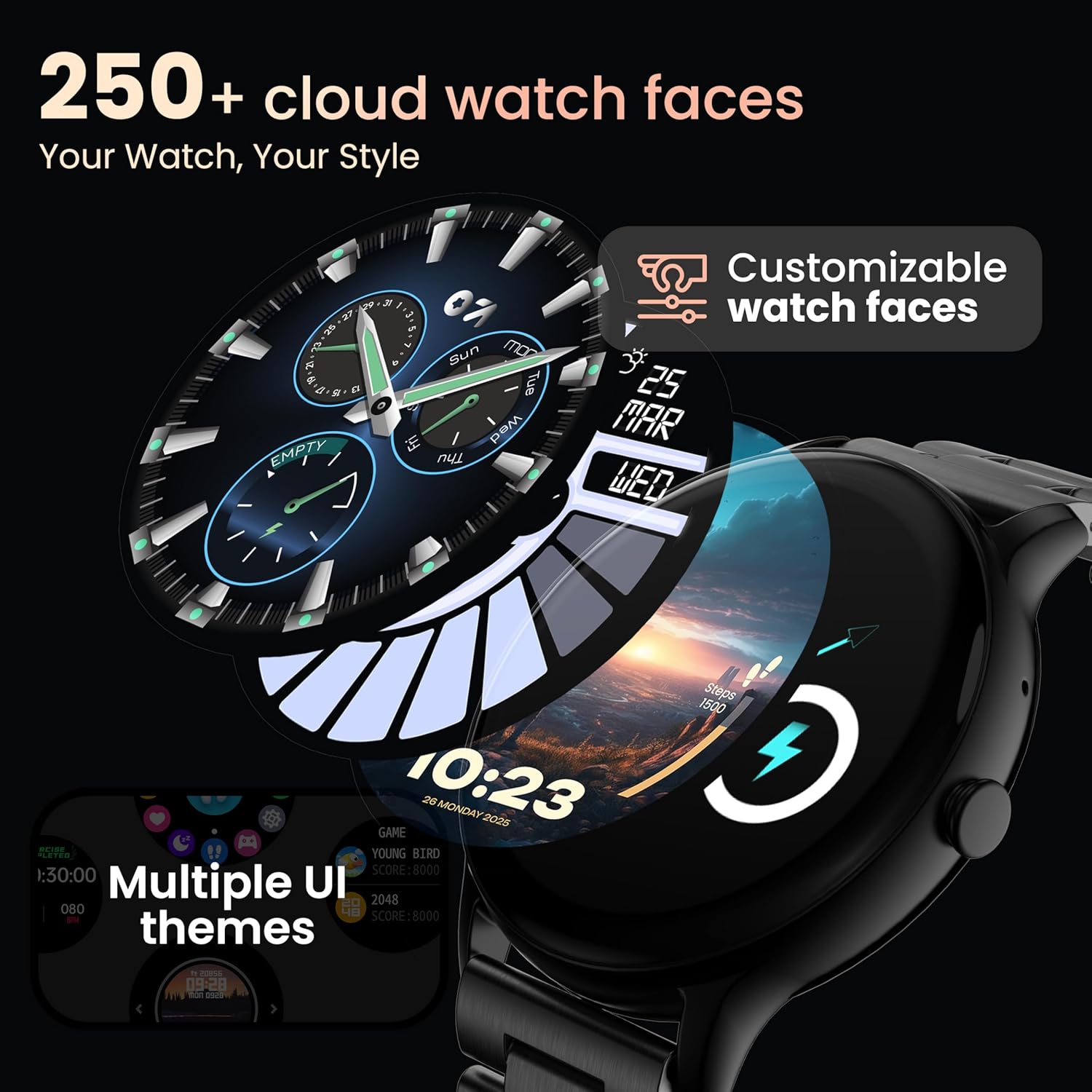
Image: A visual representation of various customizable watch faces and UI themes available on the smartwatch.
3. Позивање преко Bluetooth-а
With Bluetooth 5.2 technology, you can make and receive calls directly from your wrist. The smartwatch features a dedicated speaker and microphone. Access the call function from the main menu to dial, answer, or reject calls. Contact synchronization is available via the companion app.
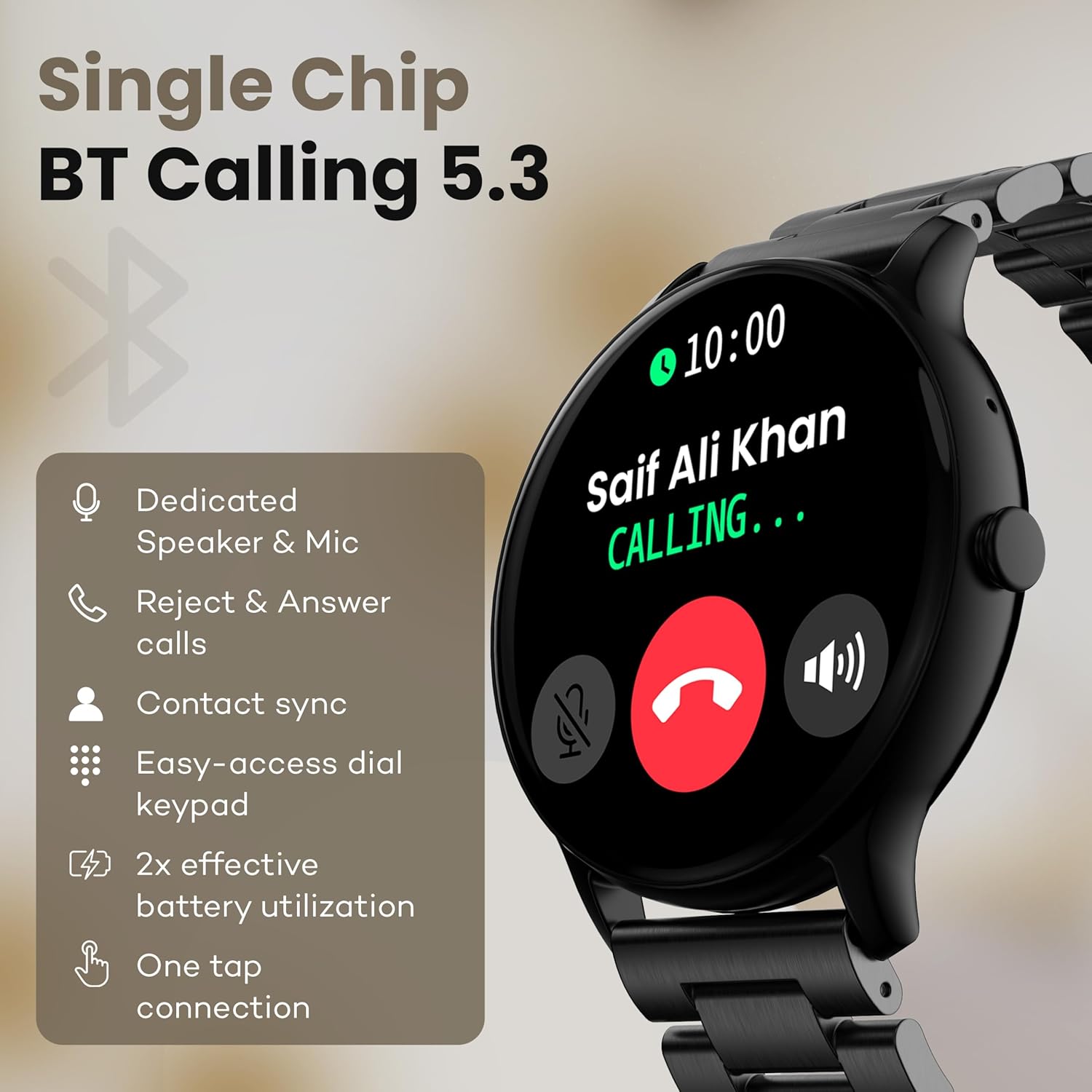
Image: The smartwatch screen showing an incoming call, highlighting features like dedicated speaker & mic, call rejection/answering, contact sync, and easy-access dial keypad.
4. Спортски режими
The device supports over 120 sports modes. Navigate to the 'Sports' menu to select your activity. The watch will track metrics such as calories burned, distance, and heart rate during your workout.
5. АИ гласовни асистент
Activate the AI Voice Assistant feature (if enabled via the app) to control your watch or smartphone using voice commands.
6. Контрола камере
Use your smartwatch as a remote shutter for your smartphone camera. Open the camera control feature on your watch and tap to take a picture.
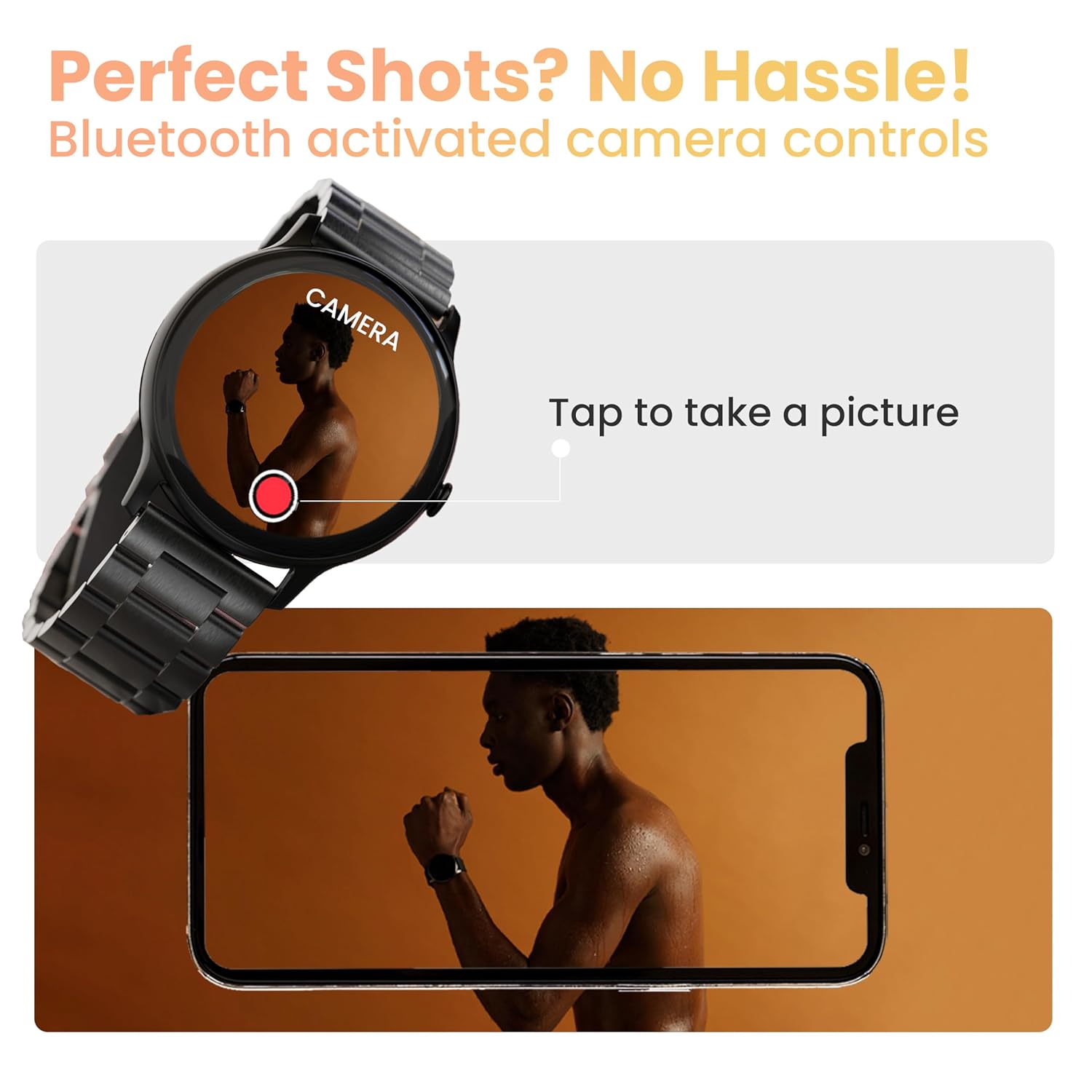
Image: The smartwatch displaying a camera interface, indicating its ability to control a smartphone camera via Bluetooth.
7. Обавештења
Receive notifications from your paired smartphone directly on your wrist. Ensure notification permissions are granted in the companion app.

Image: The smartwatch displaying various updates and reminders, such as message notifications and 'Time to Drink Water'.
8. Mini Games
The smartwatch includes pre-installed mini-games for entertainment. Access them through the main menu.
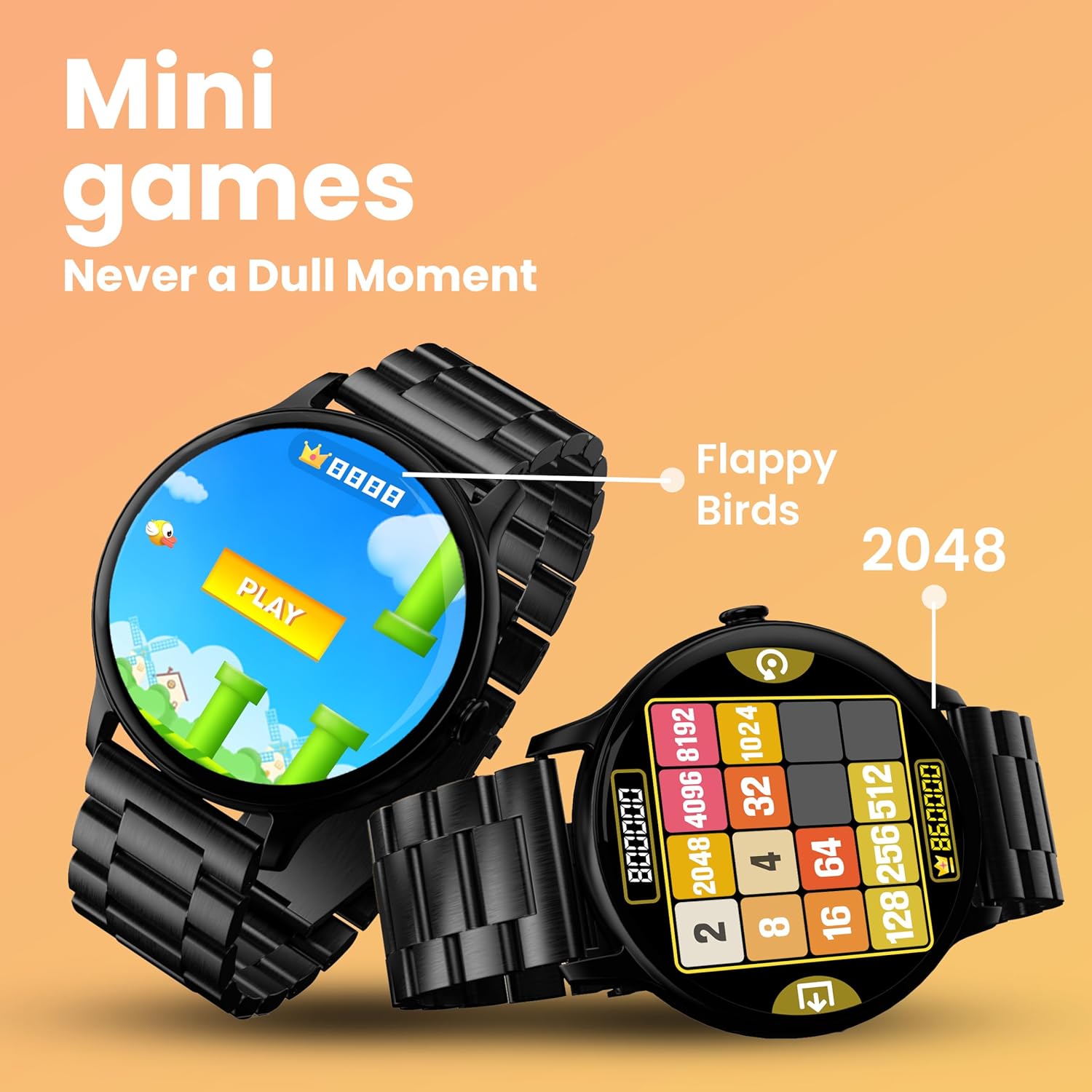
Image: The smartwatch screen showing two mini-games, 'Flappy Birds' and '2048', available for play.
Функције праћења здравља
Your GOBOULT Dire Smartwatch is equipped with several health monitoring functions:
- Монитор откуцаја срца 24/7: Континуирано прати ваш пулс током целог дана.
- Монитор засићености крви кисеоником SpO2: Мери ниво кисеоника у крви.
- Праћење женског менструалног циклуса: Помаже у праћењу и предвиђању менструалних циклуса.
- Подсетници за пијење воде: Prompts you to drink water at regular intervals.
- Седентарни подсетници: Обавештава вас када сте предуго били неактивни.
- Праћење сна: Анализира ваше обрасце и квалитет спавања.
- Calories Count & Meditation: Tracks calorie expenditure and offers guided meditation features.
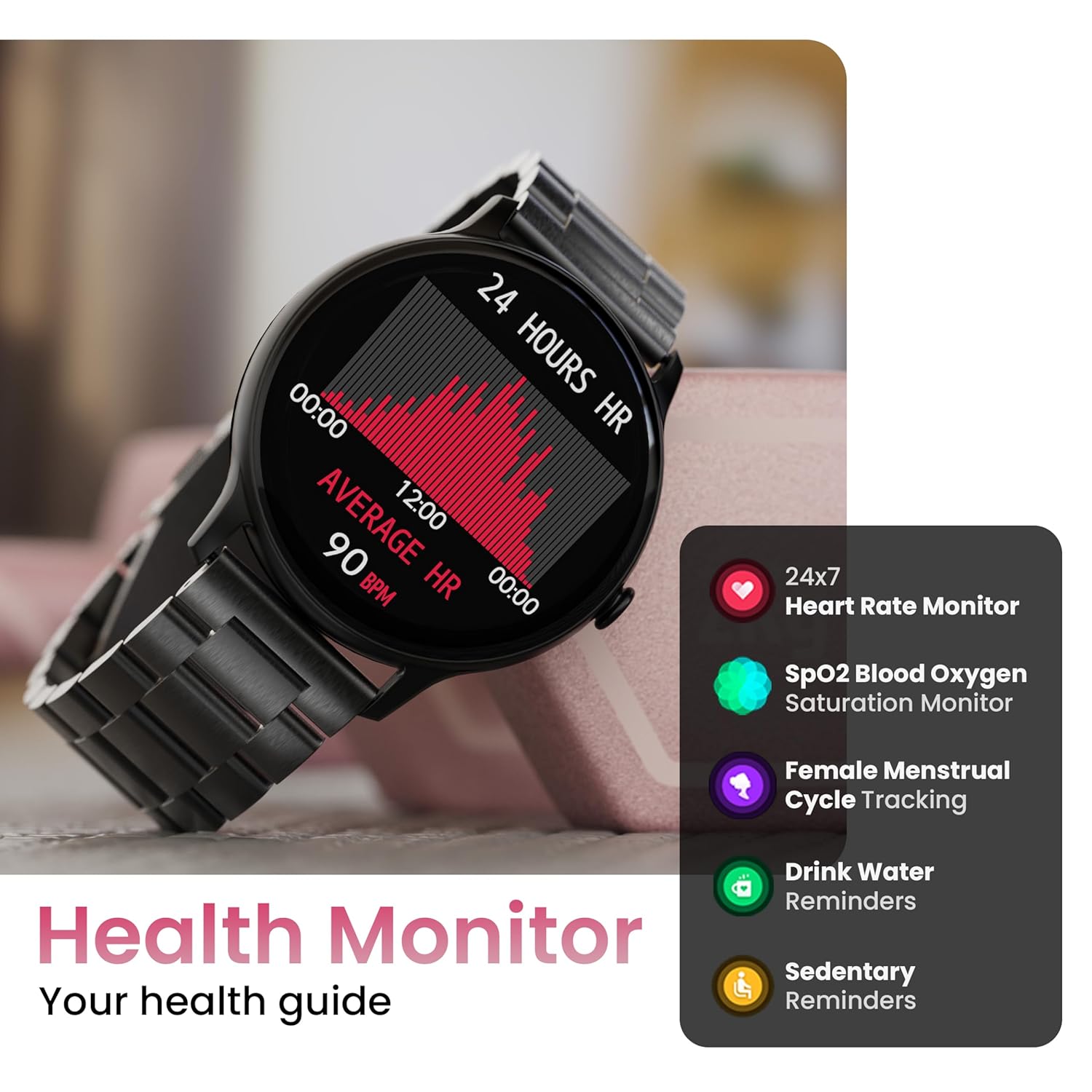
Image: The smartwatch displaying a heart rate graph, alongside icons for Heart Rate Monitor, SpO2, Female Menstrual Cycle Tracking, Drink Water Reminders, and Sedentary Reminders.
Смарт Феатурес
Финд Ми Пхоне
If your paired smartphone is misplaced, use the 'Find Device' feature on your smartwatch. Navigate to the watch menu, select 'Find Device', and tap the search button. Your connected phone will ring or vibrate, helping you locate it.
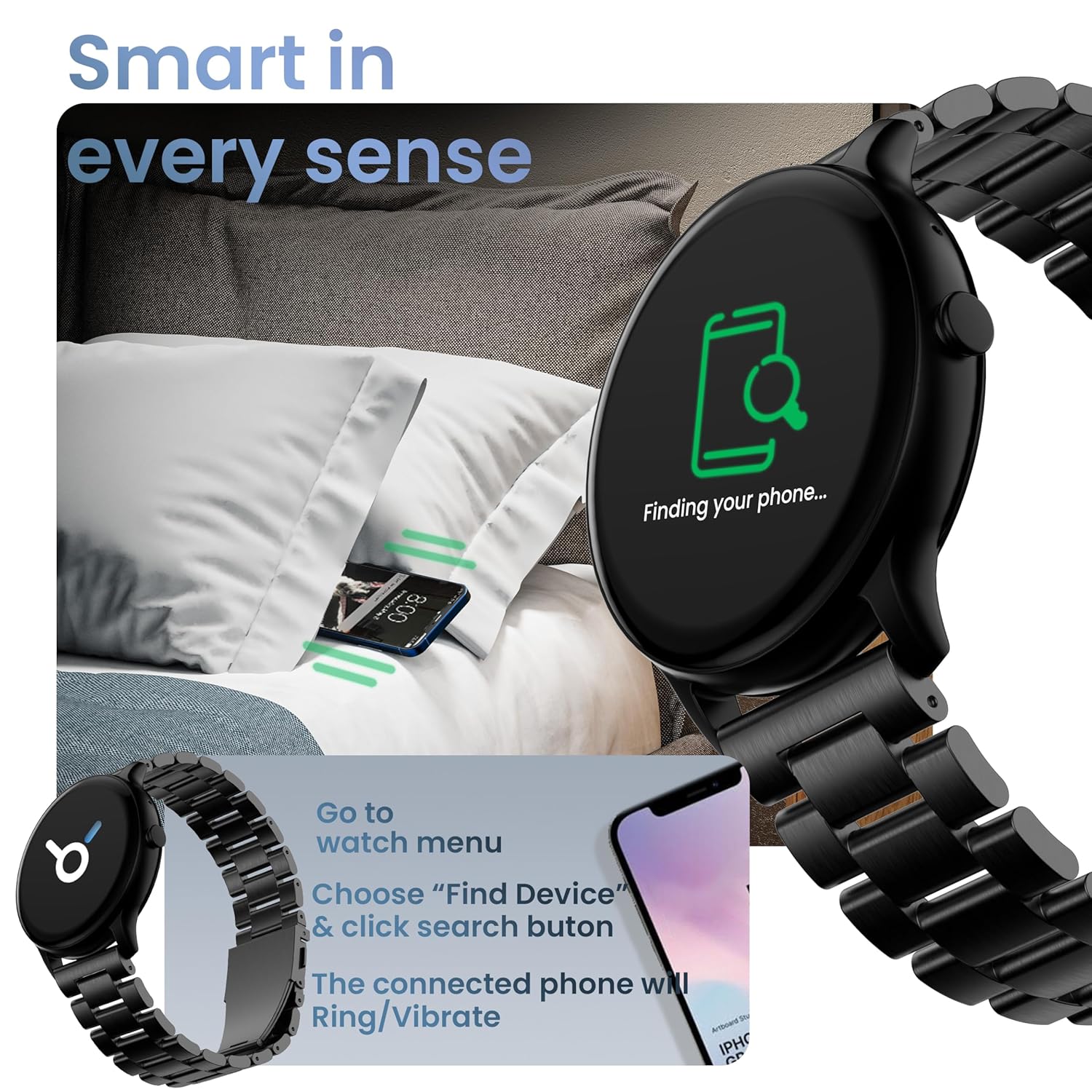
Image: The smartwatch displaying 'Finding your phone...' with an illustration of a phone vibrating under a pillow, demonstrating the 'Find Device' function.
Одржавање
Чишћење уређаја
Wipe the smartwatch regularly with a soft, dry, lint-free cloth. For stubborn dirt, slightly dampИсперите крпу водом. Избегавајте употребу јаких хемикалија или абразивних материјала.
Отпорност на воду и прашину (ИП67)
The GOBOULT Dire Smartwatch is IP67 rated, meaning it is resistant to dust and can withstand immersion in water up to 1 meter for 30 minutes. It is suitable for daily use, including splashes and sweat. However, it is not recommended for swimming, showering with hot water, or diving.
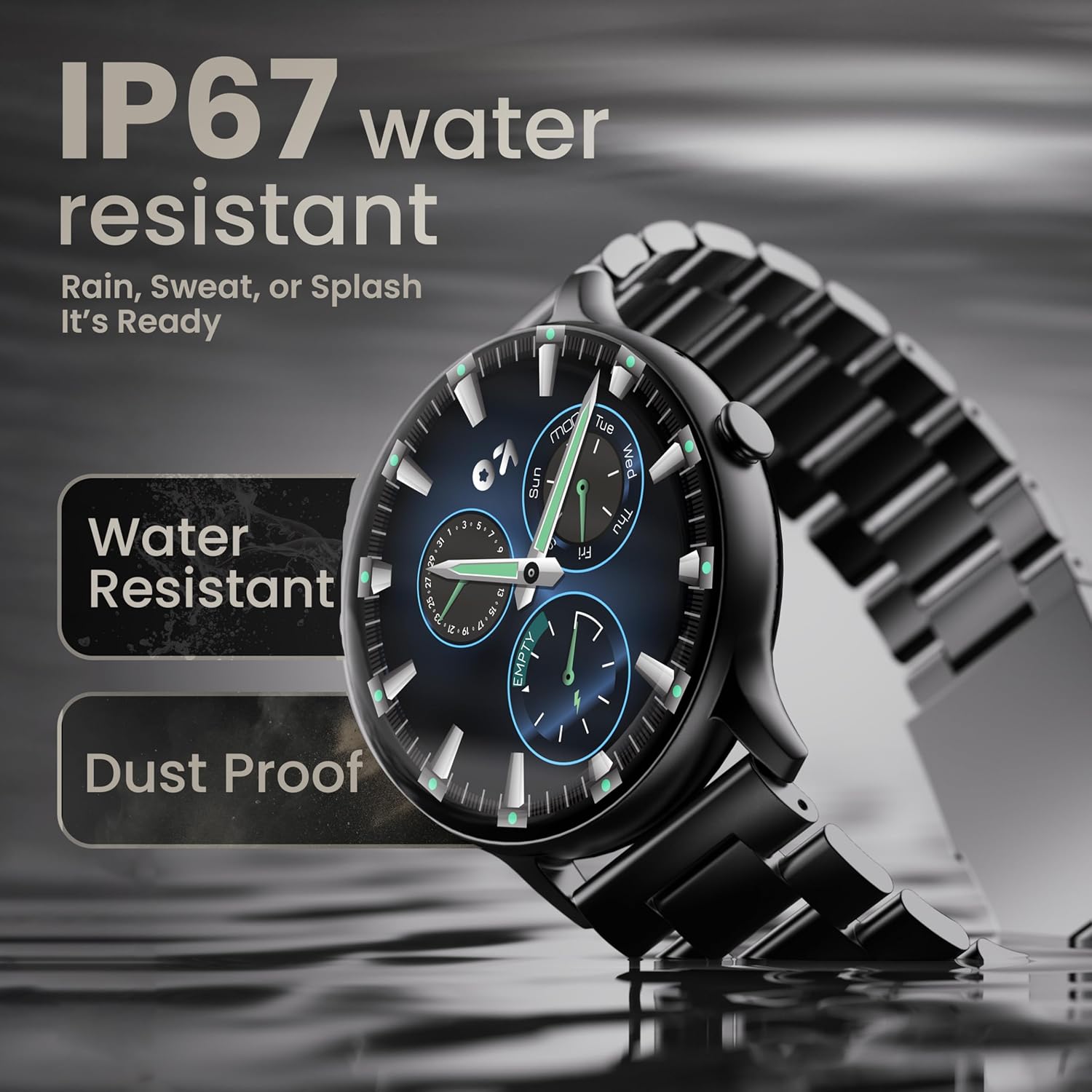
Image: The smartwatch submerged partially in water, with text indicating 'IP67 water resistant' and 'Rain, Sweat, or Splash It's Ready'.
Баттери Царе
To maximize battery life (up to 7 days on average), avoid extreme temperatures and fully discharge the battery occasionally before recharging. Use only the provided charging cable.
Решавање проблема
| Проблем | Решење |
|---|---|
| Сат се не укључује | Уверите се да је сат потпуно напуњен. Повежите га са пуњачем најмање 30 минута. |
| Не може се упарити са паметним телефоном | Make sure Bluetooth is enabled on your phone. Restart both the watch and phone. Ensure the companion app is installed and open. Check if the watch is already paired with another device. |
| Обавештења се не појављују | Verify that notification permissions are granted for the companion app in your phone's settings. Ensure the watch is connected via Bluetooth. |
| Нетачни здравствени подаци | Уверите се да сат чврсто приања на зглоб, не превише стегнут или превише лабав. Очистите сензор на полеђини сата. |
| Кратко трајање батерије | Reduce screen brightness, disable unnecessary features like continuous heart rate monitoring if not needed, and limit frequent notifications. Ensure background app usage is optimized. |
Спецификације
| Феатуре | Детаљ |
|---|---|
| Бранд | ГОБУЛТ |
| Назив модела | Boult Dire |
| Величина екрана | 1.38 инча |
| Дисплаи Типе | HD, 2.5D Curved |
| Осветљеност | 500 гњида |
| Блуетоотх верзија | 5.2 |
| Отпорност на воду | IP67 (отпоран на прашину и воду) |
| Трајање батерије (просечно) | 7 дана |
| Време пуњења батерије | 150 минута |
| Компатибилност оперативног система | иОС, Андроид |
| Тежина артикла | 40 г |
| Материјал оквира | Легура цинка |
| Укључене компоненте | Charging Cable, Smartwatch, User Manual, Warranty Card |
Гаранција и подршка
Your GOBOULT Dire Smartwatch comes with a manufacturer's warranty. Please refer to the included Warranty Card for detailed terms, conditions, and duration of the warranty period.
For technical assistance, product inquiries, or warranty claims, please contact GOBOULT customer support through the contact information provided on your Warranty Card or the official GOBOULT webсајту.


