1. Увод и крајview
The XIXIMENG P30 Max Smart Video Game Projector (64G) is a versatile device designed to deliver an immersive entertainment experience. It combines a high-definition projector with a built-in gaming console, offering a vast library of games and advanced connectivity options. This manual provides essential information for setting up, operating, and maintaining your projector to ensure optimal performance and enjoyment.
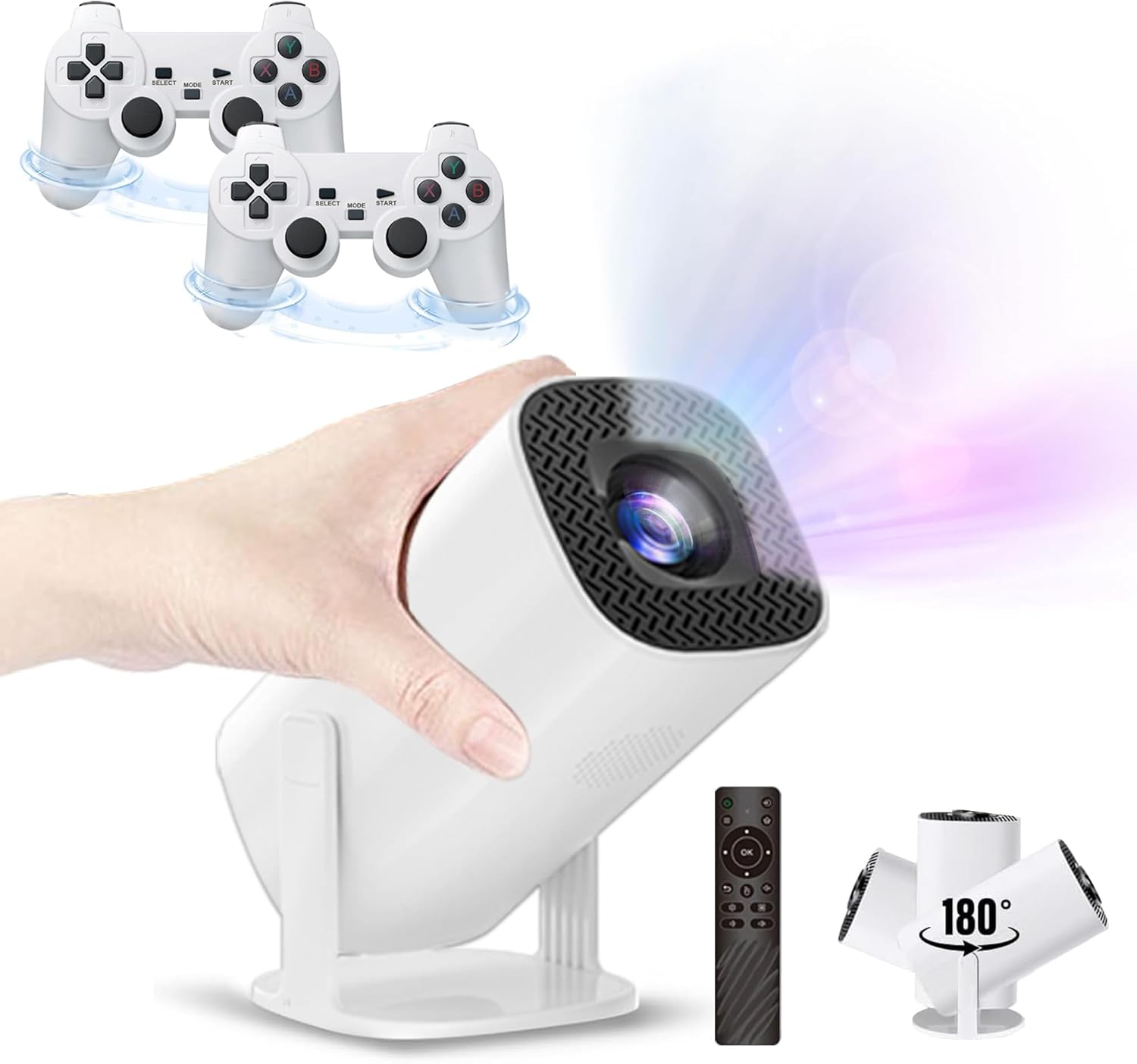
Figure 1.1: The P30 Max projector displaying a large screen image in a living room environment.
2. Садржај пакета
Молимо вас да проверите да ли су све ставке наведене у наставку укључене у ваш пакет. Ако неке ставке недостају или су оштећене, обратите се корисничкој подршци.
- 1 x P30 Max Smart Video Game Projector
- 2 к бежична контролера
- 1 x Game Stick
- 1 к ХДМИ кабл
- КСНУМКС к кабл за напајање
- 1 к даљински управљач
- КСНУМКС к УСБ пријемник
- 1 к УСБ кабл за пуњење
- 1 x Упутство за употребу (овај документ)
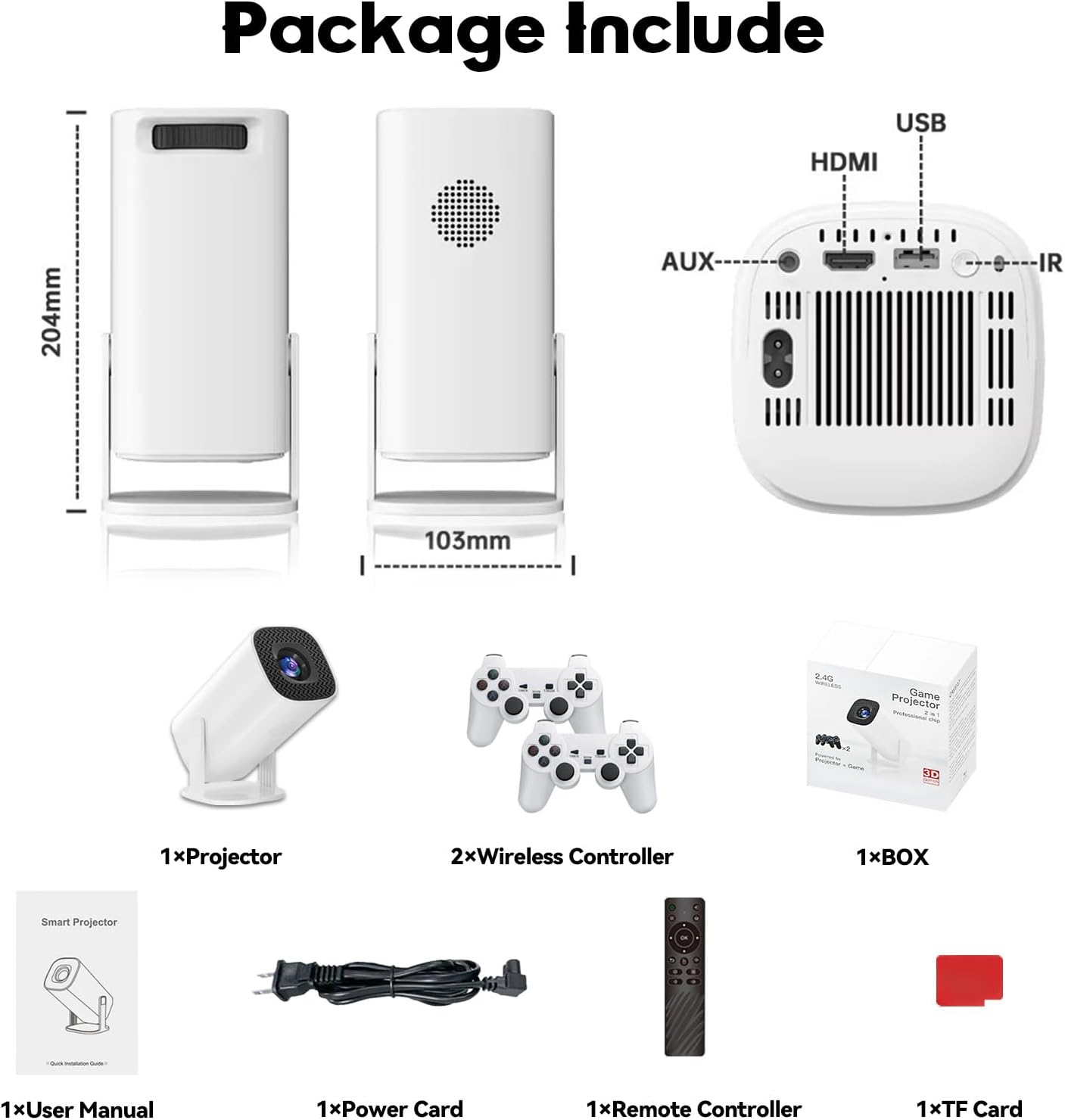
Figure 2.1: Diagram of the P30 Max package contents.

Figure 2.2: Photo of the P30 Max package contents.
3. Карактеристике производа
- Импресивно играње: Built-in game console with over 35,000 3D games, offering low latency, high frame rates, and 4K UHD visuals.
- High-Quality Home Theater: Supports 4K video with native 1280x720P resolution, 50% zoom function, and a high dynamic contrast ratio. Operates quietly at 25 dB.
- Напредно повезивање: Equipped with WiFi 6 for faster, smoother connections and Bluetooth 5.4 for easy pairing with external audio devices.
- Преносив и флексибилан дизајн: Lightweight and portable with a 180° adjustable stand for versatile projection angles.
- Прецизна контрола: Includes two wireless controllers with multiple keys and sensitive rockers for enhanced gaming and navigation.
4. Подешавање
4.1 Почетно смештање
Place the projector on a stable, flat surface. The 180° adjustable stand allows you to direct the projection onto a wall or ceiling. Ensure there are no obstructions in front of the lens.
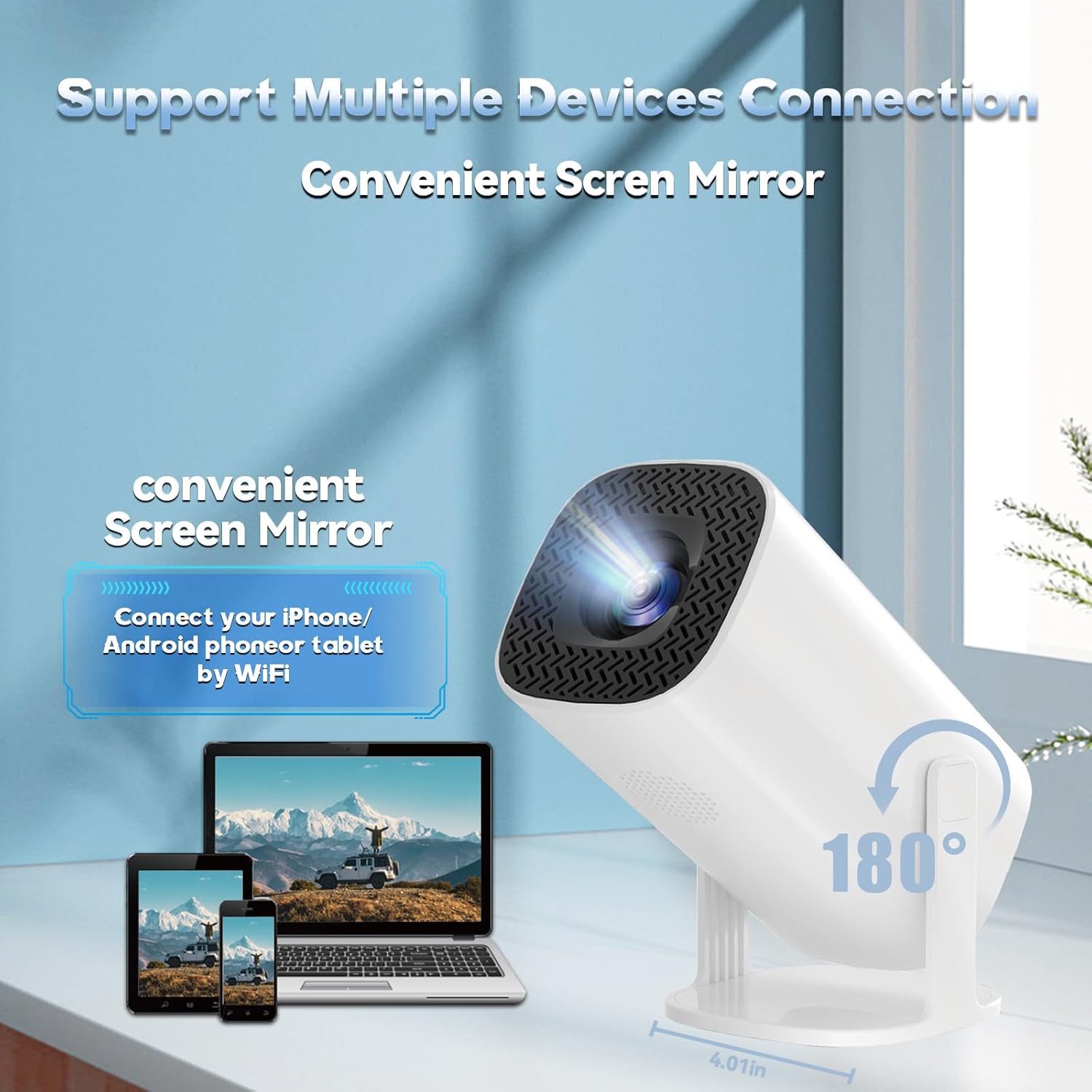
Figure 4.1: The projector's 180° adjustable stand for flexible placement.
4.2 Прикључак за напајање
Connect the provided power cord to the projector's power input and then to a power outlet. The projector will typically power on or enter standby mode.
4.3 Фокус и корекција трапезоидног изобличења
The projector features automatic keystone correction to adjust the image shape. For optimal clarity, manual focus adjustment may be required. Use the remote control to fine-tune the focus until the image is sharp.
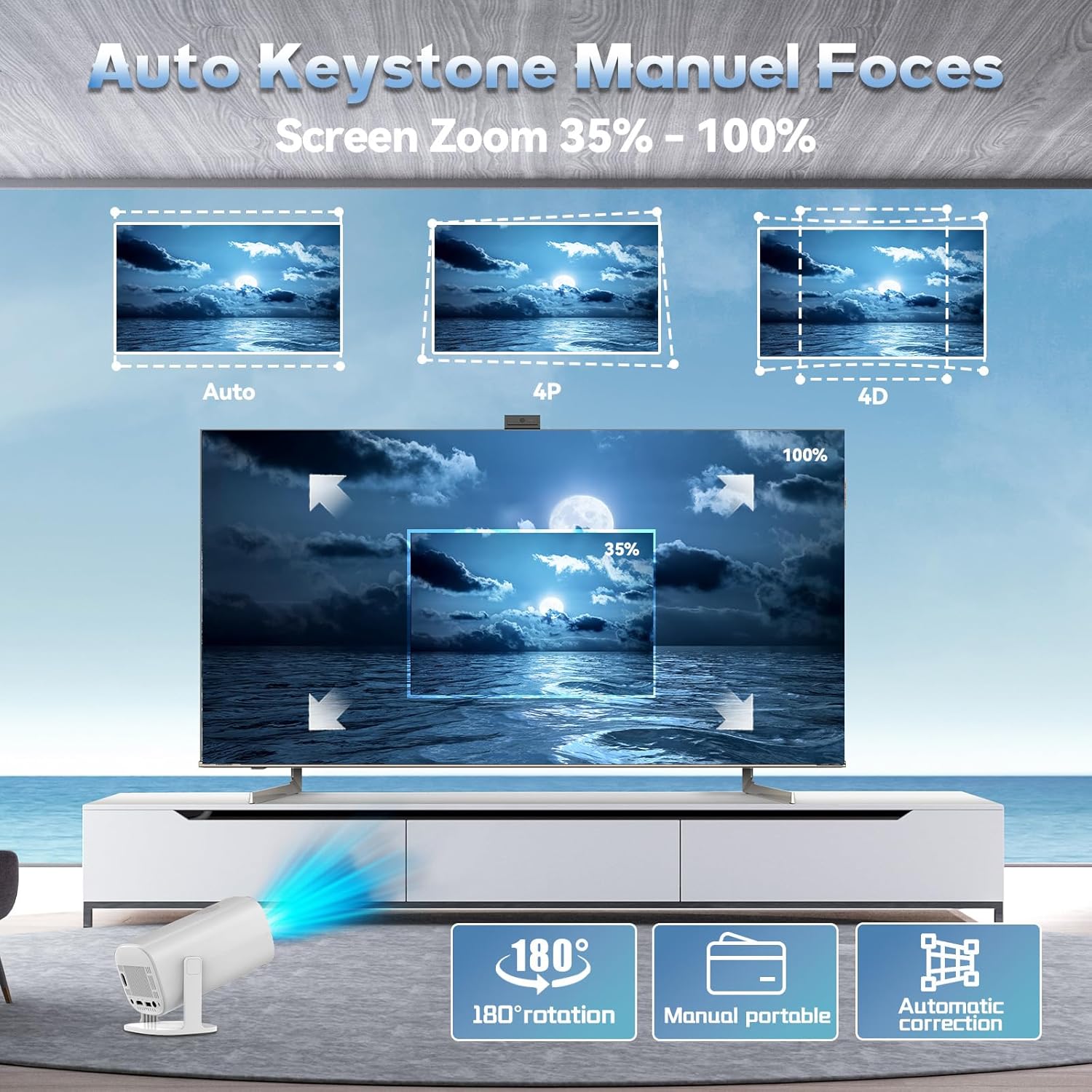
Figure 4.2: Automatic keystone correction and manual focus options.
5. Упутство за употребу
5.1 Укључивање/искључивање
Притисните дугме за напајање на пројектору или даљинском управљачу да бисте укључили или искључили уређај.
5.2 Навигација кроз интерфејс
Use the included remote control to navigate the projector's smart interface. The interface provides access to applications, settings, and the built-in game library.
5.3 Улазни извори
The projector supports various input sources. You can connect external devices via HDMI or USB. For wireless connections, refer to the 'Connectivity' section.
5.4 Пресликавање екрана
The P30 Max supports 5G+2.4G WiFi screen mirroring, allowing you to cast content from your smartphone, tablet, or other compatible devices. Access the screen mirroring function from the main menu and follow the on-screen instructions to connect your device.
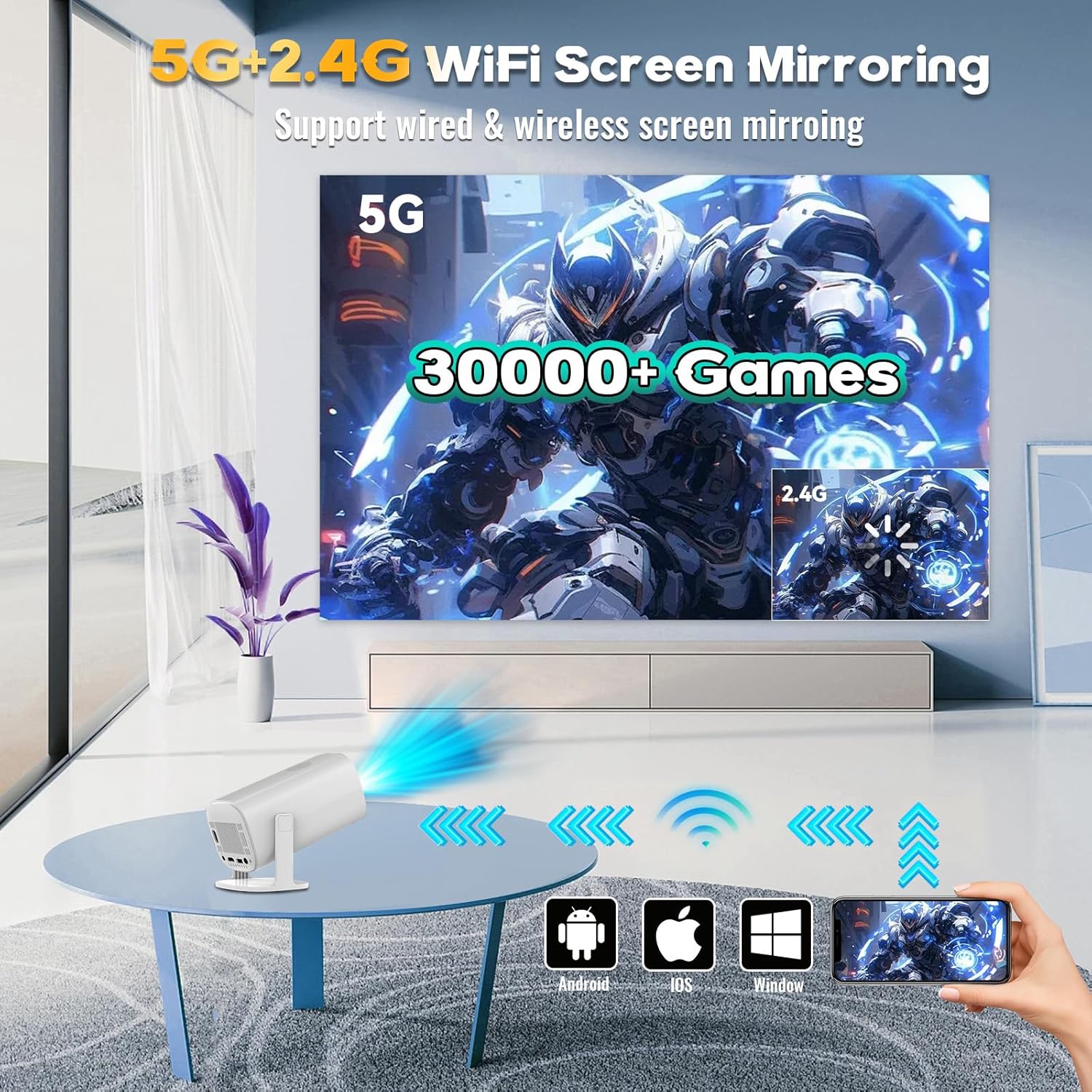
Figure 5.1: Screen mirroring from various devices using 5G+2.4G WiFi.
6. Функције за игре
The P30 Max comes with a built-in game console featuring over 35,000 3D games. To access the game library, select the 'Game Box' or 'Gamer' application from the main interface.
6.1 Connecting Wireless Controllers
The package includes two wireless controllers. Insert the USB receiver into an available USB port on the projector. The controllers should automatically pair. If not, refer to the controller's specific pairing instructions.
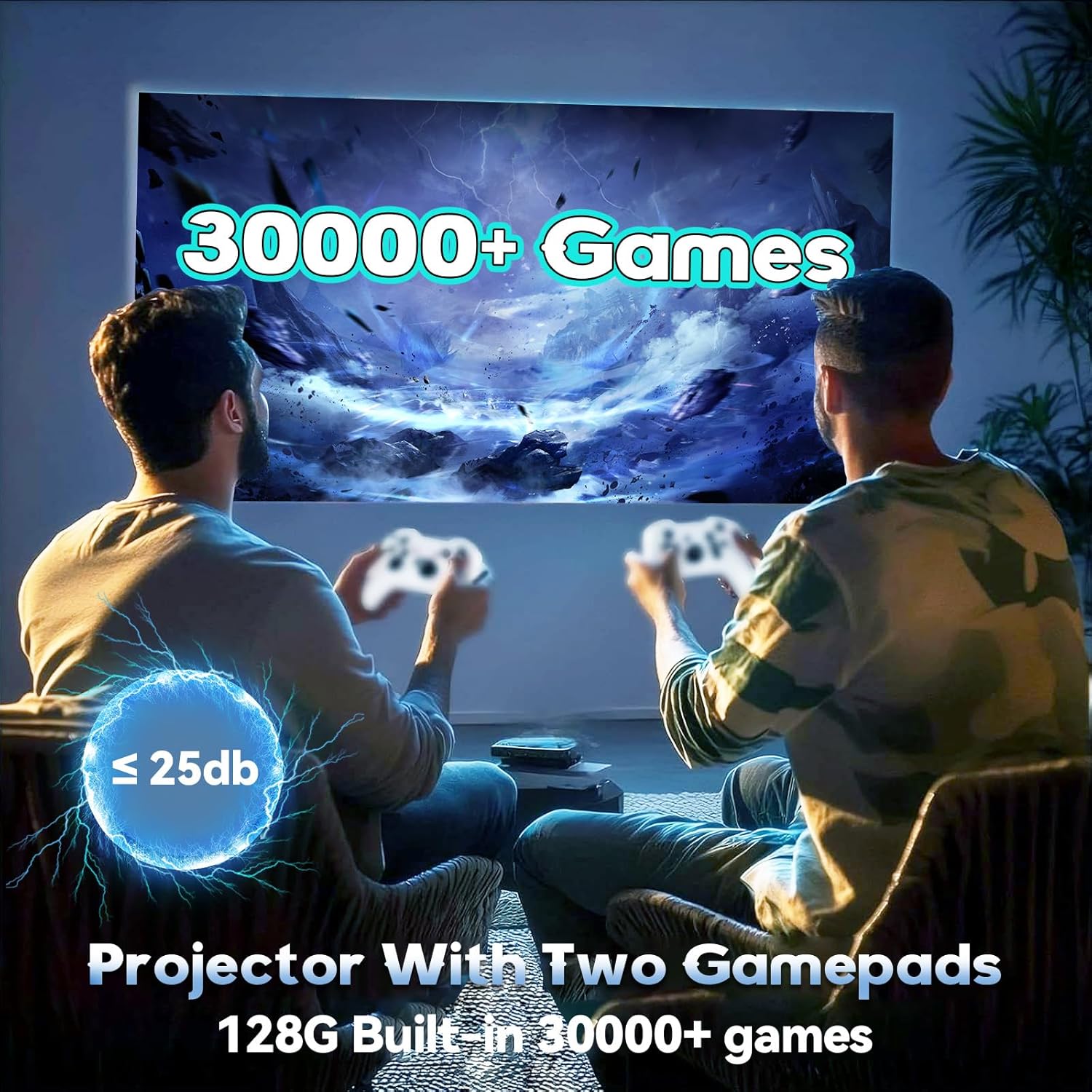
Figure 6.1: Enjoying games with the P30 Max projector and wireless controllers.
6.2 Game Selection and Play
Navigate through the game library using the wireless controllers. Select your desired game and follow the on-screen prompts to start playing. The projector is optimized for a smooth gaming experience with minimal latency.
7. Повезивање
- ВиФи 6: For high-speed internet access and seamless streaming.
- Блуетоотх КСНУМКС: Connect Bluetooth speakers, headphones, or other audio devices for an enhanced sound experience.
- ДВИ: Connect to laptops, gaming consoles, TV boxes, and other HDMI-enabled devices.
- УСБ: For connecting USB drives, external storage, or the wireless controller receiver.
8. Одржавање
8.1 Чишћење сочива
Gently wipe the projector lens with a soft, lint-free cloth. Avoid using abrasive materials or harsh chemicals that could scratch the lens.
8.2 Чишћење спољашњости
Use a soft, dry cloth to clean the exterior of the projector. Do not use liquid cleaners directly on the device.
8.3 Складиштење
Када се пројектор не користи дуже време, чувајте га на хладном и сувом месту, даље од директне сунчеве светлости и екстремних температура. Користите оригинално паковање или заштитну футролу да бисте спречили накупљање прашине и оштећења.
КСНУМКС. Решавање проблема
If you encounter any issues with your P30 Max projector, please refer to the following common solutions:
| Проблем | Могући узрок | Решење |
|---|---|---|
| Но Повер | Кабл за напајање није правилно повезан; Проблем са утичницом. | Уверите се да је кабл за напајање безбедно повезан. Тестирајте утичницу са другим уређајем. |
| Нема слике | Incorrect input source selected; Device not connected. | Select the correct input source (HDMI, USB, Screen Mirroring). Verify device connection. |
| Мутна слика | Ван фокуса; Нетачна корекција трапезоидног изобличења. | Adjust manual focus using the remote. Check automatic keystone correction settings. |
| Нема звука | Volume too low; External audio device not connected/paired. | Increase volume. Ensure Bluetooth audio device is correctly paired or connected via AUX. |
| Controllers Not Responding | USB receiver not connected; Controllers not paired. | Ensure USB receiver is plugged in. Re-pair controllers if necessary. |
10. Спецификације
| Феатуре | Детаљ |
|---|---|
| Бранд | XIXIMENG |
| Број модела | 64Г |
| Димензије производа | 4.06 к 3.67 к 9.45 инча |
| Резолуција екрана | Native 1280 x 720P (Supports 4K HD) |
| Посебне карактеристике | Auto Focus, Portable, 180° Adjustable Stand |
| Технологија повезивања | Блутут 5.4, Ви-Фи 6 |
| Препоручена употреба | Гејминг, Кућни биоскоп |
| Built-in Games | Over 35,000 3D Games |
11. Гаранција и подршка
For warranty information and customer support, please refer to the warranty card included in your product packaging or visit the official XIXIMENG webсајту. Сачувајте рачун о куповини за гаранције.


