1. Увод
The XIAOMI Pad 7 Ai WiFi Version (Model 2410CRP4CG) is a high-performance tablet designed for productivity and entertainment. It features an 11.2-inch 3.2K 144Hz crystal-clear display, offering detailed visuals and an immersive viewing experience. The device supports Dolby Vision® with 800 nits peak brightness for stunning HDR content. Eye comfort is prioritized with multi-dimensional eye-care functions, including 4096 levels of brightness adjustment and TÜV Rheinland eye comfort certifications. Audio is enhanced by quad speakers with Dolby Atmos® support and 200% volume boost. Powered by the Snapdragon 7+ Gen 3 Mobile Platform and HyperOS 2, it offers seamless multitasking and AI capabilities for various office tasks, text/image generation, and meetings. The tablet boasts a sleek unibody design crafted from high-strength aluminum alloy, combining sophistication with portability.
2. Шта је у кутији
Upon unboxing your XIAOMI Pad 7 Ai, please ensure all the following items are present:
- УСБ Типе-Ц кабл
- Мануал
- Брзи ауто пуњач
Note: A 45W power adapter is not included in the box and is sold separately. Using a Xiaomi 45W power adapter is recommended for turbo charging.
3. Девице Оверview
The XIAOMI Pad 7 Ai features a sleek and durable unibody design. Familiarize yourself with the device's layout:
- Приказ: 11.2-inch 3.2K 144Hz crystal-clear screen.
- камере: Rear 13MP camera and Front 8MP camera.
- говорници: Four speakers for immersive audio experience.
- Портови: USB Type-C порт за пуњење и пренос података.
- Сензори: Accelerometer, Gyroscope, Ambient light (front/rear), Flicker sensor, Hall sensor, Magnetic sensor, Proximity sensor, RGB LED, IR remote control.

Слика 3.1: Предњи и задњи део view of the XIAOMI Pad 7 Ai.
4. Подешавање
Follow these steps to set up your XIAOMI Pad 7 Ai for the first time:
- Укључено: Притисните и држите дугме за напајање док се не појави XIAOMI лого.
- Почетна конфигурација: Пратите упутства на екрану да бисте изабрали језик, регион и повезали се са Wi-Fi мрежом.
- Гоогле налог: Пријавите се помоћу свог Google налога или креирајте нови.
- безбедност: Set up a screen lock (PIN, pattern, or password). Face unlock is also available.
- Ажурирања софтвера: The tablet may prompt you to download and install available software updates. It is recommended to keep your device's software up-to-date for optimal performance and security.
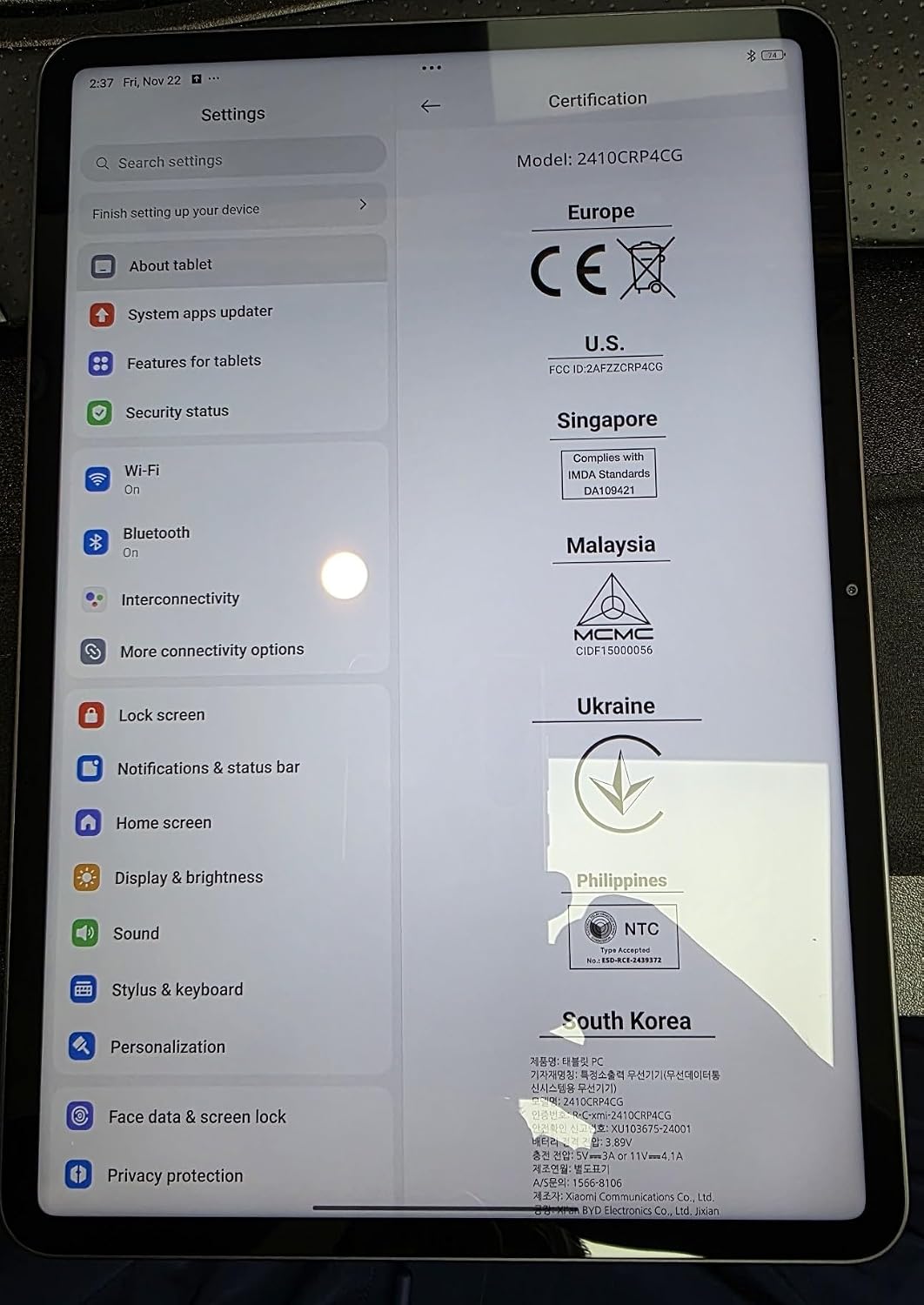
Figure 4.1: Device settings screen displaying certification information.
5. Упутство за употребу
The XIAOMI Pad 7 Ai runs on HyperOS 2, offering a user-friendly interface and advanced features:
- Навигација: Use gestures for navigation (swipe up for home, swipe from edge to go back) or switch to 3-button navigation in Settings.
- Notifications & Control Panel: Swipe down from the top-left for notifications and from the top-right for the control panel (quick settings).
- Мултитаскинг: HyperOS 2 supports split-screen and floating windows, allowing you to run multiple applications simultaneously for enhanced productivity.
- Фиока апликација: You can choose between a classic home screen layout or one with an app drawer for organizing your applications.
- Подешавања екрана: Adjust brightness, enable Sunlight mode for outdoor visibility, and customize color schemes.
6. Употреба камере
Capture moments with the integrated cameras:
- Задња камера: 13MP with f/2.2 aperture and PDAF. Supports 4K video recording at 30fps, and 1080P/720P video at 30fps/60fps.
- Предња камера: 8MP with f/2.28 aperture. Supports 1080P/720P video recording at 30fps.
- Режими камере: Photo, Video, Portrait, Document, Dual video, Director mode, Teleprompter, Dynamic shot, HDR.
7. Перформансе и батерија
The XIAOMI Pad 7 Ai is built for robust performance and extended usage:
- процесор: Snapdragon 7+ Gen 3 Mobile Platform (4nm manufacturing process, Octa-core up to 2.8GHz, Adreno GPU, Qualcomm AI engine).
- РАМ: 8ГБ.
- Интерна меморија: 128ГБ.
- батерија: 8850mAh (typical) with 45W turbo charging support (charger sold separately).
- Повезивање: Wi-Fi 6E (2x2 MIMO, 8x8 Sounding for MU-MIMO, Wi-Fi Direct, Miracast), Bluetooth 5.4 (AAC / LDAC / LHDC 5.0, IPv6).
8. Спецификације
| Величина приказа на сталном екрану | 11.2 инча |
| Резолуција екрана | 3200 к 2136 пиксела |
| Максимална резолуција екрана | 3200 x 2136, 345 пиксела по инчу |
| Процесор | 2800 МХз |
| Опис картице | Интегрисано |
| Вирелесс Типе | 802.11a, 802.11ac, 802.11b, 802.11g, 802.11n |
| Бранд | КСИАОМИ |
| Сериес | Ксиаоми Пад 7 |
| Број модела артикла | a2d4d7f2-14eb-447b-bfaa-03a30748b3a3 |
| Оперативни систем | Андроид 14 ХиперОС |
| Тежина артикла | 1 фунти |
| Димензије производа | 9.89 к 0.24 к 6.83 инча |
| Димензије артикла ДкШкВ | 9.89 к 0.24 к 6.83 инча |
| Боја | Плава |
| Позади Webцам Ресолутион | 13 МП |
| Марка процесора | Снапдрагон |
| Величина флеш меморије | 128 ГБ |
| Батерије | Потребна је 1 литијум-полимерска батерија. (укључено) |
9. Одржавање
To ensure the longevity and optimal performance of your XIAOMI Pad 7 Ai, follow these maintenance guidelines:
- Чишћење: Користите меку крпу која не оставља влакна за чишћење екрана и кућишта. Избегавајте јаке хемикалије или абразивне материјале.
- Ажурирања софтвера: Редовно проверавајте и инсталирајте системска ажурирања како бисте имали користи од најновијих функција, безбедносних закрпа и побољшања перформанси.
- Услови животне средине: Избегавајте излагање таблета екстремним температурама, директној сунчевој светлости током дужег периода или високој влажности.
- Одржавање батерије: For optimal battery health, avoid fully discharging the battery frequently. Charge your device using the recommended charger.
КСНУМКС. Решавање проблема
If you encounter any issues with your XIAOMI Pad 7 Ai, try the following solutions:
- Уређај не реагује: Притисните и држите дугме за напајање око 10 секунди да бисте присилно поново покренули рачунар.
- Проблеми са Ви-Фи везом: Ensure Wi-Fi is enabled and you are within range of a known network. Try restarting your router.
- Рушење апликације: Clear the cache and data of the problematic app in Settings > Apps. If the issue persists, try reinstalling the app.
- Споре перформансе: Close unused apps, clear storage space, and restart the device.
- Фацтори Ресет: As a last resort, you can perform a factory reset via Settings > System > Reset options. Back up all important data before proceeding, as this will erase all data on the device.
11. Гаранција и подршка
Your XIAOMI Pad 7 Ai is covered by a manufacturer's warranty. Please refer to the warranty card included in your product packaging for detailed terms and conditions. For technical support, service, or inquiries about protection plans, please visit the official XIAOMI support webсајту или контактирајте њихову корисничку службу.


