1. Увод
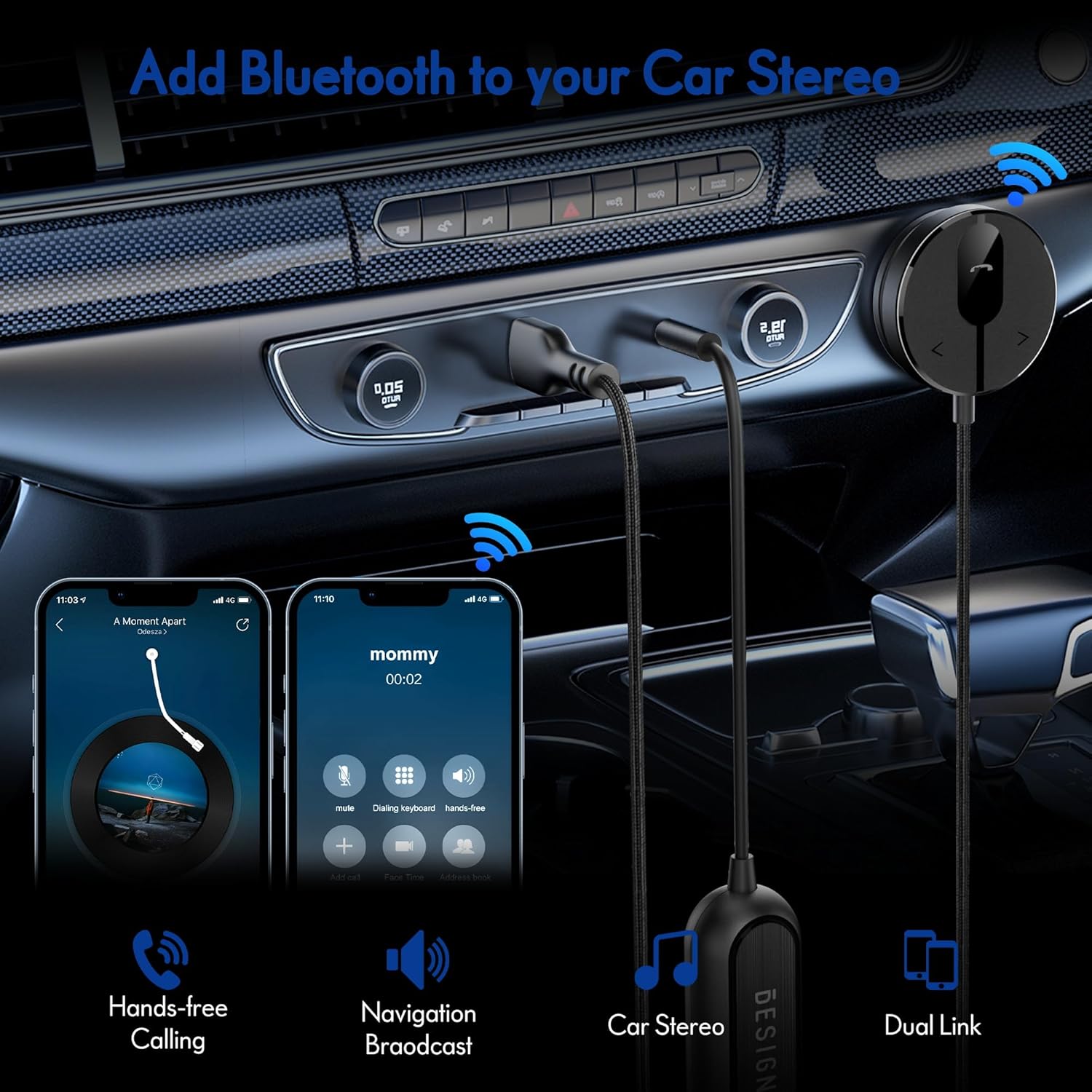
The BESIGN BK01 Bluetooth Car Kit is designed to enhance your driving experience by adding Bluetooth 5.3 connectivity to your car's audio system. This device allows for wireless music streaming, hands-free calling, and navigation broadcast through your car speakers, utilizing your vehicle's 3.5mm Aux input and USB power port. It includes a ground loop noise isolator to ensure clear audio quality.
2. Производ је готовview
Familiarize yourself with the components of your BESIGN BK01 Bluetooth Car Kit.

Комплет укључује:
- Bluetooth Receiver Unit: Main control unit with Multi-Function Button (MFB), LED indicator, microphone, and track control buttons.
- Magnetic Mounting Disc: For secure placement of the receiver unit.
- Ground Loop Noise Isolator: Reduces buzzing noise in the audio.
- 3.5mm Auxiliary Out Cable: Connects to your car's Aux input.
- УСБ порт за напајање: Connects to a USB power source in your car.
Статус ЛЕД индикатора
| ЛЕД индикатор | Статус |
|---|---|
| Flashing Red And Blue | Режим упаривања |
| Солид Блуе | Повезано |
3. Спецификације
- Број модела: БК01
- Блуетоотх верзија: 5.3
- Технологија повезивања: Блуетоотх
- Извор напајања: Car Cigarette USB power supply
- Посебне карактеристике: Automatic On/Off, Built-In Microphone, Hands-Free Calls, Noise Cancellation
- Тежина артикла: 3.84 унци
- Димензије пакета: 4.13 к 3.11 к 1.77 инча
4. Упутства за подешавање
Follow these steps to install and connect your BESIGN BK01 Bluetooth Car Kit.
- Повежите напајање и звук:
- Plug the USB power port of the BK01 into a USB power source in your car (e.g., a car charger or a built-in USB port).
- Connect the 3.5mm Aux cable from the BK01 to your car's 3.5mm Aux input port.
- If experiencing buzzing noise, connect the included ground loop noise isolator between the BK01's 3.5mm Aux cable and your car's Aux input.
- Монтирајте пријемник:
- Choose a convenient location on your dashboard or console for the magnetic mounting disc. Ensure the surface is clean and dry.
- Peel off the adhesive backing from the magnetic mounting disc and firmly press it onto the chosen surface.
- Attach the Bluetooth receiver unit to the magnetic disc.
- Укључивање и упаривање:
- Once connected to power, the BK01 will automatically power on. The LED indicator will flash red and blue, indicating it is in pairing mode.
- On your smartphone or other Bluetooth device, go to the Bluetooth settings and search for available devices.
- Select "BK01" from the list to pair. If prompted for a PIN, enter "0000".
- Once successfully paired, the LED indicator will turn solid blue.
- Аутоматско повезивање: The BK01 is designed to automatically power on and connect to the last paired device when your car starts (ensure your phone's Bluetooth is active). If it doesn't connect automatically, a short press on the Multi-Function Button (MFB) can initiate reconnection.

5. Упутство за употребу
5.1. Репродукција музике
- Пусти/паузирај: Press the Multi-Function Button (MFB) once.
- Следећа нумера: Press the ">" button once.
- Претходни запис: Press the "<" button once.
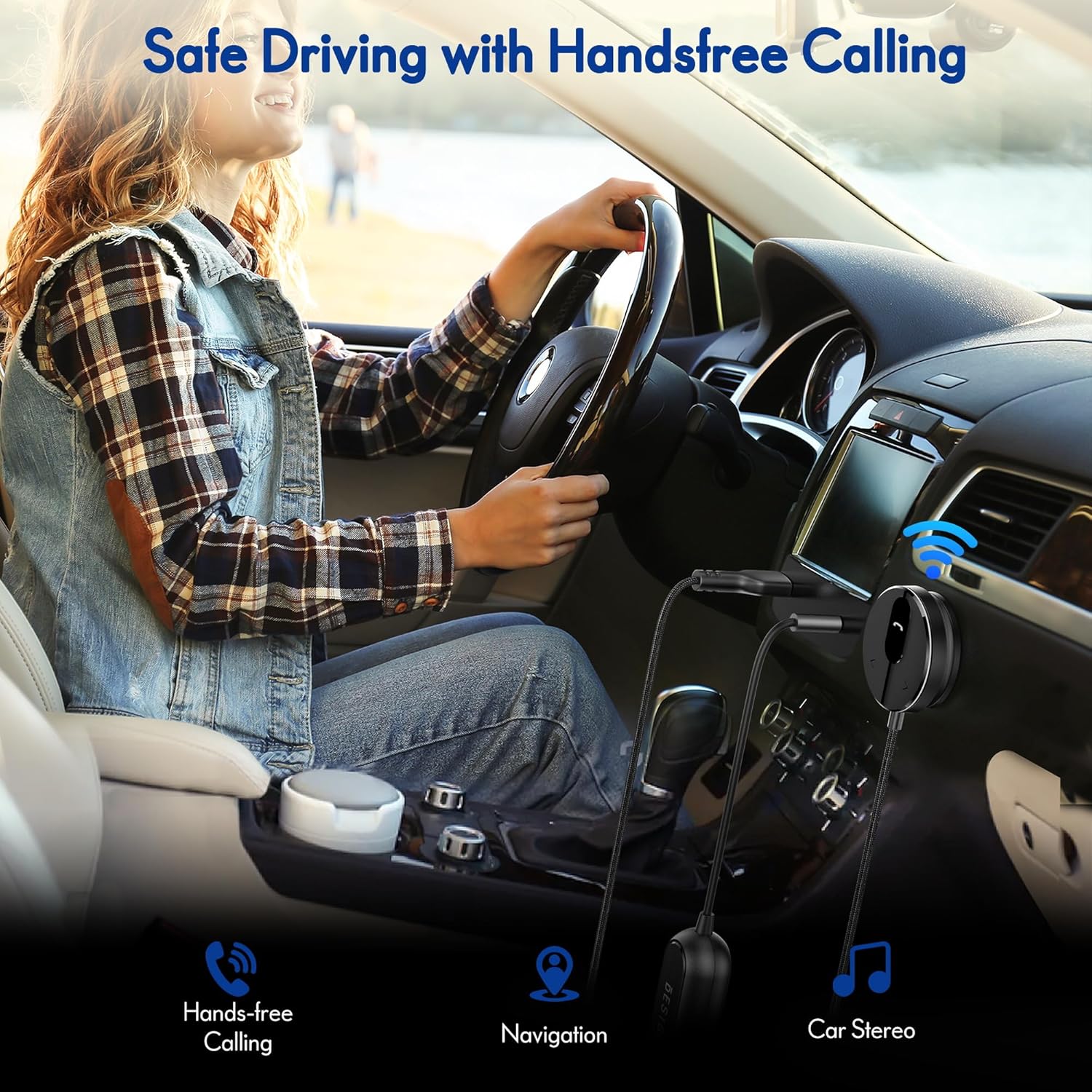
5.2. Хандс-фрее позивање
- Одговори на позив: Press the Multi-Function Button (MFB) once.
- Заврши позив: Press the Multi-Function Button (MFB) once during a call.
- Одбиј позив: Притисните и држите вишенаменско дугме (МФБ) 2 секунде.
- Поновно бирање последњег броја: Double-press the Multi-Function Button (MFB).
5.3. Активација гласовног асистента
Press and hold the ">" button to activate your smartphone's voice assistant (e.g., Siri for iPhone, Google Assistant for Android).
5.4. Dual Phone Connection
The BK01 supports connecting to two phones simultaneously. It will manage calls from both devices and mute music if a call comes in on the other phone.
КСНУМКС. Решавање проблема
- Buzzing Noise (Ground Loop Noise): If you experience a buzzing or humming noise, especially when music is paused, connect the included ground loop noise isolator. This device is specifically designed to eliminate such electrical interference.
- No Power/No Connection:
- Ensure the USB power port is securely plugged into a working power source.
- Verify your car's USB port or cigarette lighter adapter is providing power.
- Check that your phone's Bluetooth is enabled and within range.
- If the device does not auto-connect, press the MFB button to manually initiate connection.
- Лош квалитет звука:
- Ensure the 3.5mm Aux cable is fully inserted into both the BK01 and your car's Aux input.
- Подесите јачину звука и на телефону и на стерео уређају у аутомобилу.
- If using the ground loop noise isolator, ensure it is correctly connected.
- Microphone Volume Low During Calls: This can sometimes occur with Bluetooth devices. Ensure the microphone on the BK01 receiver unit is not obstructed and is positioned optimally. Adjust call volume on your phone.

7. Одржавање
- Одржавајте уређај чистим тако што ћете га обрисати меком, сувом крпом.
- Избегавајте излагање уређаја екстремним температурама, директној сунчевој светлости или влази.
- Do not attempt to disassemble or repair the device yourself, as this will void any potential warranty.
8. Безбедносне информације
- Не користите уређај на начин који вас одвлачи од вожње. Увек дајте приоритет безбедности у саобраћају.
- Држите уређај и његове компоненте ван домашаја деце.
- Do not dispose of batteries (if applicable) in fire.
9. Гаранција и подршка
For warranty information or technical support, please refer to the product packaging or contact BESIGN customer service directly through their official webсајт или продавницу где је производ купљен.


