Увод
Thank you for choosing the GOBOULT Flex On-Ear Bluetooth Headphones. This manual provides essential information for setting up, operating, and maintaining your headphones to ensure optimal performance and longevity. Please read this manual thoroughly before using the product.
Шта је у кутији
- GOBOULT Flex On-Ear Bluetooth Headphones
- Type-C Fast Charging Cable
- Упутство за употребу
- Гарантни лист
Производ је завршенview
The GOBOULT Flex headphones are designed for comfort and high-quality audio. They feature 40mm bass-boosted drivers, Bluetooth 5.4 connectivity, and an adjustable, foldable design.

Слика: Прекоview of GOBOULT Flex features including 40mm drivers, Bluetooth 5.4, 4 EQ modes, 60ms low latency, 80-hour battery, and ENC calling.
Кључне компоненте:
- Наушнице: Soft, cushioned earcups for comfort.
- Подесива трака за главу: Allows for a customized fit.
- Контролна дугмад: Located on the earcups for power, volume, playback, and call management.
- Порт за пуњење типа Ц: За пуњење слушалица.
- АУКС улаз: За жично повезивање звука.
- микрофон: Integrated Zen™ ENC mic for clear calls.

Image: The adjustable headband and earcups of the GOBOULT Flex headphones, designed for a comfortable fit.
Сетуп
1. Пуњење слушалица
Before first use, fully charge your GOBOULT Flex headphones. Use the provided Type-C charging cable.
- Connect the Type-C cable to the charging port on the headphones.
- Повежите други крај кабла са УСБ извором напајања (нпр. адаптером за зид, УСБ портом рачунара).
- The LED indicator will show charging status (refer to product for specific light patterns).
- A full charge takes approximately 60 minutes and provides up to 80 hours of playtime.
- Fast charging provides 5 hours of playtime with just 10 minutes of charging.
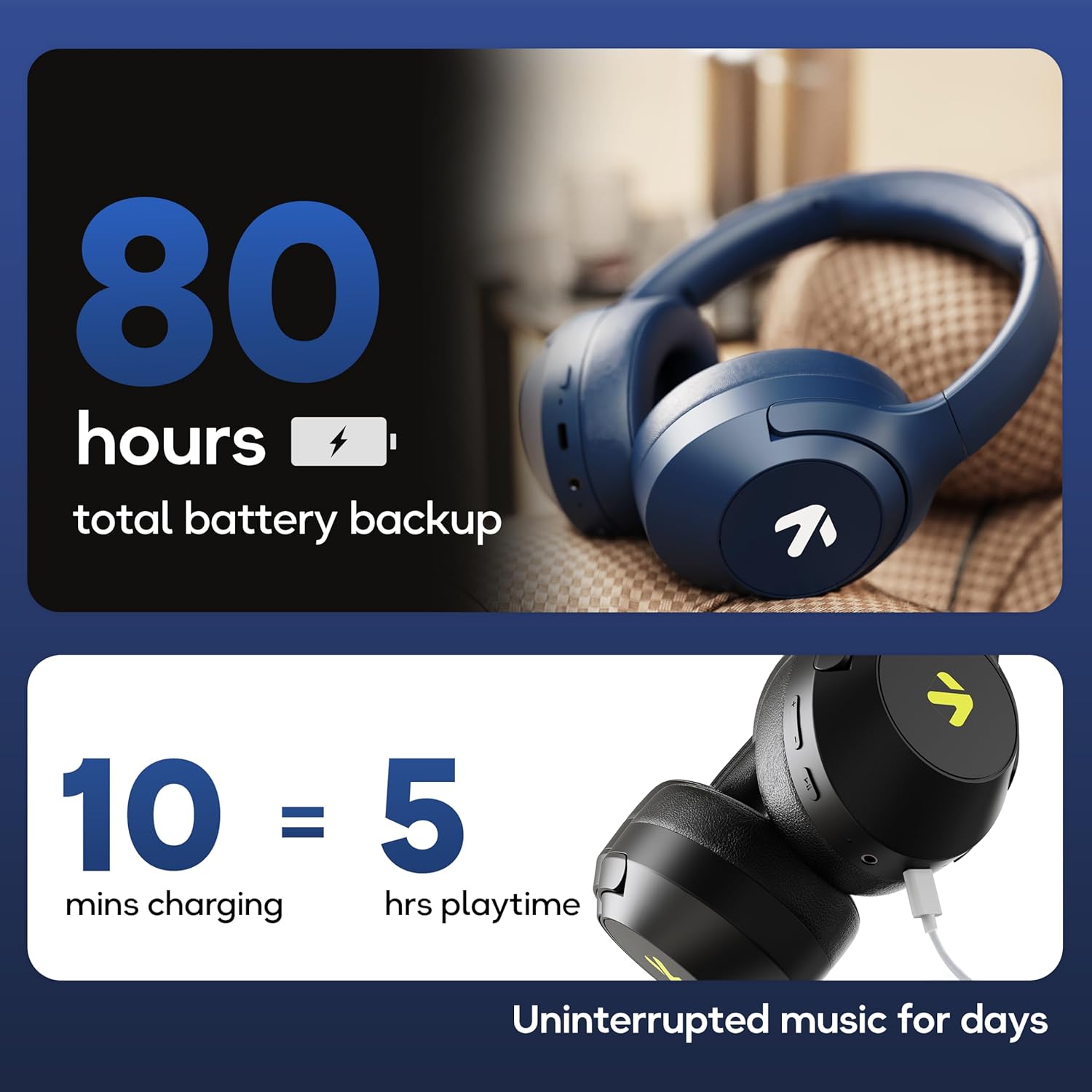
Image: Visual representation of the 80-hour battery life and fast charging capability (10 minutes charge for 5 hours playback).
2. Блуетоотх упаривање
Pair your headphones with your device for wireless audio.
- Уверите се да су слушалице напуњене и искључене.
- Press and hold the Power button until the LED indicator flashes (usually blue and red alternately), indicating pairing mode.
- На свом уређају (паметном телефону, таблету, лаптопу) омогућите Блутут и потражите доступне уређаје.
- Select "GOBOULT Flex" from the list of devices.
- Једном када се повеже, ЛЕД индикатор ће обично показивати стално плаво светло или полако трептати.
- The headphones feature Bluetooth 5.4 and Blink & Pair™ technology for fast and stable connections.

Image: The headphones connected via Bluetooth 5.4, highlighting the Blink & Pair feature for quick device connection.
Упутство за употребу
Укључивање/искључивање
- Укључено: Притисните и држите дугме за напајање приближно 3 секунде.
- Искључивање: Притисните и држите дугме за напајање приближно 5 секунде.
Контрола музике
- Пусти/паузирај: Притисните вишенаменско дугме једном.
- Следећа нумера: Притисните и држите дугме за појачавање јачине звука.
- Претходни запис: Притисните и држите дугме за смањивање јачине звука.
- Појачавање звука: Кратко притисните дугме за појачавање јачине звука.
- Смањивање јачине звука: Кратко притисните дугме за смањивање јачине звука.
Контрола позива
The Zen™ ENC mic ensures clear communication by reducing environmental noise.

Слика: Детаљна view of the Zen™ ENC microphone technology for effective environmental noise cancellation during calls.
- Одговори/заврши позив: Притисните вишенаменско дугме једном.
- Одбиј позив: Притисните и држите вишенаменско дугме 2 секунди.
- Поновно бирање последњег броја: Двапут притисните вишенаменско дугме.
Гласовни асистент
Activate your device's voice assistant (e.g., Google Assistant) directly from the headphones.
- Активирање гласовног помоћника: Трипут притисните вишенаменско дугме.

Image: The headphones featuring voice assistant compatibility and IPX5 water resistance for protection against sweat and splashes.
Gaming Mode (60ms Low Latency)
Engage Combat™ Gaming Mode for ultra-low latency audio, ideal for gaming.
- Активирајте режим играња: Refer to the specific button combination in your quick start guide (often a dedicated button or a long press of a volume button).
- This mode reduces audio latency to 60ms for a synchronized gaming experience.
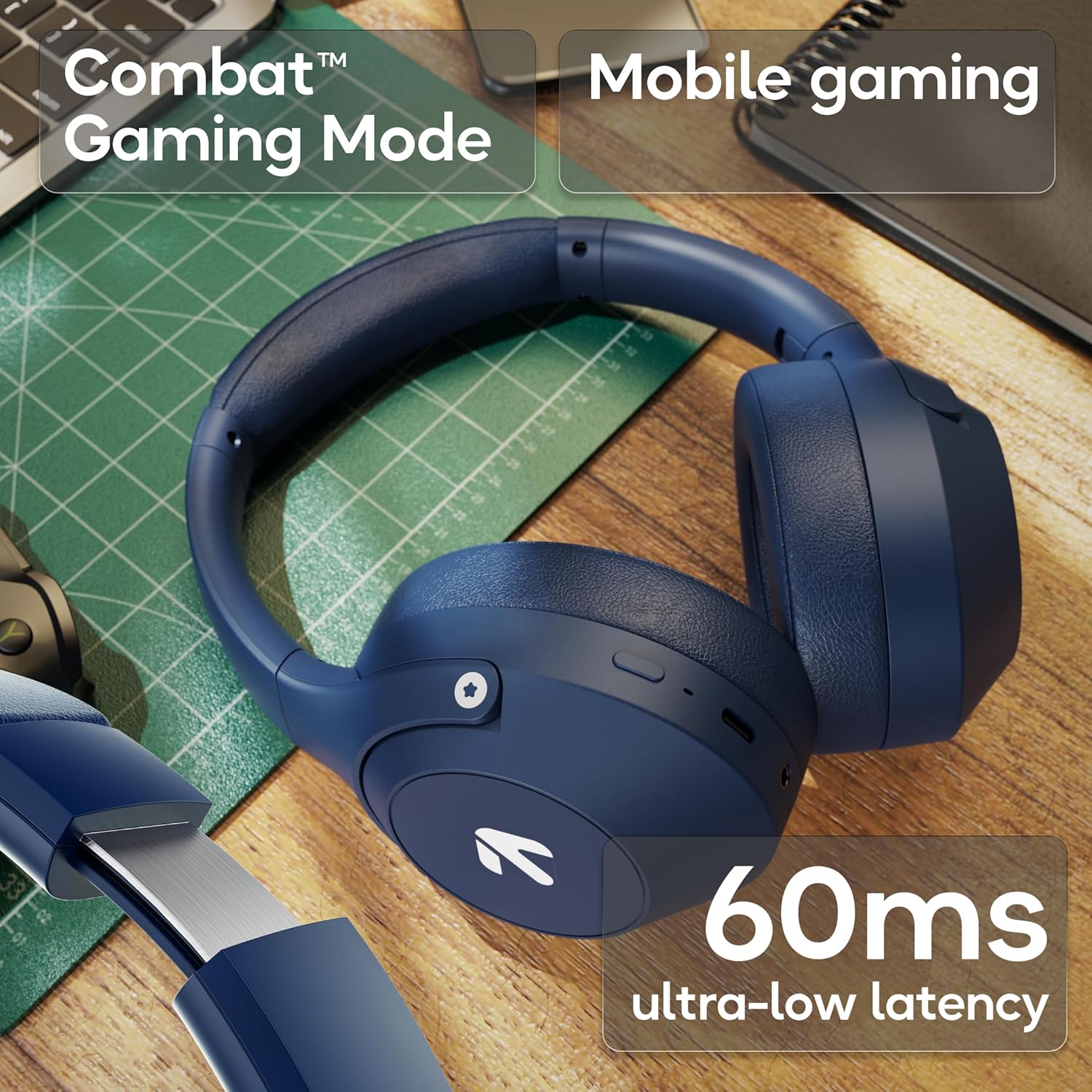
Image: The headphones highlighting the Combat™ Gaming Mode with 60ms ultra-low latency for an enhanced gaming experience.
Жичани режим
Use the included AUX cable for a wired connection when wireless is not preferred or the battery is low. Note that the microphone is typically off in wired mode.
- Connect one end of the 3.5mm AUX cable to the headphone's AUX port.
- Connect the other end to your audio source's 3.5mm jack.
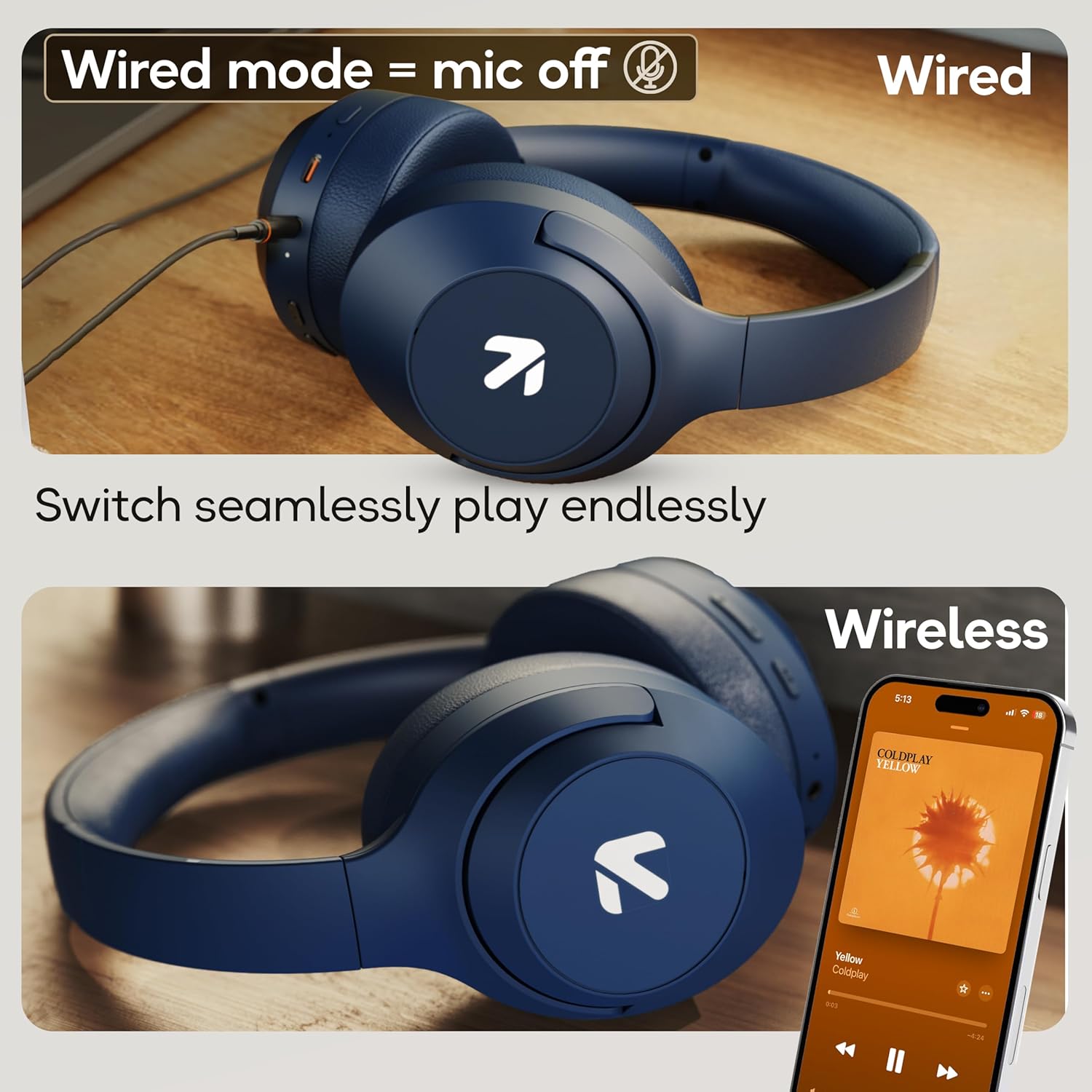
Image: Comparison of wired mode (with mic off) and wireless mode, demonstrating the flexibility of connection options.
ЕК Модес
The headphones offer 4 Equalizer (EQ) modes to customize your audio experience.
- Доступни режими: Bass, Rock, Pop, Vocal.
- Промена режима: Refer to the specific button combination in your quick start guide (often a dedicated EQ button or a combination press).

Image: The headphones emphasizing powerful bass delivered by 40mm boosted drivers with Boomx™ technology, and support for AAC/SBC codecs.

Слика: Интерна view of the headphones showing the DSP processor, indicating features like seamless VoIP calls, adaptive audio equalization, and 16-bit dual-audio processing.
Одржавање
Proper maintenance ensures the longevity of your headphones.
- Чишћење: Обришите слушалице меком, сувом крпом. Не користите јаке хемикалије или абразивне материјале.
- Складиштење: Store the headphones in a cool, dry place away from direct sunlight and extreme temperatures. The foldable design allows for compact storage.
- Отпорност на воду: The headphones are IPX5 rated, meaning they are resistant to sweat and light splashes. Do not submerge them in water or expose them to heavy rain.
Решавање проблема
Но Повер
- Уверите се да су слушалице потпуно напуњене.
- Проверите кабл за пуњење и извор напајања.
Упаривање није могуће преко Bluetooth-а
- Ensure the headphones are in pairing mode (LED flashing blue/red).
- Make sure Bluetooth is enabled on your device and it is within 10 meters of the headphones.
- Forget "GOBOULT Flex" from your device's Bluetooth list and try pairing again.
- Поново покрените и слушалице и уређај.
Нема звука
- Проверите нивое јачине звука и на слушалицама и на повезаном уређају.
- Уверите се да су слушалице правилно упарене и повезане.
- If using wired mode, ensure the AUX cable is fully inserted into both the headphones and the audio source.
Лош квалитет позива
- Уверите се да микрофон није блокиран.
- Move to a quieter environment to allow the ENC mic to function optimally.
- Проверите подешавања позива на уређају.
Спецификације
| Феатуре | Спецификација |
|---|---|
| Назив модела | Флек |
| Бранд | ГОБУЛТ |
| Технологија повезивања | Блутут, бежични |
| Блуетоотх верзија | 5.4 (Product Title says 5.4, Specs say 5.3, using 5.4 as per title) |
| Блуетоотх домет | 10 метара |
| Величина аудио драјвера | 40 милиметара |
| Тип аудио драјвера | Динамички возач |
| Трајање батерије | 80 Hours (Playtime) |
| Време пуњења | 60 минута |
| Брзо пуњење | 10 минута за 5 сата играња |
| Јацк за слушалице | Type-C Fast Charging Jack, 3.5mm AUX |
| Микрофон | Zen™ ENC Mic |
| Режим ниске кашњења | 60ms (Combat™ Gaming Mode) |
| Ниво отпорности на воду | IPX5 (Sweatproof, Water-resistant, Splashproof) |
| Контрола буке | Пасивно уклањање буке |
| Тежина артикла | 214 грама |
| Димензије производа | 5 к 19 к 20 цм |
| Укључене компоненте | Cable, Headphone, Type-C Fast Charging Cable, User Manual, Warranty Card |
Гаранција и подршка
The GOBOULT Flex On-Ear Bluetooth Headphones come with a 1 година гаранције.
For warranty registration, technical support, or customer service inquiries, please visit the official GOBOULT website or contact their customer support team using the information provided on the warranty card.


