1. Увод
Thank you for choosing the FOCUWAY D4 Duo Dash Cam. This manual provides detailed instructions for the installation, operation, and maintenance of your new dash camera. The FOCUWAY D4 Duo is designed to capture high-quality video footage of your journeys, offering advanced features such as real 4K front recording, 1080P rear recording, touchscreen interface, voice control, built-in GPS, Wi-Fi connectivity, HDR night vision, and 24-hour parking monitoring. Please read this manual thoroughly before using the device to ensure proper functionality and safety.
2. Садржај пакета
Молимо вас да проверите да ли су све ставке наведене у наставку укључене у ваш пакет:
- 1 x 4K Front Camera with GPS
- 1 x 1080P Rear Camera With 5.5 Meters Cable
- 1 x 1.15ft Mini USB Car Charger With Extra USB Port
- 1 к електростатичка налепница
- 2 x Adhesive Sticker Pads
- 1 x Crowbar Tool
- 1 к копче за каблове
- 1 к Упутство за употребу
- 1 x Card Pin

Image: Illustration of the FOCUWAY D4 Duo Dash Cam and its included accessories, showing the front camera, rear camera, car charger, cables, mounting accessories, and user manual.
3. Производ је готовview
The FOCUWAY D4 Duo features a compact design with a front-facing camera and a separate rear camera for comprehensive coverage. The main unit includes a responsive HD touchscreen and physical buttons for intuitive control.

Image: The FOCUWAY D4 Duo dash cam, showing the front camera unit with its touchscreen display, the separate rear camera, and a 64GB microSD card.
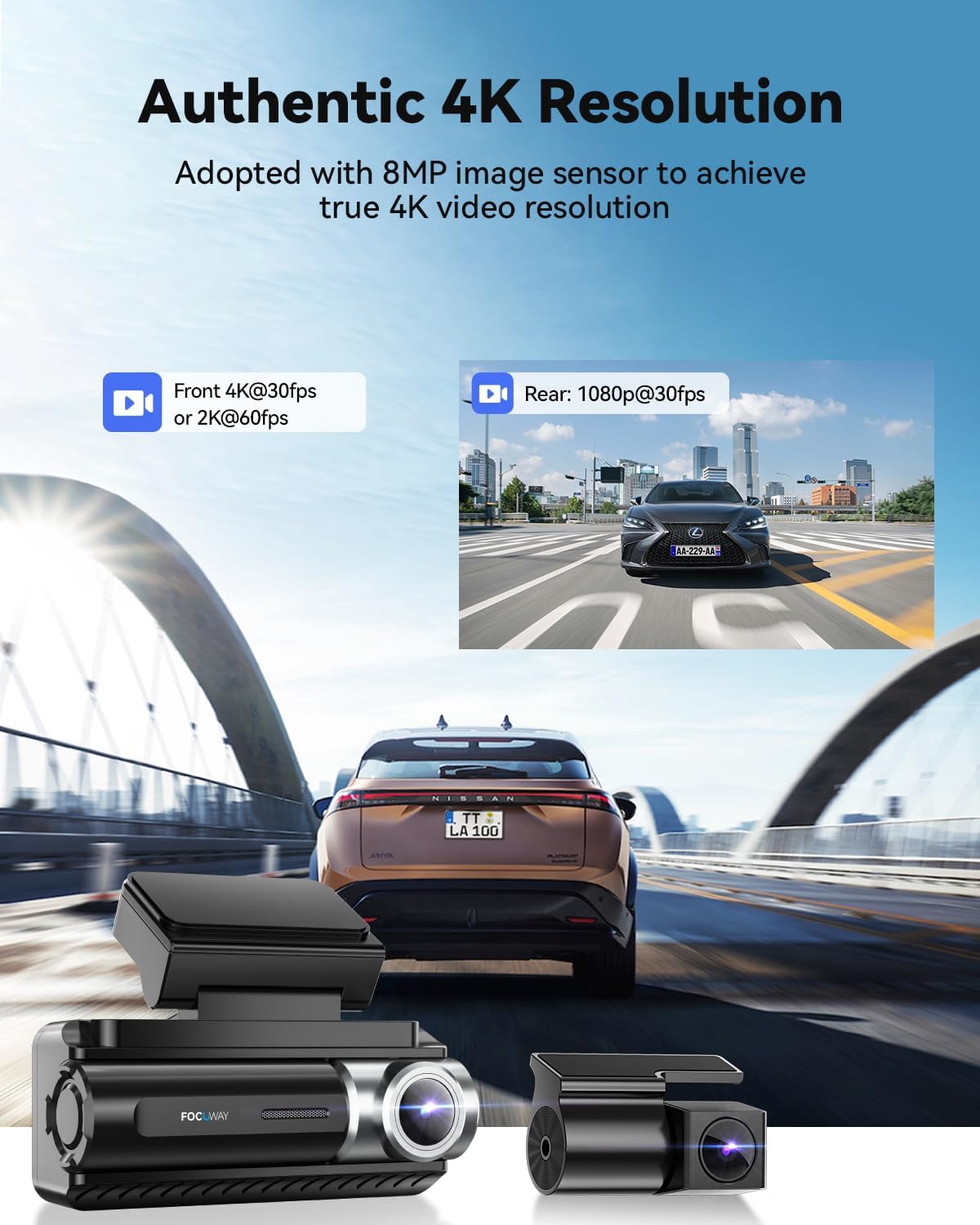
Image: Demonstrates the authentic 4K resolution of the front camera (4K@30fps or 2K@60fps) and 1080P@30fps for the rear camera, with exampле фуtage showing clear detail of vehicles.
4. Водич за инсталацију
- Припремите ветробранско стакло: Очистите подручје на ветробранском стаклу где намеравате да монтирате камеру за аутомобил. Уверите се да је без прашине и масноће.
- Нанесите електростатичку налепницу: Place the electrostatic sticker on the cleaned area of the windshield. This helps in easy removal and repositioning without leaving residue.
- Attach Adhesive Mount: Secure the adhesive mount to the electrostatic sticker. Press firmly for at least 30 seconds to ensure a strong bond.
- Монтирајте предњу камеру: Slide the FOCUWAY D4 Duo main unit onto the mounted bracket until it clicks into place.
- Инсталирајте задњу камеру: Mount the rear camera on your rear windshield using its adhesive. Route the 5.5-meter cable from the rear camera to the main front camera unit. Connect the rear camera cable to the 'REAR' USB-C port on the GPS module.
- Прикључите напајање: Plug the mini USB car charger into your vehicle's 12V power outlet (cigarette lighter socket). Connect the other end of the charger cable to the 'TYPE-C' USB-C port on the GPS module. Use the provided crowbar tool and cable clips to neatly tuck away the cables along the vehicle's trim.
- Убаците МицроСД картицу: Insert the provided 64GB microSD card into the designated slot on the side of the main unit. Ensure it is inserted correctly until it clicks.

Image: A diagram illustrating the typical installation of the FOCUWAY D4 Duo dash cam, showing the front camera mounted on the windshield, the rear camera placement, and the routing of power and rear camera cables within a vehicle's interior.
Video: An official product video demonstrating the physical features of the FOCUWAY D4 Duo dash cam, including its ports, mounting, and a visual representation of the cable routing for both front and rear cameras. It also highlights the touchscreen interface and voice control capabilities.
5. Основна операција
5.1 Укључивање/искључивање
- The dash cam will automatically power on and begin recording when connected to your vehicle's power supply and the engine starts.
- To manually power off, press and hold the power button until the device shuts down. It will automatically power off when the vehicle's ignition is turned off.
5.2 Навигација преко екрана осетљивог на додир
The FOCUWAY D4 Duo features an intuitive HD touchscreen for easy navigation through menus and settings. Simply tap on the icons to access different functions such as Homepage, Playback, and Settings.
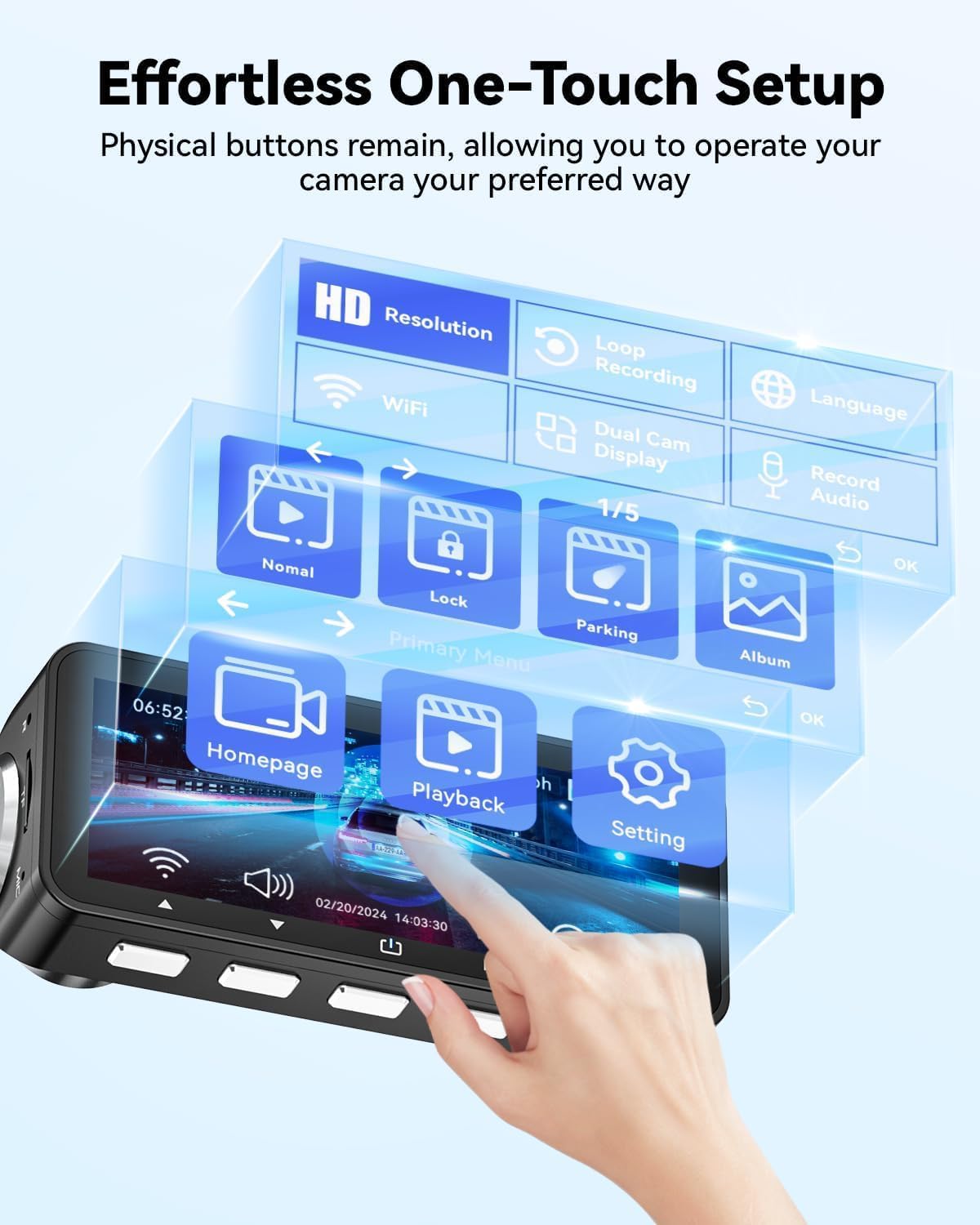
Image: A visual representation of the FOCUWAY D4 Duo's touchscreen interface, showing the main menu with options for Homepage, Playback, and Settings, along with various recording indicators.
5.3 Управљање гласом
For hands-free operation, the dash cam supports voice commands. Ensure the voice control feature is enabled in the settings. Common commands include:
- "Lock the Video": Locks the current recording to prevent it from being overwritten.
- "Take Photo": Captures a still image.
- "Start Recording": Initiates video recording.
- "Video Stop": Halts video recording.
6. Напредне функције
6.1 Video Recording Modes
- Лооп Рецординг: The dash cam continuously records video in short segments (e.g., 1, 3, or 5 minutes). When the memory card is full, the oldest unlocked fileсе аутоматски преписују како би се направио простор за нове снимке.
- Снимање у хитним случајевима (Г-сензор): The built-in G-sensor detects sudden impacts or collisions. When triggered, it automatically locks the current video segment, protecting it from being overwritten by loop recording.
- Надзор паркирања: Provides 24-hour surveillance for your parked vehicle. This mode requires an optional hardwire kit (ASIN B0BG5DM5CL) for continuous power. It offers two sub-modes:
- Collision-Detection Mode: Снима кратак видео клип ако се детектује удар док је паркирано.
- Тиме-лапсе режим: Records continuous video at a low frame rate, compressing hours of footage into minutes for efficient storage and review.

Image: Illustrates the 24-hour parking monitoring feature of the FOCUWAY D4 Duo, showing both collision-detection mode (triggered by impact) and time-lapse mode for continuous surveillance.
6.2 Побољшани ноћни вид
Equipped with STARVIS 2 HDR technology and a large aperture lens, the D4 Duo delivers superior low-light clarity, capturing clear footage even in challenging nighttime conditions. This technology significantly reduces image noise and enhances detail compared to standard dash cams.
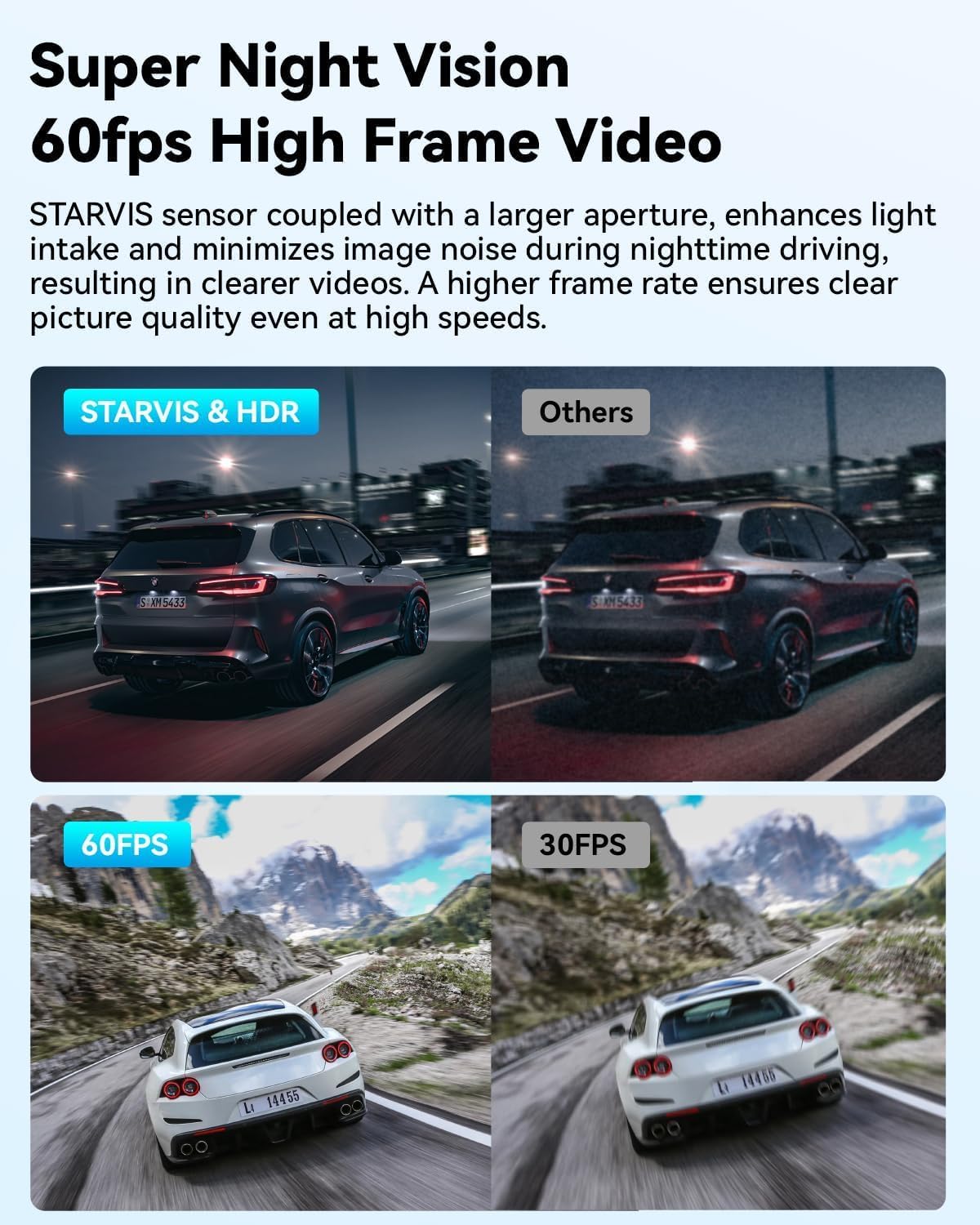
Image: A comparison demonstrating the superior night vision capabilities of the FOCUWAY D4 Duo (STARVIS & HDR) versus other dash cams, showing clearer and brighter nighttime recordings. It also compares 60FPS vs 30FPS video quality.
6.3 Built-in GPS & Wi-Fi
- ГПС праћење: The integrated GPS module accurately logs your vehicle's speed, location, and driving route. This data can be viewed in real-time on the dash cam's screen or later via the dedicated smartphone app or PC software.
- Ви-Фи повезивање: Connect your dash cam to your smartphone via the free FOCUWAY app. This allows you to:
- Преview пренос видео записа уживо.
- Преузмите снимљене видео записе директно на свој телефон.
- Подесите поставке.
- Дели хрануtagе лако.
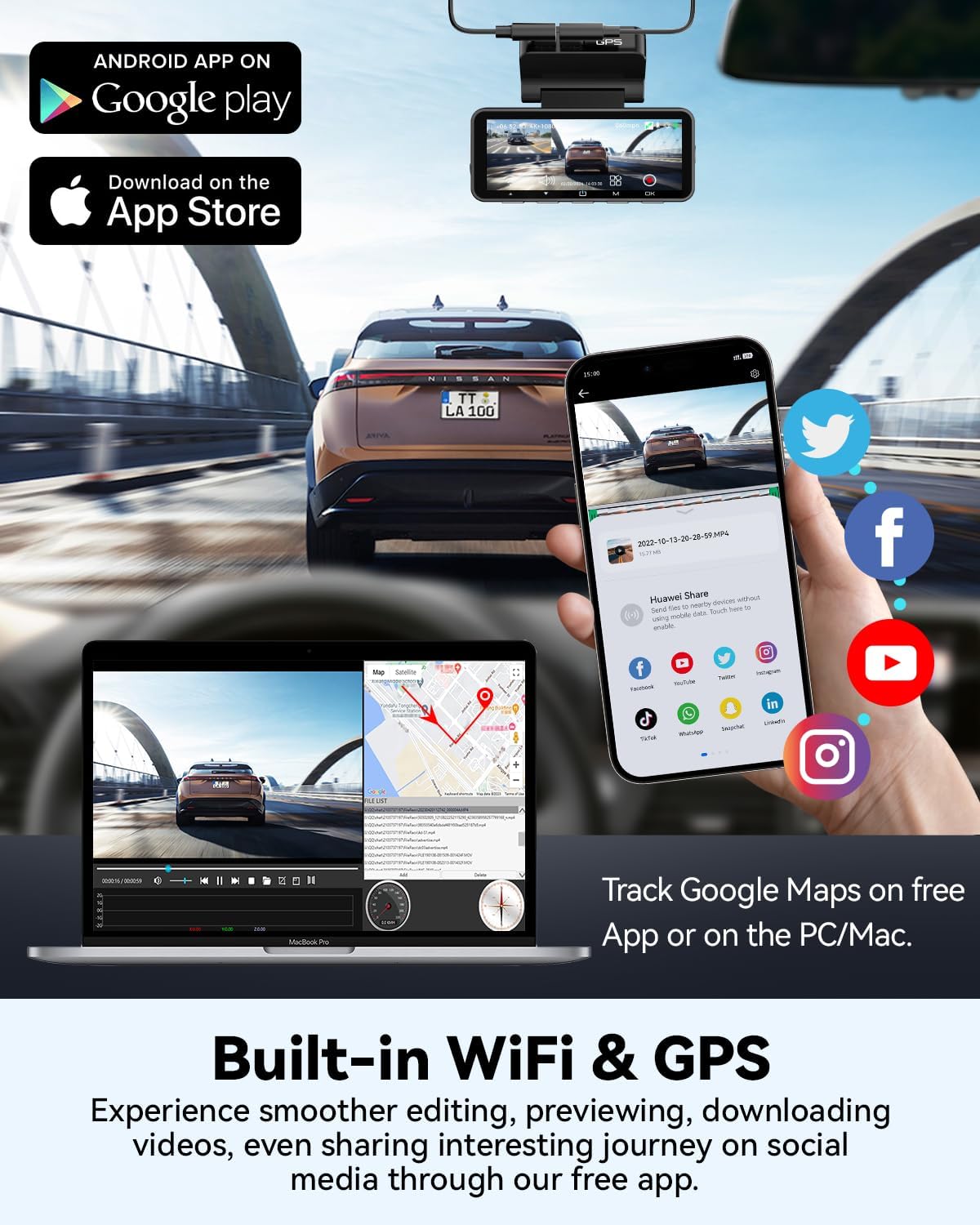
Image: Showcases the built-in Wi-Fi and GPS features, with a smartphone displaying the FOCUWAY app interface for live video preview, map tracking, and social media sharing options.
7. Управљање меморијским картицама
The FOCUWAY D4 Duo supports microSD cards up to 512GB. A 64GB card is included to get you started. For optimal performance and to prevent data corruption, it is recommended to format the microSD card regularly (e.g., once a month) directly through the dash cam's settings menu. This ensures the card remains healthy for continuous recording.
8. Спецификације
| Феатуре | Детаљ |
|---|---|
| Димензије производа | 1.18 к 3.7 к 2.2 инча |
| Тежина артикла | 7.8 унци |
| Број модела ставке | Д4 ДУО |
| Цоннецтивити Тецхнологиес | Ви-Фи |
| Посебне карактеристике | 24/7 Parking Monitoring, Automatic Incident Detection, Built-In GPS, Built-In Microphone, Built-In Supercapacitor, Touch Screen, Voice Control |
| Боја | Црно |
| Произвођач | FOCUWAY |
| Назив модела | D4 DUO-4K |
| Оријентација | Предњи и задњи |
| Тип услуге возила | Bus, Car, Minivan, Truck |
| Резолуција снимања видео записа | 2K 1440p@60fps + 1080P@30fps, 4K 2160p@30fps + 1080P@30fps |
| Тип монтаже | Носач за вјетробранско стакло |
КСНУМКС. Решавање проблема
If you encounter issues with your FOCUWAY D4 Duo Dash Cam, please refer to the following common problems and solutions:
- Нетачан приказ времена: If the camera displays the wrong time, ensure the GPS signal is strong. The device should automatically synchronize time via GPS. If the issue persists, check the time zone settings in the camera's menu and manually adjust if necessary.
- No Footage Recorded:
- Ensure a microSD card is properly inserted and formatted.
- Check if the loop recording function is enabled.
- Verify that the camera is receiving power and is turned on.
- If the card is full, ensure loop recording is active to overwrite old files. If not, manually delete old files or replace the card.
- Камера у аутомобилу се не укључује: Check the car charger connection to both the dash cam and the vehicle's power outlet. Ensure the vehicle's 12V outlet is functioning.
- Лош видео квалитет: Clean the camera lenses regularly. Ensure the protective film is removed from the lenses. Check the video resolution settings in the camera menu.
10. Гаранција и подршка
All FOCUWAY dashcams come with a 12-month worry-free service, which can be extended to 24 months upon registration. Our dedicated customer support team is available to assist you with any questions or issues you may encounter. For technical support or warranty claims, please refer to the contact information provided on the FOCuWay official webсајт или вашу платформу за куповину.


