Увод
This manual provides detailed instructions for the installation, operation, and maintenance of your Woox R8403 4G LTE Solar Outdoor PTZ Camera. This camera is designed for autonomous surveillance in remote areas without WiFi or direct power access, utilizing 4G LTE connectivity and solar power.
The camera features 2K 3MP resolution, 355° pan and 140° tilt capabilities for 360° panoramic coverage, color night vision, AI-powered human detection, two-way audio, and flexible storage options. Please read this manual carefully to ensure proper use and optimal performance of your device.

Image: Woox R8403 4G LTE Solar Outdoor PTZ Camera in a remote setting.
Сетуп
Follow these steps to set up your Woox R8403 camera:
- Припремите СИМ картицу: Ensure your Nano SIM card is activated and has an active data plan. Insert the Nano SIM card into the camera's designated slot. Ensure correct direction and orientation.
- Укључено: Connect the camera to a USB power source during setup to ensure sufficient battery. Press and hold the power button for 5 seconds to turn on the camera.
- Ресетуј уређај: If the device indicates a network connection failure or if you are setting it up for the first time, press and hold the reset button for about 5 seconds until the camera restarts and emits a pairing prompt. The indicator light will flash blue rapidly.
- Преузми апликацију: Download the 'WOOX Home' app from the App Store or Google Play. Register and log in.
- Додај уређај: In the app, tap the '+' icon in the upper right corner. Select the corresponding product type (R8403 4G-PTZ-Cam) from the product list.
- Скенирање КР код: The app will prompt you to scan a QR code. Position the camera to read the QR code displayed on your phone screen from 15 to 20 cm away.
- Потврдите упаривање: After hearing a prompt from the camera indicating successful scanning, click 'I Heard a Prompt' in the app. The app will then search for the device and register it to your account.
- Назив уређаја: You can then name your device. This name will also be used by Amazon Alexa and Google Home if integrated.
Video: Step-by-step guide on setting up the Woox R8403 4G LTE Solar Outdoor PTZ Camera, including SIM card insertion, powering on, resetting, and app pairing via QR code.

Image: Quick activation steps for the camera.
Упутство за употребу
Управљање напајањем
The camera is equipped with a 5W solar panel and a 10,000 mAh battery, providing continuous operation for up to 40 days on a full charge, even during extended cloudy or rainy periods. The solar panel can be mounted integrated or separately with a 3-meter extension cable for optimal sun exposure.
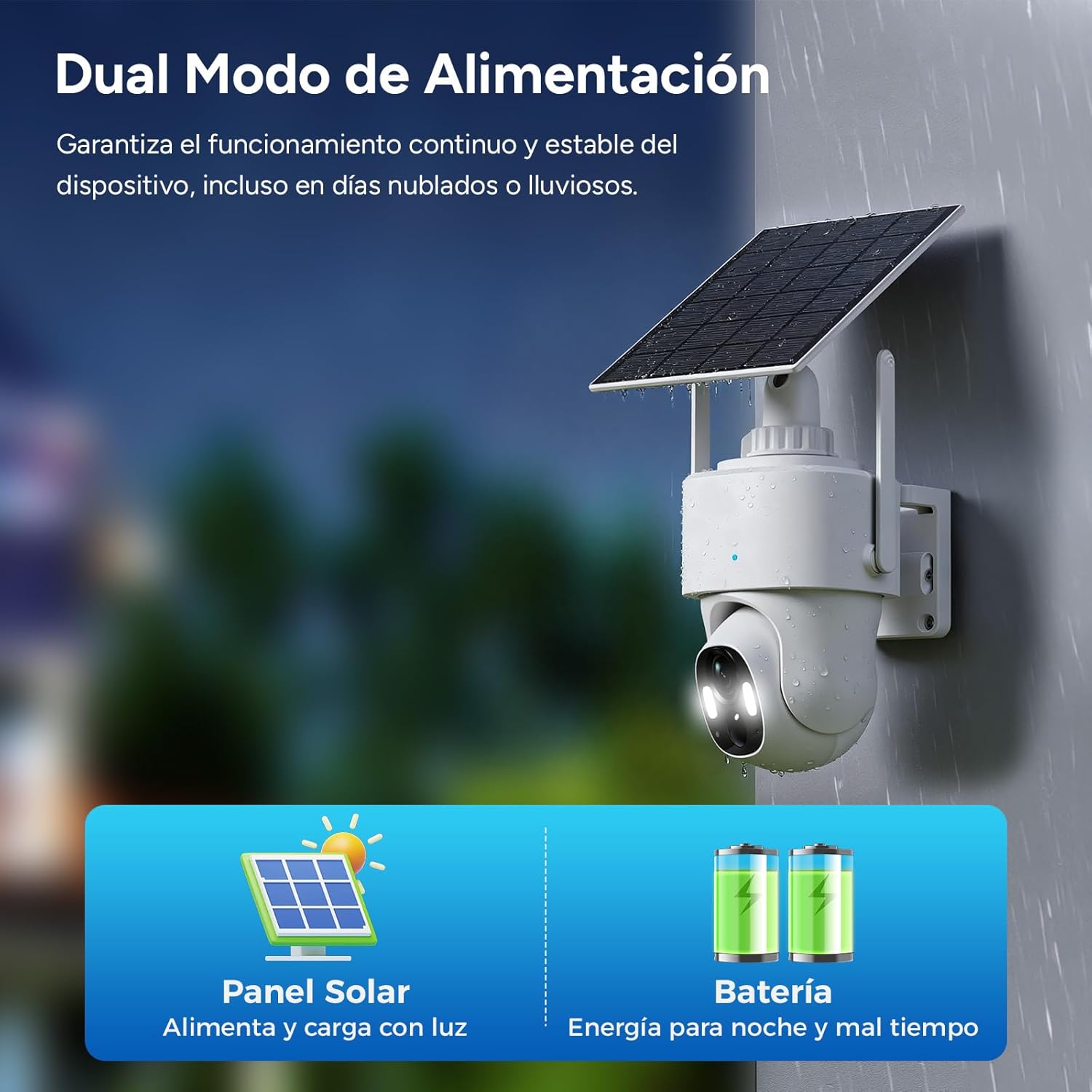
Image: Dual power mode with solar panel and battery.
Видео надзор
The 3-megapixel HD lens delivers sharp 2K images during the day. At night, the camera automatically switches between color night vision and infrared vision, capturing clear movements up to 10 meters away in complete darkness.
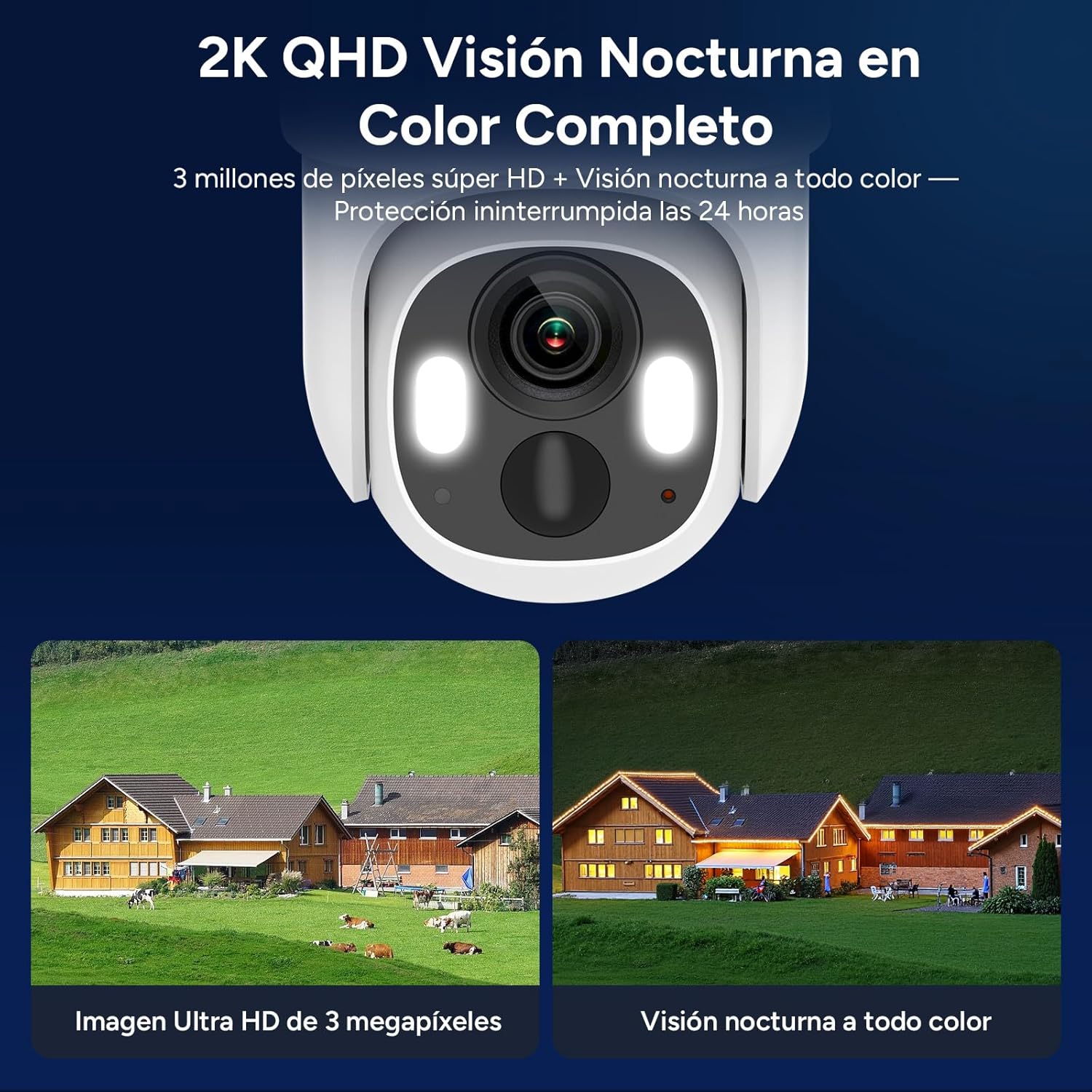
Image: 2K QHD Full Color Night Vision.
Функционалност панорамирања, нагињања и зумирања (PTZ)
With a 350° horizontal pan and 140° vertical tilt, the camera provides 360° panoramic surveillance, eliminating blind spots. You can control the camera's movement remotely via the WOOX Home app.

Image: 360° Panoramic Surveillance and AI Recognition.
AI Detection and Alerts
PIR-based AI technology accurately identifies human activity, filtering out false alarms from animals or wind-blown objects. Upon detecting an intrusion, the camera sends real-time alert notifications to your app. You can also customize priority surveillance zones.

Image: AI-powered human and vehicle detection.
Two-Way Audio and Alarms
The integrated microphone and speaker enable two-way voice communication. The camera also features a built-in sound and light alarm to deter intruders, sending instant notifications to your phone.

Image: Integrated Sound and Light Alarm.
Опције складиштења
The camera supports local storage via a microSD card up to 256 GB (not included) and offers cloud storage through the WOOX Home app (7-day free trial available). Advanced encryption technology ensures your privacy.

Image: Local and Cloud Storage Options.
Одржавање
- Соларни панел: Regularly clean the solar panel surface to ensure maximum charging efficiency. Remove any dust, dirt, or debris that may obstruct sunlight.
- батерија: The camera's 10,000 mAh battery is designed for long-term use. For optimal battery life, ensure the solar panel receives adequate sunlight. Avoid extreme temperatures that can degrade battery performance.
- Отпорност на временске услове: The camera has an IP65 rating, making it resistant to dust and water jets. While designed for outdoor use, avoid submerging the camera in water. Ensure all covers and seals are properly closed to maintain water resistance.
- Чишћење сочива: Gently clean the camera lens with a soft, lint-free cloth to maintain clear image quality. Avoid abrasive materials or harsh chemicals.

Image: IP65 Weather Resistance.
Решавање проблема
- Камера се не укључује: Ensure the battery is charged. Connect the camera to a USB power source for at least 30 minutes. If using solar power, ensure the solar panel is exposed to direct sunlight.
- No 4G LTE Signal: Verify that the Nano SIM card is correctly inserted and activated with an active data plan. Check with your mobile operator for network coverage in the camera's location. Try restarting the camera.
- Проблеми са везом апликације: Ensure your smartphone has a stable internet connection. Restart the WOOX Home app. If the issue persists, try resetting the camera and re-pairing it with the app as described in the Setup section.
- Лош квалитет слике: Clean the camera lens. Ensure there are no obstructions in front of the lens. Check the camera's position to avoid glare or insufficient lighting.
- Лажни аларми: Adjust the AI detection sensitivity settings in the WOOX Home app. Define specific surveillance zones to minimize detection of irrelevant movements.
- Двосмерни аудио не ради: Check the microphone and speaker settings in the WOOX Home app. Ensure the volume on both the camera and your smartphone is not muted.
Спецификације
| Феатуре | Спецификација |
|---|---|
| Број модела | Р8403 |
| Технологија повезивања | LTE-FDD (4G) |
| Резолуција | 2K (1296p), 3 Megapixels |
| Опсег померања/нагиба | Пан 355 °, нагиб 140 ° |
| Нигхт Висион | Color Night Vision, Infrared Night Vision (up to 15 meters) |
| Извор напајања | Rechargeable Battery (10,000 mAh), Solar Panel (5W) |
| Отпорност на воду | ИП65 |
| Складиштење | Micro SD (up to 256 GB), Cloud Storage |
| АИ карактеристике | Хуман Детецтион |
| Аудио | Двосмерни аудио |
| Контролни метод | WOOX Home APP |
| Димензије | 13 к 8 к 4 цм |
| Тежина | 500 г |
| Радна температура | -20°Ц до 50°Ц |
Гаранција и подршка
For warranty information and technical support, please refer to the documentation included with your product or visit the official Woox webсајт. Сачувајте рачун као доказ о куповини за потребе гаранције.