1. Увод
Welcome to the GOBOULT Pyro Smartwatch user manual. This guide provides essential information for setting up, operating, and maintaining your new smartwatch. The GOBOULT Pyro combines advanced technology with a sleek design, offering features such as a vibrant AMOLED display, Bluetooth calling, comprehensive health monitoring, and various sports modes.
Please read this manual thoroughly to ensure proper use and to maximize your experience with the device.

Image 1.1: The GOBOULT Pyro Smartwatch in Charcoal Black. This image displays the watch face and strap, highlighting its overall design.
2. Кључне карактеристике
The GOBOULT Pyro Smartwatch is equipped with a range of features designed to enhance your daily life and fitness routine:
- 1.43" AMOLED Display: Enjoy an ultra-clear and vibrant display with 600 nits brightness and Always-On Display functionality.
- Rotating Dial Navigation: Effortlessly browse menus and switch between applications.
- Bluetooth Calling 5.3: Make and receive calls directly from your wrist with enhanced audio quality.
- Отпорност на воду и прашину IP68: Designed to withstand dust, sweat, and water immersion.
- 150+ Cloud-Based Watch Faces: Personalize your smartwatch to match your style.
- 120+ спортских режима: Track various fitness activities with real-time insights.
- АИ гласовни асистент: Control tasks hands-free using voice commands.
- Мониторинг здравља: Includes SpO2, heart rate, blood pressure, stress, sleep, and menstrual cycle tracking.
- Smart Productivity Features: Remote camera control, flashlight, world clock, weather updates, and 'Find My Phone' functionality.

Слика 2.1: Оверview изложбаasing key features of the GOBOULT Pyro Smartwatch, including the working dial, Always-On Display, 600 nits brightness, 120+ sports modes, Bluetooth calling, health monitoring, and IP68 water resistance.
3. Подешавање
3.1. Распакивање и први преглед
Након отварања паковања, уверите се да су све компоненте присутне и да нису оштећене. Кутија треба да садржи:
- GOBOULT Pyro Smartwatch
- Кабл за пуњење
- Кориснички приручник (овај документ)
- Гарантни лист
3.2. Пуњење паметног сата
Before first use, fully charge your GOBOULT Pyro Smartwatch. Connect the provided charging cable to the charging port on the back of the smartwatch and to a standard USB power adapter (not included). A full charge typically takes approximately 150 minutes.
Напомена: Use a compatible charger to avoid damage. The smartwatch requires 1 AAA battery (included) for internal functions, but the main power is supplied via the charging cable.
3.3. Упаривање са вашим паметним телефоном
To unlock the full functionality of your smartwatch, pair it with your smartphone via Bluetooth:
- Download the official GOBOULT companion app from your smartphone's app store (available for Android and iOS).
- Уверите се да је Блуетоотх омогућен на вашем паметном телефону.
- Open the GOBOULT app and follow the on-screen instructions to add a new device.
- Select 'GOBOULT Pyro' from the list of available devices.
- Потврдите захтев за упаривање и на паметном телефону и на паметном сату.
Once paired, the smartwatch will synchronize data and notifications with your phone.
4. Операција
4.1. Приказ и навигација
The GOBOULT Pyro features a 1.43-inch AMOLED display with 600 nits brightness, ensuring clear visibility even in bright sunlight. The Always-On Display (AOD) feature allows you to see essential information without fully activating the screen.

Image 4.1: The 1.43-inch AMOLED display of the GOBOULT Pyro Smartwatch, showcasing its vibrant colors and clarity, along with the Always-On Display feature and 600 nits brightness.
Navigate through menus and apps using the touchscreen and the intuitive rotating dial. Rotate the dial to scroll through lists or zoom, and press it to select items or return to the home screen.

Image 4.2: Close-up of the GOBOULT Pyro Smartwatch demonstrating the rotating action bezel for navigation through menus and options.
4.2. Прилагођавање изгледа сата
Personalize your smartwatch with over 150 cloud-based watch faces. You can change watch faces directly from the smartwatch settings or through the companion app. The app also allows for custom watch face options.

Image 4.3: A visual representation of the 150+ cloud-based watch faces available for the GOBOULT Pyro Smartwatch, including options for custom watch faces.
4.3. Позивање преко Bluetooth-а
With Bluetooth 5.3, you can make and receive calls directly from your smartwatch. The device features a dedicated microphone and speaker for clear, hands-free communication. Ensure your smartwatch is connected to your phone via Bluetooth for this feature to work.

Image 4.4: The GOBOULT Pyro Smartwatch displaying an incoming call, illustrating the Bluetooth calling feature with its dedicated microphone and speaker.
4.4. Спортски режими и праћење активности
The smartwatch supports over 120 sports modes, allowing you to track a wide range of physical activities. Select your desired sport from the menu to monitor real-time data such as duration, calories burned, and heart rate.

Image 4.5: The GOBOULT Pyro Smartwatch displaying a running activity summary, highlighting the availability of 120+ sports modes for tracking various physical activities.
4.5. Праћење здравља
The GOBOULT Pyro provides 24/7 health monitoring capabilities:
- Монитор пулса: Непрекидно прати ваш откуцај срца.
- СпО2 Мониторинг: Мери ниво кисеоника у крви.
- Праћење крвног притиска: Пружа процене вашег крвног притиска.
- Sleep & Stress Monitoring: Analyzes sleep patterns and stress levels.
- Праћење женског менструалног циклуса: Помаже у праћењу и предвиђању менструалних циклуса.
For accurate readings, ensure the smartwatch is worn snugly on your wrist. Consult a medical professional for any health concerns; the smartwatch is not a medical device.

Слика 4.6: Задњи део view of the GOBOULT Pyro Smartwatch, showing the optical PPG tech sensors used for health monitoring features like heart rate, SpO2, and blood pressure tracking.
4.6. AI Voice Assistant and Smart Features
Access your AI voice assistant (Siri or Google Assistant) for hands-free commands. The smartwatch also offers additional smart features:
- SMS & Push Notifications: Receive alerts for messages and app notifications.
- Даљинска контрола камере: Користите свој сат као даљински управљач за камеру телефона.
- Лампа: Активирајте једноставну функцију батеријске лампе.
- Свет сат: View times in different time zones.
- Weather Details: Get current weather updates.
- Пронађи мој телефон: Пронађите упарени паметни телефон.
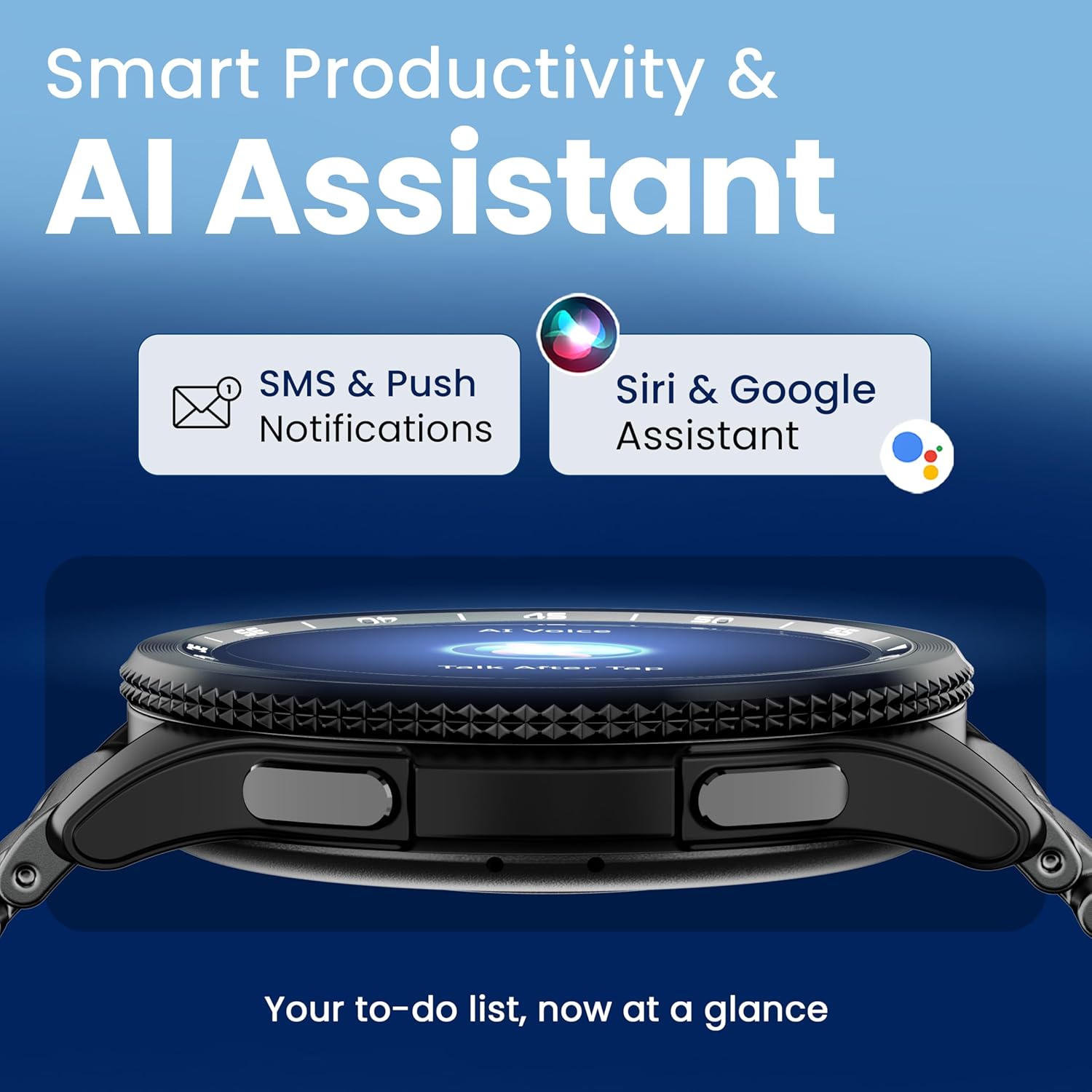
Image 4.7: The GOBOULT Pyro Smartwatch displaying the AI Voice Assistant interface, alongside icons for SMS and push notifications, indicating smart productivity features.

Image 4.8: The GOBOULT Pyro Smartwatch displaying the 'Find Phone' feature, with additional icons for remote camera control, flashlight, world clock, and weather details.
5. Одржавање
5.1. Отпорност на воду и прашину (IP68)
The GOBOULT Pyro Smartwatch is IP68 rated, meaning it is resistant to dust and can withstand immersion in water up to 1.5 meters for 30 minutes. This makes it suitable for daily wear, including during workouts and in rainy conditions. However, it is not recommended for diving, high-pressure water activities, or prolonged submersion.
Важно: Water resistance is not a permanent condition and may decrease over time with normal wear. Avoid exposing the watch to hot water, steam, or detergents, as these can compromise the seals.
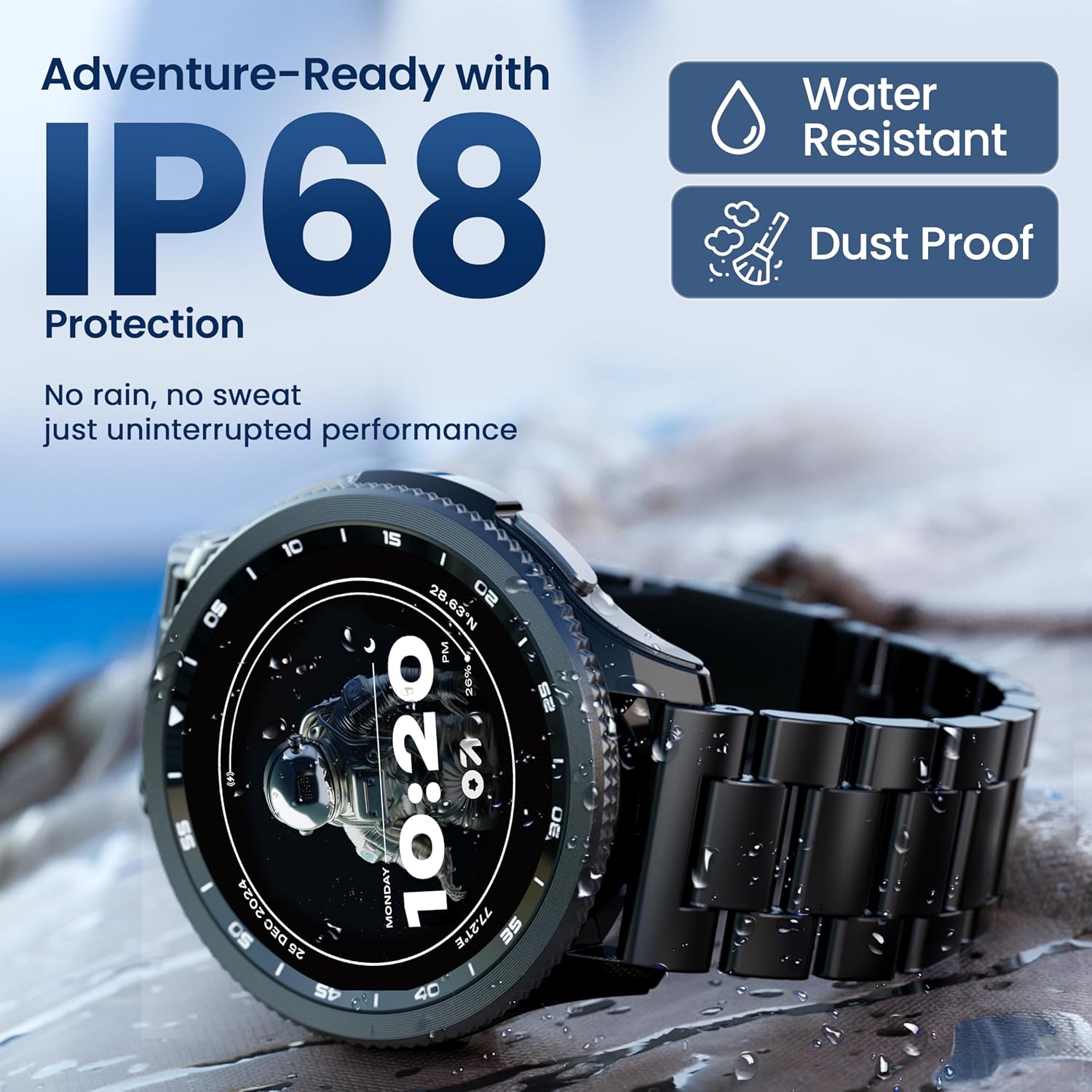
Image 5.1: The GOBOULT Pyro Smartwatch shown with water droplets, illustrating its IP68 water and dust resistance for uninterrupted performance in various conditions.
5.2. Чишћење паметног сата
To keep your smartwatch clean and functioning optimally:
- Обришите екран и кућиште меком крпом која не оставља влакна.
- Ако је потребно, дampБлаго натопите крпу водом. Избегавајте употребу јаких хемикалија или абразивних материјала.
- Редовно чистите контакте за пуњење како бисте осигурали ефикасно пуњење.
- If the strap is removable, clean it separately according to its material type.
5.3. Брига о батерији
Да бисте продужили век трајања батерије:
- Избегавајте екстремне температуре.
- Не дозволите да се батерија потпуно испразни пре него што је често пуните.
- Ако сат нећете користити дуже време, напуните га на око 50% и искључите га.
КСНУМКС. Решавање проблема
If you encounter issues with your GOBOULT Pyro Smartwatch, refer to the following common solutions:
| Проблем | Могуће решење |
|---|---|
| Паметни сат се не укључује | Уверите се да је сат потпуно напуњен. Повежите га са пуњачем најмање 30 минута. |
| Није могуће упаривање са паметним телефоном | Check if Bluetooth is enabled on your phone. Ensure the smartwatch is in pairing mode. Restart both devices and try again. Make sure the companion app is installed and updated. |
| Нетачна здравствена очитавања | Уверите се да сат чврсто приања на зглоб, не превише стегнут или превише лабав. Очистите сензоре на полеђини сата. Избегавајте прекомерно померање током очитавања. |
| Обавештења се не појављују | Verify that notification permissions are granted to the GOBOULT app on your smartphone. Check the app's settings to ensure notifications are enabled for desired applications. Ensure Bluetooth connection is stable. |
| Батерија се брзо празни | Reduce screen brightness. Disable Always-On Display if not needed. Limit background app refresh. Ensure no apps are constantly running in the background. Frequent Bluetooth calling can also consume more power. |
| Charging issues (e.g., not connecting to charger) | Ensure the charging cable is correctly aligned with the magnetic contacts on the watch. Clean the charging contacts on both the cable and the watch. Try a different USB power source. |
| Rotating dial not working | Check for any physical obstruction or debris around the dial. Gently clean the area. If the issue persists, a software glitch might be present; try restarting the watch. |
7. Спецификације
Below are the technical specifications for the GOBOULT Pyro Smartwatch:
| Феатуре | Детаљ |
|---|---|
| Бранд | ГОБУЛТ |
| Серија модела | Пиро |
| Величина екрана | 1.43 инча |
| Дисплаи Типе | АМОЛЕД |
| Осветљеност | 600 гњида |
| Повезивање | Блуетоотх 5.3 |
| Компатибилност оперативног система | Андроид, иОС |
| Отпорност на воду | ИП68 |
| Капацитет батерије | 300 Милиamp Сати |
| Просечно трајање батерије | До 7 дана |
| Време пуњења батерије | Отприлике 150 минута |
| Тежина артикла | 68 г |
| Укључене компоненте | Smartwatch, Charging Cable, User Manual, Warranty Card |
8. Гаранција и подршка
8.1. Информације о гаранцији
Your GOBOULT Pyro Smartwatch comes with a manufacturer's warranty. Please refer to the included Warranty Card for detailed information regarding warranty terms, conditions, and duration. Keep your proof of purchase for warranty claims.
8.2. Корисничка подршка
For technical assistance, troubleshooting beyond this manual, or warranty service, please contact GOBOULT customer support. Contact details can typically be found on the Warranty Card or the official GOBOULT website. When contacting support, please have your product model (Pyro) and purchase details ready.


