1. Увод
Thank you for choosing the boAt Rockerz 412 Wireless Over-Ear Headphones. This manual provides essential information for setting up, operating, and maintaining your headphones to ensure optimal performance and longevity. Please read these instructions carefully before using the product.
2. Шта је у кутији
Upon unboxing your boAt Rockerz 412 headphones, please verify that all the following items are included:
- чамац Роцкерз 412 слушалице
- Кабл за пуњење
3. Производ је готовview и карактеристике
The boAt Rockerz 412 headphones are designed for an immersive audio experience with advanced features.
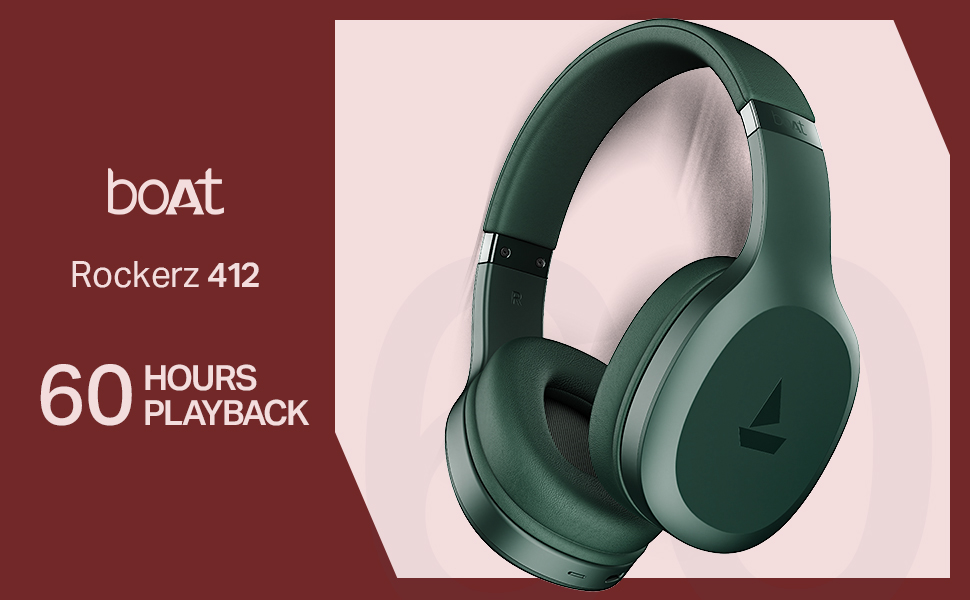
- 60 Hours of Playback: Enjoy extended listening sessions with up to 60 hours of battery life on a single charge.
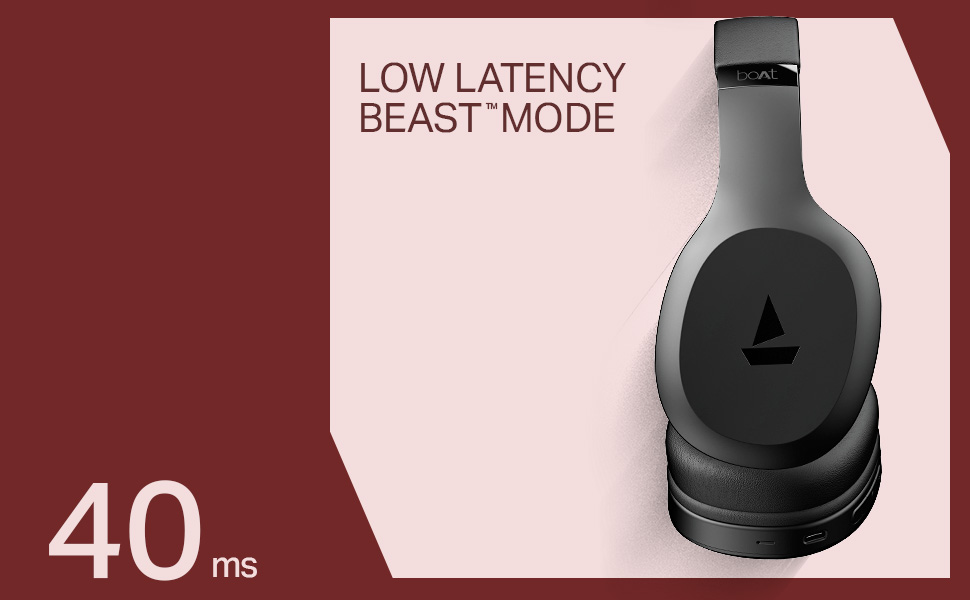
- 40ms Low Latency (BEAST Mode): Experience minimal audio lag, ideal for gaming and video streaming, providing a high degree of realism.
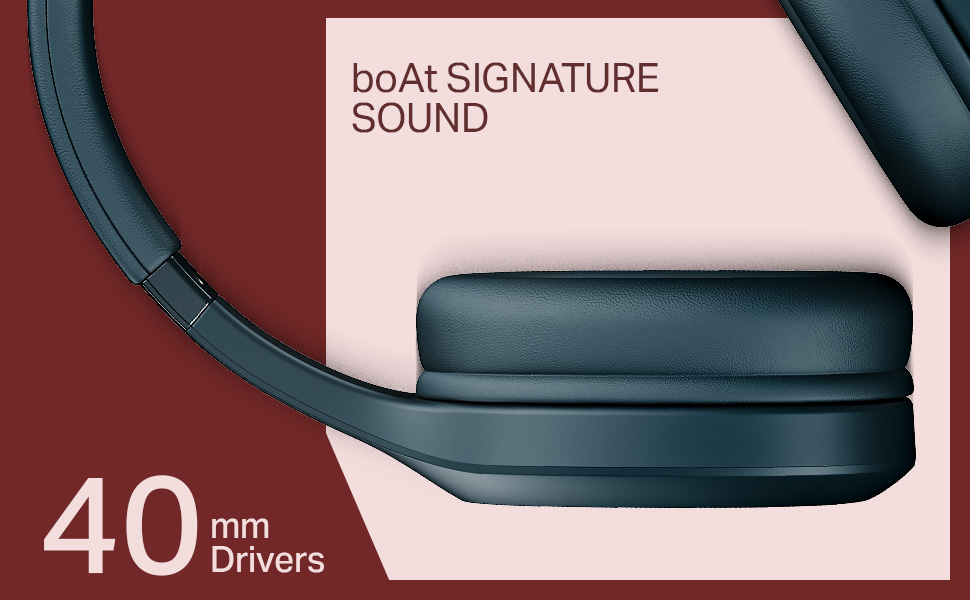
- 40мм динамички драјвери: Delivers the signature boAt sound with powerful bass and clear audio.
- ENx Technology: Enhances call clarity by removing background noise, ensuring seamless conversations.
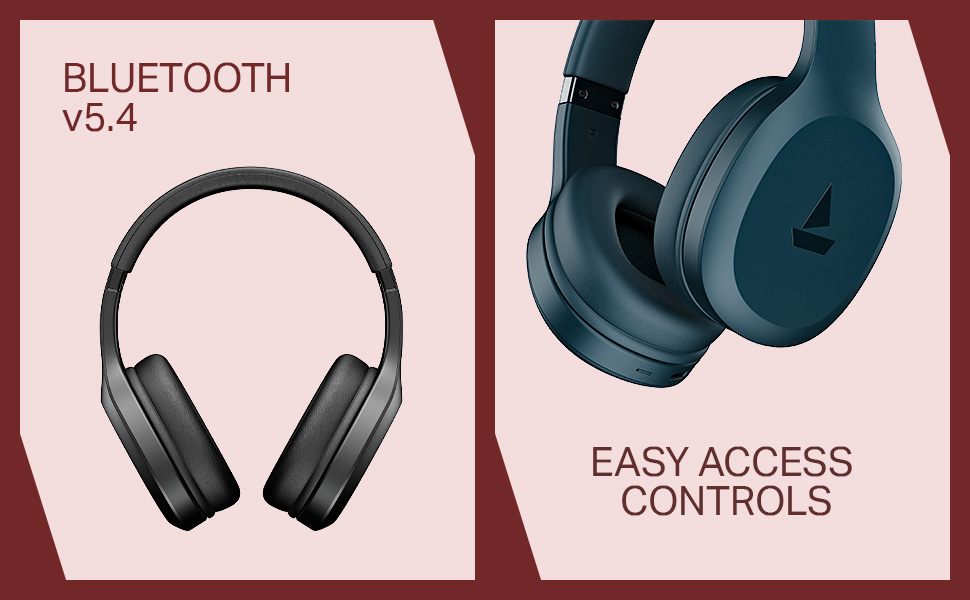
- Bluetooth v5.4 Compatibility: Обезбеђује стабилну и ефикасну бежичну везу са компатибилним уређајима.
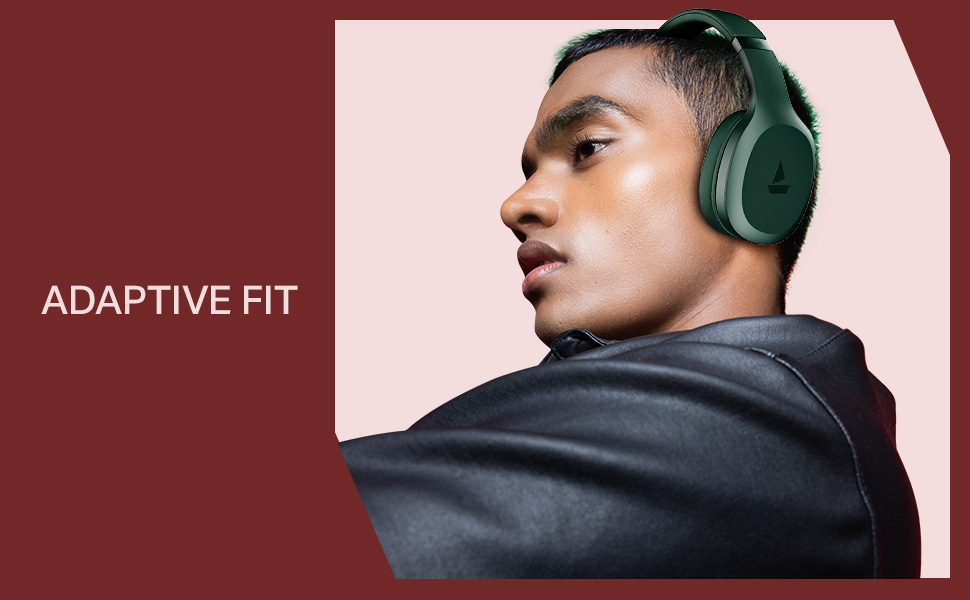
- Adaptive Fit: Designed for comfortable wear during prolonged use.
- Easy Access Controls: Intuitive buttons for managing music, calls, and voice assistant.

4. Подешавање
4.1 Пуњење слушалица
Before initial use, fully charge your boAt Rockerz 412 headphones. A full charge takes approximately 2 hours.
- Connect the provided charging cable to the charging port on the headphones.
- Повежите други крај кабла са УСБ адаптером за напајање (није укључен) или УСБ портом рачунара.
- The LED indicator will show charging status (e.g., red for charging, blue/off for fully charged).
4.2 Блуетоотх упаривање
Да бисте повезали слушалице са уређајем:
- Уверите се да су слушалице потпуно напуњене и искључене.
- Press and hold the multi-function button until the LED indicator flashes blue and red alternately, indicating pairing mode.
- На свом уређају (паметном телефону, таблету, лаптопу) омогућите Блутут и потражите доступне уређаје.
- Select "boAt Rockerz 412" from the list of devices.
- Once connected, the LED indicator will flash blue periodically.
5. Упутство за употребу
5.1 Укључивање/искључивање
- Укључено: Притисните и држите вишенаменско дугме 3 секунде.
- Искључивање: Притисните и држите вишенаменско дугме 5 секунде.
5.2 Контроле за репродукцију музике
- Пусти/паузирај: Једном притисните вишефункционално дугме.
- Следећа нумера: Long press the 'Volume Up' button.
- Претходни запис: Long press the 'Volume Down' button.
- Појачавање звука: Short press the 'Volume Up' button.
- Смањивање јачине звука: Short press the 'Volume Down' button.
5.3 Управљање позивима
- Одговори/заврши позив: Једном притисните вишефункционално дугме.
- Одбиј позив: Дуго притисните вишефункционално дугме.
- Поновно бирање последњег броја: Двапут притисните вишефункционално дугме.
5.4 Гласовни асистент
Активирајте гласовног асистента на свом уређају (нпр. Google Assistant, Siri) троструким притиском на вишефункционално дугме.
5.5 BEAST Mode (Low Latency)
Engage BEAST Mode for a low-latency audio experience, particularly beneficial for gaming. Refer to your device's settings or the boAt Hearables App for specific activation instructions if available.
5.6 boAt Hearables App Support
Enhance your experience by downloading the boAt Hearables App. The app may offer additional features, settings, and user guides.
6. Одржавање
To ensure the longevity and performance of your headphones:
- Keep the headphones dry. Avoid exposure to water or excessive moisture. While rated as 'Water Resistant', it is not waterproof.
- Clean the earcups and headband with a soft, dry cloth.
- Чувајте слушалице на хладном и сувом месту када се не користе.
- Избегавајте екстремне температуре.
- Не покушавајте да растављате или модификујете слушалице. То ће поништити гаранцију.
КСНУМКС. Решавање проблема
If you encounter issues with your boAt Rockerz 412 headphones, refer to the following common solutions:
- Слушалице се не укључују: Уверите се да су слушалице потпуно напуњене.
- Не могу да упарим уређај са: Make sure Bluetooth is enabled on your device and the headphones are in pairing mode (LED flashing blue and red). Try forgetting the device on your phone and re-pairing.
- Нема звука: Проверите нивое јачине звука и на слушалицама и на повезаном уређају. Уверите се да су слушалице правилно упарене.
- Лош квалитет позива: Ensure the microphone is not obstructed. ENx Technology helps reduce background noise, but ensure you are in a reasonably quiet environment for best results.
- Повремена веза: Ensure your device is within the Bluetooth range (typically 10 meters) and there are no significant obstructions.
8. Спецификације
| Феатуре | Детаљ |
|---|---|
| Назив модела | Роцкерз |
| Број модела | ПБ0009 |
| Технологија повезивања | Блуетоотх в5.4 |
| Тип аудио драјвера | Динамички возач |
| Дривер Сизе | 40 мм |
| Трајање батерије | До 60 сати |
| Време пуњења | 2 сата |
| Тежина артикла | 300 грама |
| Димензије производа | 20 к 9 к 17 цм |
| Ниво отпорности на воду | Отпоран на воду |
| Посебне карактеристике | Noise Cancellation (Passive), Voice Assistant Support, Low Latency (BEAST Mode) |
| Контролни метод | Апликација, дугме |
| Облик слушалице | Овал |
| Материјал | Гума |
| Батерије | 1 литијум-јонска батерија (укључена) |
9. Видео производа прекоview
Watch this brief video for a visual overview of the boAt Rockerz 412 headphones and their key features.
Video: A short product overview of the boAt Rockerz 412 headphones, showcasing its design and features like 60 hours playback, 40mm drivers, 40ms low latency, and ENx Tech. This is a preview видео.
10. Гаранција и подршка
The boAt Rockerz 412 headphones come with a standard brand warranty. For further information regarding warranty claims, technical support, or additional product details, please visit the official boAt website or refer to the product detail page on Amazon.in.
For customer service inquiries, you may contact Imagine Marketing Ltd, the manufacturer, at info@imaginemarketingindia.com.


