1. Увод
This manual provides essential information for setting up, operating, maintaining, and troubleshooting your HP Omen 45L GT22 Gaming Desktop. Please read this manual thoroughly before using your new system to ensure proper functionality and longevity.
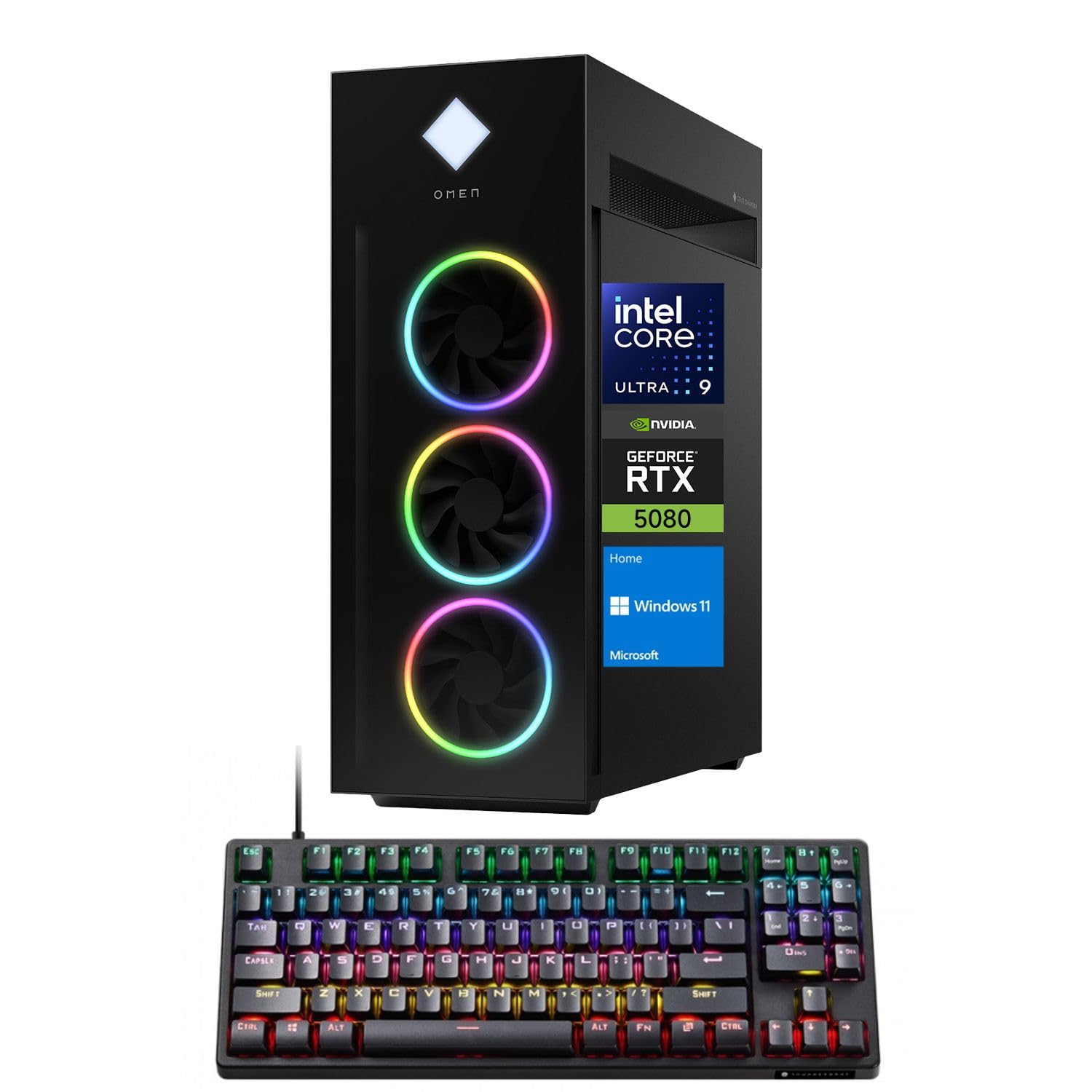
Figure 1: HP Omen 45L GT22 Gaming Desktop. This image displays the front and side of the desktop tower, highlighting its design and RGB lighting elements.
2. Шта је у кутији
Проверите да ли су све компоненте присутне у паковању:
- HP Gaming Tower Desktop
- Thunderobot KG3089R Gaming Keyboard
- Повер Цабле
- Документација (овај приручник, информације о гаранцији)
3. Водич за подешавање
3.1 Распакивање и постављање
- Пажљиво извадите радну површину и сву додатну опрему из паковања.
- Place the desktop on a stable, flat surface with adequate ventilation around all sides. Avoid placing it in enclosed spaces or near heat sources.
3.2 Повезивање периферних уређаја
Connect your monitor, keyboard, mouse, and other devices to the appropriate ports on the desktop.

Figure 2: Rear Ports of the HP Omen 45L GT22. This image illustrates the various input/output ports available on the back of the desktop, including USB, HDMI, DisplayPort, and Ethernet.
- Монитор: Connect your monitor using an HDMI or DisplayPort cable to the dedicated graphics card ports.
- Тастатура и миш: Connect the Thunderobot KG3089R Gaming Keyboard and your mouse to any available USB Type-A ports.
- Мрежа: For a wired connection, connect an Ethernet cable to the RJ-45 port. For wireless, ensure Wi-Fi antennas are connected (if external) or that the internal Wi-Fi is enabled during software setup.
- Снага: Connect the power cable to the desktop's power supply port and then to a power outlet.
3.3 Почетно укључивање и подешавање оперативног система
- Притисните дугме за напајање на предњој страни радне површине.
- Пратите упутства на екрану да бисте завршили подешавање оперативног система Windows 11 Home. Ово укључује подешавање корисничког налога, мрежне везе и подешавања приватности.
- Once Windows is set up, ensure all drivers are installed and updated. You can typically find driver updates through Windows Update or the HP support webсајту.
4. Упутство за употребу
4.1 Управљање напајањем
- Укључено: Притисните дугме за напајање на предњој страни радне површине.
- Искључи: Кликните на дугме Старт у оперативном систему Windows, затим на Напајање > Искључи.
- Поново покрени: Кликните на дугме Старт у оперативном систему Windows, затим напајање > Рестартуј.
- спавање: Кликните на дугме Старт у оперативном систему Windows, а затим на Напајање > Спавање.
4.2 Understanding Your System Components
Your HP Omen 45L GT22 is equipped with high-performance components for demanding tasks and gaming.

Figure 3: Intel Core Ultra 9 285K Processor. This image highlights the specifications of the Intel Core Ultra 9 285K CPU, including its cache, cores, and threads.
- процесор: Intel Core Ultra 9 285K (24 Cores, 24 Threads, 36MB L3 Cache, up to 5.70GHz). This powerful CPU handles complex computations and multitasking.
- графичка картица: NVIDIA GeForce RTX 5080 (16GB GDDR7). This dedicated GPU is responsible for rendering high-fidelity graphics for gaming and creative applications.
- Меморија: 32GB DDR5 RAM. High-speed memory ensures smooth operation when running multiple applications simultaneously.
- Складиштење: 2TB PCIe NVMe M.2 SSD. Provides fast boot times and rapid data access for your operating system and applications.
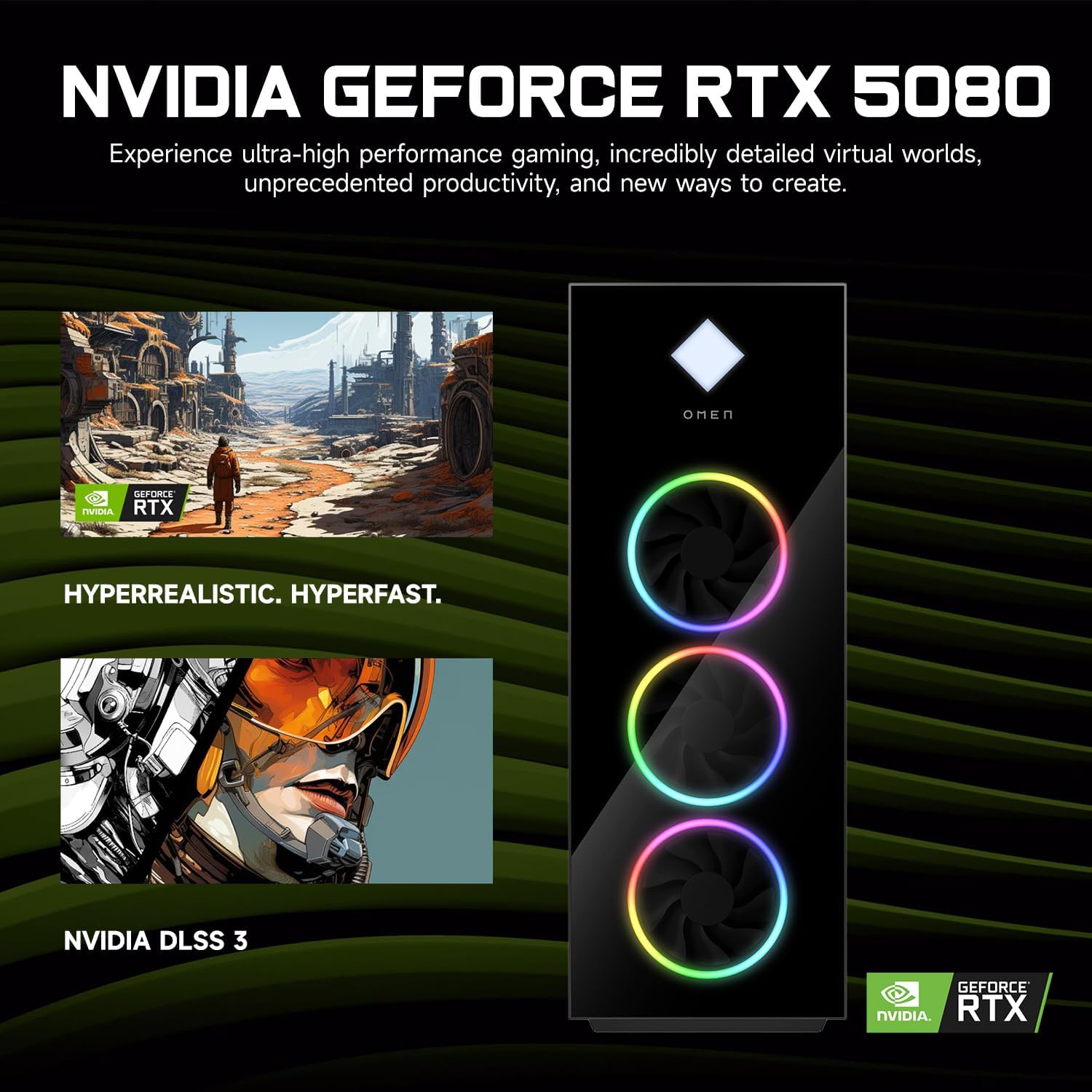
Figure 4: NVIDIA GeForce RTX 5080 Graphics. This image details the capabilities of the NVIDIA GeForce RTX 5080, emphasizing its performance for gaming and content creation.
4.3 RGB Light Studio
The HP Omen 45L GT22 features customizable RGB lighting. Use the pre-installed Omen Gaming Hub software to personalize the lighting effects on your desktop's fans and chassis. Refer to the Omen Gaming Hub's in-app help for detailed instructions on customization options.

Figure 5: Gaming Setup with HP Omen 45L GT22. This image shows the desktop integrated into a complete gaming station, including a monitor, keyboard, and mouse, demonstrating its aesthetic appeal.
5. Одржавање
5.1 Чишћење радне површине
- Екстеријер: Use a soft, lint-free cloth to wipe down the exterior surfaces. For stubborn marks, slightly dampНамочите крпу водом. Избегавајте јаке хемикалије.
- вентилација: Regularly check and clean the ventilation grilles and fan openings to prevent dust buildup, which can impede airflow and cause overheating. Use compressed air to gently clear dust from vents. Ensure the system is powered off and unplugged before cleaning.
5.2 Ажурирања софтвера
Редовно ажурирајте оперативни систем и управљачке програме како бисте осигурали оптималне перформансе и безбедност.
- Ажурирања за Windows: Редовно проверавајте и инсталирајте ажурирања преко Windows подешавања > Ажурирање и безбедност > Windows Update.
- Ажурирања драјвера: Update graphics drivers (NVIDIA GeForce Experience) and other system drivers (HP Support Assistant or HP website) periodically.
5.3 Резервна копија података
Редовно правите резервне копије важних података на екстерни диск или складиште у облаку како бисте спречили губитак података.
КСНУМКС. Решавање проблема
This section addresses common issues you might encounter. For more complex problems, contact HP Support.
- Нема напајања:
- Ensure the power cable is securely connected to both the desktop and the power outlet.
- Проверите да ли је утичница функционална тако што ћете укључити други уређај.
- Check the power supply unit (PSU) switch on the back of the desktop (if present) is in the 'ON' position.
- Нема приказа на монитору:
- Confirm the monitor is powered on and connected to the graphics card's HDMI or DisplayPort output, not the motherboard's integrated graphics ports (if applicable).
- Пробајте други кабл или монитор ако је доступан.
- Уверите се да је на вашем монитору изабран исправан улазни извор.
- System is Slow or Unresponsive:
- Затворите непотребне апликације које раде у позадини.
- Проверите Менаџер задатака (Ctrl+Shift+Esc) да ли постоји велика употреба процесора, РАМ-а или диска.
- Уверите се да су Windows и драјвери ажурирани.
- Покрените скенирање за вирусе/злонамерни софтвер.
- Проблеми са мрежном повезивањем:
- For wired connections, ensure the Ethernet cable is properly connected and the router/modem is working.
- For Wi-Fi, check if Wi-Fi is enabled in Windows settings and ensure you are connected to the correct network with the right password.
- Поново покрените рутер/модем и радну површину.
7. Спецификације
| Феатуре | Детаљ |
|---|---|
| Број модела | ГТ22 |
| Процесор | Intel Core Ultra 9 285K (24 Cores, 24 Threads, 36MB L3 Cache, 3.20GHz base, up to 5.70GHz max turbo) |
| Графика | NVIDIA GeForce RTX 5080 (16GB GDDR7) |
| РАМ | 32GB DDR5 (4800 MHz) |
| Складиштење | 2TB PCIe NVMe M.2 SSD |
| Оперативни систем | Виндовс 11 Хоме |
| Бежично повезивање | Wi-Fi 6 (802.11ax), Bluetooth |
| Портови (предњи) | 2 x USB Type-A 5Gbps (HP Sleep and Charge), 2 x USB 2.0 Type-A, 1 x headphone/microphone combo, 1 x microphone |
| Портови (задњи) | 1 x USB Type-C 10Gbps, 2 x USB Type-A 5Gbps, 4 x USB 2.0 Type-A, 1 x 3.5 mm audio jack, 1 x RJ-45, 1 x Thunderbolt 4 with USB Type-C 40Gbps, 1 x HDMI, 3 x DisplayPort, 5 x Audio Port |
| Димензије (ДкШкВ) | 21.85 к 18.5 к 8.03 инча |
| Тежина | 49.8 фунти |
| Боја | Црно |
8. Гаранција и подршка
For warranty information, please refer to the documentation included with your product or visit the official HP support website. HP provides various support resources, including drivers, manuals, and troubleshooting guides.
ХП подршка Webсајт: суппорт.хп.цом
When contacting support, please have your product model number (GT22) and serial number ready.