1. Производ је готовview
The NETUM Q900 is a robust handheld mobile computer designed for demanding environments such as warehousing, logistics, and asset tracking. It integrates an Android 14 operating system with a high-performance barcode scanning engine, offering reliable data capture and processing capabilities.

Слика 1.1: Предње и задње view of the NETUM Q900 device, showcasing its ergonomic design and integrated scanner.
Кључне карактеристике:
- Високе перформансе: Powered by an octa-core MT8781 processor and Android 14, with 4GB RAM and 64GB storage (expandable).
- Имерзивни екран: 5.99-inch HD IPS touchscreen with multi-touch support.
- Advanced Barcode Scanning: Equipped with a Honeywell HS7 scan engine for 1D and 2D barcodes.
- Industrial-Grade Rugged Design: IP67 rated for water and dust resistance, drop-tested from 1.5 meters.
- Global Connectivity: Supports global 4G LTE (dual SIM), Wi-Fi 5 (dual band), Bluetooth 5.2, and full GNSS.
- Дуг век трајања батерије: 5000mAh battery providing up to 13.5 hours of operation, with quick charging via USB-C or optional docking cradle.
- Модуларна експанзија: Optional modules include UHF RFID, NFC, fingerprint reader, and a scan handle.
2. Водич за подешавање
2.1. Садржај пакета
Проверите да ли су следеће ставке укључене у ваш пакет:
- NETUM Q900 Mobile Computer
- УСБ-Ц кабл за пуњење
- Повер Адаптер
- Водич за брзи почетак
- (Optional) Docking Cradle, Hand Strap, other modules
2.2. Инсталација и пуњење батерије
- Пронађите поклопац одељка за батерију на задњој страни уређаја.
- Open the cover and insert the 5000mAh battery, ensuring the contacts align correctly.
- Вратите поклопац одељка за батерије безбедно.
- Connect the USB-C cable to the device's charging port and the power adapter. Plug the adapter into a wall outlet.
- Allow the device to charge fully before first use. A full charge typically takes less than 4 hours.

Слика 2.1: Illustration of the 5000mAh battery, highlighting its long-lasting power for extended use.
2.3. Почетно укључивање и основна конфигурација
- Притисните и држите дугме за напајање док уређај не завибрира и екран се не укључи.
- Follow the on-screen prompts to complete the initial Android 14 setup, including language selection, Wi-Fi connection, and Google account setup.
- Ensure the device is connected to a stable Wi-Fi network or has a 4G LTE connection for updates and application downloads.
3. Упутство за употребу
3.1. Навигација помоћу екрана осетљивог на додир
The Q900 features a responsive 5.99-inch HD IPS touchscreen. Navigate the Android interface using standard touch gestures: tap, swipe, pinch-to-zoom, and long-press.
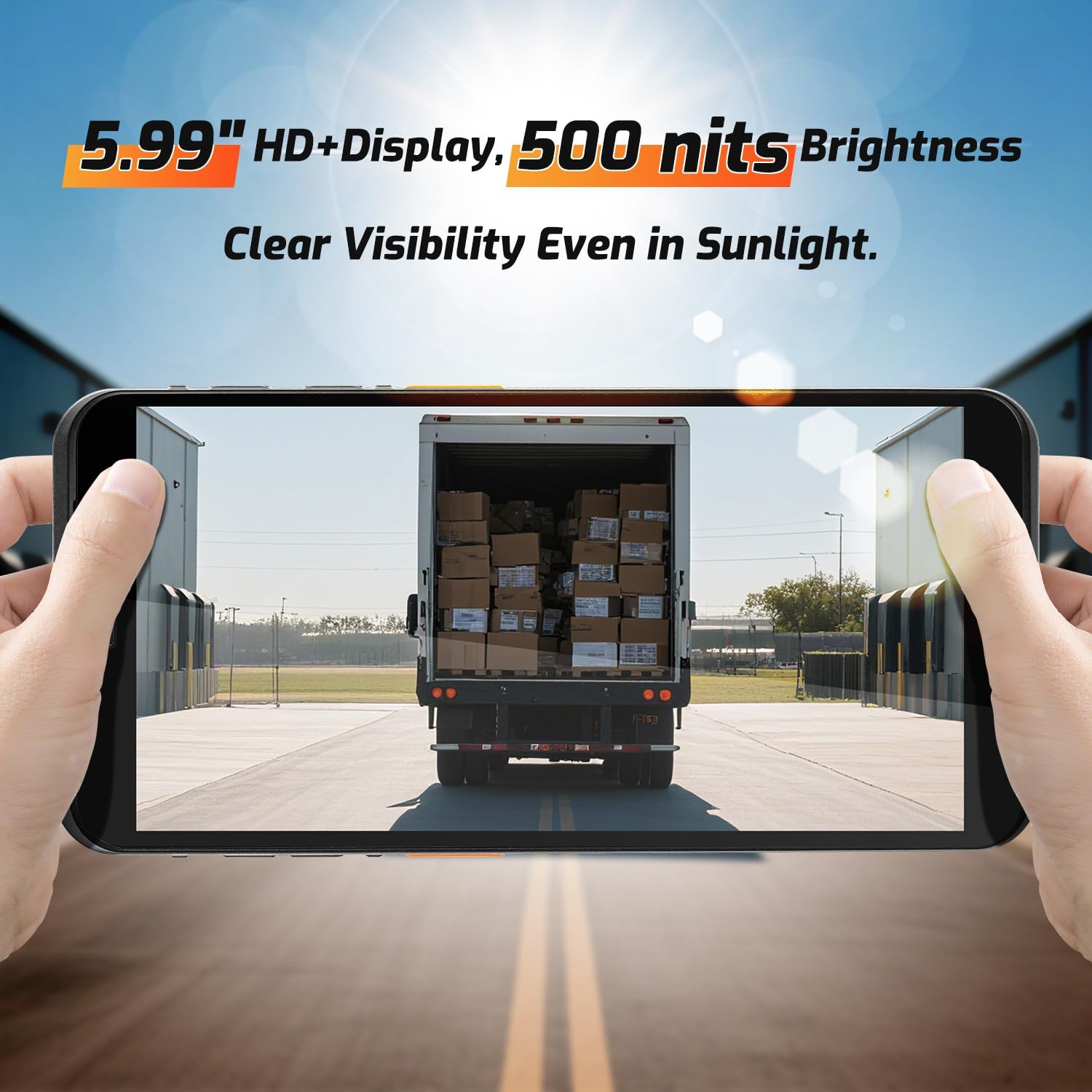
Слика 3.1: The 5.99-inch HD+ display offers clear visibility even in bright sunlight, enhancing outdoor usability.
3.2. Скенирање бар кодова
The integrated Honeywell HS7 scan engine allows for rapid and accurate capture of 1D and 2D barcodes.
- Open the scanning application or an application that supports barcode input.
- Усмерите прозор скенера (који се налази на врху уређаја) према бар-коду.
- Press one of the dedicated scan buttons (typically on the side of the device) to activate the laser/imager.
- Ensure the barcode is within the scanning range (approximately 5cm to 2m+ for long-range scanning) and centered in the aiming pattern.
- A successful scan will typically be indicated by an audible beep and/or a visual confirmation on the screen.

Слика 3.2: The Honeywell HS7 engine efficiently scans various barcode types, including damaged or difficult-to-read codes.
Видео 3.1: Demonstration of the NETUM Q900's barcode scanning capabilities, including long-range scanning and DPM code recognition.
3.3. Употреба камере
The Q900 is equipped with an 8MP front camera and a 13MP rear camera for documentation and image capture.
- Отворите апликацију Камера са почетног екрана или из фиоке апликација.
- Select between front and rear cameras as needed.
- Tap the screen to focus and press the shutter button to capture photos or videos.

Слика 3.3: Location of the 8MP front camera, 13MP rear camera, and NFC module on the NETUM Q900.
3.4. NFC функционалност
The device supports NFC for short-range wireless communication, enabling applications like contactless payments, data exchange, and access control.
- Ensure NFC is enabled in the device settings (Settings > Connected devices > Connection preferences > NFC).
- Hold the device near an NFC tag or compatible reader to initiate communication.
- Follow on-screen prompts for specific NFC applications.
4. Одржавање
4.1. Чишћење уређаја
- Користите меку крпу која не оставља длачицеampened with water or a mild screen cleaner to wipe the display and exterior.
- Избегавајте употребу јаких хемикалија, абразивних средстава за чишћење или аеросолних спрејева.
- Уверите се да су сви портови суви пре пуњења или повезивања додатне опреме.
4.2. Брига о батерији
- Да бисте максимално продужили век трајања батерије, избегавајте екстремне температуре.
- If the device will not be used for an extended period, charge the battery to about 50% before storage.
- The battery is user-replaceable; refer to Section 2.2 for installation instructions.
4.3. Ажурирања софтвера
Редовно проверавајте и инсталирајте ажурирања софтвера како бисте осигурали оптималне перформансе, безбедност и приступ новим функцијама.
- Идите на Подешавања > Систем > Ажурирање система.
- Пратите упутства на екрану да бисте преузели и инсталирали све доступне надоградње.
- Ensure the device has sufficient battery charge and a stable internet connection during updates.
КСНУМКС. Решавање проблема
| Проблем | Могући узрок | Решење |
|---|---|---|
| Уређај се не укључује. | Слаба батерија; неисправна батерија; проблем са дугметом за напајање. | Charge the device for at least 30 minutes. Ensure battery is correctly installed. Contact support if issue persists. |
| Скенер бар кодова не ради. | Scanner application not open; barcode damaged; incorrect scanning distance. | Open the scanning application. Ensure barcode is clean and within optimal range. Check scanner settings. |
| Повезивање на Ви-Фи није могуће. | Нетачна лозинка; ван домета; проблем са рутером. | Verify Wi-Fi password. Move closer to the router. Restart the router and device. |
| Екран на додир не реагује. | Software glitch; physical damage; wet screen. | Restart the device. Ensure screen is dry and clean. If damaged, contact support. |
6. Спецификације
| Феатуре | Детаљ |
|---|---|
| Број модела | PDA Q900 |
| Оперативни систем | Андроид 14 |
| Процесор | Octa-core MT8781 |
| РАМ | 4ГБ |
| Складиштење | 64GB (expandable via microSD up to 1TB) |
| Дисплаи | 5.99" HD IPS Touchscreen |
| Барцоде Енгине | Honeywell HS7 (1D/2D Scanning) |
| Задња камера | 13МП |
| Предња камера | 8МП |
| Батерија | 5000mAh (up to 13.5 hours working time) |
| Повезивање | 4G LTE (Dual SIM), Wi-Fi 5 (Dual Band), Bluetooth 5.2, GNSS (GPS, GLONASS, Galileo, Beidou), NFC |
| Оцена издржљивости | IP67 (Water and Dust Resistant), 1.5m Drop-tested |
| Димензије | 0.71 к 2.6 к 6.61 инча (18 к 66 к 168 мм) |
| Тежина артикла | 12.3 унце (348 грама) |
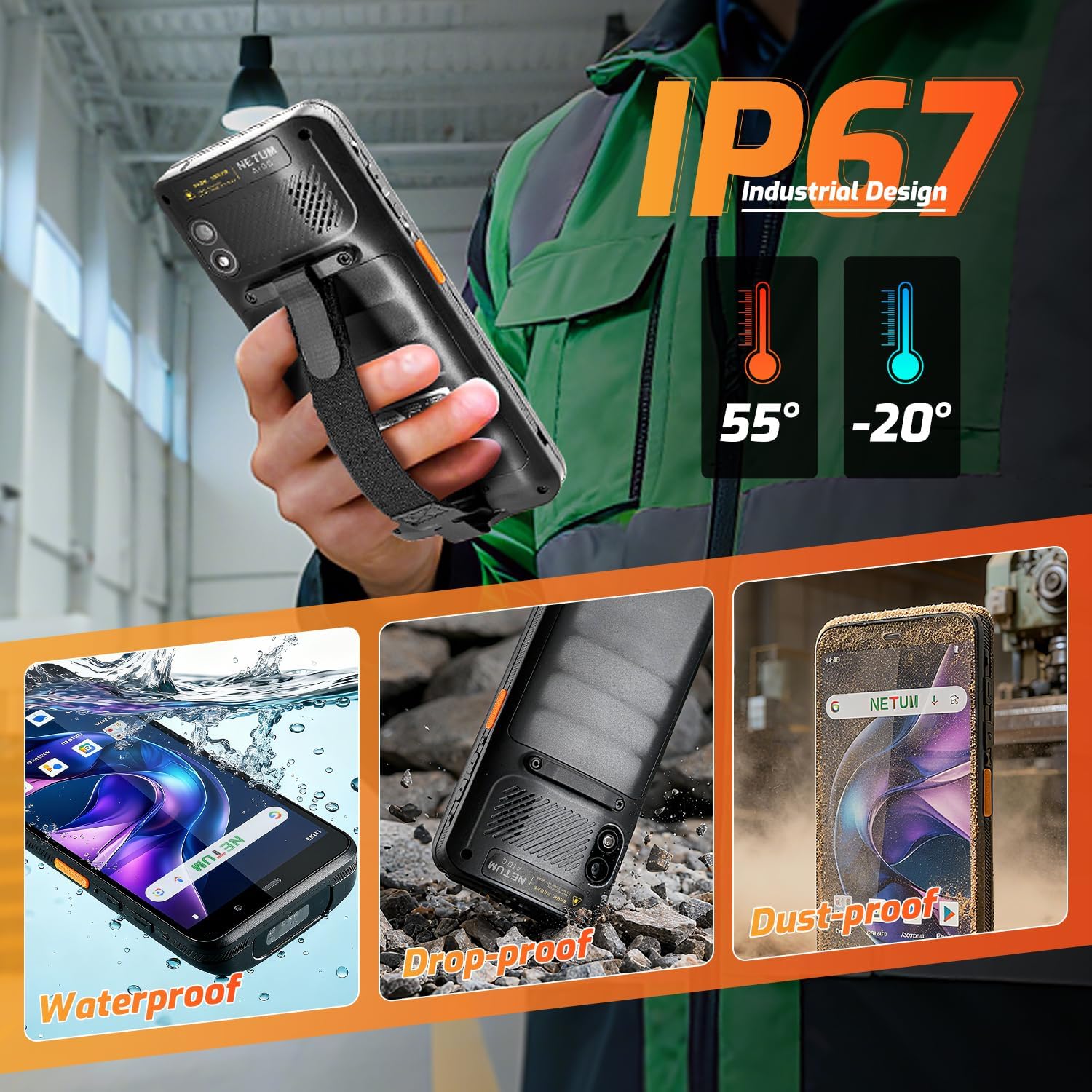
Слика 6.1: The NETUM Q900's IP67 rating ensures protection against water, dust, and drops, making it suitable for harsh environments.
7. Гаранција и подршка
NETUM products are designed for reliability and performance. For warranty information, technical support, or service inquiries, please refer to the warranty card included with your product or visit the official NETUM webсајту.
Сачувајте рачун као доказ о куповини за потребе гаранције.


