Увод
Thank you for choosing the LYNCAST LumeCube N300 Smart Projector. This manual provides essential information for setting up, operating, and maintaining your device. Please read it thoroughly before use to ensure optimal performance and safety.
Сетуп
Unboxing and Included Components
Пажљиво извадите све предмете из паковања. Уверите се да су све компоненте присутне:
- LYNCAST LumeCube N300 Projector
- ХДМИ кабл
- Повер Цабле
- Комплет за чишћење
- Ремоте Цонтрол
- Кориснички приручник (овај документ)
Поверинг Он
- Connect the power cable to the DC-IN port on the projector and then to a power outlet.
- Притисните дугме за напајање на пројектору или даљинском управљачу да бисте укључили уређај.
- The projector will initiate its startup sequence, including automatic focus and keystone correction.
Placement and Projection
The LumeCube N300 is designed for flexible placement, supporting projection on various surfaces and from different angles.
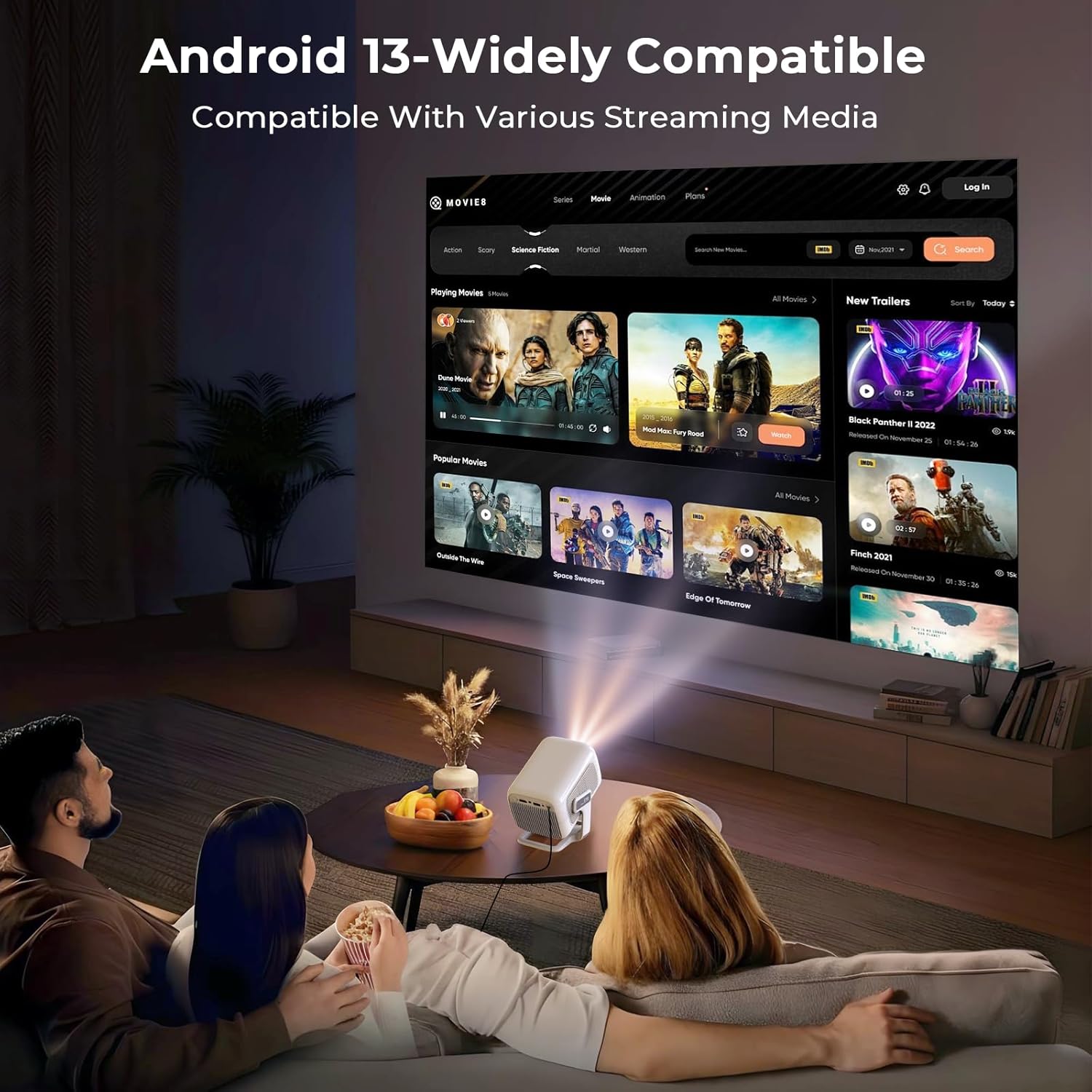
The projector in use, demonstrating its ability to display content from various streaming media platforms via Android 13.
For optimal image quality, place the projector on a stable, flat surface. The device features automatic focus and keystone correction to ensure a clear and rectangular image, even when projected at an angle.
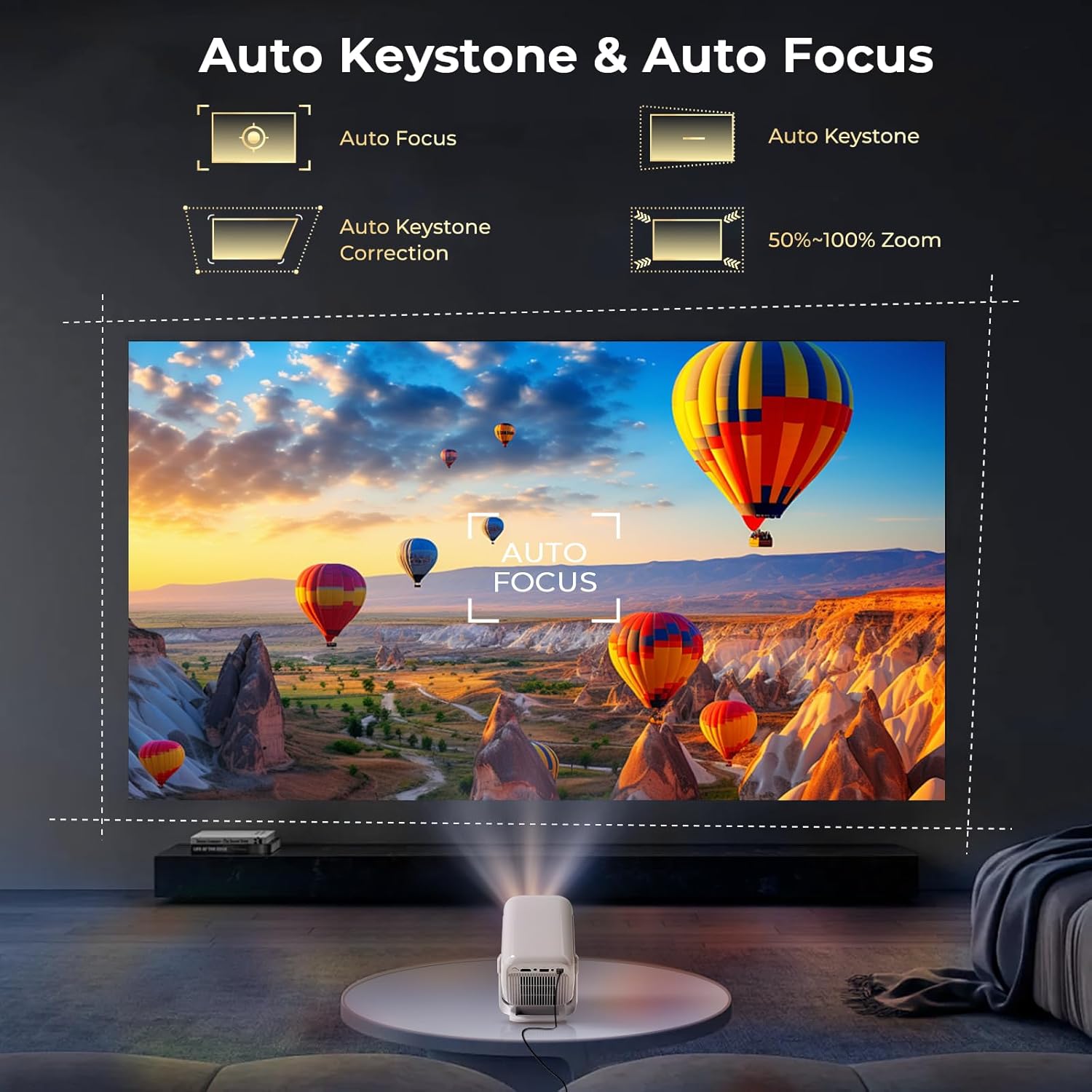
The projector automatically adjusts focus and corrects trapezoidal distortion, ensuring a sharp and rectangular image from various angles.
The projector supports various projection sizes depending on the distance from the screen or wall. Refer to the following guidelines:

The projector supports flexible projection sizes from 60 to 130 inches, allowing for an immersive viewing experience in various room sizes.
The LumeCube N300 can be mounted on a table, ceiling, wall, or floor, offering versatility for any setup.
Official LYNCAST video demonstrating the LumeCube N300 projector's features and various home cinema applications.
Упутство за употребу
Кориснички интерфејс и навигација
The projector runs on Android 13, providing a user-friendly interface. Use the included remote control to navigate through menus, select applications, and adjust settings. The home screen provides quick access to installed apps and system settings.
Повезивање уређаја
The LumeCube N300 offers multiple ways to connect external devices:
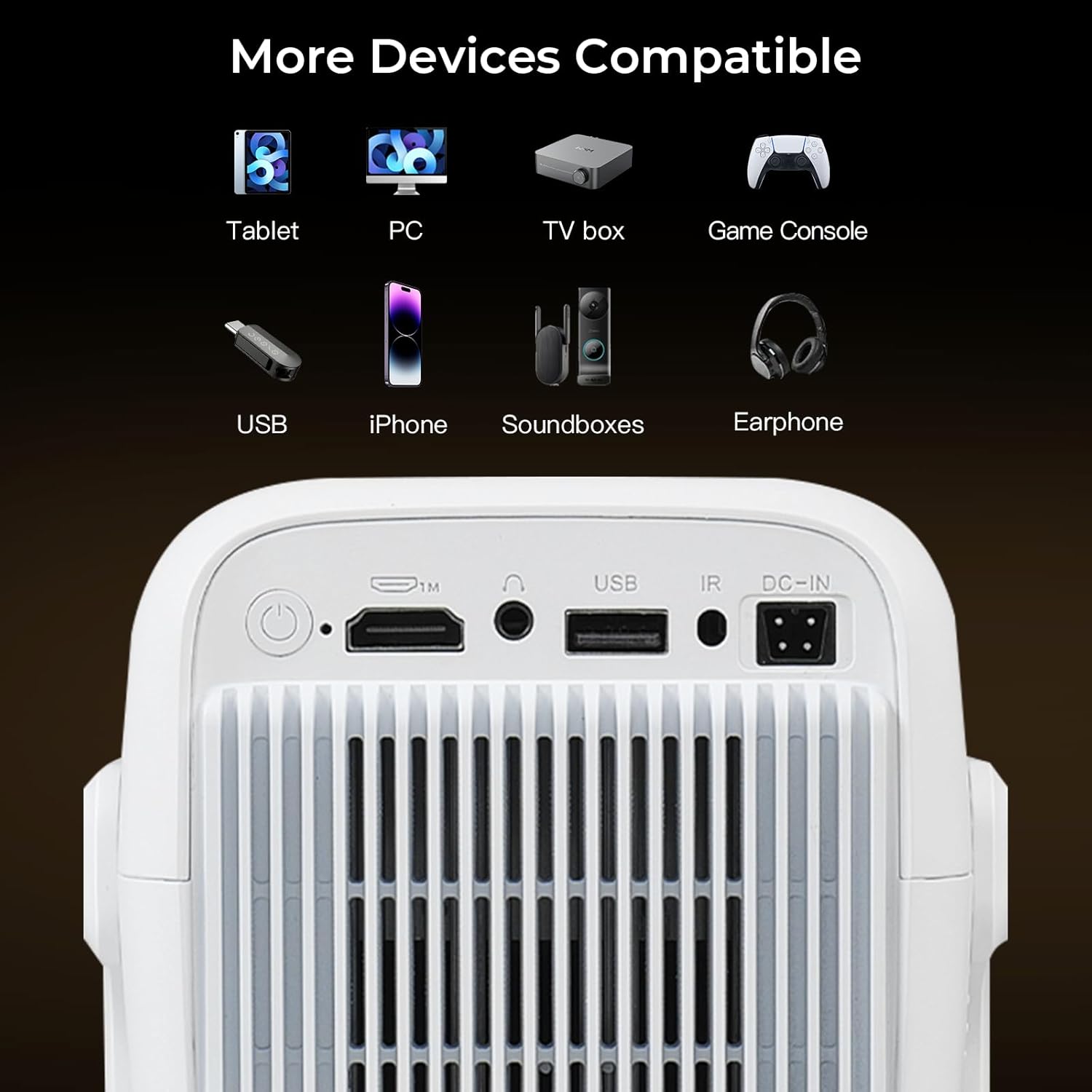
The projector features multiple connectivity options including HDMI, USB, and a 3.5mm audio jack for connecting various external devices.
- ДВИ: Connect laptops, gaming consoles (Switch/PS5), or TV sticks using an HDMI cable.
- УСБ: Прикључите УСБ дискове за репродукцију медија.
- Блуетоотх КСНУМКС: Pair with external speakers or headphones for enhanced audio.
- ВиФи 6: Повежите се на кућну мрежу за приступ интернету и стримовање.
- Пресликавање екрана: Wirelessly cast content from iOS, Android smartphones, tablets (iPad), and PCs.

The projector supports fast and stable wireless screen mirroring from various devices using WiFi 6 technology.
Апликације за стримовање
With Android 13 and Google CTS certification, the projector provides direct access to a wide range of streaming services:
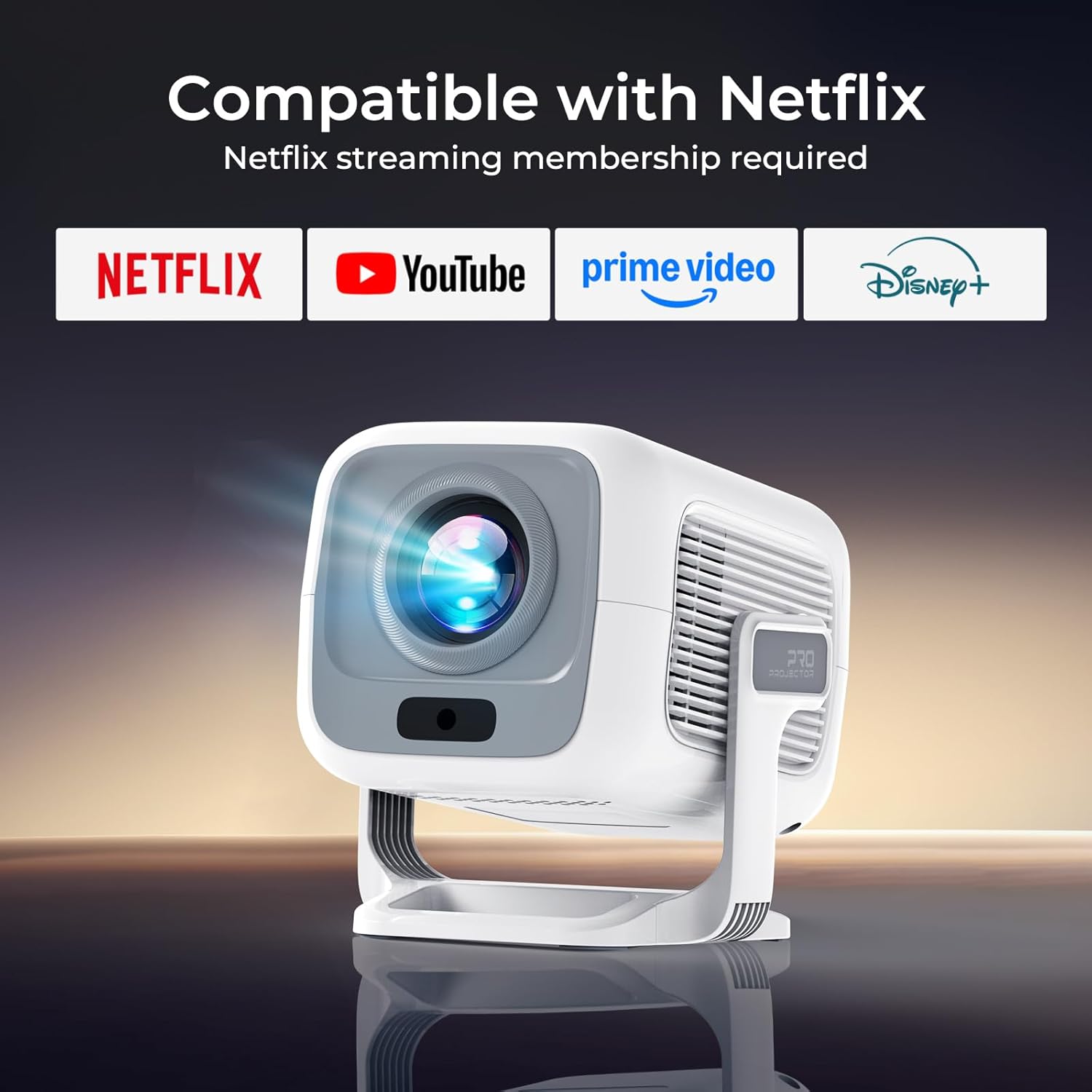
This image illustrates the projector's direct compatibility with popular streaming applications, requiring a membership for each service.
- Нетфлик
- Приме Видео
- ИоуТубе
- Хулу
- Диснеи+
- Туби
- Access to over 10,000 apps via the integrated Play Store.
Аудио излаз
The projector features dual HiFi stereo speakers with Dolby Atmos support for rich audio. For a more immersive experience, connect external Bluetooth speakers or use the 3.5mm audio jack for wired connections.
Одржавање
Чишћење сочива
To maintain optimal image clarity, regularly clean the projector lens. Use the provided cleaning kit or a soft, lint-free cloth. Avoid abrasive materials or harsh chemicals that could damage the lens coating.
Општа нега
- Keep the projector in a cool, dry environment.
- Avoid blocking the ventilation openings to prevent overheating.
- Protect the device from direct sunlight and extreme temperatures.
- When not in use, cover the lens to prevent dust accumulation.
Решавање проблема
If you encounter issues with your LYNCAST LumeCube N300 projector, refer to the table below for common problems and solutions.
| Проблем | Могући узрок | Решење |
|---|---|---|
| Нема пројектоване слике | Power cable disconnected, projector off, input source incorrect. | Check power connection, turn on projector, select correct input source (HDMI, USB, etc.). |
| Мутна слика | Out of focus, keystone not adjusted. | Allow automatic focus to complete. If needed, manually adjust focus via settings. Ensure projector is placed within recommended distance. |
| Distorted image (trapezoid) | Пројектор није нормалан у односу на платно. | Allow automatic keystone correction to complete. If needed, manually adjust keystone via settings. |
| Нема звука | Volume too low, external audio device not connected/paired, incorrect audio output selected. | Increase volume. Check Bluetooth connection for external speakers. Ensure internal speakers or correct external output is selected in settings. |
| Није могуће повезати се на ВиФи | Incorrect password, out of range, router issue. | Verify WiFi password. Move projector closer to router. Restart router. |
| Даљински управљач не ради | Low battery, obstructed signal. | Replace batteries. Ensure no obstacles between remote and projector's IR receiver. |
Спецификације
| Феатуре | Детаљ |
|---|---|
| Бранд | ЛИНЦАСТ |
| Назив модела | LumeCube N300 |
| Број модела | X3AA |
| Нативе Ресолутион | 1920 к 1080 (1080П) |
| Подршка за максималну резолуцију | 3840 к 2160 (4К) |
| Осветљеност | КСНУМКС АНСИ Луменс |
| Однос контраста | 10,000:1 |
| Оперативни систем | Андроид 13 ТВ |
| Повезивање | WiFi 6, Bluetooth 5.4, HDMI, USB, 3.5mm Audio Jack |
| Посебне карактеристике | Automatic Focus, Automatic Keystone Correction, Netflix Official License, Google CTS Certified, Dual HiFi Stereo Speakers (Dolby Atmos) |
| Аспецт Ратио | 16:9 |
| Рефресх Рате | 120 Хз |
| Димензије производа | 15 к 12 к 13 цм |
| Тежина производа | 635 г |
| Потрошња енергије | 48 Ваттс |
Гаранција и подршка
Информације о гаранцији
The LYNCAST LumeCube N300 projector comes with a 2-year warranty. Additionally, a 365-day full refund policy is available without requiring a return under specific conditions. Please refer to your purchase documentation for full details on warranty terms and conditions.
Корисничка подршка
For any questions, technical assistance, or support inquiries, please contact LYNCAST customer service through the retailer where you purchased the product or visit the official LYNCAST webсајт за контакт информације.


