Увод
This manual provides detailed instructions for setting up, operating, maintaining, and troubleshooting your DBIT N300 2.4GHz WiFi Router (Model T1 Pro). Please read this guide carefully to ensure proper use and optimal performance of your device.

The DBIT N300 T1 Pro WiFi Router, designed for reliable 2.4GHz wireless connectivity.
Упутства за подешавање
Follow these steps for the initial setup of your DBIT N300 WiFi Router:
- Повежите хардвер: Connect the router to the power adapter and plug it into an electrical outlet. Connect the WAN port of the DBIT N300 router to your existing modem or superior router using the provided Ethernet cable.
- Повежите се са Wi-Fi мрежом рутера: On your computer or mobile device, connect to the default Wi-Fi network name (SSID) of the DBIT N300 router. The default SSID and password are usually found on a label on the bottom of the router.
- Приступите Web Интерфејс: Отвори а web прегледач и унесите подразумеване податке за пријаву URL, typically "192.168.10.1", into the address bar. Log in using the default username and password (also found on the router label).
- Конфигуришите Ви-Фи подешавања: Follow the on-screen guide to configure your Wi-Fi network name (SSID) and password. It is recommended to change the default settings for security.
- Reconnect and Enjoy: After saving your settings, your devices will disconnect from the old Wi-Fi network. Reconnect your devices to the newly configured Wi-Fi network.

Visual guide for the easy and straightforward setup process.

Diagram illustrating the connection flow from internet to modem, router, and terminal devices.
Физичке везе
The DBIT N300 router features several ports for wired connections:
- ВАН порт: Connects to your internet source (modem).
- LAN портови (LAN1, LAN2, LAN3): Повежите се са жичним уређајима као што су рачунари, паметни телевизори или играчке конзоле.
- ДЦ ИН: Улазни порт за напајање.
- Дугме WPS/Ресетовање: Used for WPS connection or factory reset.
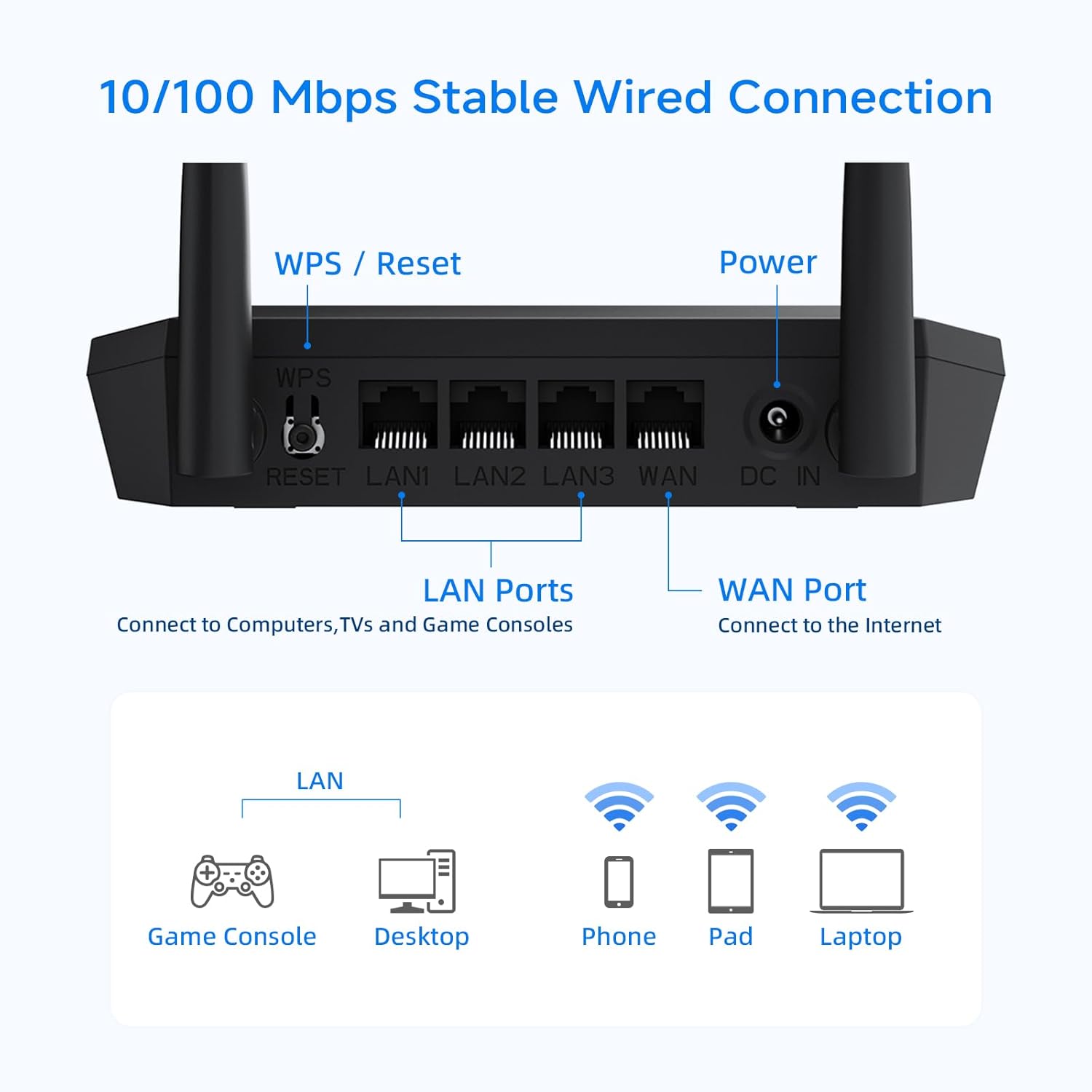
Детаљно view of the router's rear panel, showing the WPS/Reset button, LAN ports, WAN port, and power input.
Радни режими и карактеристике
Režim bežičnog rutera
In this standard mode, the router connects to your modem and broadcasts a Wi-Fi signal, allowing multiple devices to access the internet wirelessly.
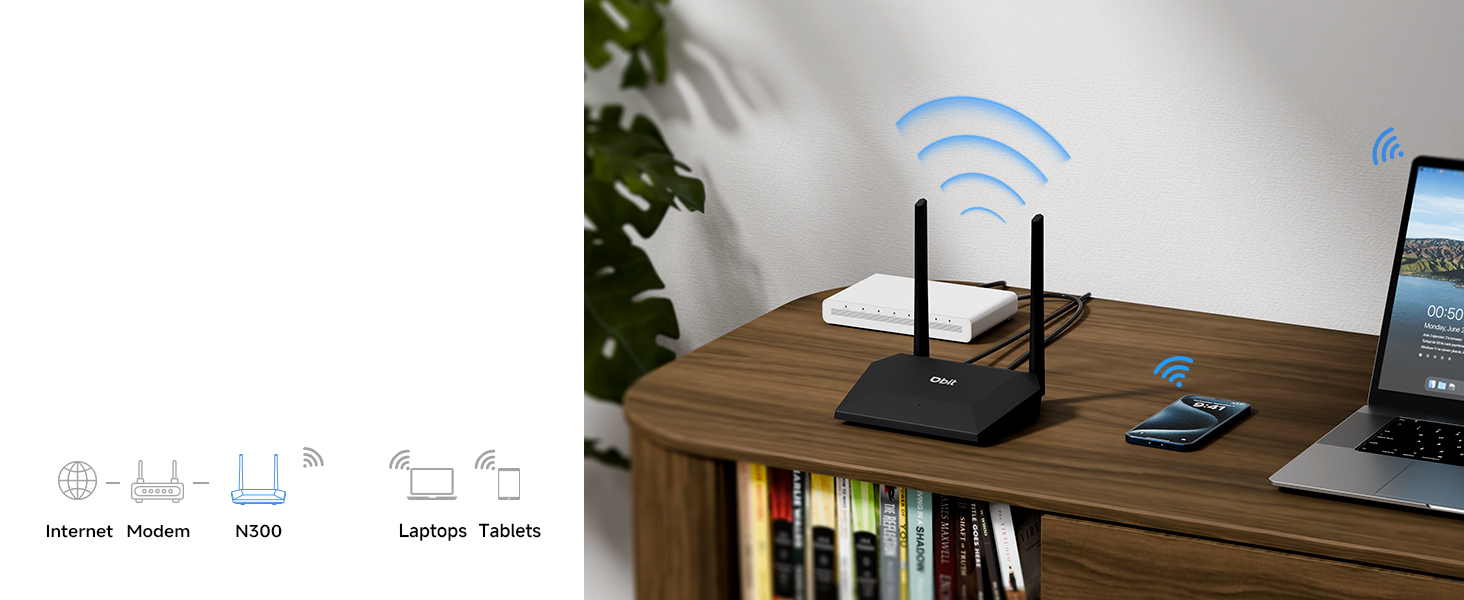
Illustration of the router operating in standard wireless router mode.
WISP/Wireless Repeater Mode
The DBIT N300 can function as a wireless repeater (WISP mode) to extend your existing Wi-Fi coverage. In this mode, the router wirelessly connects to an existing network and rebroadcasts the signal, effectively eliminating dead zones in larger areas.
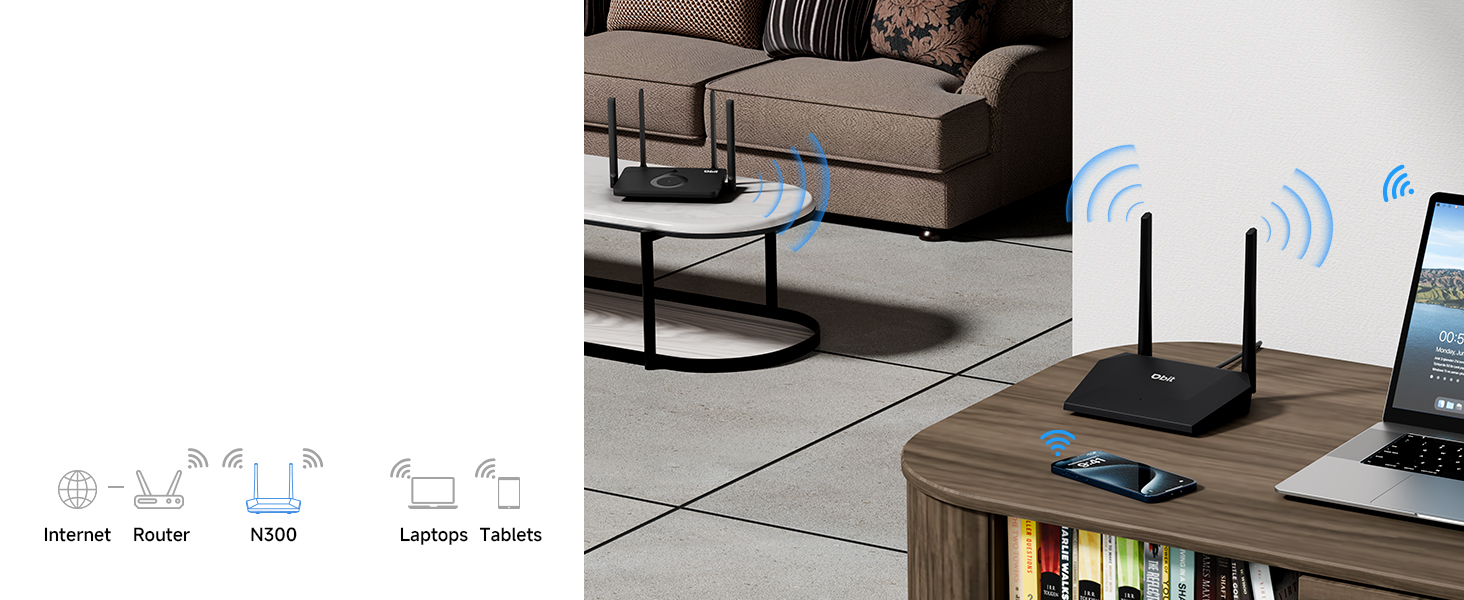
Diagram showing the router extending Wi-Fi coverage as a wireless repeater.
Мрежа за госте
Create a separate Wi-Fi network for guests. This feature provides internet access to visitors while isolating them from your main network, enhancing your network's security and privacy.
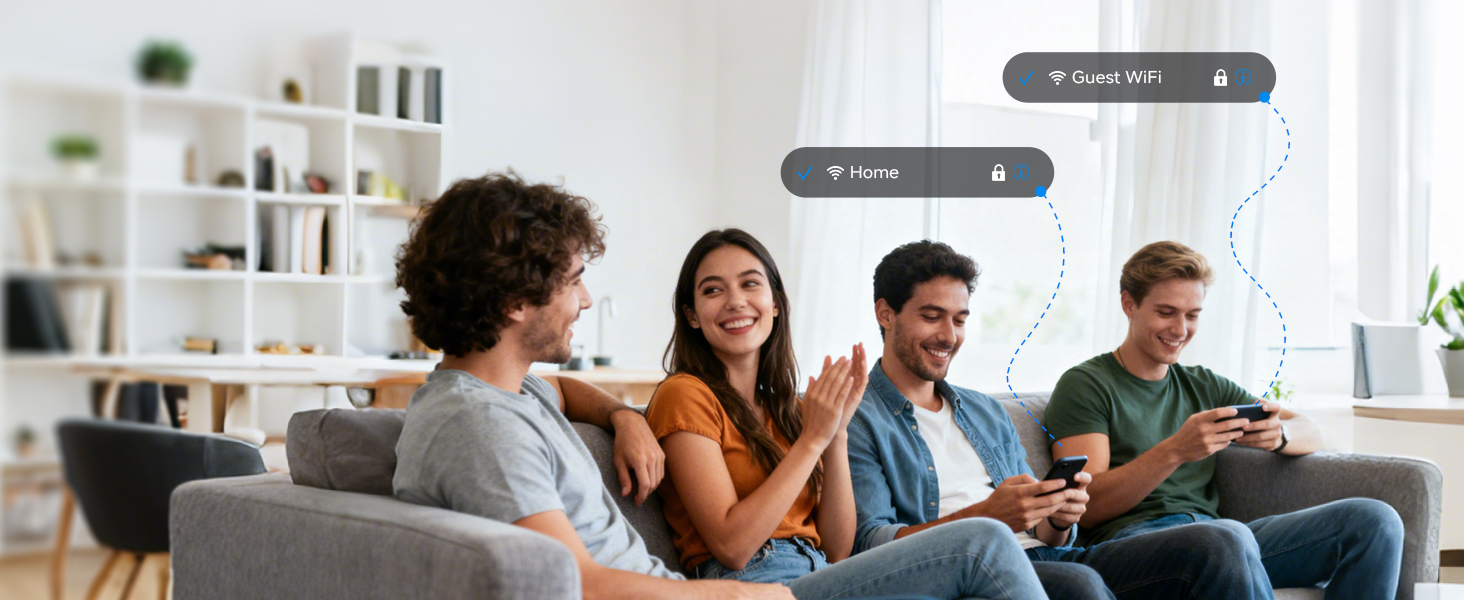
Illustration of the secure and separate Guest WiFi network feature.
Родитељски надзор
Manage internet access for specific devices using Parental Controls. Features include:
- WLAN Schedule: Set specific times for Wi-Fi to be active or inactive, useful for managing screen time.
- Internet Access Control: Block specific devices from accessing the internet entirely.

Image representing the parental control features for managing internet usage.
Quality of Service (QoS) Speed Limit
Prioritize bandwidth for critical activities such as video calls or gaming. This prevents one device from consuming all available bandwidth, ensuring a smoother online experience for all connected devices.

Graphic illustrating the QoS speed control feature for bandwidth management.
IPTV/VLAN Support
The router supports IPTV (IGMP Proxy) and VLAN, ensuring optimal performance for IPTV services. This delivers high-quality video streaming without lag or buffering.

Image showing the router connected to a television, indicating IPTV support.
ВПА2 безбедност
The DBIT N300 router utilizes the advanced WPA2-PSK security protocol to encrypt your wireless connection. This protects your network from unauthorized access and safeguards your personal data.
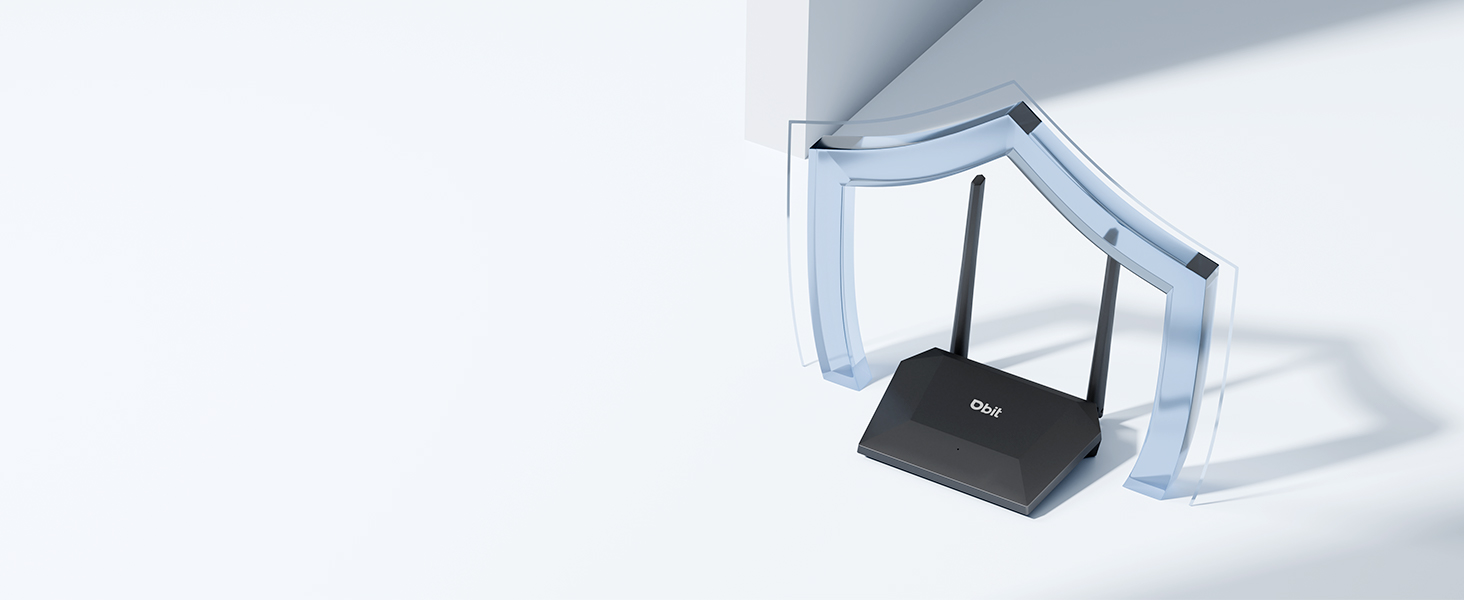
Image of the router with a shield icon, symbolizing robust WPA2 security.
ВПС Цоннецтион
WPS (Wi-Fi Protected Setup) allows for easy connection of WPS-enabled devices to your wireless network by simply pressing the WPS button on the router.

A finger pressing the WPS button on the router for easy device connection.
Одржавање
To ensure the longevity and optimal performance of your DBIT N300 WiFi Router, consider the following maintenance tips:
- Пласман: Поставите рутер на централну локацију, даље од препрека и других електронских уређаја који могу изазвати сметње.
- Чишћење: Повремено чистите спољашњост рутера меком, сувом крпом. Избегавајте употребу течних средстава за чишћење или аеросола.
- Ажурирања фирмвера: Проверите произвођача website regularly for firmware updates. Keeping your router's firmware updated can improve performance, add new features, and enhance security.
- Циклус напајања: If you experience connectivity issues, try power cycling the router (unplugging it for 10-15 seconds and then plugging it back in).
Решавање проблема
Ево решења за уобичајене проблеме на које можете наићи:
- Нема интернет везе:
- Проверите да ли ваш модем исправно ради.
- Уверите се да су сви каблови безбедно повезани са рутером и модемом.
- Power cycle both your modem and router.
- Слаб Wi-Fi сигнал или мртве зоне:
- Преместите рутер на централнију позицију.
- Minimize physical obstructions (walls, large furniture) between the router and your devices.
- Consider using the router in WISP/Repeater mode to extend coverage.
- Difficulty Changing SSID or Password:
- Ensure you are accessing the correct web интерфејс URL (e.g., 192.168.10.1) and using the correct login credentials.
- Refer to the detailed instructions in the router's web interface or the manufacturer's online resources for specific steps.
- Router Resets to Factory Settings After Power Loss:
- This behavior is not typical. Ensure the router is connected to a stable power source.
- If the issue persists, contact DBIT customer support for assistance, as this may indicate a hardware fault.
- WPS Connection Issues:
- Ensure your device supports WPS and that the WPS function is enabled on both the router and the device.
- Try connecting manually by entering the Wi-Fi password.
Спецификације
| Феатуре | Детаљ |
|---|---|
| Бранд | ДБИТ |
| Назив модела | T1 Pro N300 WiFi Router |
| Број модела ставке | Т1 Про |
| Димензије производа | 5.91 к 5.04 к 5.91 инча |
| Тежина артикла | 4.6 унци |
| Боја | Црно |
| Класа фреквенцијског опсега | Једнопојасни (2.4 GHz) |
| Стандард бежичне комуникације | 802.11б, 802.11г, 802.11н |
| Технологија повезивања | Етхернет, Ви-Фи |
| Посебне карактеристике | Guest Mode, IPTV, WPS, Wireless Repeater Mode, WPA2-PSK Security |
| Компатибилни уређаји | Gaming Console, Personal Computer, Tablet, Smart Television, Smartphone, Printer, Security Camera |
| Укључене компоненте | T1 Pro N300 WiFi Router, Power Adapter, Ethernet Cable, Quick Installation Guide |
Информације о гаранцији
DBIT products typically come with a limited manufacturer's warranty. For specific details regarding the warranty period and terms for your T1 Pro N300 WiFi Router, please refer to the warranty card included in the product packaging or visit the official DBIT webсајт. Сачувајте рачун као доказ о куповини за потребе гаранције.
Корисничка подршка
If you encounter any issues or have questions that are not addressed in this manual, please contact DBIT customer support. You can typically find support contact information on the official DBIT webсајту или преко продавца где сте купили производ.
For online resources and frequently asked questions, visit the DBIT Store on Amazon или званичник произвођача webсајту.


